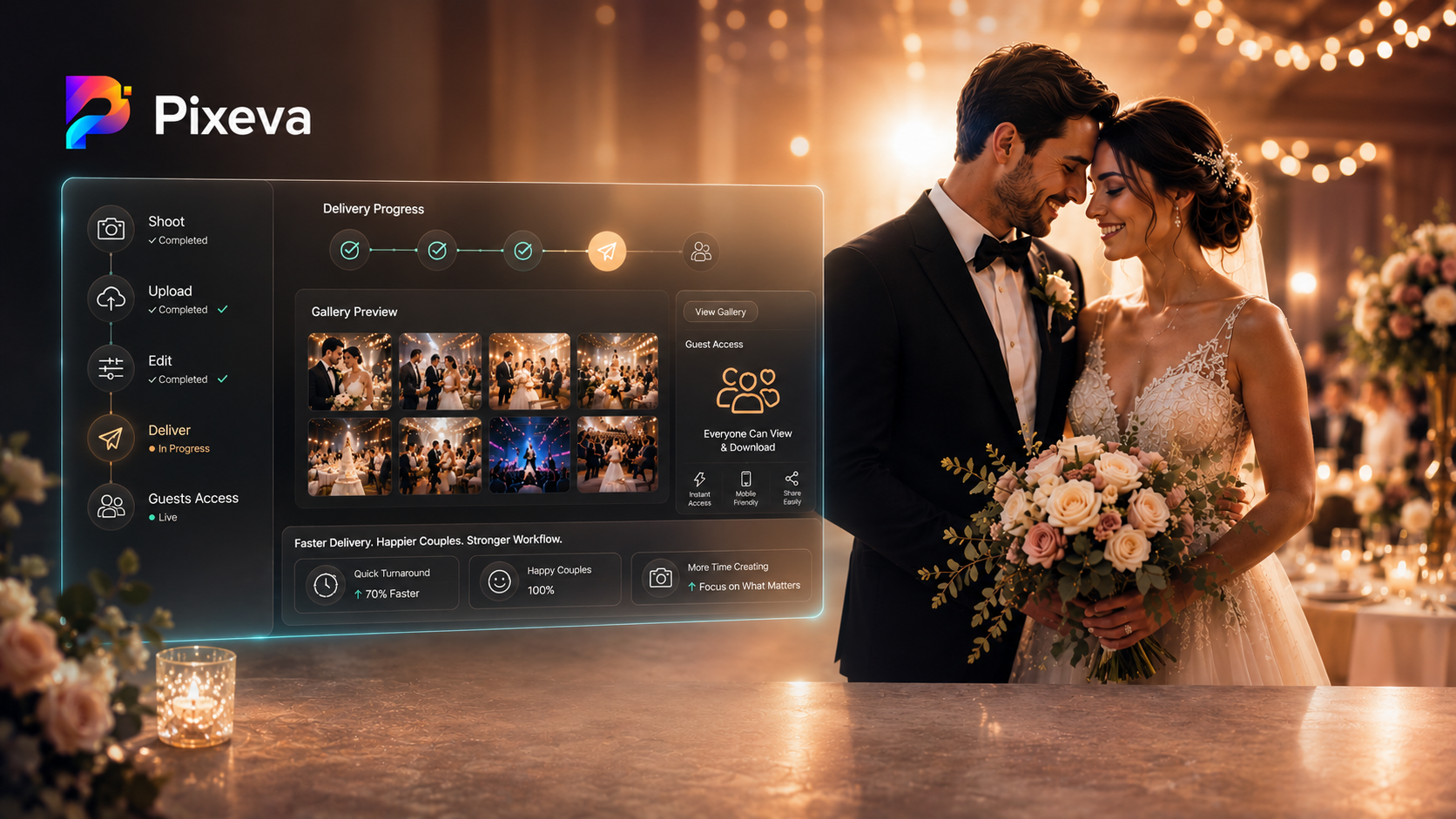
Photographer’s Workflow – Batch Upload Best Practices for Faster Delivery
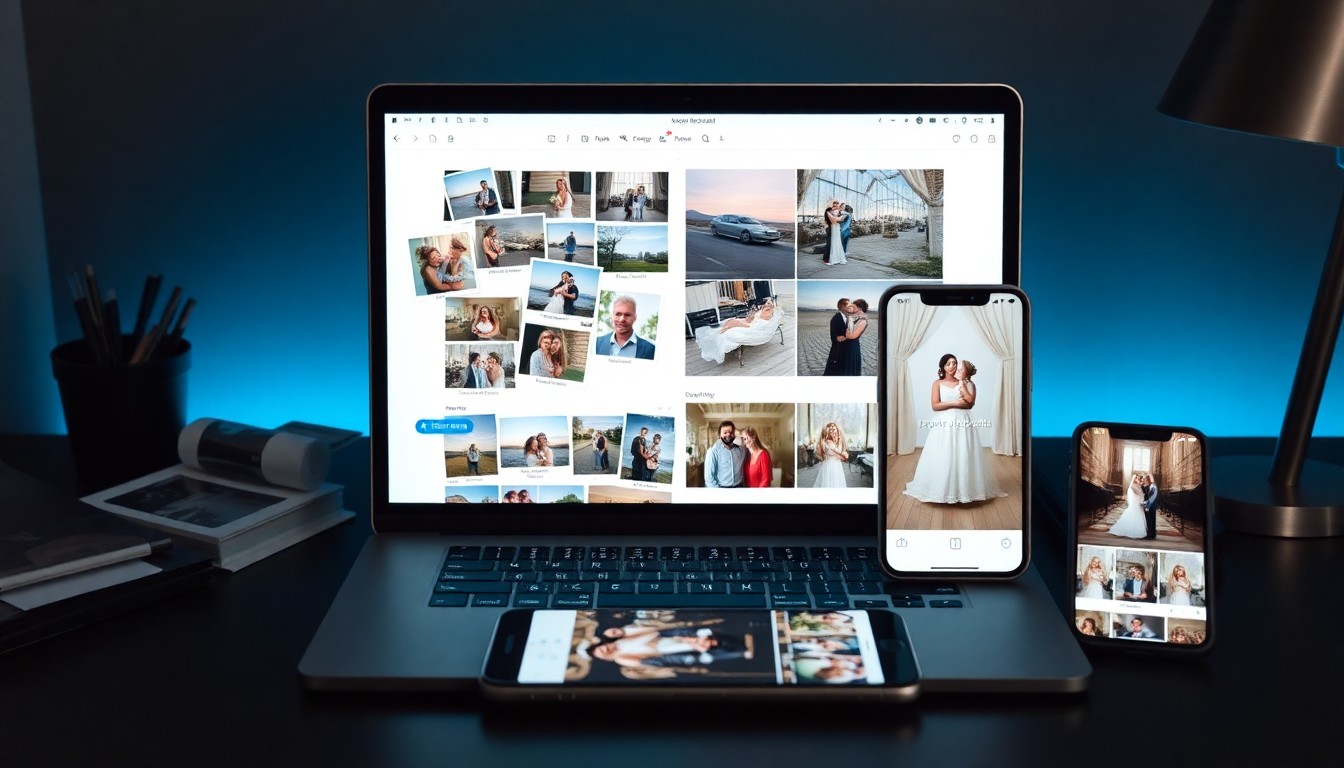
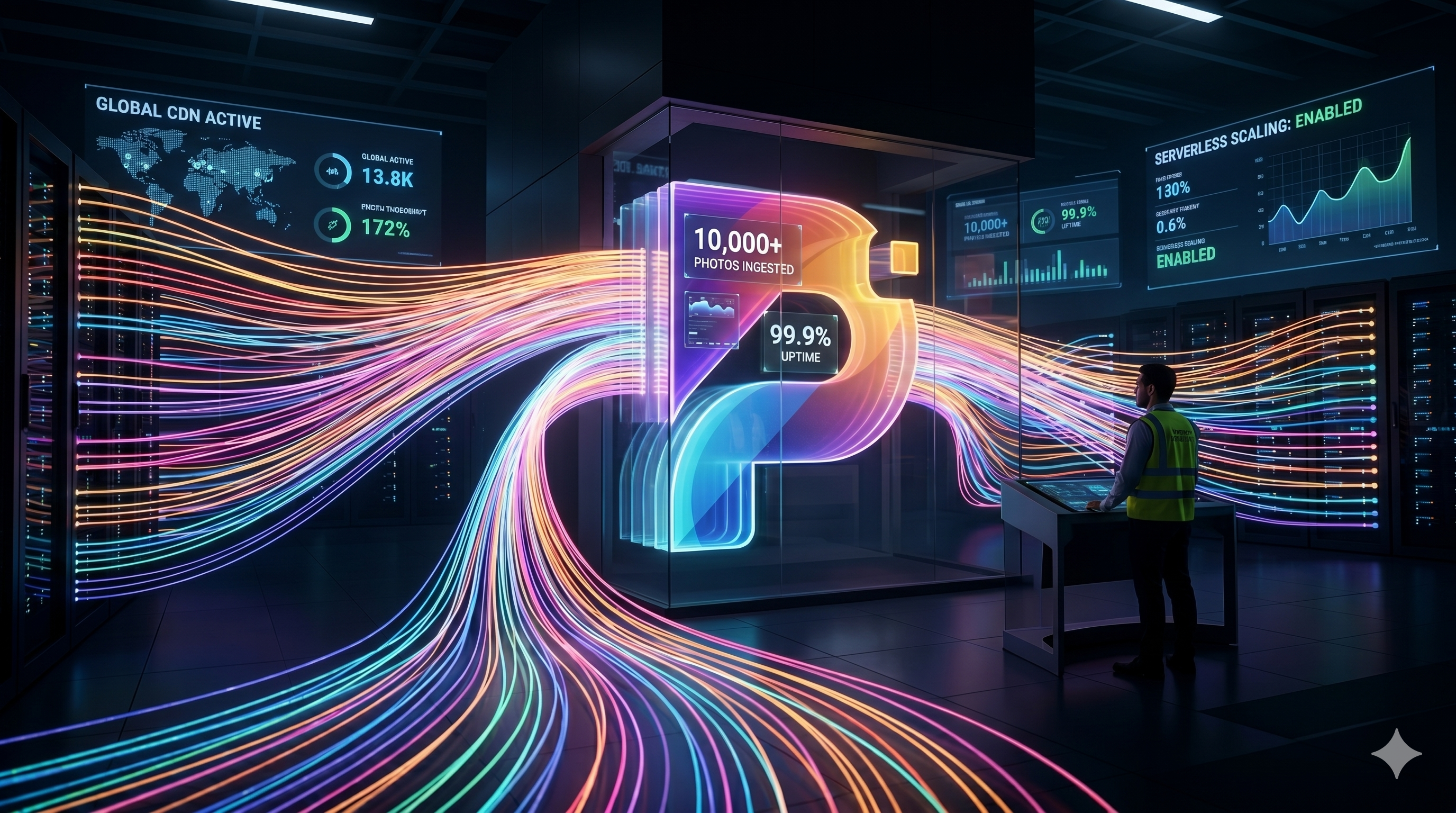
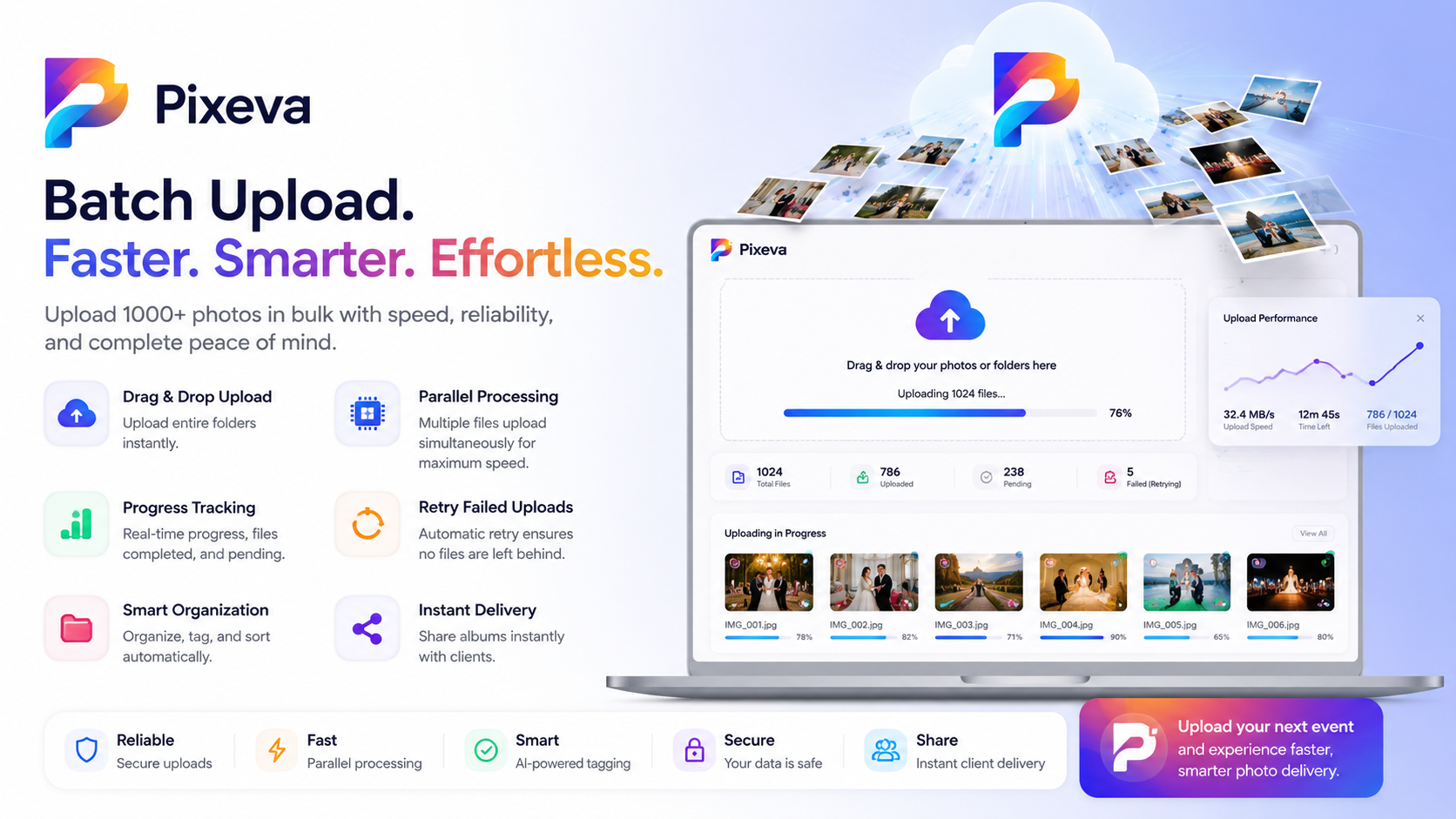
Learn how batch upload and optimized workflows help photographers save time and upload 1000+ photos efficiently without delays.
Insights, tips, and stories about AI-powered photography and event technology.

Learn how batch upload and optimized workflows help photographers save time and upload 1000+ photos efficiently without delays.

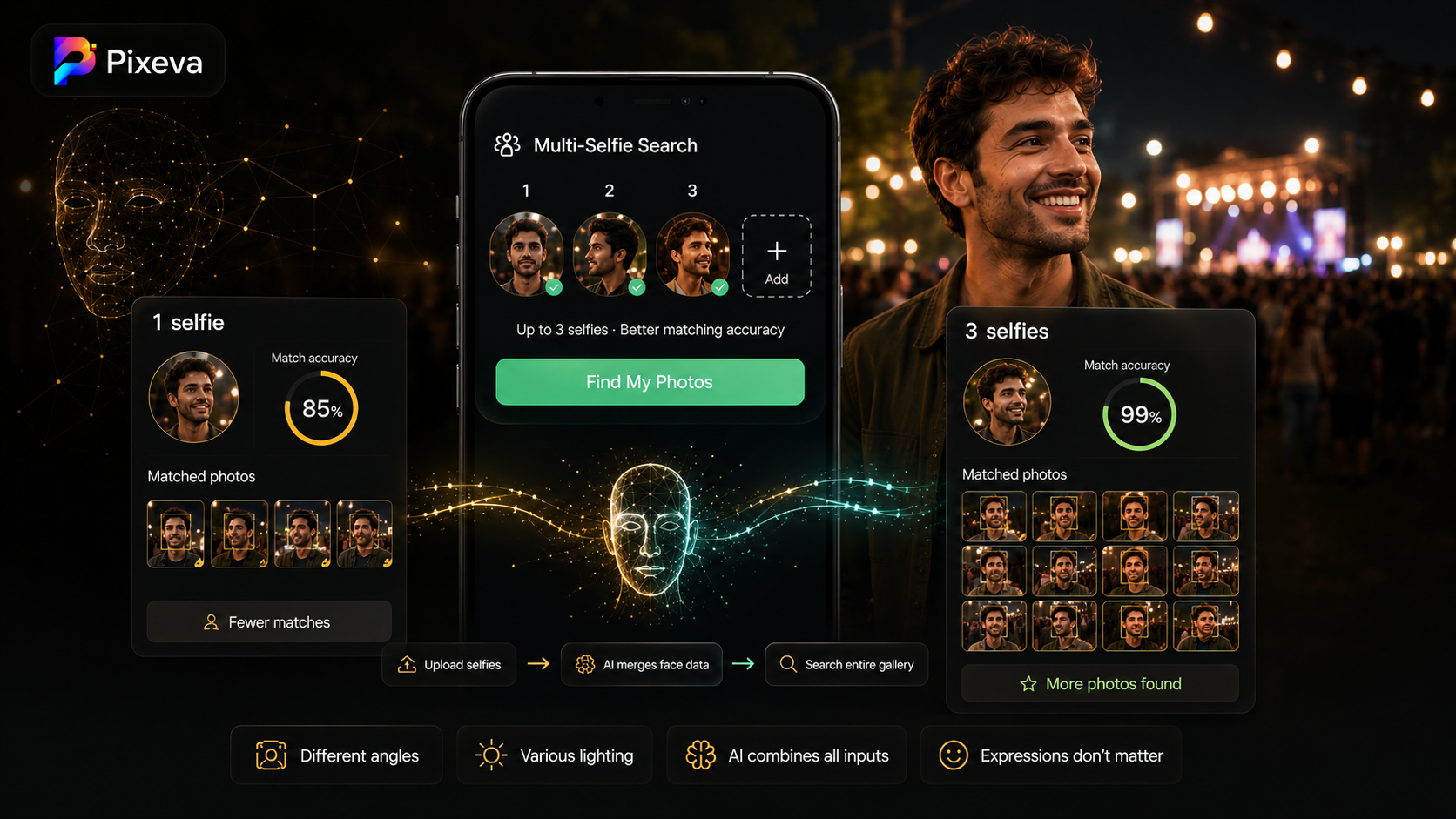
Upload up to 3 selfies from different angles and Pixeva merges them for smarter face matching—so guests find more of their photos across large event galleries.

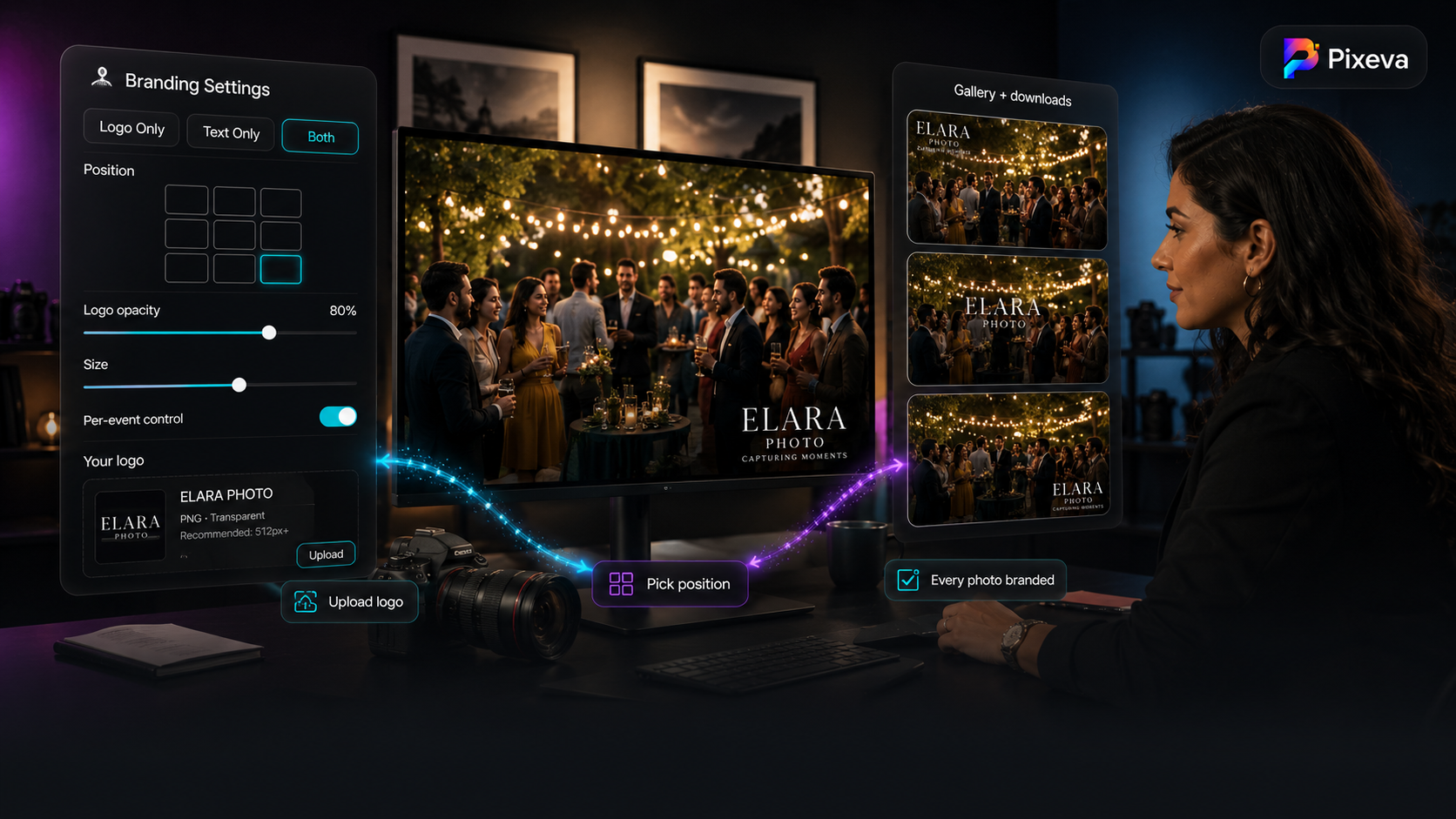
Add your studio logo and text to every event photo in your Pixeva gallery—choose position, opacity, and size, then enable branding per event for a professional, on-brand delivery.

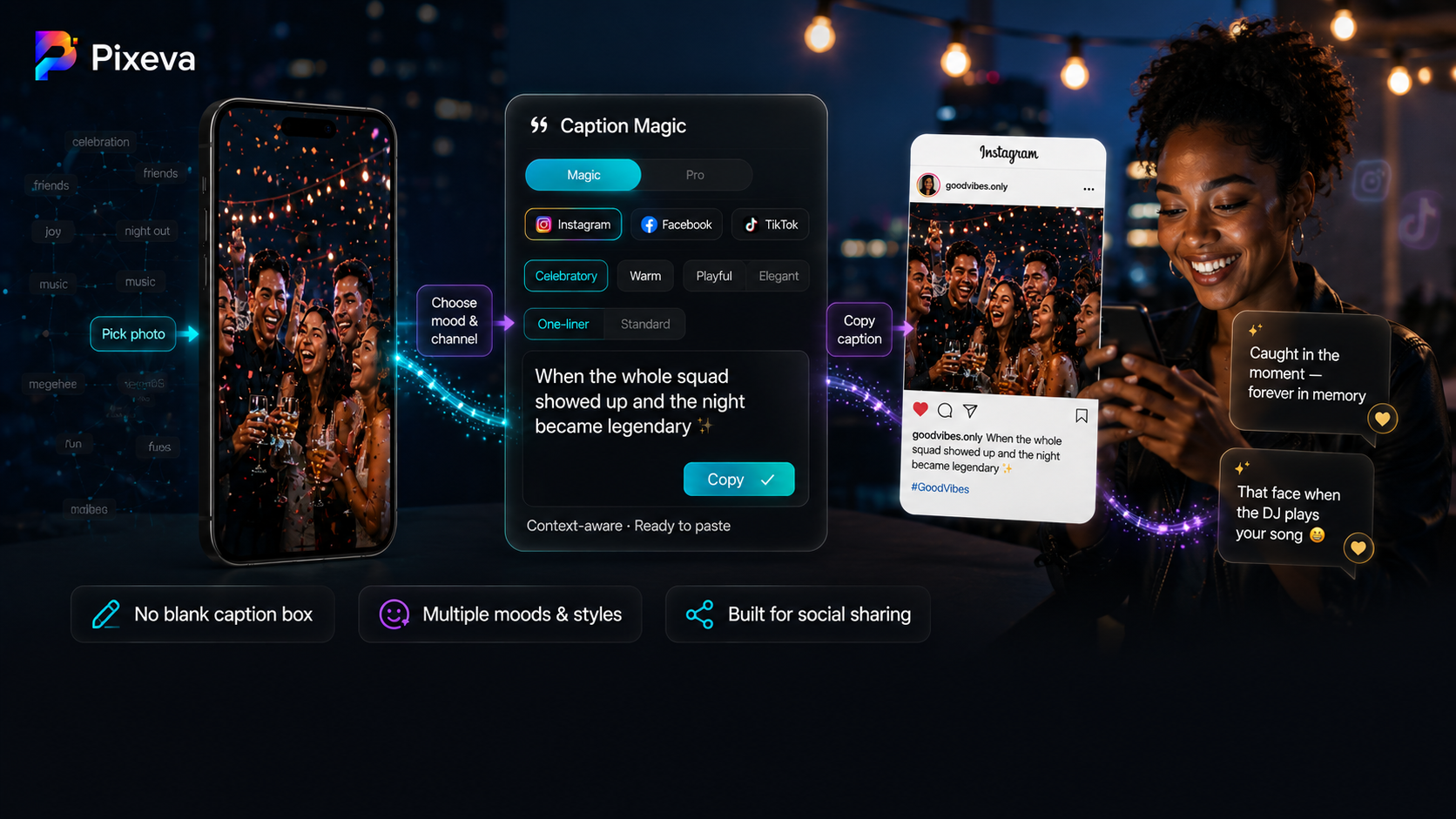
Guests find their event photos, then get AI-written captions tuned for Instagram, Facebook, TikTok, and morepick a mood, copy, and post in seconds.

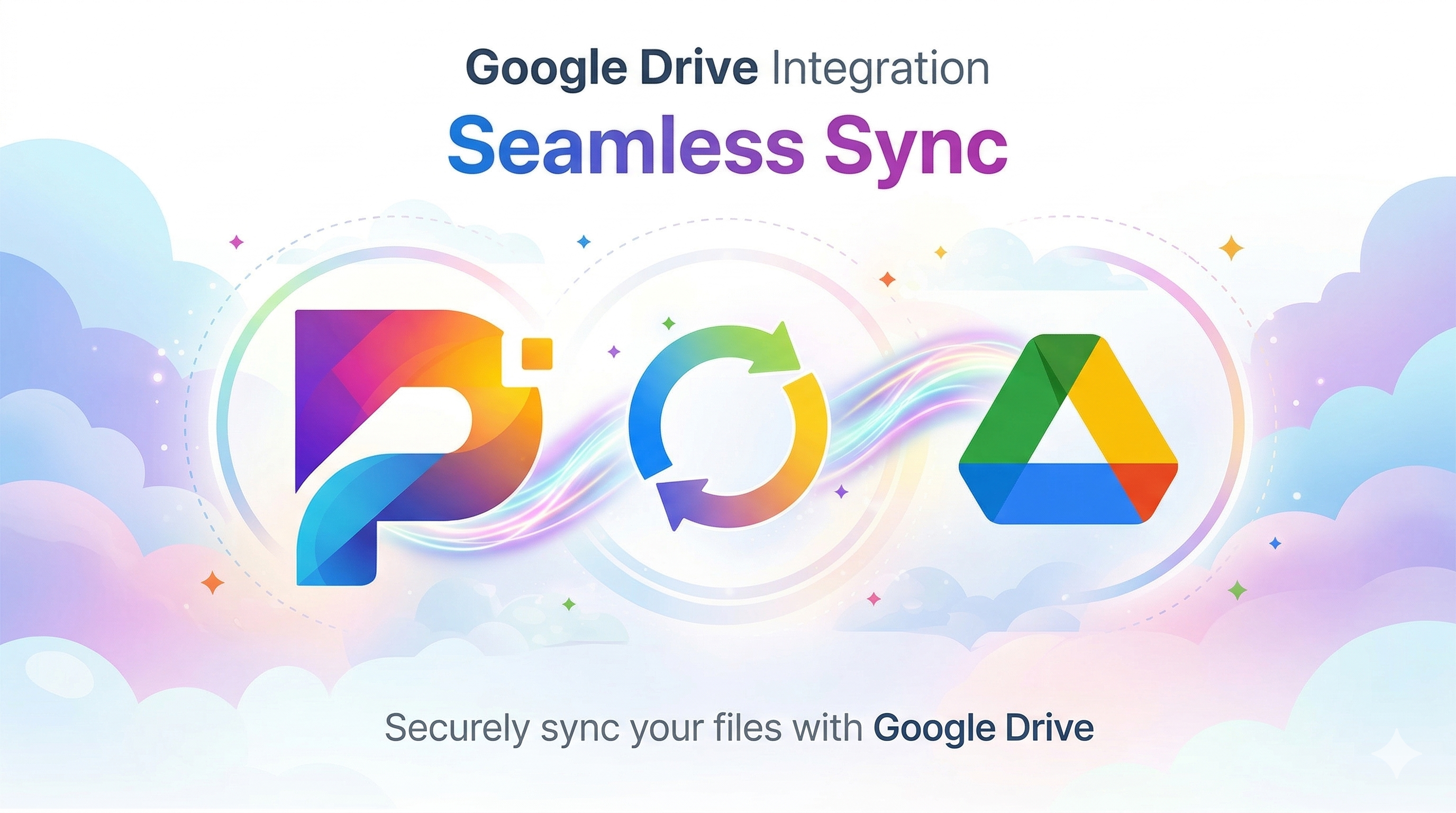
Connect Google Drive once and keep event photos backed up and organized—automatic uploads, folder structure, team sharing, and a safer workflow for photographers and studios.

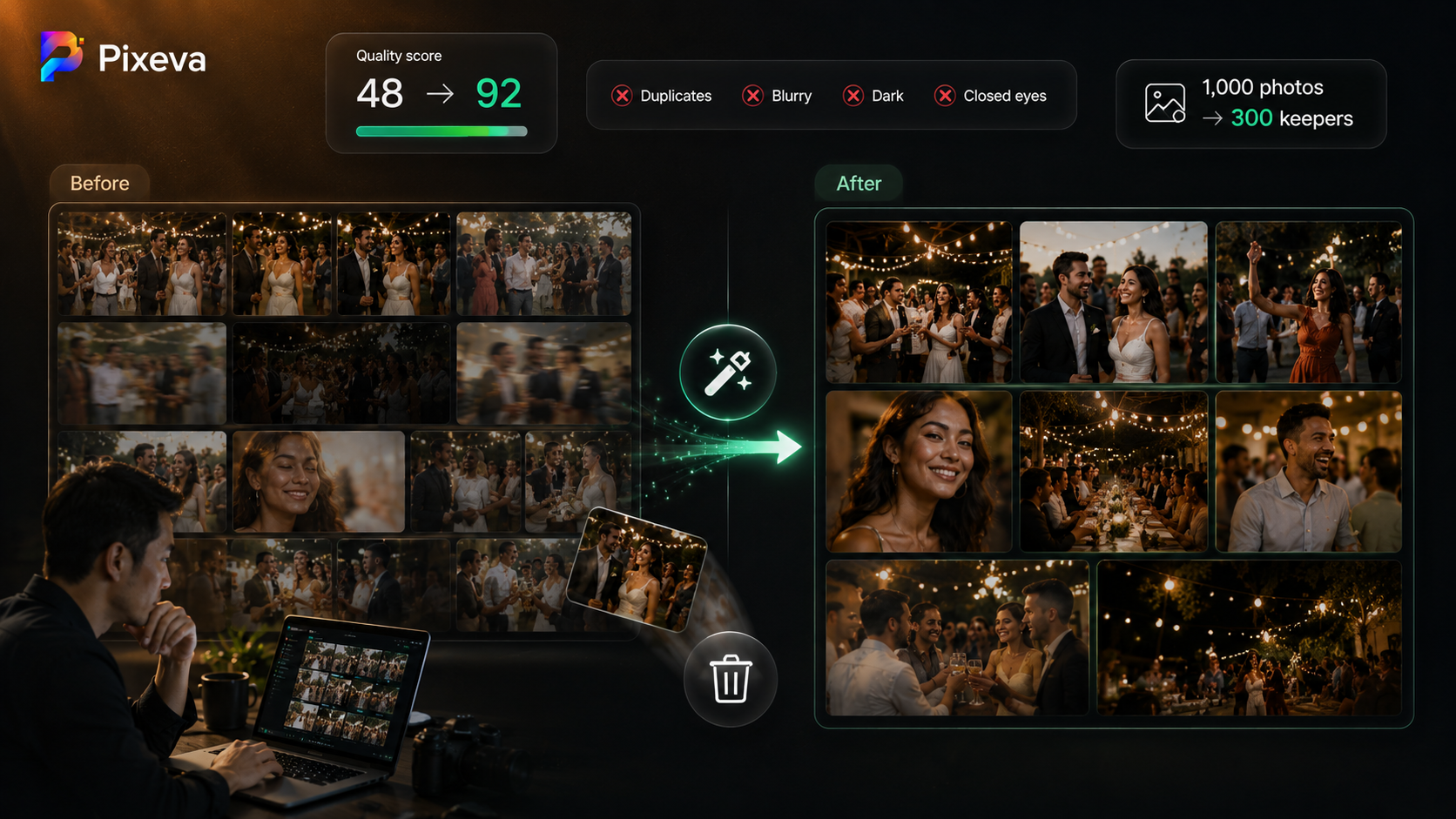
Stop drowning in near-duplicates and blurry shots. Learn how AI auto-culling scores quality, removes weak photos, and helps you deliver a tighter event gallery in far less time.

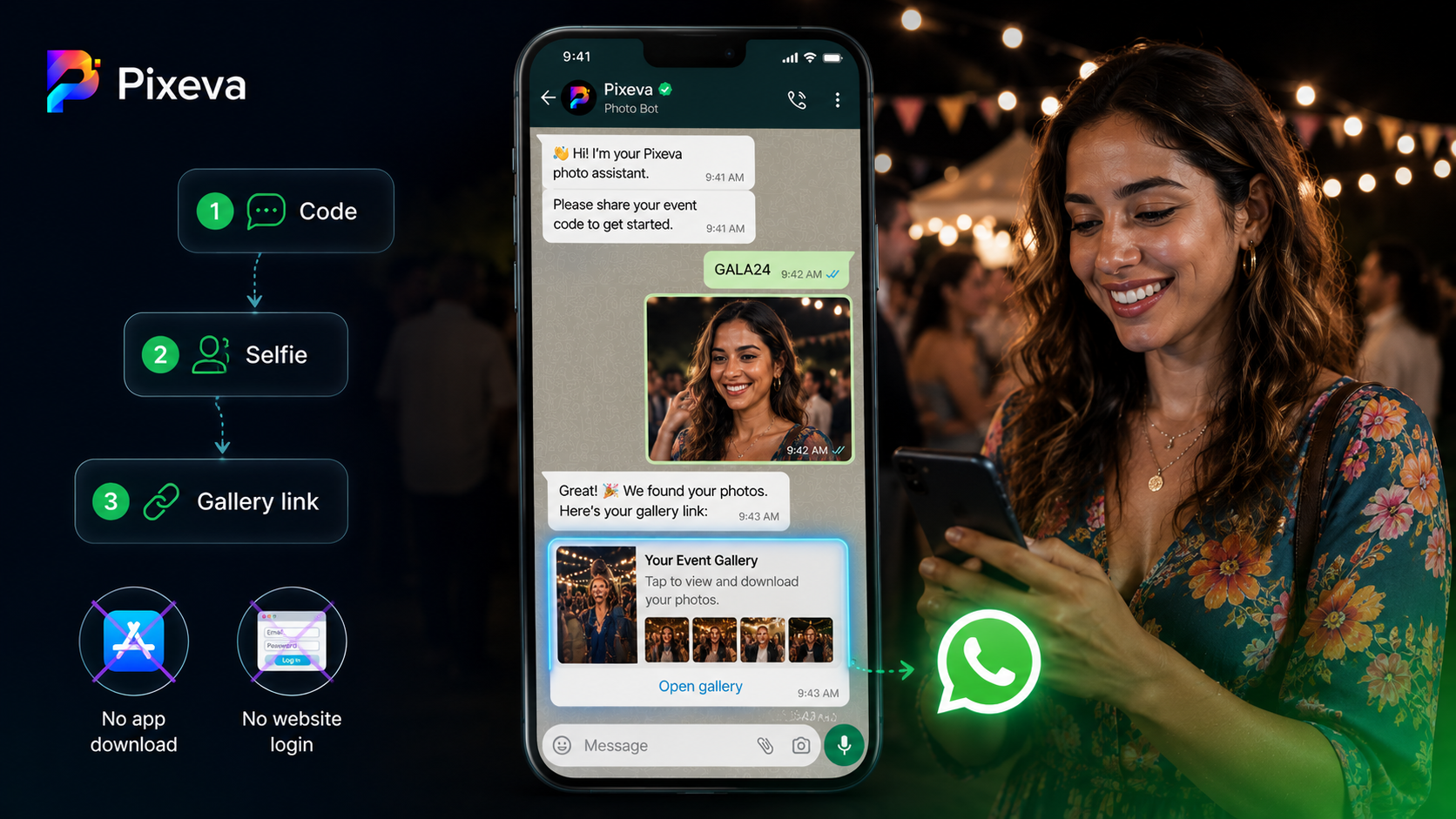
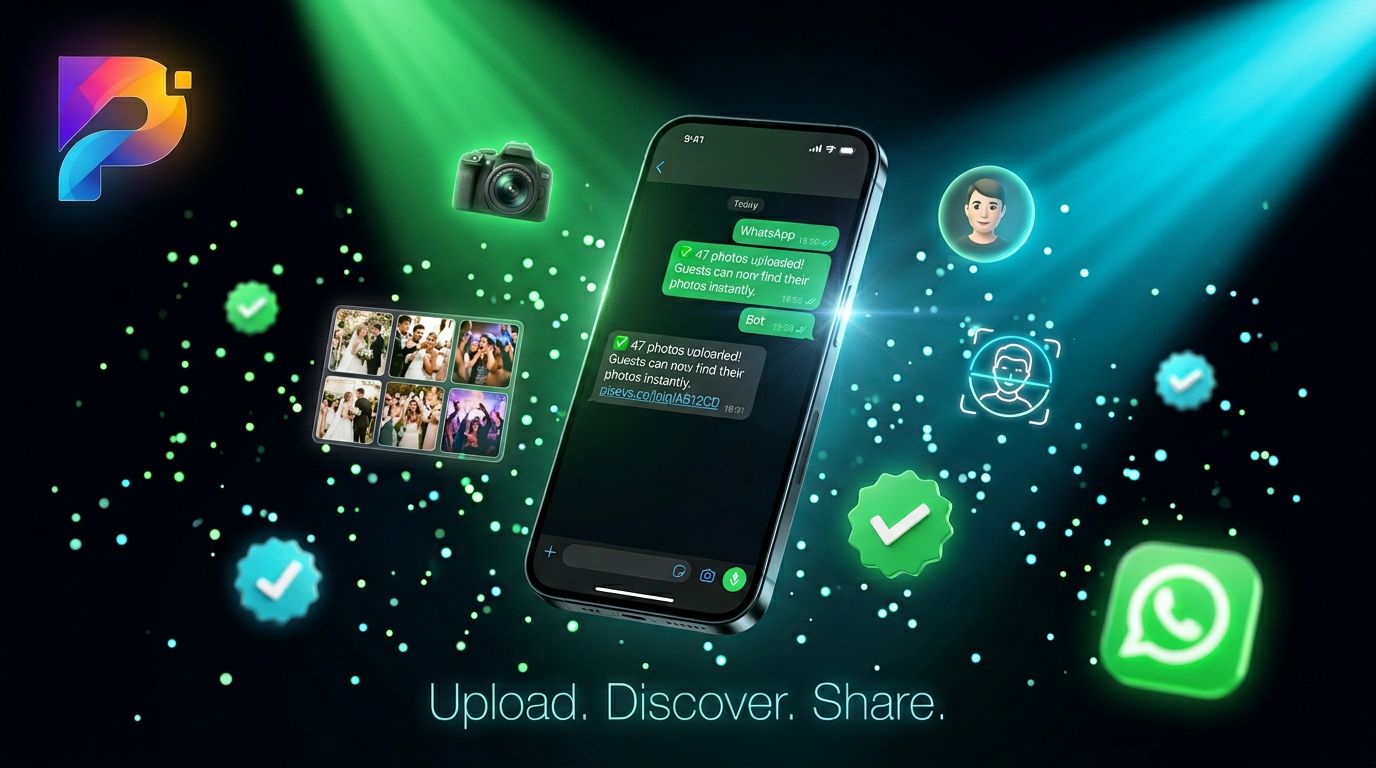
Let guests find event photos in WhatsApp—send your event code, share a selfie, get a gallery link. No app install, no login maze. Perfect for mobile-first and international guests.

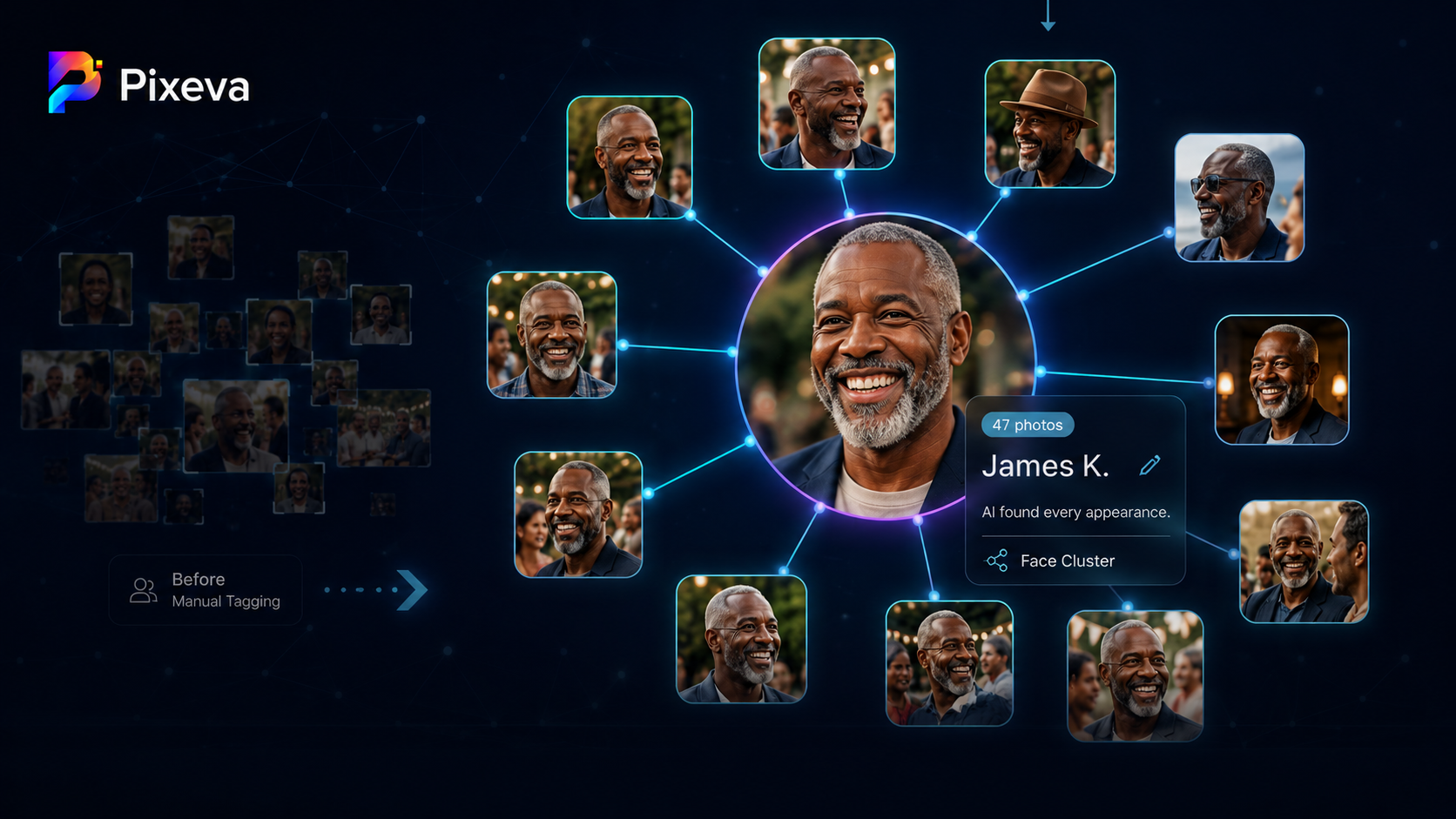
Learn how AI face clustering groups the same person across hundreds of event photos automatically—how it works, who benefits, accuracy limits, and privacy basics for photographers and organizers.

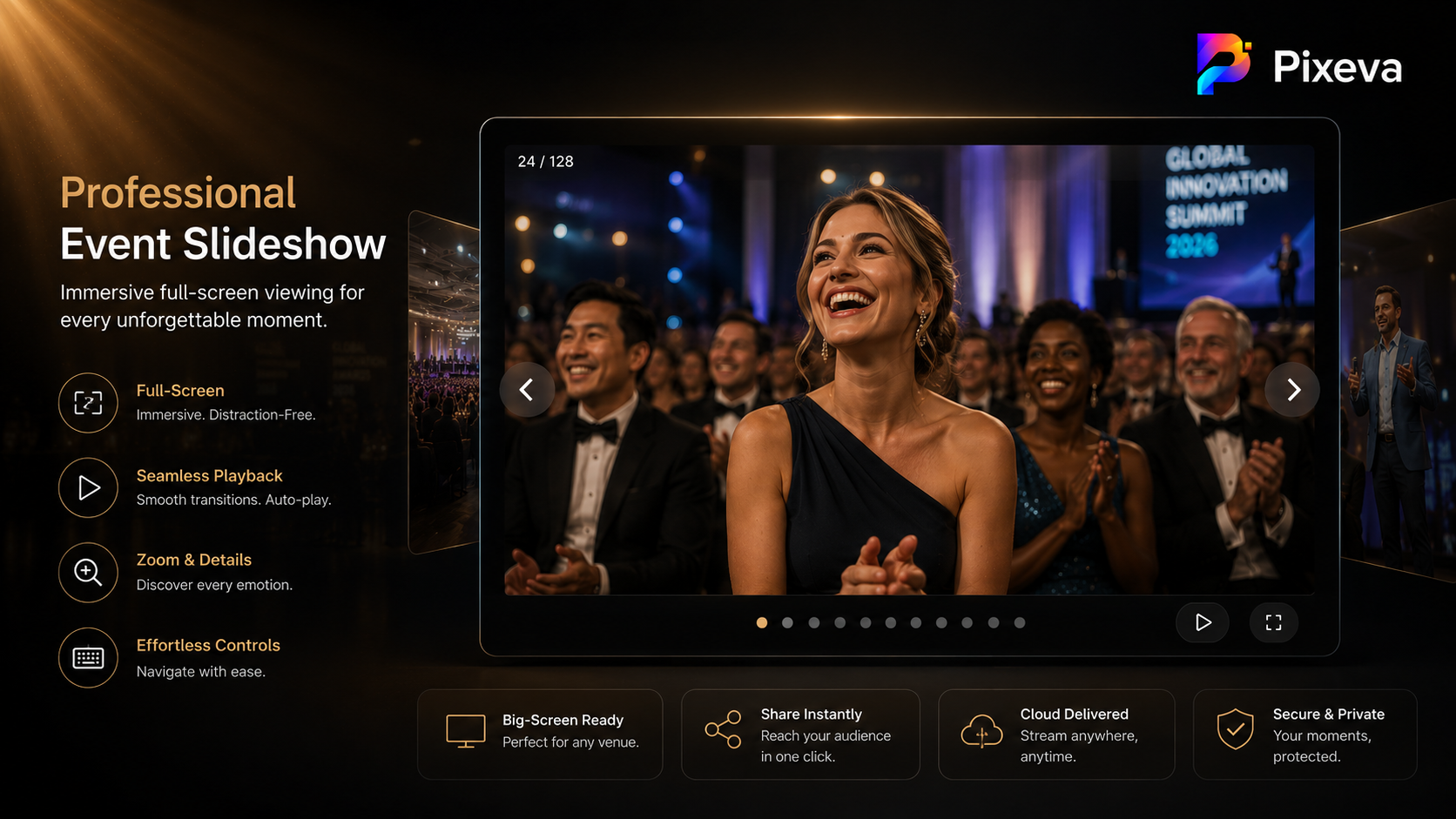
Turn your event gallery into a cinematic slideshow: fullscreen viewing, simple controls, and practical tips for weddings, receptions, and corporate recaps on the big screen.

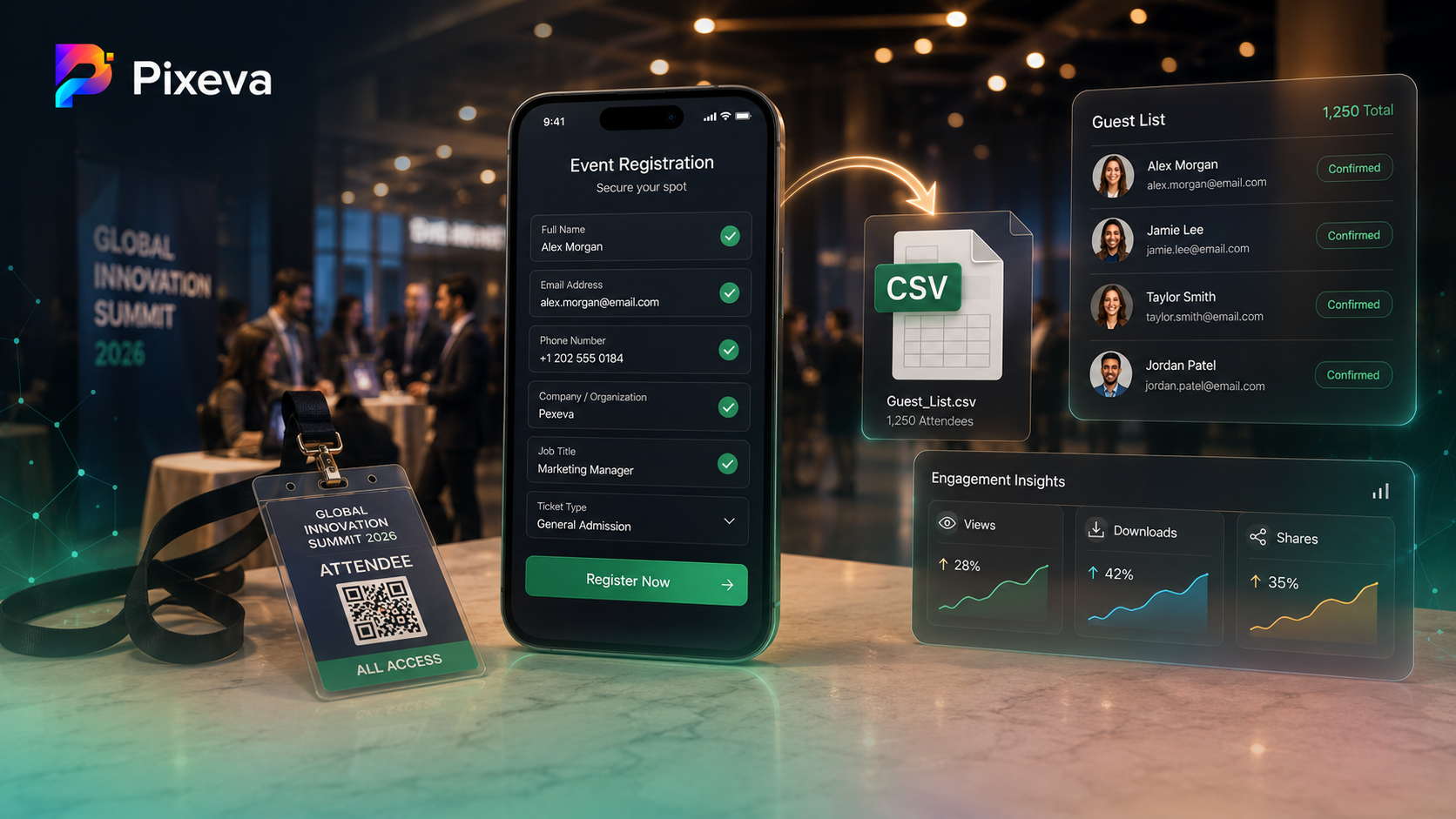
Learn how to combine optional guest registration, gallery engagement data, and CSV exports so you know who attended, who engaged with photos, and how to follow up—without turning your gallery into a spreadsheet nightmare.

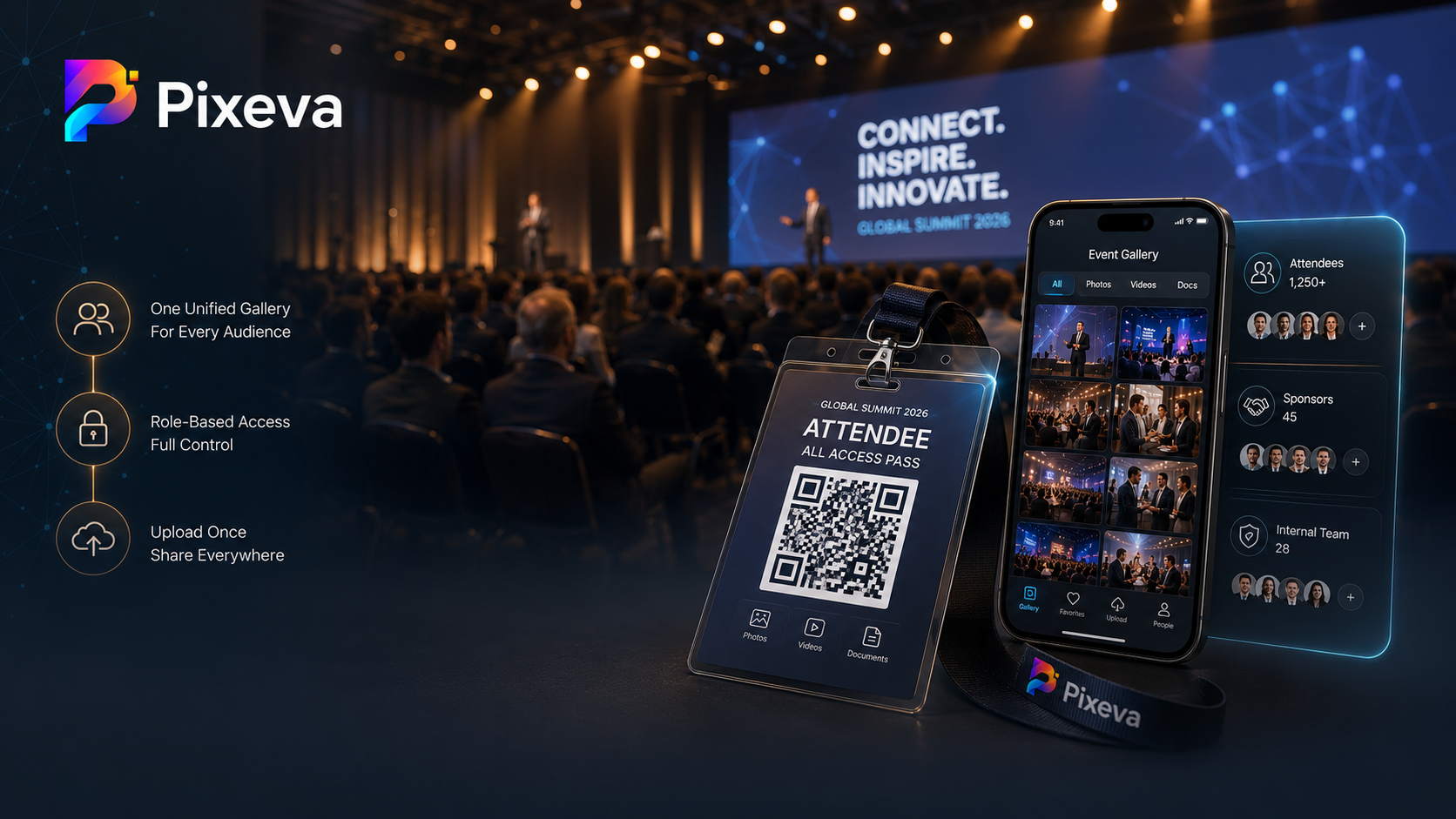
Run conference photos like a product: one gallery, clear guest access, multi‑photographer uploads, post‑event analytics, and marketing‑ready delivery—without drowning in links, drives, and last‑minute Slack requests.

From QR guest access and selfie search to smart albums and analytics—10 practical ways Pixeva helps wedding photographers deliver faster, reduce admin, and give couples and guests a premium gallery experience.

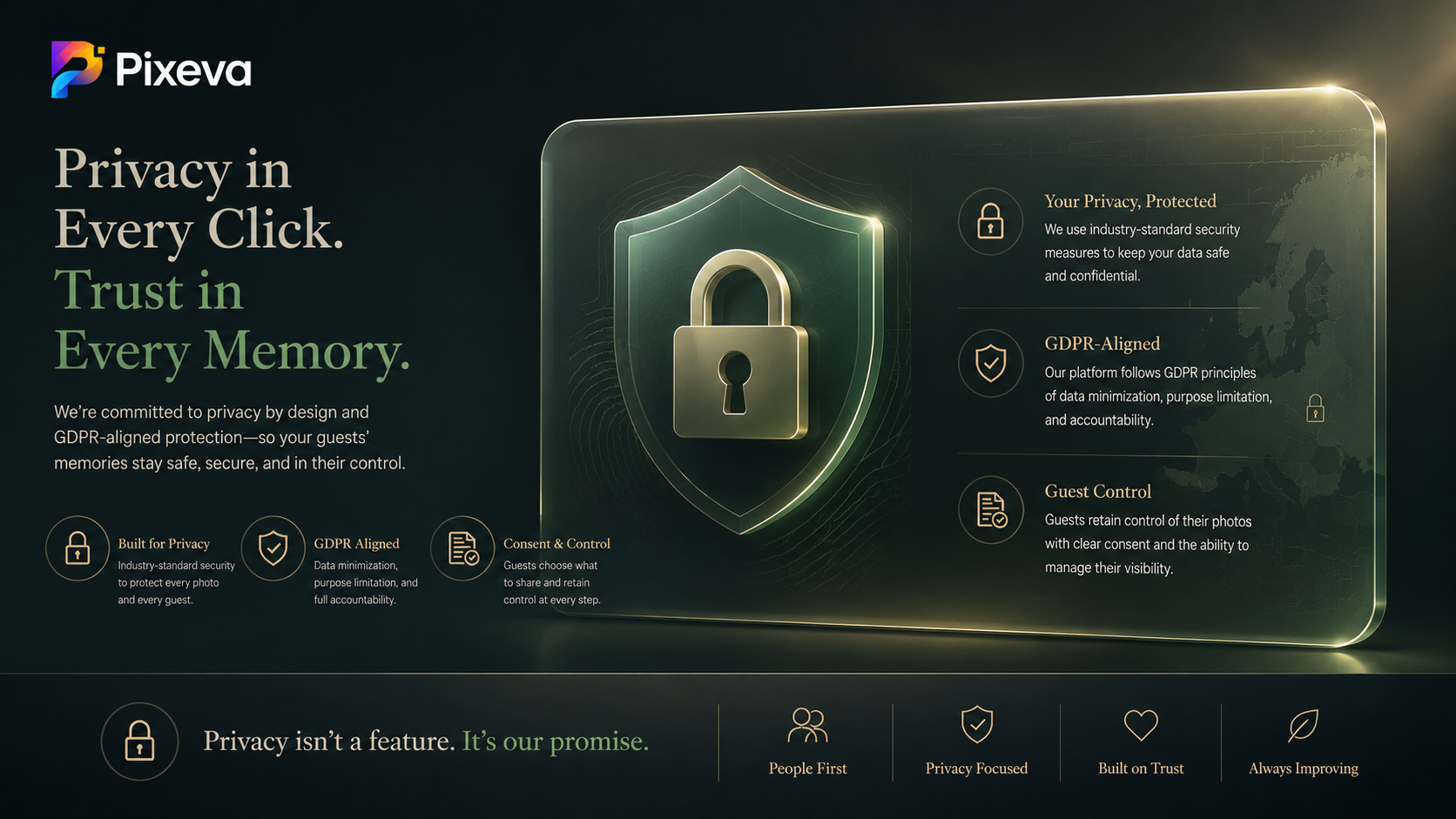
What GDPR means for wedding and event photos, why biometric face data is sensitive, and how to protect guests with consent, retention, and clear rights—without drowning in legal jargon.

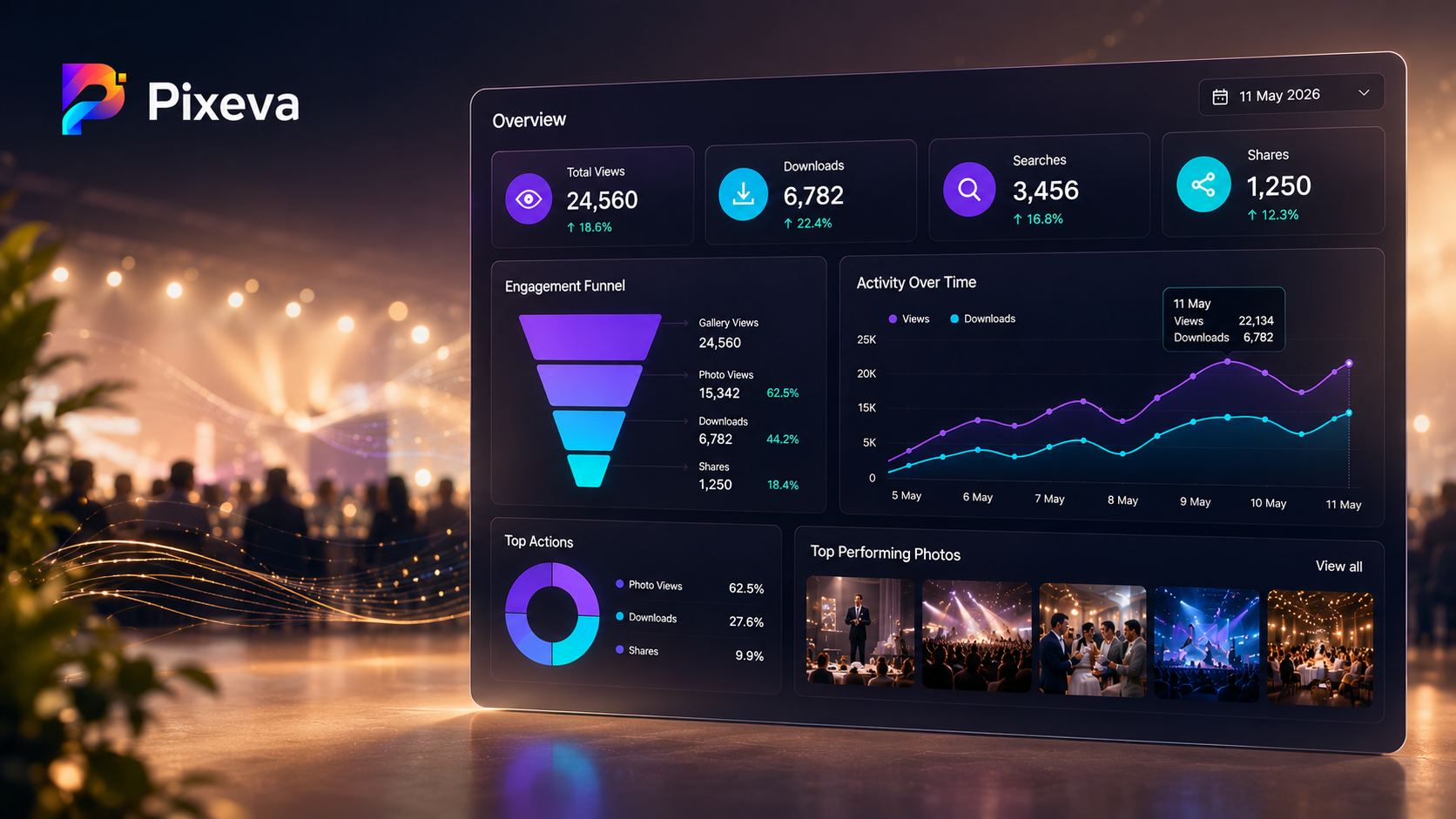
See what guests actually do in your gallery—views, downloads, searches, and more—and turn that data into better events, smarter delivery, and stronger marketing follow‑up.

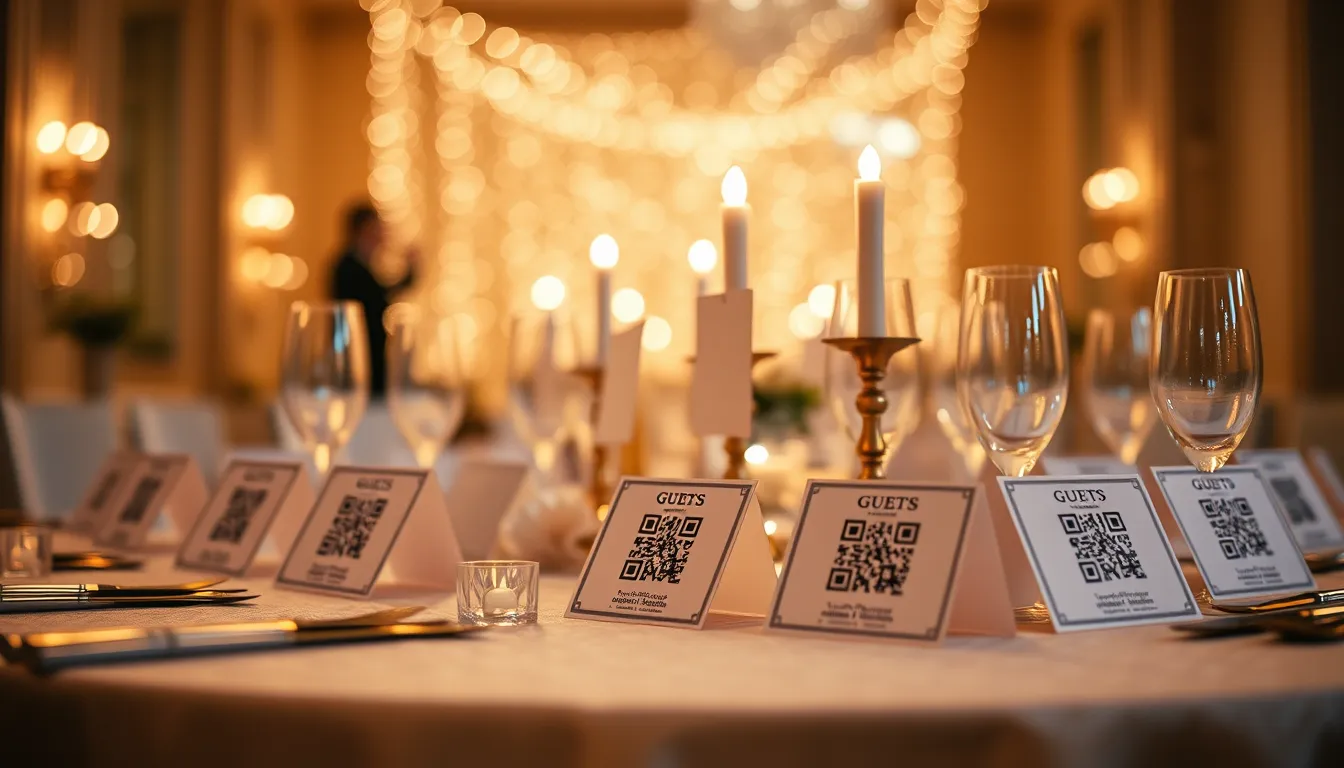
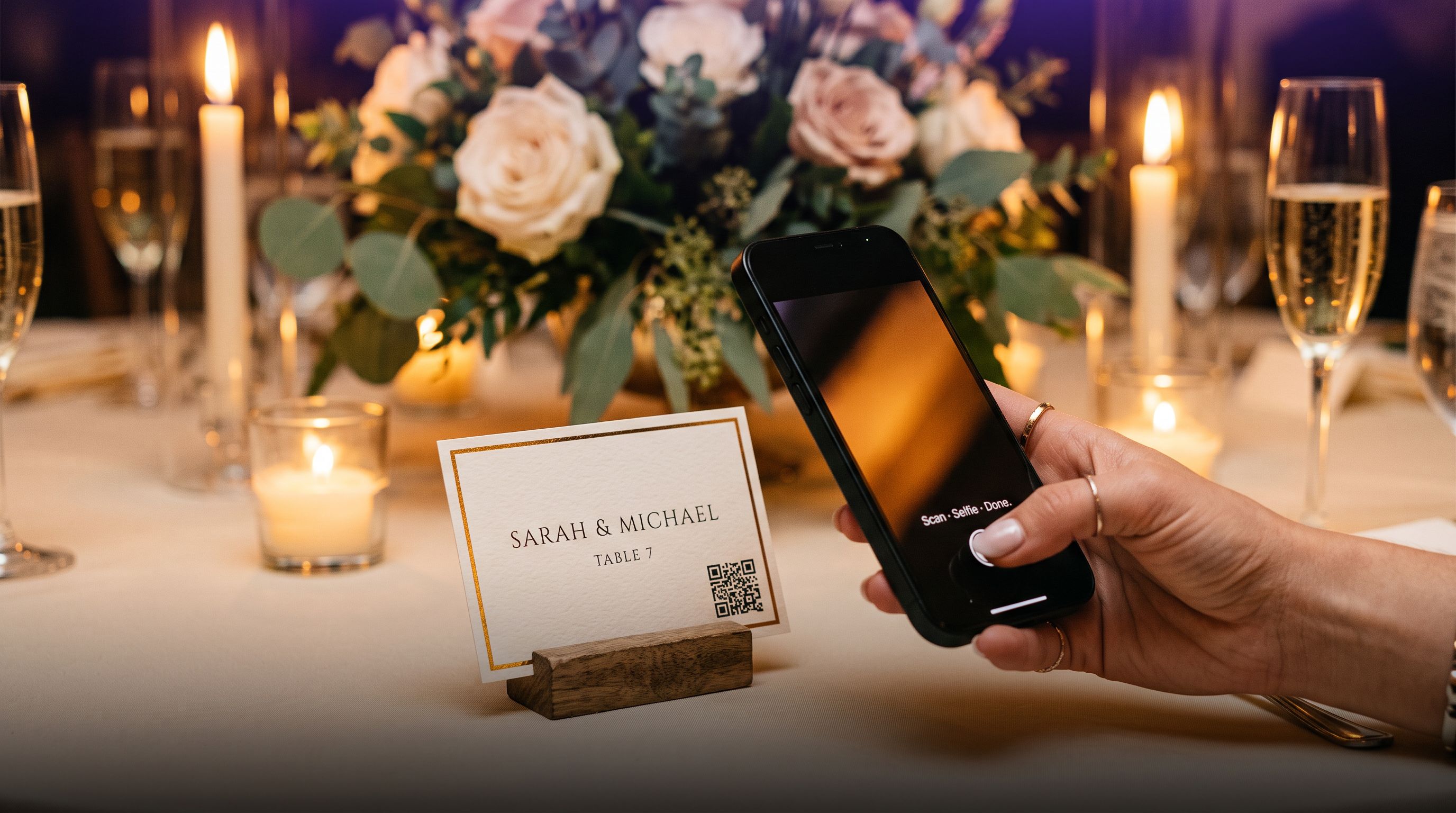
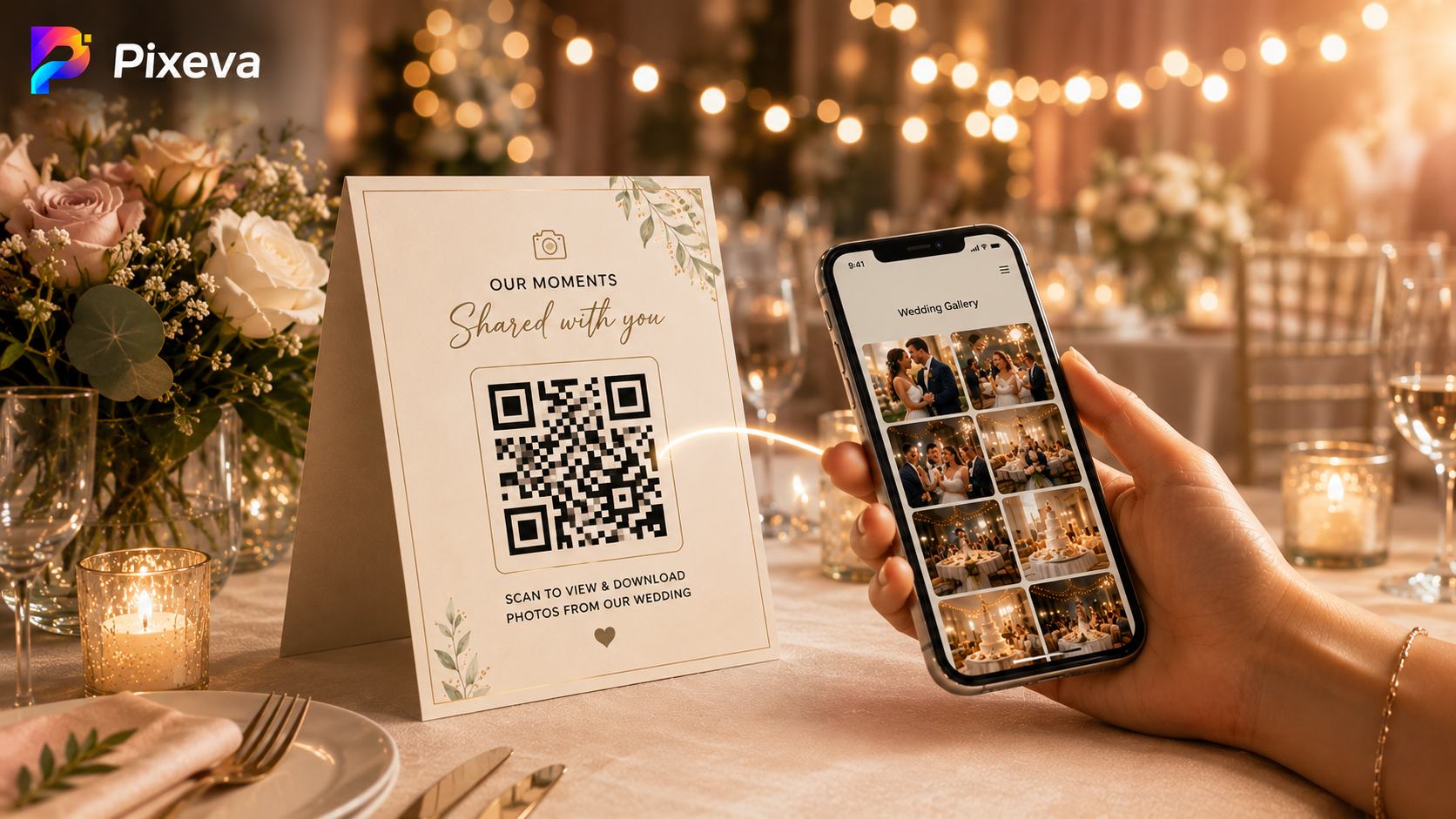
Learn how to share wedding photos with guests using QR codes—where to place them, how guests access photos in seconds, and best practices for a smooth wedding gallery experience.

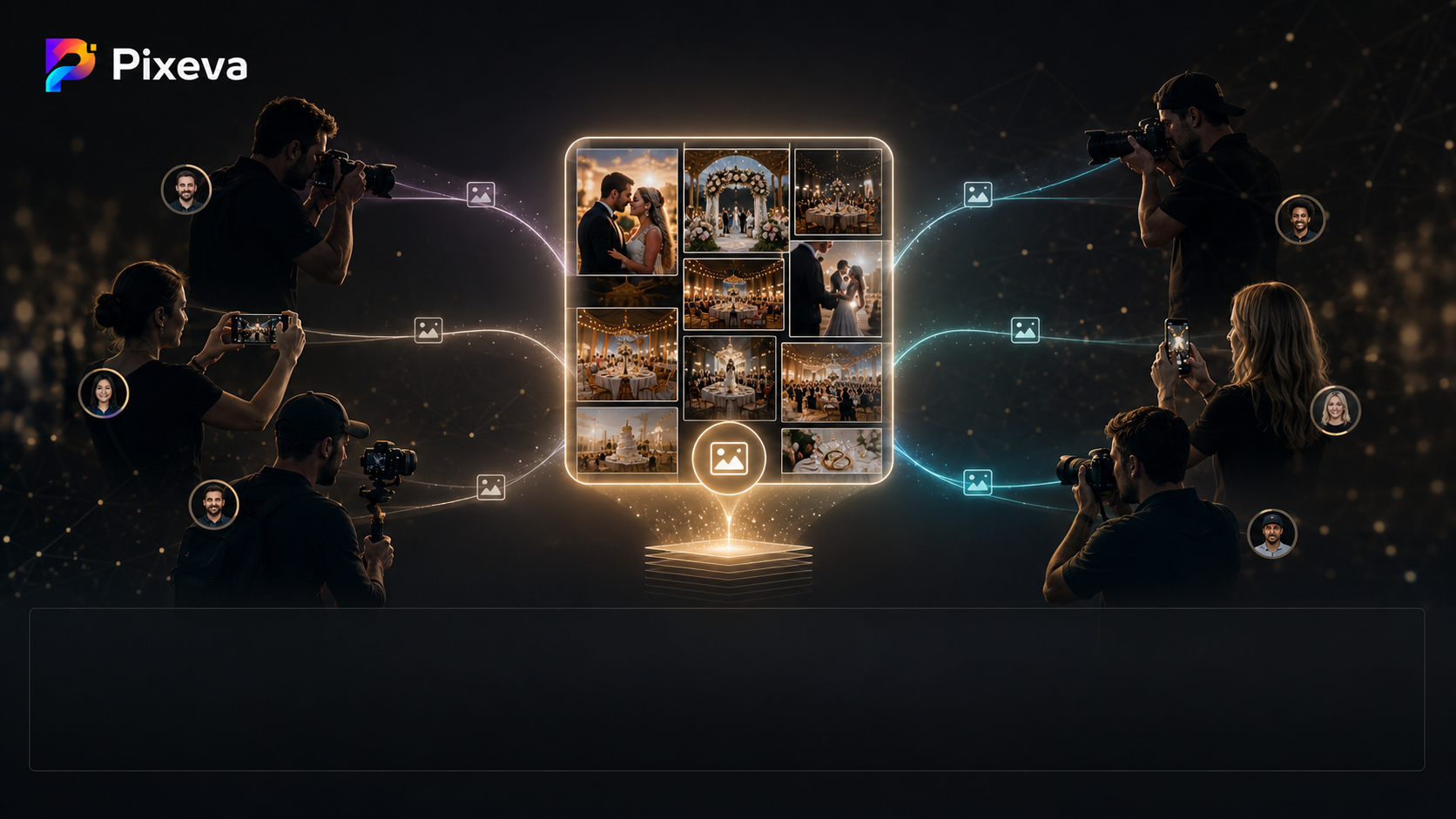
Stop juggling Dropbox links and camera rolls. Run one Pixeva event gallery where multiple photographers and contributors upload — so guests get every angle in one place.

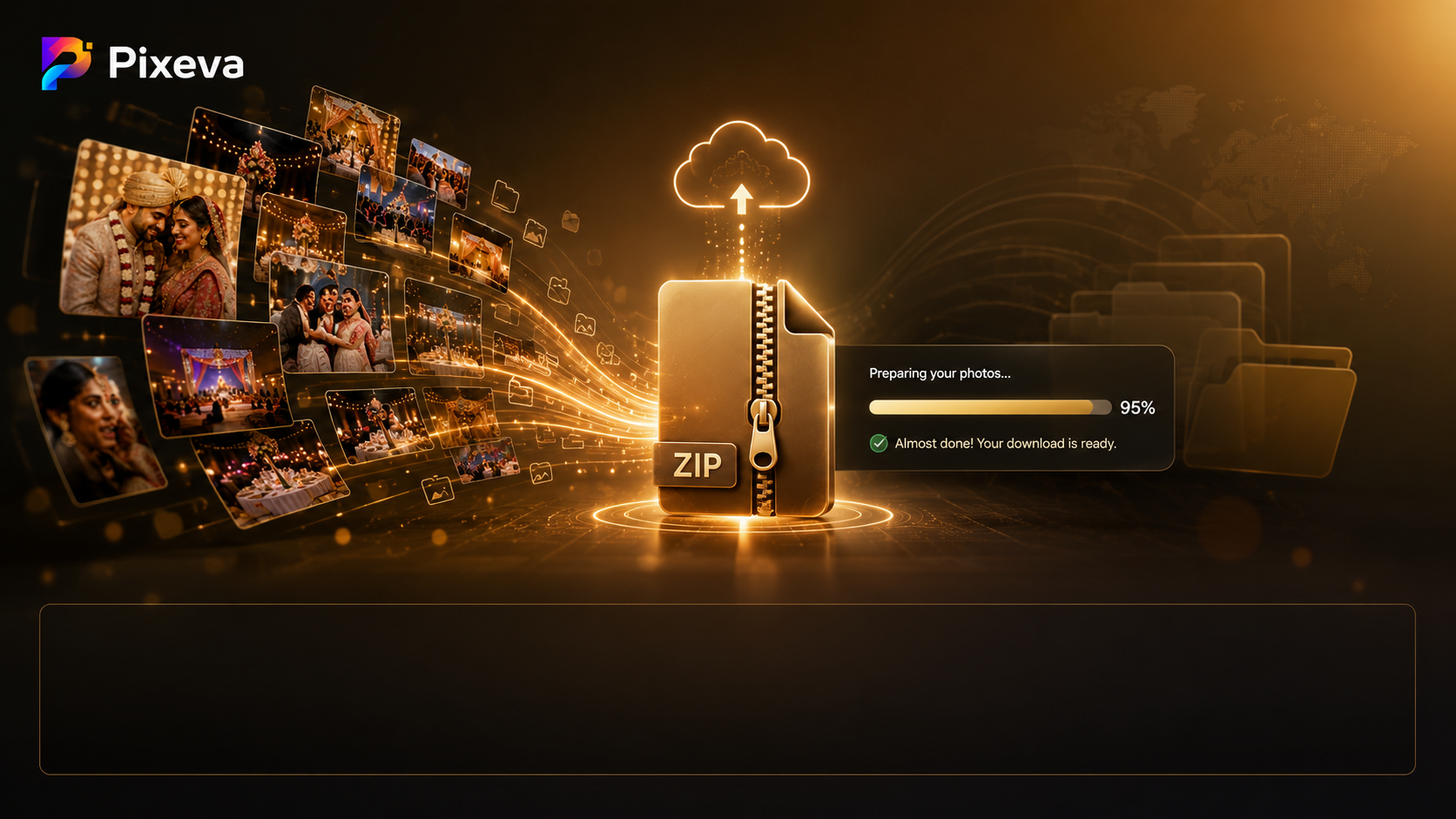
Download hundreds of event photos in one go—ZIP bundles, faster delivery, fewer support emails. Learn how bulk downloads work, best practices for guests and organizers, and how to avoid common mistakes.

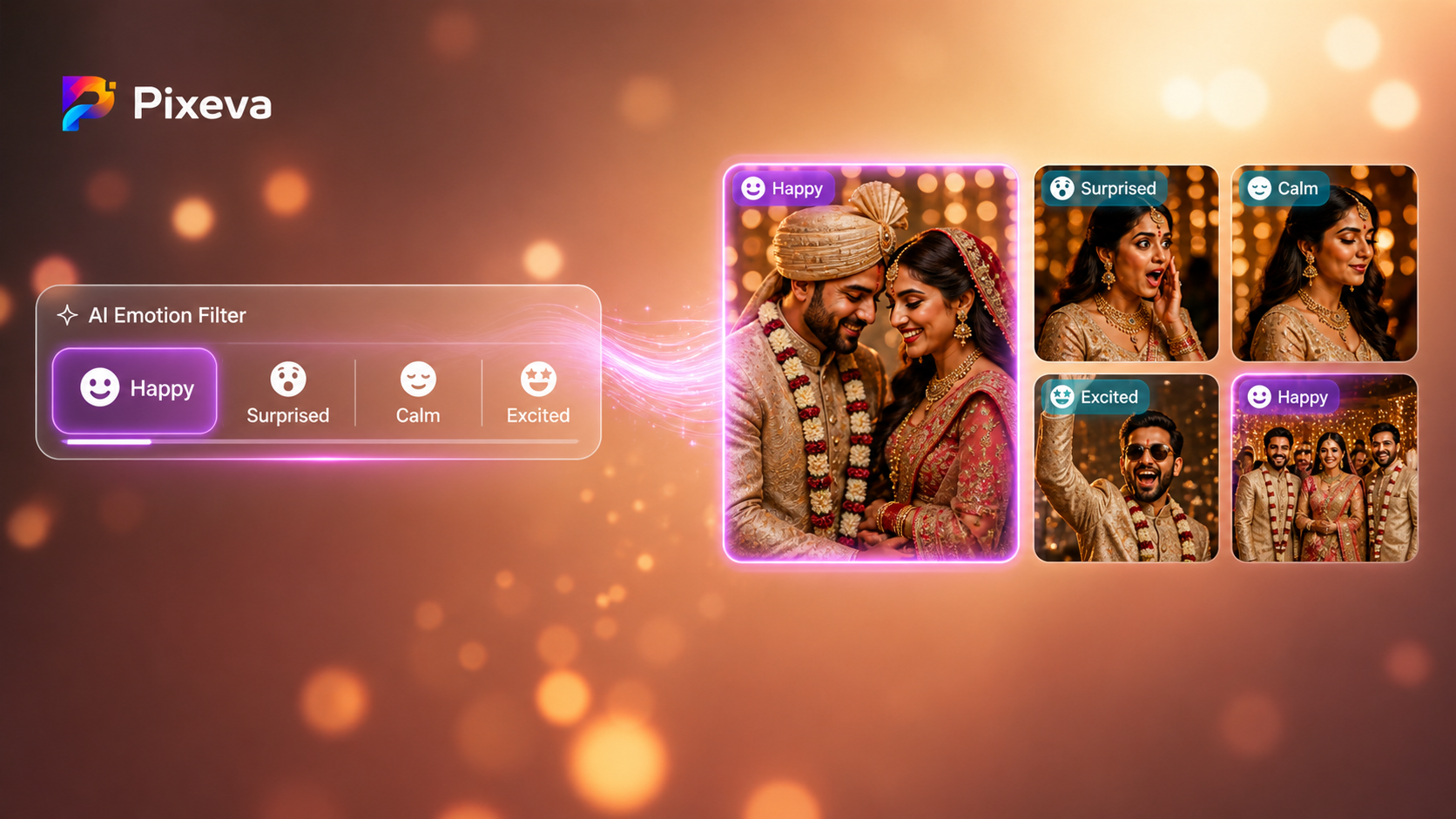
Learn how AI detects emotions in photos—happy, surprised, calm, and excited. Filter event galleries by feeling and find the most meaningful moments instantly.

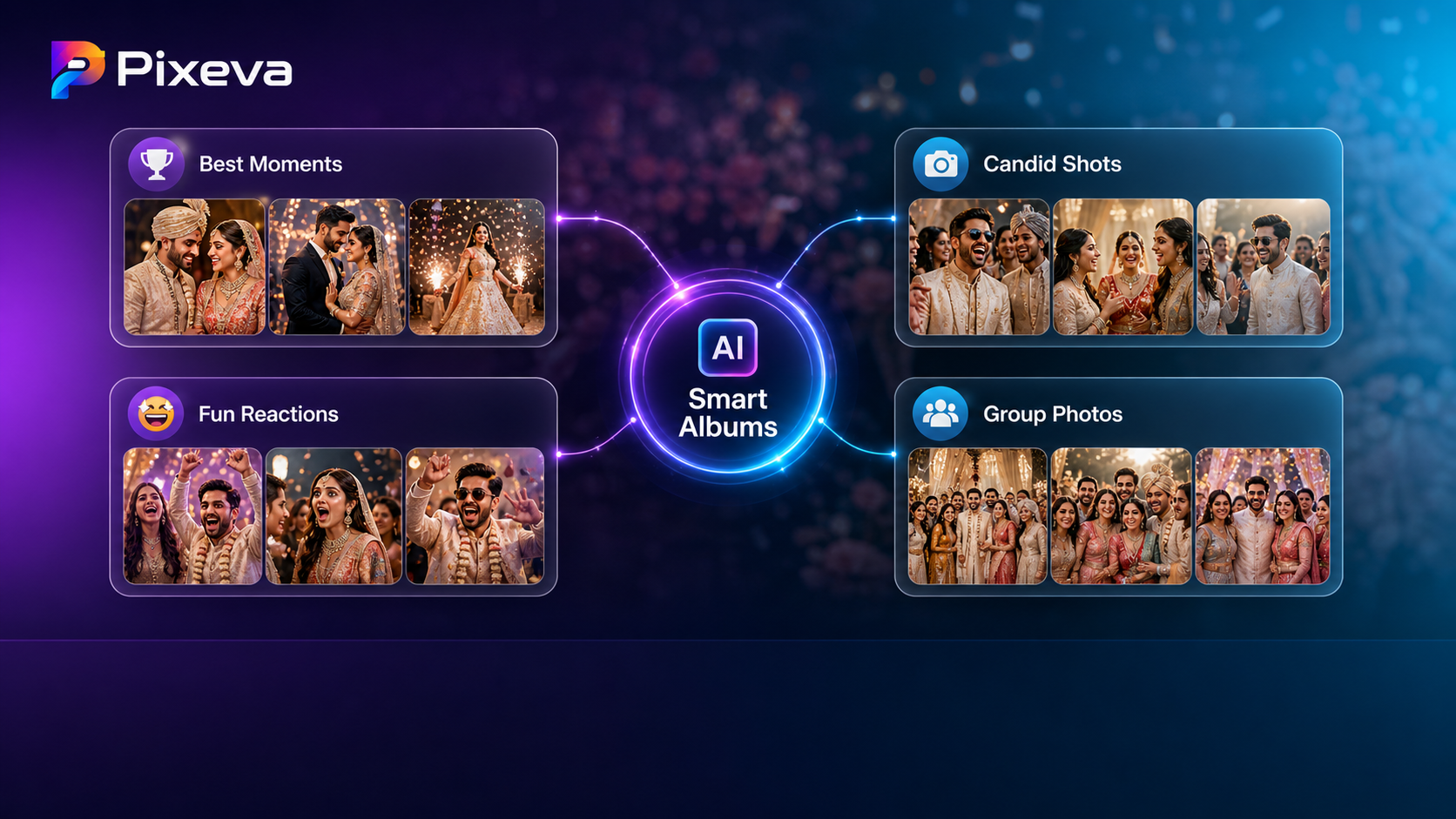
Automatically organize thousands of event photos into smart categories like best moments, candid shots, and group photos using AI.

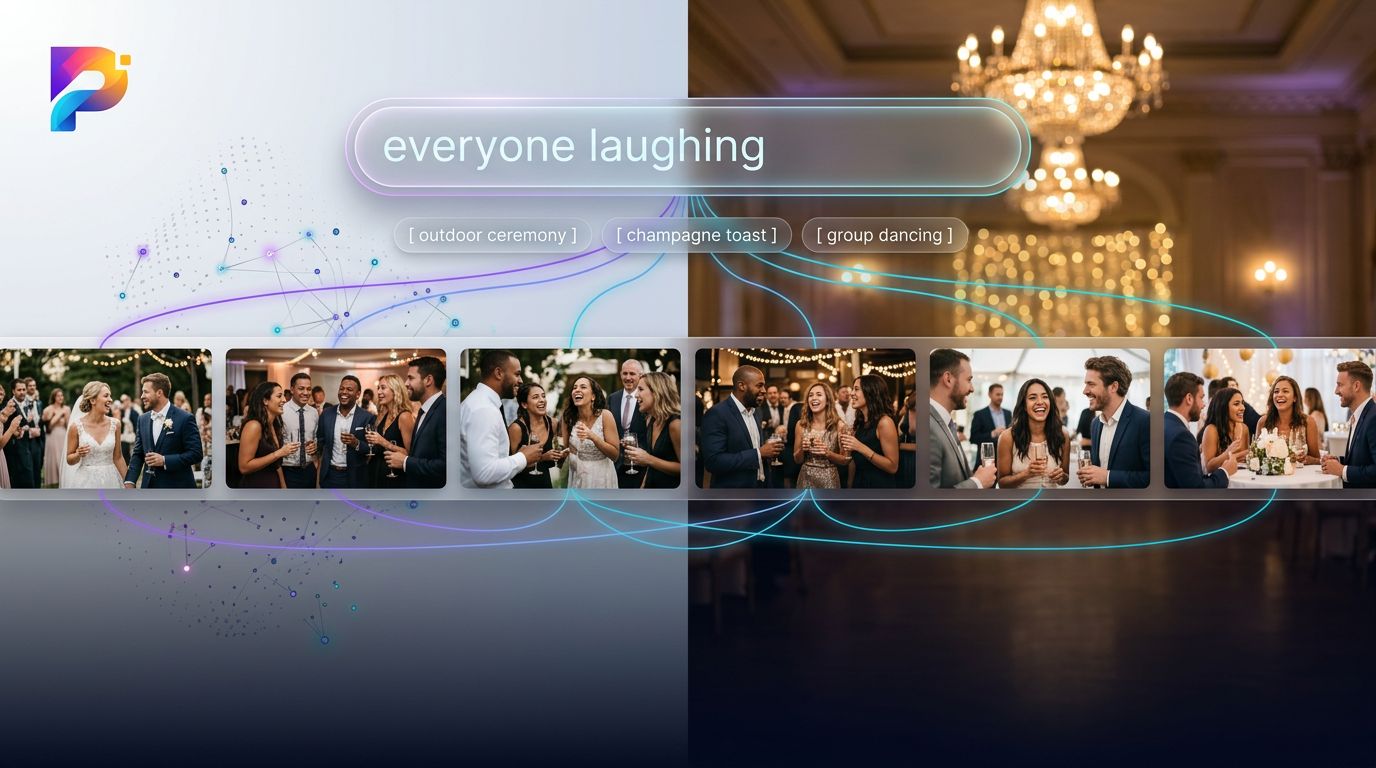
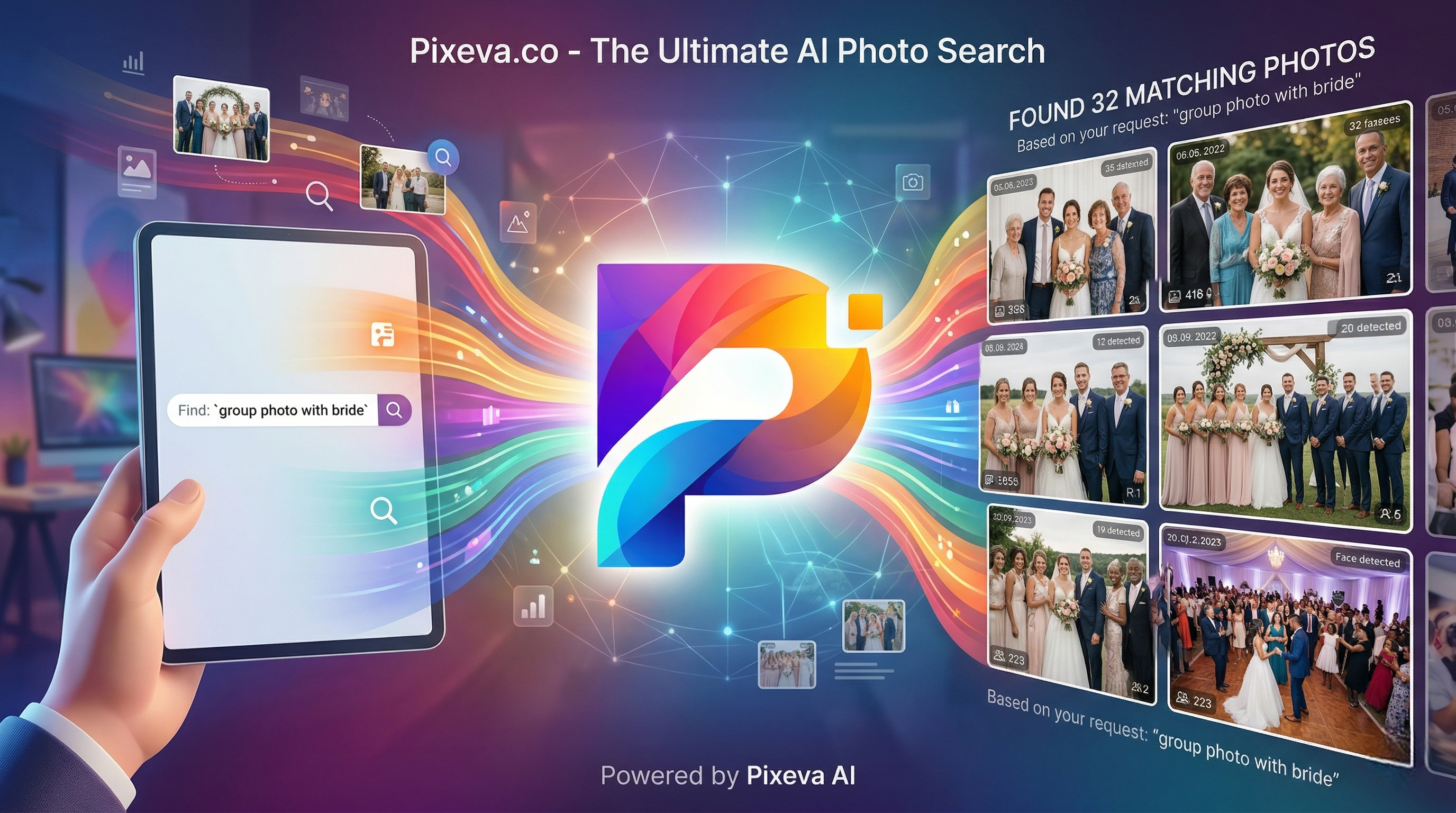
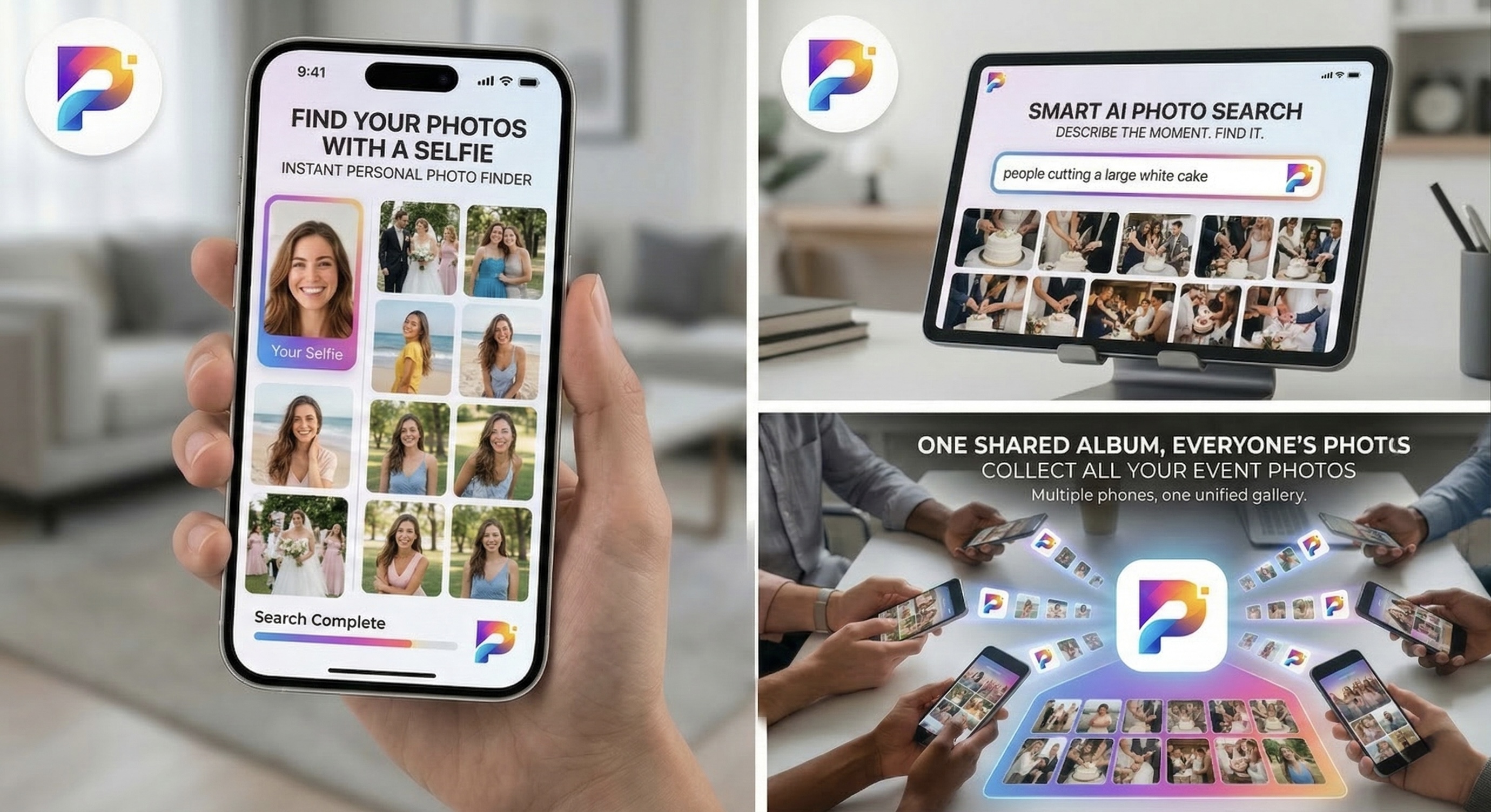
Search event photos by describing what you want — like "everyone laughing" or "group sunset photo". Learn how AI semantic search works and how to get better results.

Discover how AI face recognition helps guests find themselves in event photos instantly. Complete guide with examples, benefits, and how-to steps.

Event managers can now upload photos, check live stats, and manage their entire event — all from a WhatsApp chat. No app, no dashboard, just send a message.

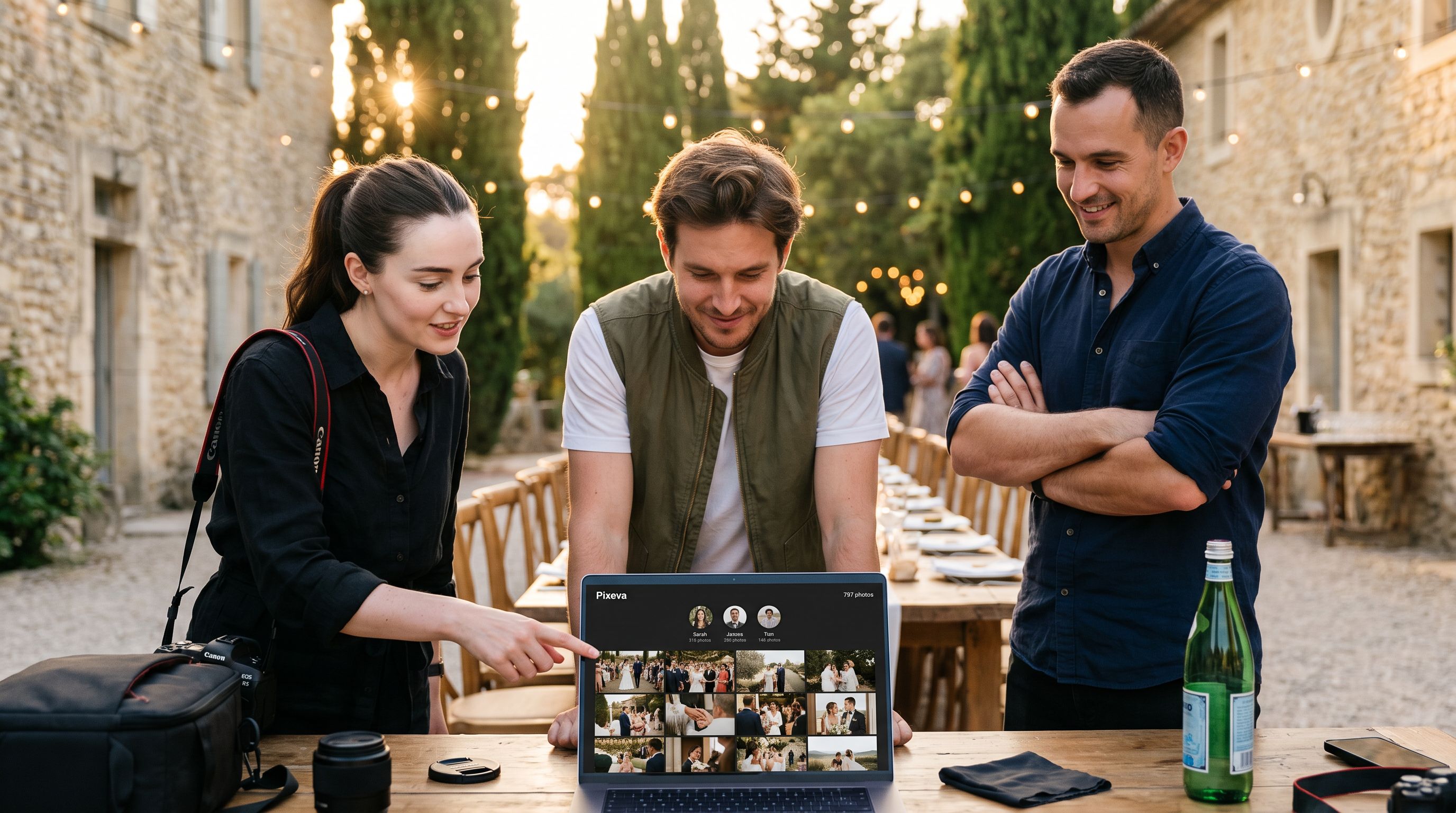
Run a wedding with two shooters, a conference with five photographers, or a corporate event with a full photo team — Pixeva merges every gallery automatically. One QR code. One unified search. Zero coordination headaches.

Discover how Pixeva's AI understands natural language to help you find the exact photos you're looking for — just describe the moment and watch it appear.

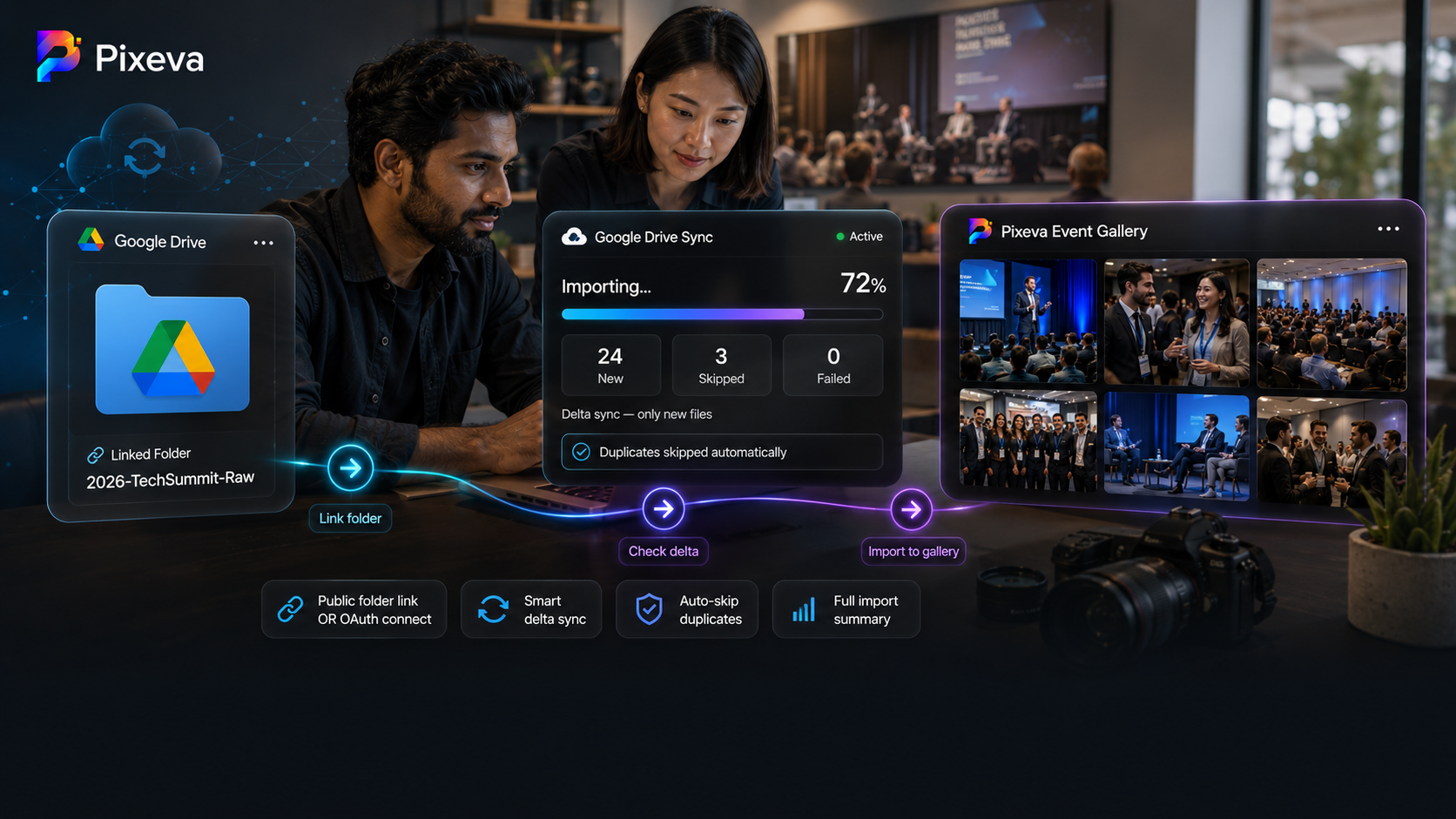
Link any Google Drive folder to your event and import photos directly. Smart delta sync only imports new files, duplicates are automatically skipped.

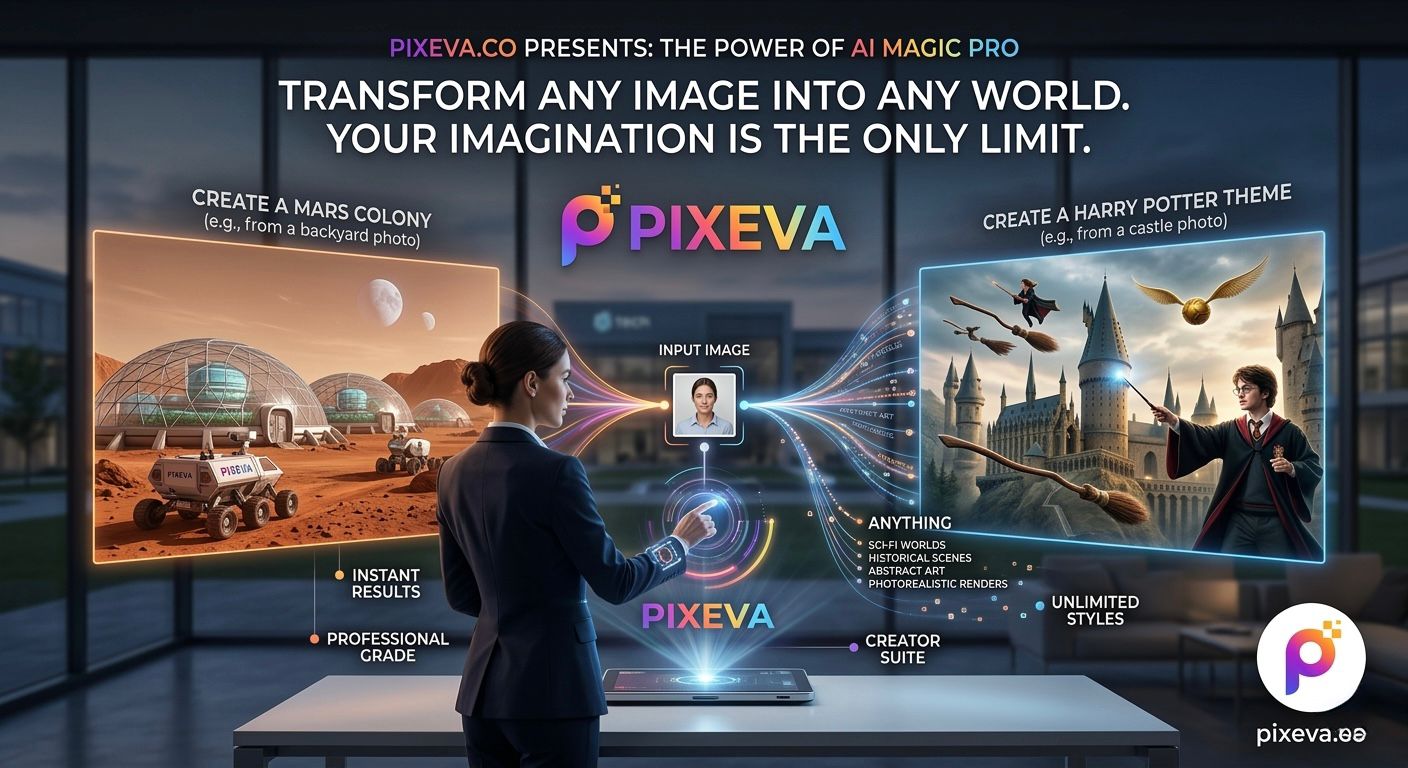
Discover Pixeva's new AI Magic Pro. Transform your photos into anything you can imagine using simple text prompts, from quick wardrobe changes to epic new worlds.

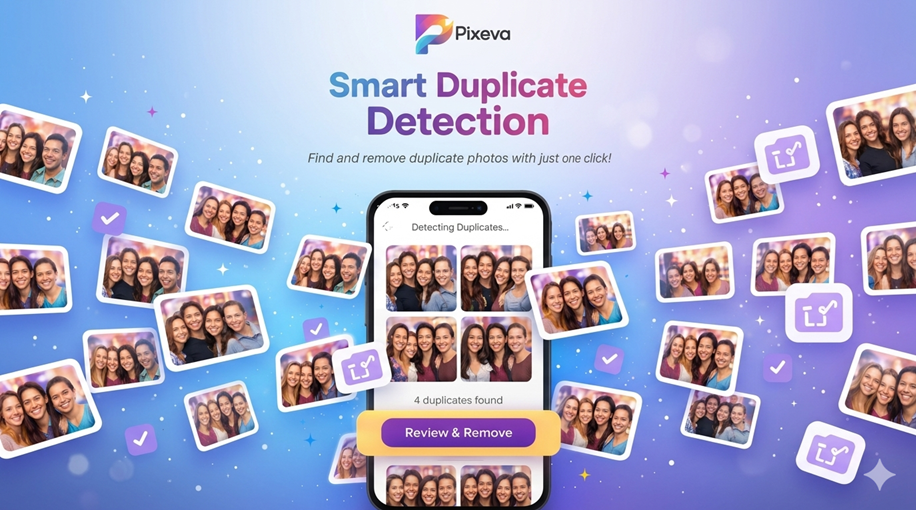
Free up space on your phone in seconds! Learn how Pixeva’s Smart Duplicate Detection finds and removes identical photos with just one click.

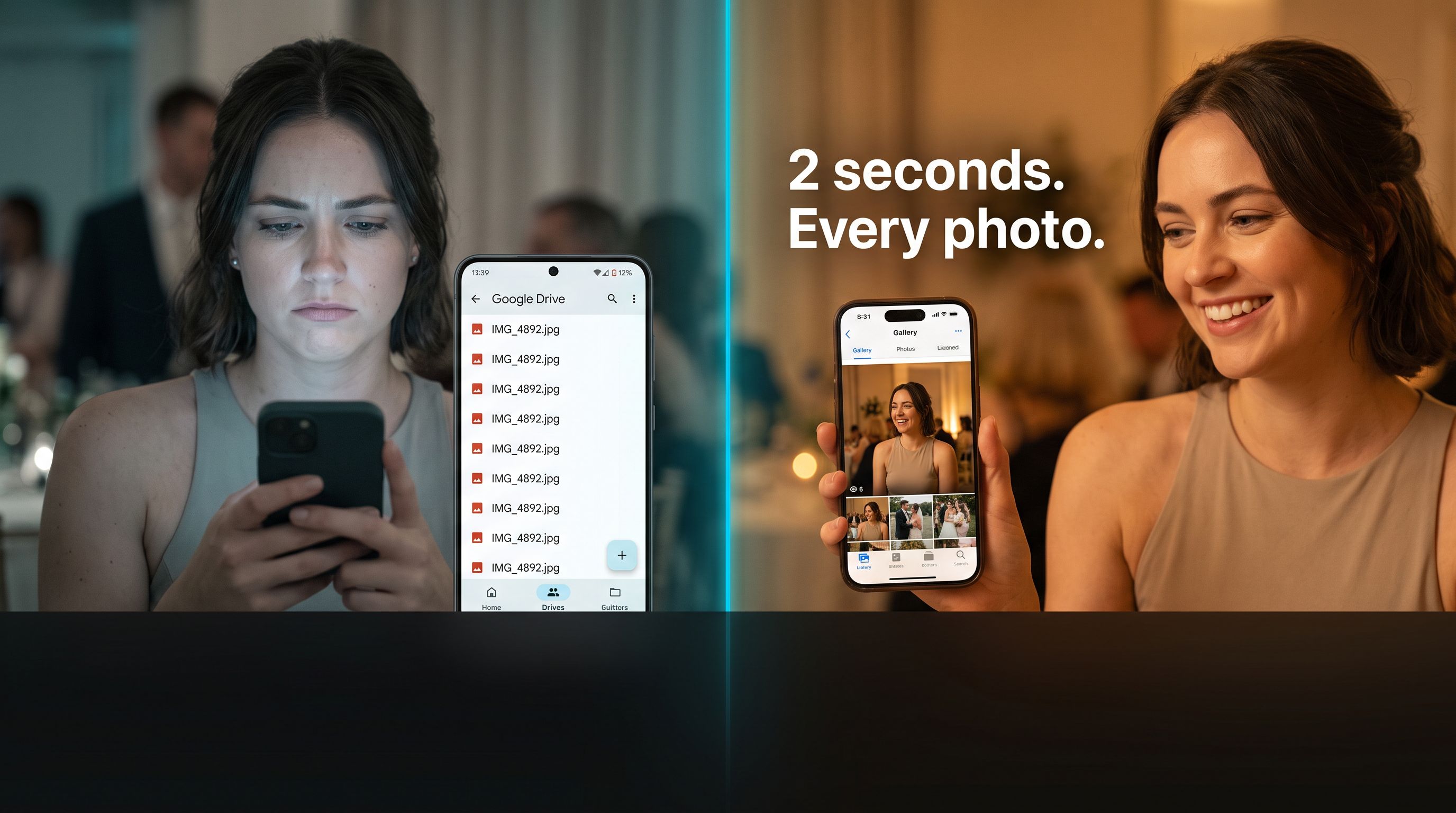
Find your photos instantly using just a selfie. Pixeva uses AI to search event photos and show only the moments you appear in.
Get the latest articles and insights delivered to your inbox.