Complete Guide to Conference Photography Management
Complete Guide to Conference Photography Management
Conference photography looks simple from the audience: a photographer on stage, a few roaming shooters, maybe a booth team capturing moments.
Behind the scenes, it is a logistics problem:
- Multiple cameras and contributors
- Tight timelines and changing rooms
- Sponsors expecting brand-visible shots
- Marketing teams needing assets while the event is still “hot”
- Attendees asking for “that photo from the keynote” without knowing filenames
This guide explains how to manage conference photography like a professional delivery system—centralized, permissioned, and measurable—using modern gallery platforms (including what Pixeva is built for).
What makes conference photography uniquely hard
1) Volume + urgency
Conferences generate hundreds to thousands of images per day across sessions, networking, and expo floors. Marketing often wants selects same day.
2) Many stakeholders
Typical stakeholders include:
- Event owner / agency producer
- House photographer + freelancers
- Internal comms + social team
- Sponsors and partners
- Speakers and VIPs
Everyone wants different cuts of the same library.
3) Access control is not optional
Corporate events often require:
- Passwords / restricted access
- Different visibility for internal vs external audiences
- Clear rules for downloads and reuse rights
If access is messy, the gallery dies in Slack threads.
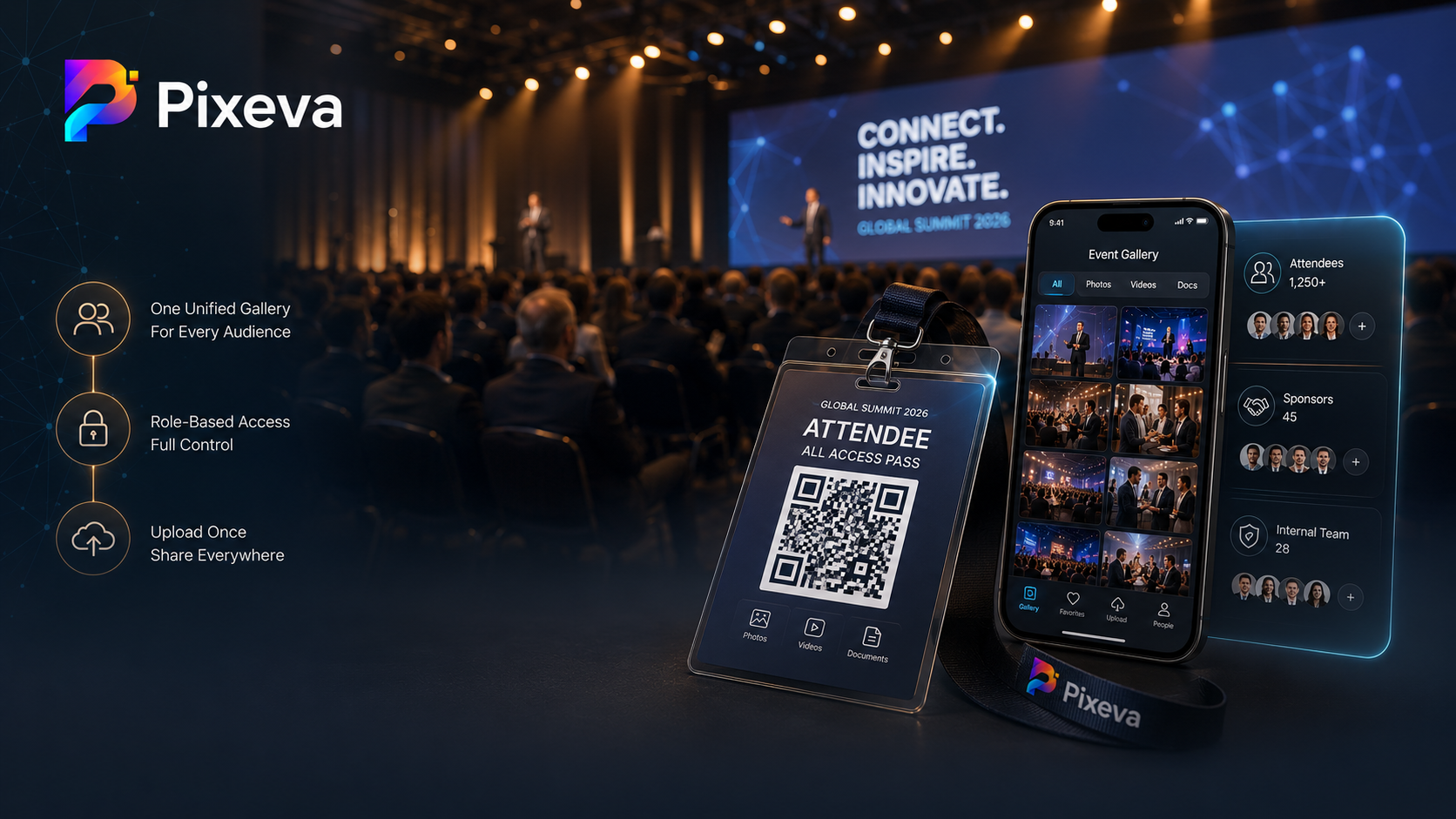
The modern target architecture: “one gallery, many inputs”
The best operational model is:
One canonical gallery for the event, with:
- Controlled contributor uploads (second shooters, booth teams)
- A single guest-facing entry point (link + QR)
- Optional discovery tools depending on your platform and plan (search, albums, face-based discovery where enabled and consented)
- Analytics so you can see what worked
This reduces “which Drive link is final?” chaos.
Step-by-step: how to run conference photo management end-to-end
Step 1: Define roles before the shoot list exists
Decide explicitly:
- Who is the “gallery owner” (single accountable admin)
- Who can upload (core team only vs extended contributors)
- Who can download (staff-only vs attendees)
- What marketing is allowed to publish (model releases, sponsor rules)
Write it in one page. It saves 20 meetings later.
Step 2: Standardize ingest (same pipeline for everyone)
Avoid this failure mode:
- Photographer A uses Dropbox
- Photographer B uses WeTransfer
- Internal team uses Google Drive
- Nobody merges until Monday
Instead, route uploads into one gallery pipeline as early as possible—even if uploads happen in batches during the day.
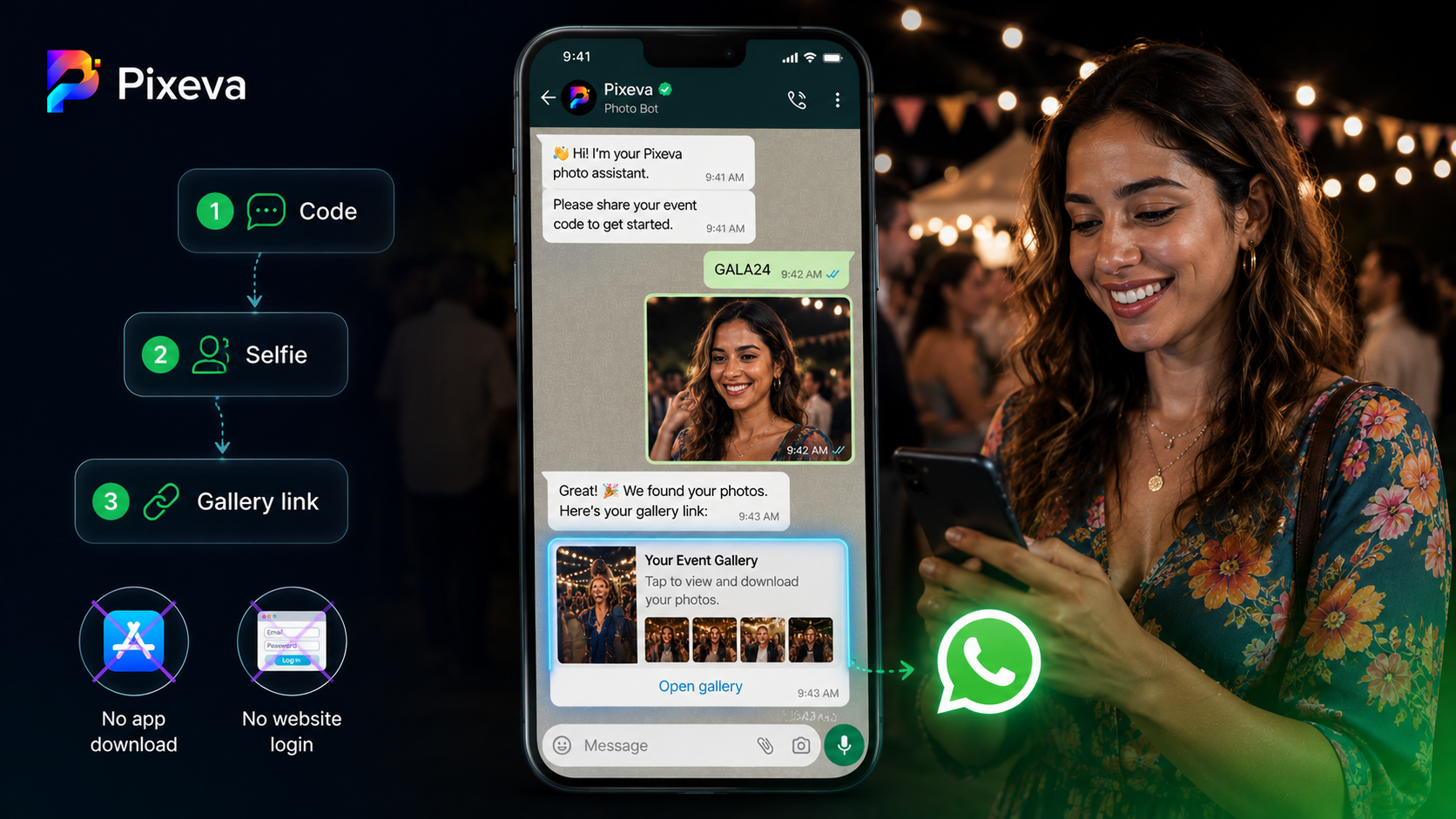
Step 3: Make guest access stupidly easy (QR + signage)
Conferences are mobile-first and attention-poor.
Use QR codes on:
- Registration desks
- Session slide footers (where appropriate)
- Networking areas
- Sponsor booths
Pair QR with a one-line CTA:
- “Scan to view official event photos”
Step 4: Coordinate multi-photographer coverage without duplicate chaos
For large events, use:
- A shot list by stage + breakout tracks
- Clear “owner” per zone (stage left, stage right, roaming)
- Contributor rules: naming, upload windows, and what not to upload (duplicates, non-brand-safe candids)
If your platform supports collaborative uploads into one gallery, that is usually the cleanest post-event story.
Step 5: Deliver marketing-ready workflows (not “dump all RAWs”)
Marketing teams rarely want everything. They want:
- Keynote hero frames
- Crowd energy shots
- Sponsor signage visibility
- Candid networking moments
Operational tip: create pinned collections or highlight sets (depending on your tool) for:
- “Day 1 recap”
- “Sponsor moments”
- “Speaker portraits”
Even if you do not publish them publicly, internal pins reduce search time.
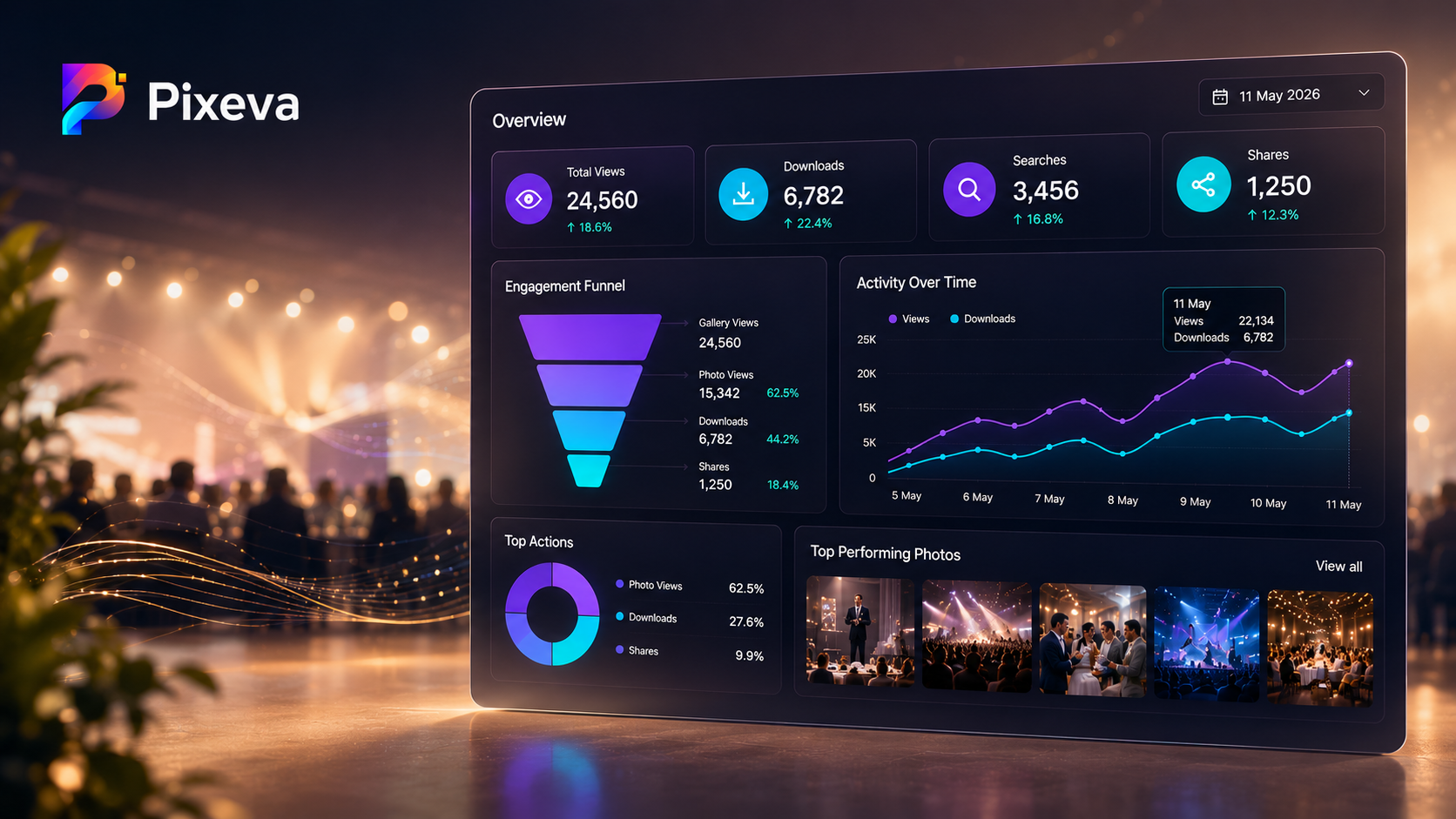
Step 6: Use analytics to improve the next event (not just brag)
If your gallery provides analytics, track:
- What was viewed most
- What was downloaded most
- What people searched for (if search exists)
This becomes your next year’s shot list and staffing plan.
Security and compliance (the boring paragraph that saves you)
Corporate events often involve:
- Employee photos
- Sensitive locations
- Partner branding
Minimum bar:
- Access controls match the contract
- Retention matches policy (do not “keep forever” by accident)
- Consent posture matches biometric features (if used)
If you are unsure, align with your legal/comms team before you enable broad public downloads.
Common conference photography failures (and fixes)
Failure: “We’ll share photos later”
Fix: ship a same-day highlights loop internally, even if public gallery is delayed.
Failure: Too many public downloads
Fix: separate internal marketing access from attendee browsing.
Failure: Sponsors can’t find their booth shots
Fix: pre-plan sponsor-visible moments and tag/pin them (or search by scene if your platform supports semantic discovery).
What to look for in a conference photo platform
High-signal checklist:
- Central gallery + contributor workflow
- QR-friendly guest entry
- Permission controls (view vs download)
- Bulk download options where appropriate
- Analytics for post-event learning
- Branding controls for partner deliverables (where needed)
- Scalable performance for large galleries
Pixeva is designed around event-first delivery: one gallery, modern guest access, and workflows that reduce post-event operational drag—scale depending on your plan and enabled features.
A simple “day-of” runbook (copy/paste)
T-7 days
- Confirm gallery owner + access model
- Print QR assets + signage copy
T-24 hours
- Test scan flow on iPhone + Android
- Confirm upload permissions for contributors
During event
- Upload in waves (keynotes first if marketing is live-posting)
- Pin internal highlight sets for comms
Post-event
- Send attendee email with one primary link
- Export sponsor package (if required)
- Review analytics and write 5 bullets for “next year improvements”
Conclusion
Conference photography management is not about “more photos.” It is about faster truth: the right photos, to the right people, with the right permissions—without turning your team into a human file server.
If you want calmer post-event weeks and cleaner sponsor delivery, centralize the gallery, simplify access, and measure what people actually use.
Bring your next conference gallery under control with Pixeva:(https://pixeva.co)
Keep exploring with Pixeva
Want to put this into practice? These pages go deeper: