Best Kwikpic Alternatives for Wedding Photographers & Event Hosts (2026 Comparison)
Best Kwikpic Alternatives for Wedding Photographers & Event Hosts (2026 Comparison)
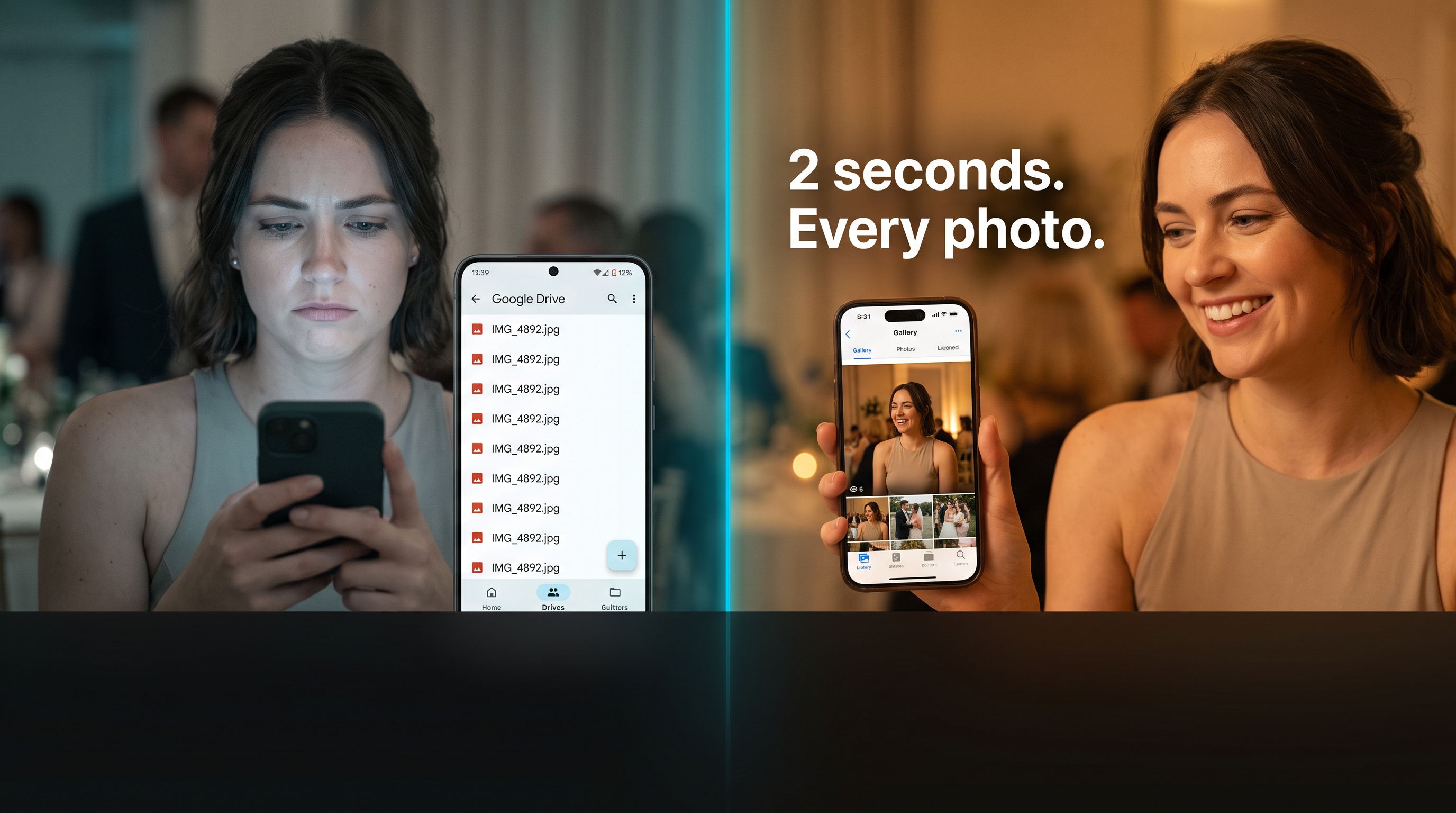
When it comes to sharing event and wedding photos, the era of forcing 200 wedding guests to download a mobile app or scroll through thousands of unorganized photos in a cloud folder is officially over.
While Kwikpic helped popularize AI face recognition for photo delivery, many photographers and wedding couples today are seeking Kwikpic alternatives that eliminate guest friction, support direct in-camera wireless uploads, and offer automated live photo walls.
In this comprehensive 2026 guide, we evaluate the best Kwikpic alternatives on the market, comparing their ease of use, pricing, guest experience, and photographer delivery features.
Why Look for a Kwikpic Alternative?
Before comparing alternatives, it helps to understand why event hosts and professional studios switch from Kwikpic:
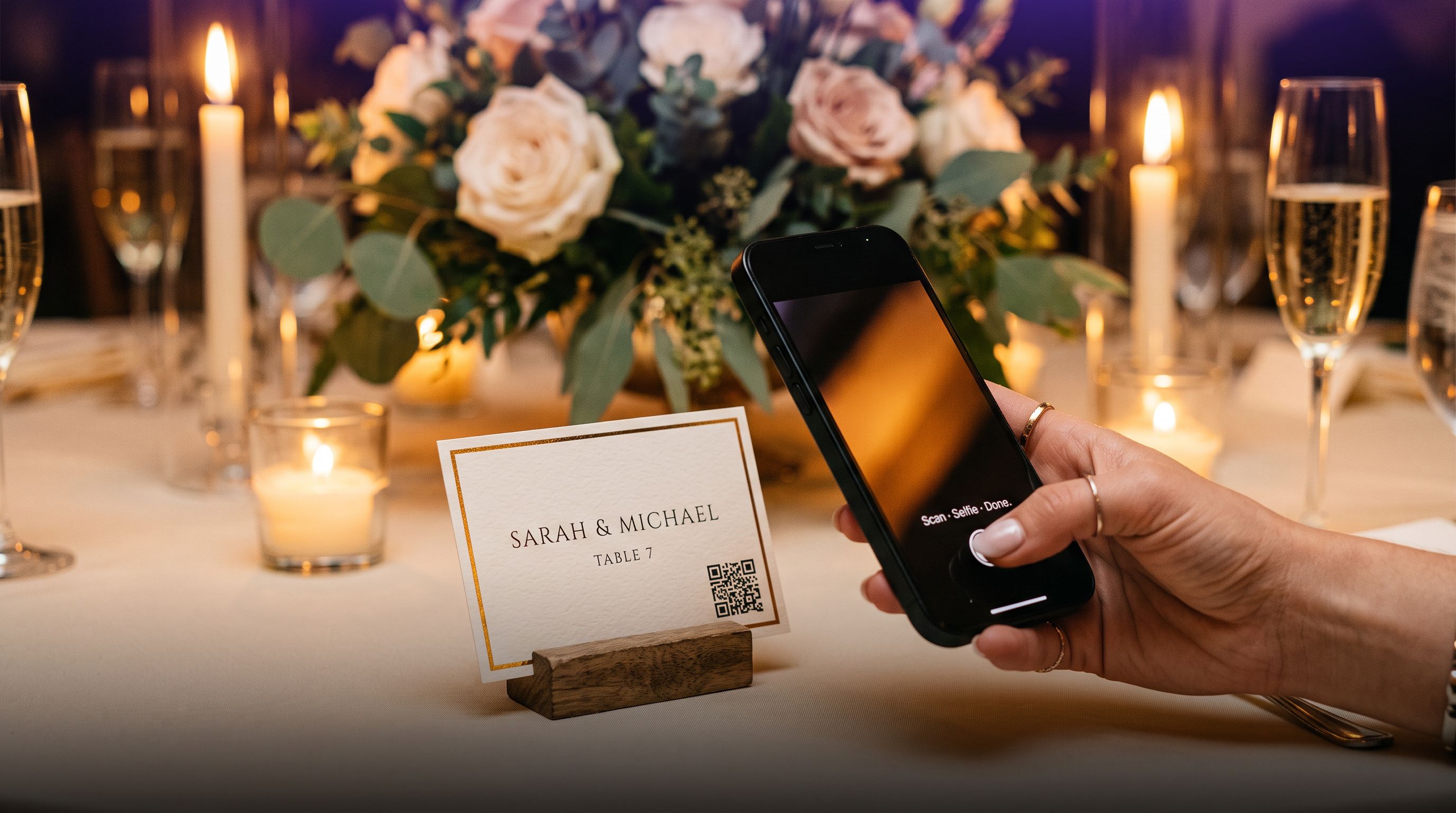
- Guest App Download Friction: Forcing wedding guests or conference attendees to install a separate mobile app results in far lower guest participation. Modern event hosts demand 100% browser-based solutions where guests simply scan a table QR code and search with a selfie instantly.
- Camera-to-Cloud Tethering: Top event photographers need photos to stream directly from their Sony, Canon, or Nikon cameras into live venue projection screens in real-time.
- Multi-Event Organization: Multi-day weddings (such as South Asian Haldi, Mehendi, Sangeet, and Reception) need clean sub-album segregation under a single invite pass.
The Top Kwikpic Alternatives Compared
| Feature | Pixeva | Kwikpic | FotoOwl | Waldo Photos |
|---|---|---|---|---|
| Guest App Required? | ❌ No (100% Web) | ⚠️ App Recommended | ❌ No (Web) | ⚠️ App Required |
| Camera FTP Tethering | ✅ Built-in Native | ❌ Limited / Manual | ❌ Web Upload Only | ❌ Manual |
| Live Photo Wall | ✅ Real-time Animated | ⚠️ Basic Slideshow | ❌ No | ⚠️ Basic Feed |
| WhatsApp Delivery | ✅ Automated Bot | ✅ Available | ⚠️ Add-on | ❌ SMS Only |
| Free Starter Tier | ✅ Yes, Free to Start | ⚠️ Limited Trial | ❌ Paid Only | ❌ Paid Only |
1. Pixeva: The #1 Overall Alternative (Best for Weddings & Events)
Pixeva is built from the ground up for zero-friction event photo sharing and professional photographer delivery.
Key Highlights:
- Zero App Download: Guests scan a table QR card or open an invite link in Safari/Chrome, take a quick selfie, and instantly see only the photos they appear in.
- Camera-to-Cloud FTP Tethering: Direct wireless connection for Sony, Canon, Nikon, and Fujifilm cameras. As you shoot, photos automatically sync to the cloud and appear on the venue's Live Photo Wall.
- Automated AI Auto-Cull: Pixeva's AI automatically detects blurry shots, test frames, and closed eyes, saving photographers hours of manual selection.
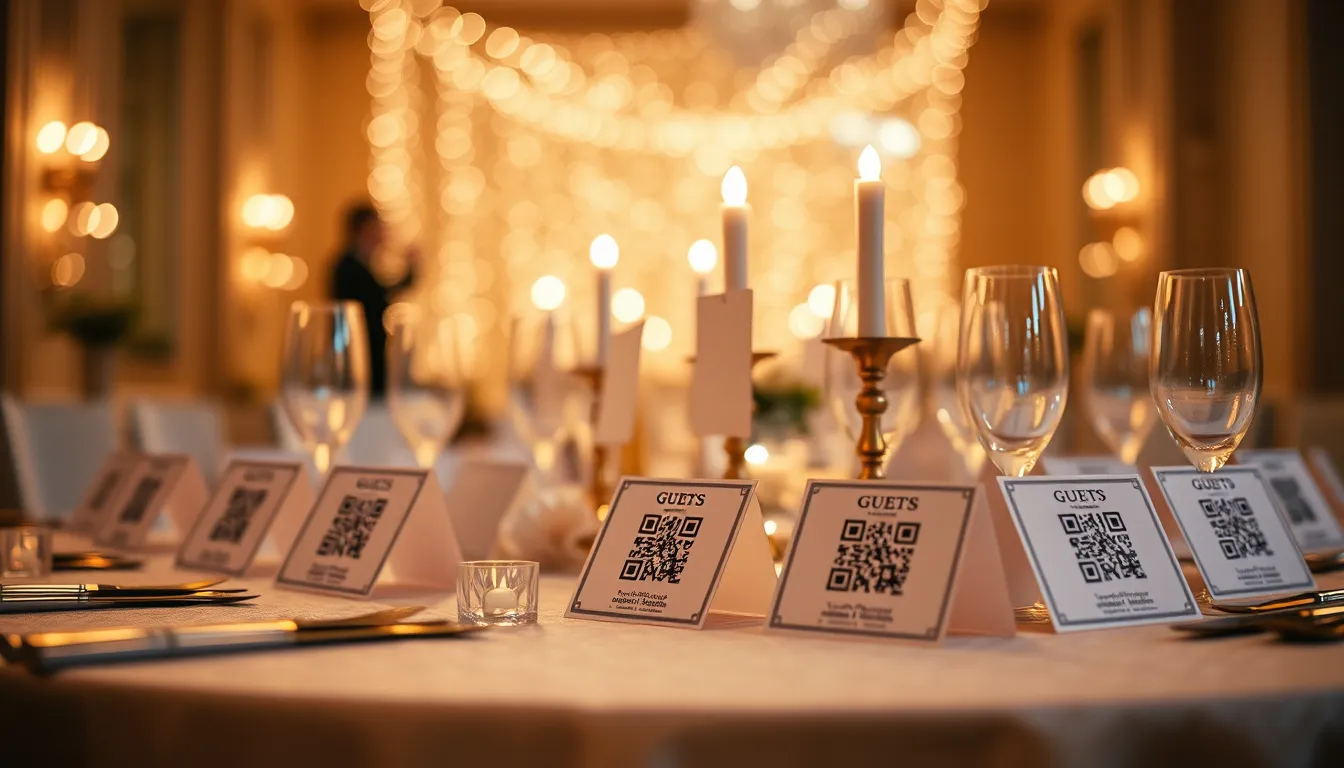
- Printable Free Place Cards & QR Stands: Generate matching printable tent cards with Pixeva's built-in free place card maker.
Read the Full Breakdown: Check out our in-depth Pixeva vs Kwikpic comparison.
2. FotoOwl: Best for Traditional Studio Delivery
FotoOwl is a dedicated photo delivery tool for wedding photographers with integrated client invoicing and print store capabilities.
- Pros: Clean client selection proofing, custom watermarks, client gallery downloads.
- Cons: Lacks real-time in-camera FTP tethering and automated live venue projection displays.
3. Waldo Photos: Best for Summer Camps & Schools
Waldo Photos utilizes face recognition for schools, summer camps, and youth sports organizations.
- Pros: Robust facial recognition alerts sent directly to parents.
- Cons: Expensive setup fees, requires mobile app download for optimal experience, and less tailored to modern weddings.
Which Kwikpic Alternative Should You Choose?
- If you are a wedding couple or event host who wants maximum guest engagement without forcing app downloads, Pixeva is the top choice.
- If you are a professional event photographer who needs camera FTP tethering, AI culling, and WhatsApp client delivery, Pixeva provides the complete end-to-end studio workflow.
Frequently Asked Questions
Do guests need to download an app to use Pixeva?
No. Pixeva works 100% in mobile web browsers. Guests scan a QR code at the event, take a selfie, and view their matched photos within seconds.
Can I deliver photos directly to guests on WhatsApp?
Yes! Pixeva includes automated WhatsApp delivery so guests receive their high-resolution photos directly in their chat.