Emotion Detection in Event Photography: How AI Reads Facial Expressions
Emotion Detection in Event Photography: How AI Reads Facial Expressions
Want to see only the moments where everyone was genuinely laughing? Or find that surprised reaction when the cake arrived? Until recently, that meant manually scrolling through hundreds (sometimes thousands) of photos.
Now, AI-powered emotion detection makes this possible in seconds.
In this guide, you’ll learn how emotion detection works in event photography, what emotions can be detected, where it helps most, and how to use it in Pixeva to find better moments faster.
Why Emotion Matters in Event Photos
Most people don’t just want “any” photo from an event. They want photos that feel something:
- The joy in a bride’s smile
- The surprise in a birthday reveal
- The excitement during a dance floor moment
- The calm, emotional pause during a speech
Traditional photo organization tools can sort by date, filename, or album. But they cannot answer:
- “Show me all laughing moments”
- “Find surprised reactions”
- “Show emotional family shots”
Emotion detection solves this gap by making feelings searchable.
What Is Facial Emotion Recognition?
Facial emotion recognition is an AI technique that analyzes facial expressions and estimates likely emotional states from visual cues such as:
- Mouth shape (smile, open-mouth surprise, neutral)
- Eye openness and gaze intensity
- Eyebrow position and forehead movement
- Overall facial muscle patterns
In event workflows, emotion detection is used to filter and prioritize photos by vibe and moment quality.
In simple terms:
AI reads visual expression patterns and groups photos by emotional tone.
Emotions You Can Use in Day-to-Day Event Workflow
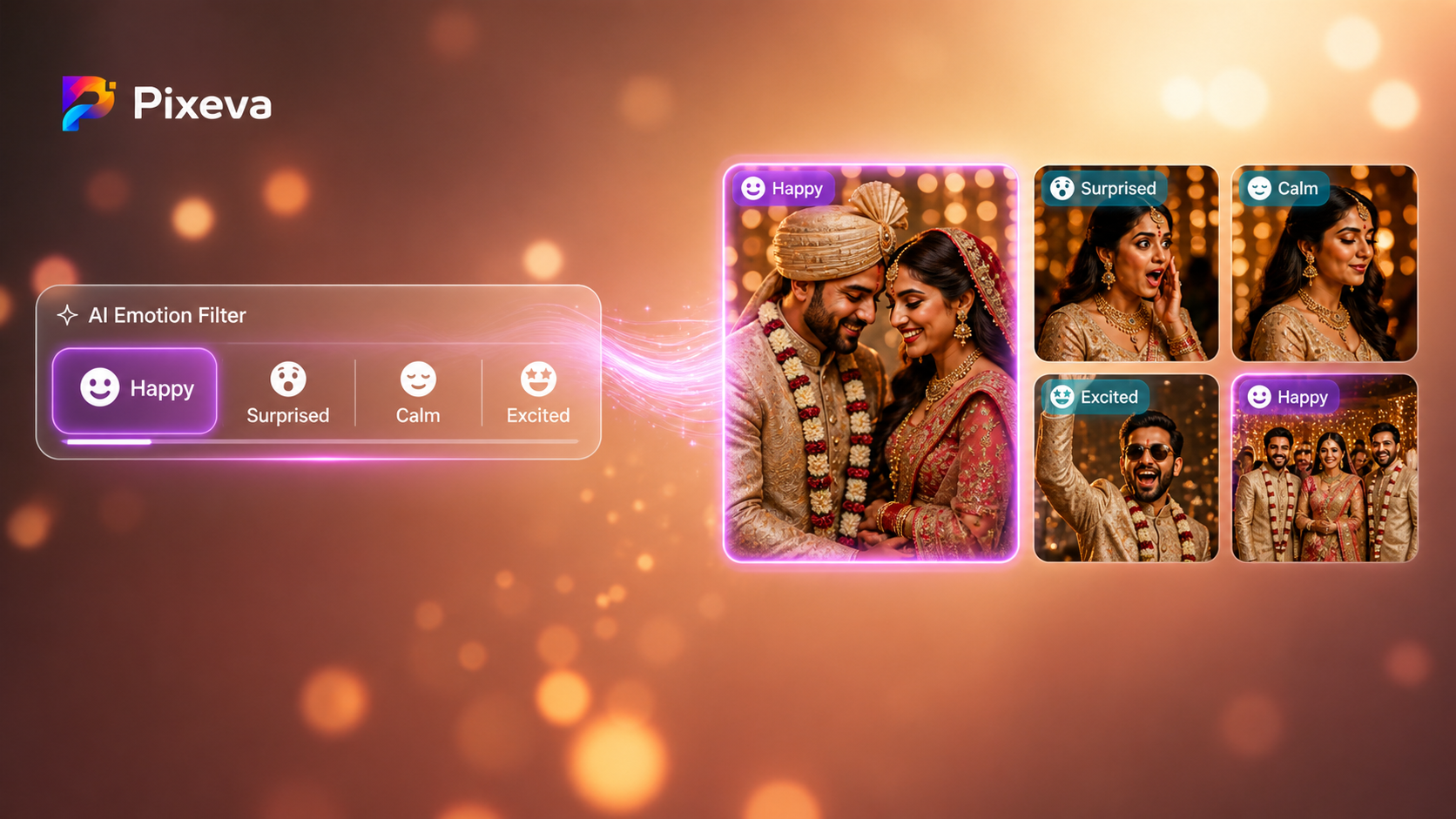
In practical event use, these buckets are the most useful:
- Happy — smiles, laughter, celebratory faces
- Surprised — wow reactions, reveal moments, open-eyed expressions
- Calm — soft portraits, peaceful candid moments
- Excited — energetic, animated, high-motion joy
- Emotional — tears of joy, moved expressions, heartfelt moments
- Focused — attention-heavy moments, speakers, ceremonies
These labels are not meant for psychology diagnosis. They are tools for faster photo discovery.
How Emotion Detection Works in Pixeva (Simple Flow)
1. Event photos are uploaded
The organizer or photographer uploads all event media into one gallery.
2. AI processes faces and visual context
The system scans photos and extracts expression-level signals plus scene context.
3. Emotion signals are converted into searchable metadata
Each photo gets structured tags/scores for likely emotional tone.
4. You apply emotion filters
Users can quickly filter for “happy,” “surprised,” “calm,” etc.
5. Results are ranked and shown instantly
Most relevant emotion matches appear first, reducing manual browsing.
Real Examples by Event Type
Weddings
- Filter for Happy to collect dance floor and candid smiles
- Filter for Emotional to find parent speeches and tearful moments
- Filter for Surprised to catch entry reveals and spontaneous reactions
Conferences
- Filter for Focused during sessions and keynotes
- Filter for Excited at product demos and networking peaks
- Filter for Happy for social recap content
Birthdays & Private Parties
- Filter for Surprised at cake reveal
- Filter for Excited during games or dance segments
- Filter for Group joy moments to build highlight reels quickly
Corporate Events
- Filter for Calm + Focused for brand-safe professional galleries
- Filter for Happy for employer-brand social media posts
- Build separate internal/external album cuts faster
Why This Is Better Than Manual Scrolling
Without emotion filters:
- You scan everything manually
- You miss meaningful moments
- Team members create inconsistent selections
With emotion filters:
- You jump directly to the right mood
- You discover moments faster
- Delivery quality improves
- Social sharing becomes easier and faster
This is especially powerful when combined with:
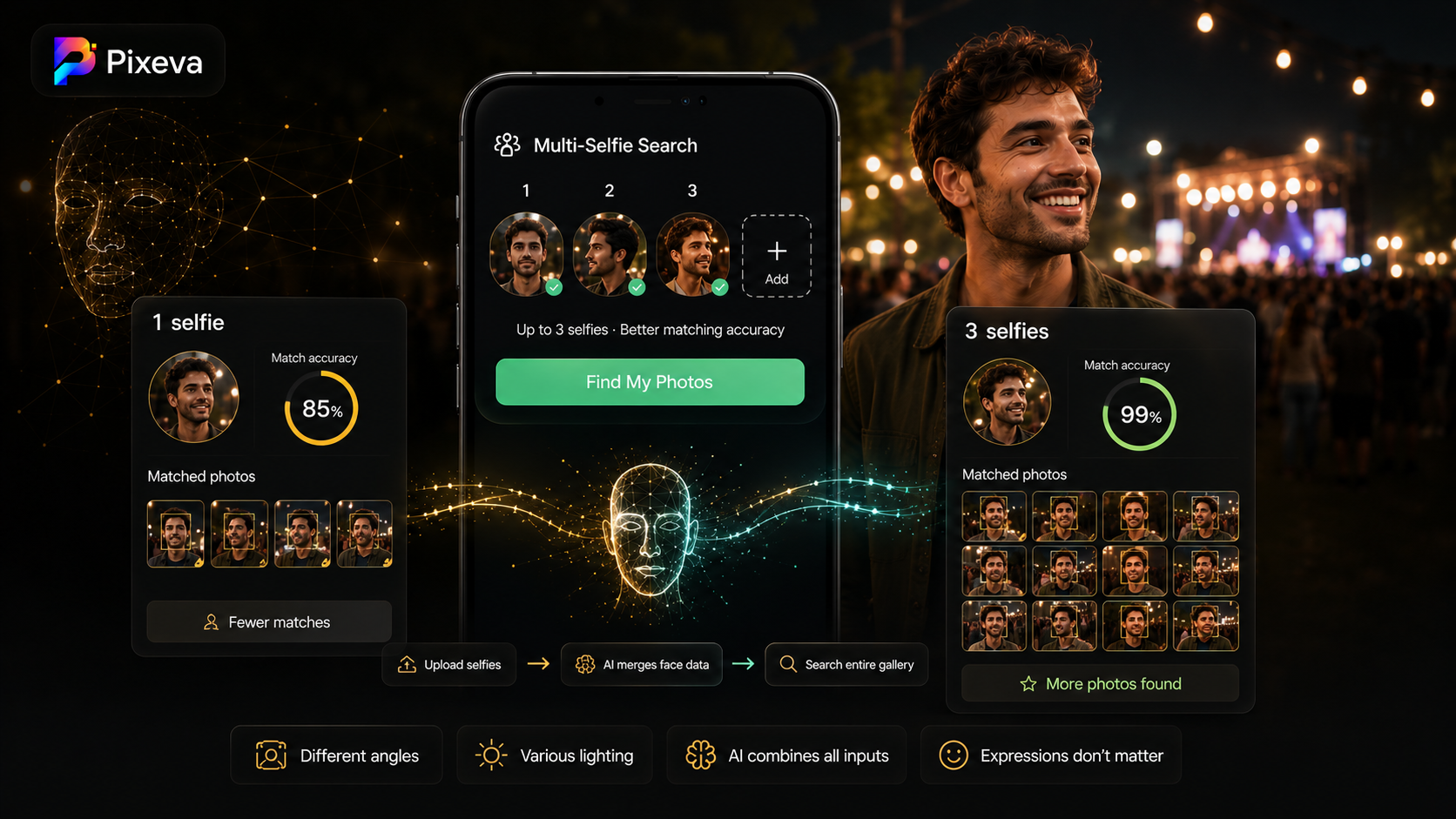
- Face-based search (find person + emotion)
- Smart albums (auto-grouped collections)
- AI quality scoring (skip weak shots)
Best Practices for Better Results
-
Use emotion + context together
Example: don’t search only “happy.” Use “happy group moments” or similar filters when available. -
Try alternate filters
If “excited” returns too many results, test “surprised” or “happy.” -
Use it after initial cleanup
Remove obvious blurry/duplicate photos first for cleaner output. -
Create purpose-based exports
- Happy moments for social media
- Emotional moments for family highlights
- Focused moments for professional recap decks
-
Validate with human review
AI accelerates selection, but final publishing should always have human approval.
Privacy, Consent, and Responsible Use
Emotion filtering should be used responsibly.
Key principles:
- Get proper event consent where required
- Be transparent about AI-assisted processing
- Avoid sensitive profiling decisions based on emotion labels
- Allow users to request data removal where applicable
- Treat emotion as a discovery aid, not an absolute truth
Emotion detection is best used for photo retrieval and storytelling, not personal judgment.
Common Questions
Is emotion detection always 100% accurate?
No. Lighting, camera angle, face visibility, motion blur, and occlusion can affect confidence. It is highly useful, but not perfect.
Can a photo match multiple emotional interpretations?
Yes. A single frame can contain mixed signals. Use filters as guidance, then review manually.
Is this useful for small events too?
Absolutely. Even at 150–300 photos, emotion filtering saves time and improves curation quality.
Final Takeaway
The best event photos are not just technically good — they are emotionally meaningful.
Emotion detection helps you find those moments faster:
- Less scrolling
- Better storytelling
- Faster delivery
- More memorable galleries
If you want guests and organizers to relive events through feelings (not filenames), emotion-based filtering is one of the highest-impact AI features you can use.
Ready to try it?
Use Pixeva’s AI-powered event gallery workflow and start discovering photos by emotion in seconds.
Keep exploring with Pixeva
Want to put this into practice? These pages go deeper: