RAW Photo Files Explained: CR2, NEF, ARW, DNG and How to Convert to JPG
A RAW file is the unprocessed data straight from a camera's sensor. It holds far more information than a JPG, which is why photographers like it, and it is also why most apps cannot open it.
This guide explains what RAW files are, what the file extensions mean, and how to turn them into JPGs you can share.
What is a RAW file?
When a camera takes a JPG, it processes the sensor data, applies color and sharpening, and compresses the result. A RAW file skips most of that. It keeps the sensor data so you can adjust exposure, white balance and color later with much more control.
The trade-offs:
- Larger files. RAW files take much more space than JPGs.
- Needs processing. You have to convert or edit them before sharing.
- Limited support. Many websites, phones and apps cannot open them.
What do CR2, NEF and ARW mean?
Each camera maker uses its own RAW format, with its own file extension:
| Extension | Made by |
|---|---|
| CR2, CR3 | Canon |
| NEF, NRW | Nikon |
| ARW, SRF, SR2 | Sony |
| RAF | Fujifilm |
| ORF | Olympus |
| RW2 | Panasonic |
| PEF | Pentax |
| SRW | Samsung |
| X3F | Sigma |
| DNG | Adobe's open RAW format, also used by some cameras and phones |
They all hold the same kind of data. They are just packaged differently.
Should you shoot RAW or JPG?
RAW suits you if you edit your photos and want the most flexibility, for example to rescue an underexposed shot or fix white balance.
JPG suits you if you want pictures ready to share straight away and do not plan to edit them heavily.
Many cameras can save both at once, a RAW file and a JPG of the same shot.
How to open or convert RAW files
You have a few options:
- Your editing software. Lightroom, Capture One and similar programs open RAW files and let you edit before exporting JPG.
- The camera maker's free software. Canon, Nikon and Sony each offer their own.
- A free converter in your browser. If you just need JPGs to share, the free RAW to JPG converter converts common formats, including CR2, CR3, NEF, ARW, DNG, RAF, ORF and more, in your browser. Your files are not uploaded.
What to expect from a quick conversion
A converted JPG is a finished picture, not an edit. It applies a standard conversion rather than your own adjustments. If you want precise control over the look, edit the RAW in your editing software first, then export as JPG.
For the best result from a quick conversion, raise the quality in More options and keep the picture at full size.
RAW and event photography
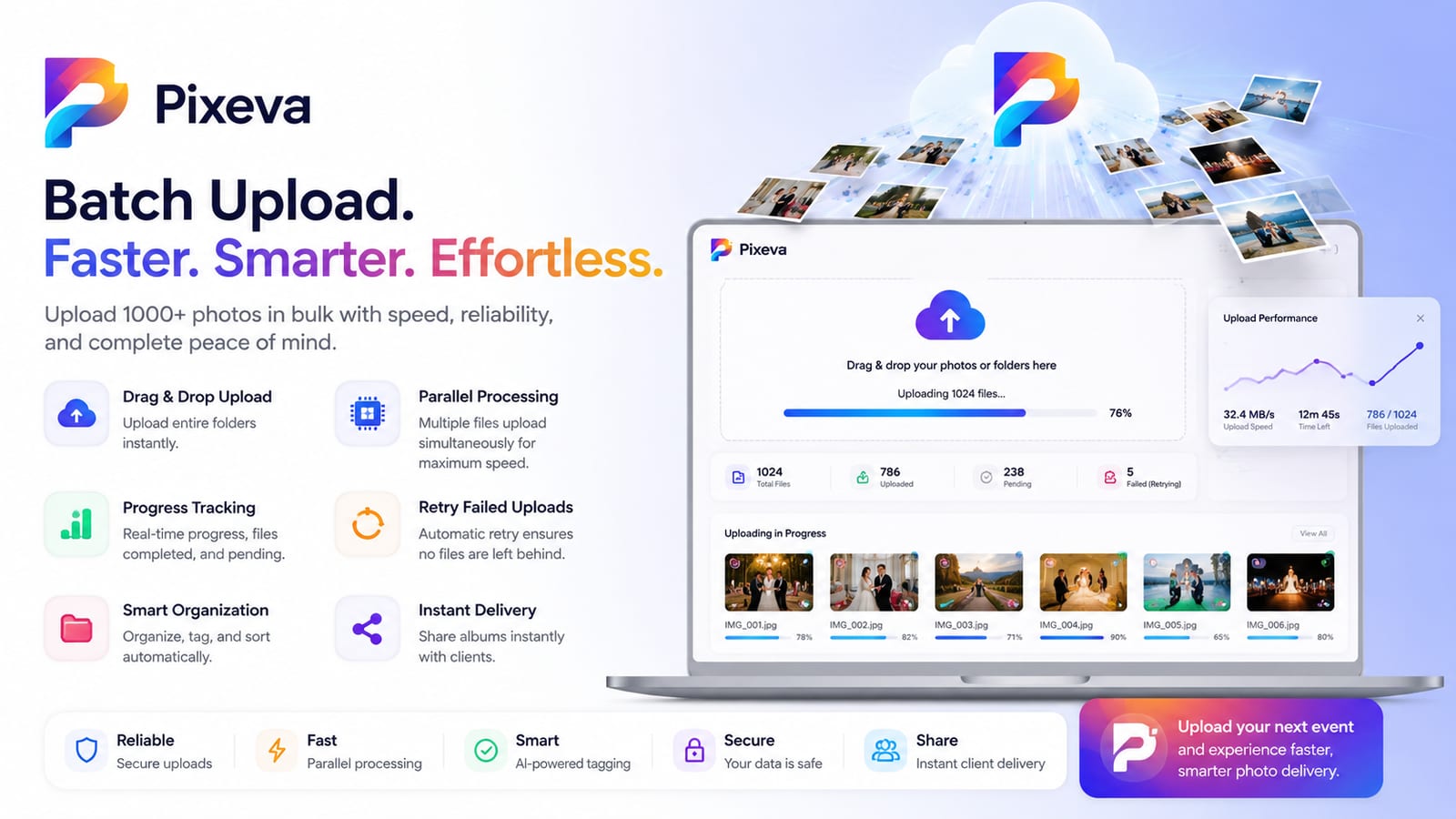
Photographers who shoot weddings and events often shoot RAW, then cull and edit before delivery. Culling means going through the shoot and choosing the keepers, and tools like Auto Cull help with that. We explain it in what is photo culling. Pixeva also converts RAW files to JPG in the browser when you upload them, so they can be shared with guests.
Questions people ask
What is the difference between RAW and JPG? RAW is unprocessed sensor data. JPG is a processed, compressed picture.
Can I open RAW files on my phone or in a browser? Not directly in most apps. Use a converter or editing software.
Does converting RAW to JPG lose quality? JPG is lossy and some detail is lost, but a high-quality JPG looks very close for most uses. You cannot go back to RAW from the JPG.
Which RAW formats does the converter support? Common camera formats including CR2, CR3, NEF, NRW, ARW, SRF, SR2, DNG, RAF, ORF, RW2, PEF, SRW and X3F.
Summary
A RAW file keeps all the sensor data for editing, and a JPG is the shareable result. Use your editing software when you want control, and use the free RAW to JPG converter when you just need pictures to share.