Best Wedding Photo Sharing Apps in 2026: Ranked
Best Wedding Photo Sharing Apps in 2026: Ranked
Finding the right wedding photo sharing app is harder than it should be. This ranked list focuses on what matters most: how easy is it for guests to find their photos, and how smoothly does it fit into a photographer's delivery workflow?
What to Look for in a Wedding Photo Sharing App
- Guest self-service — can a 70-year-old family member find their photos without calling for help?
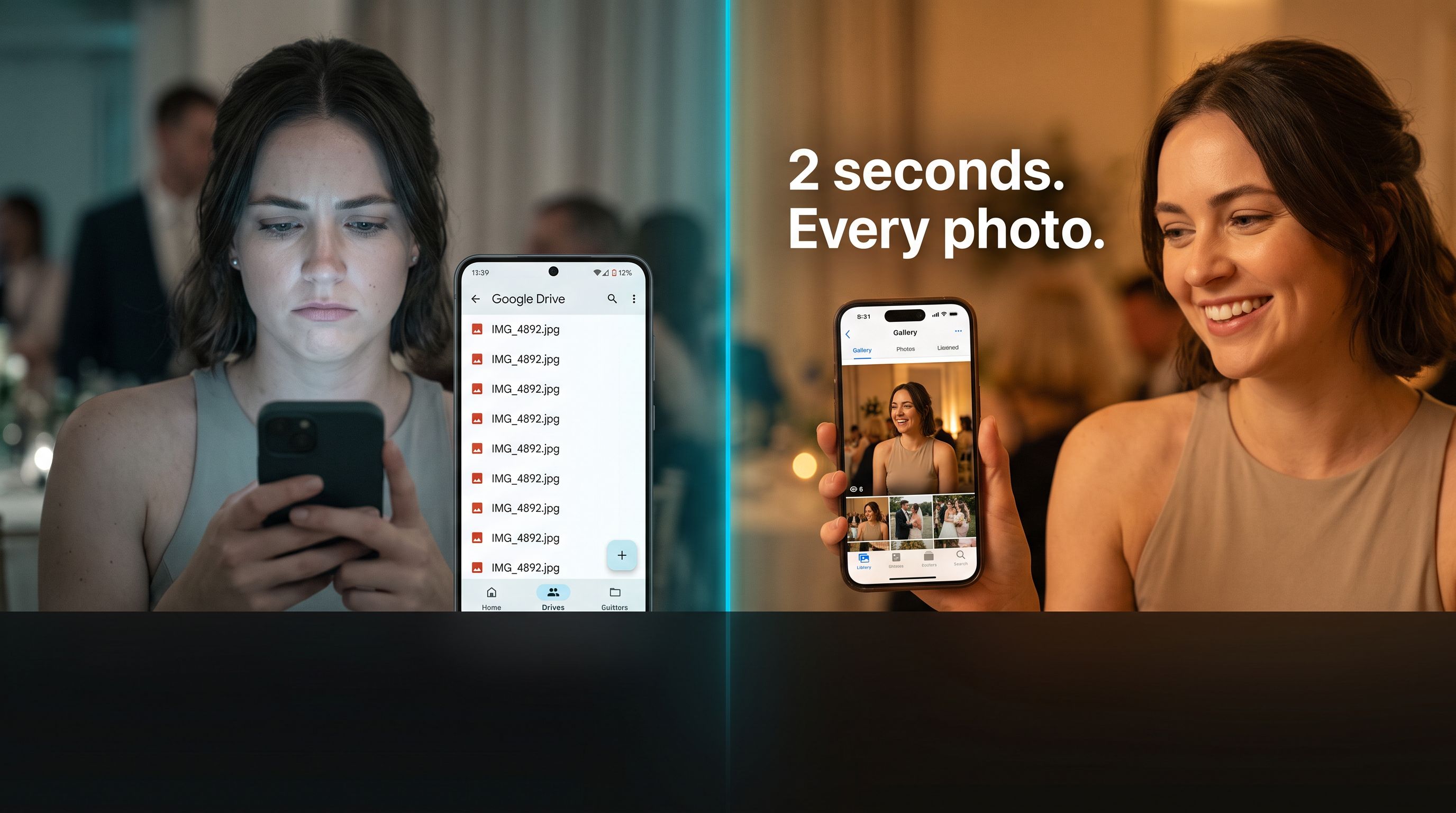
- Face recognition — does the app identify guests by face, or do they have to scroll 3,000 photos?
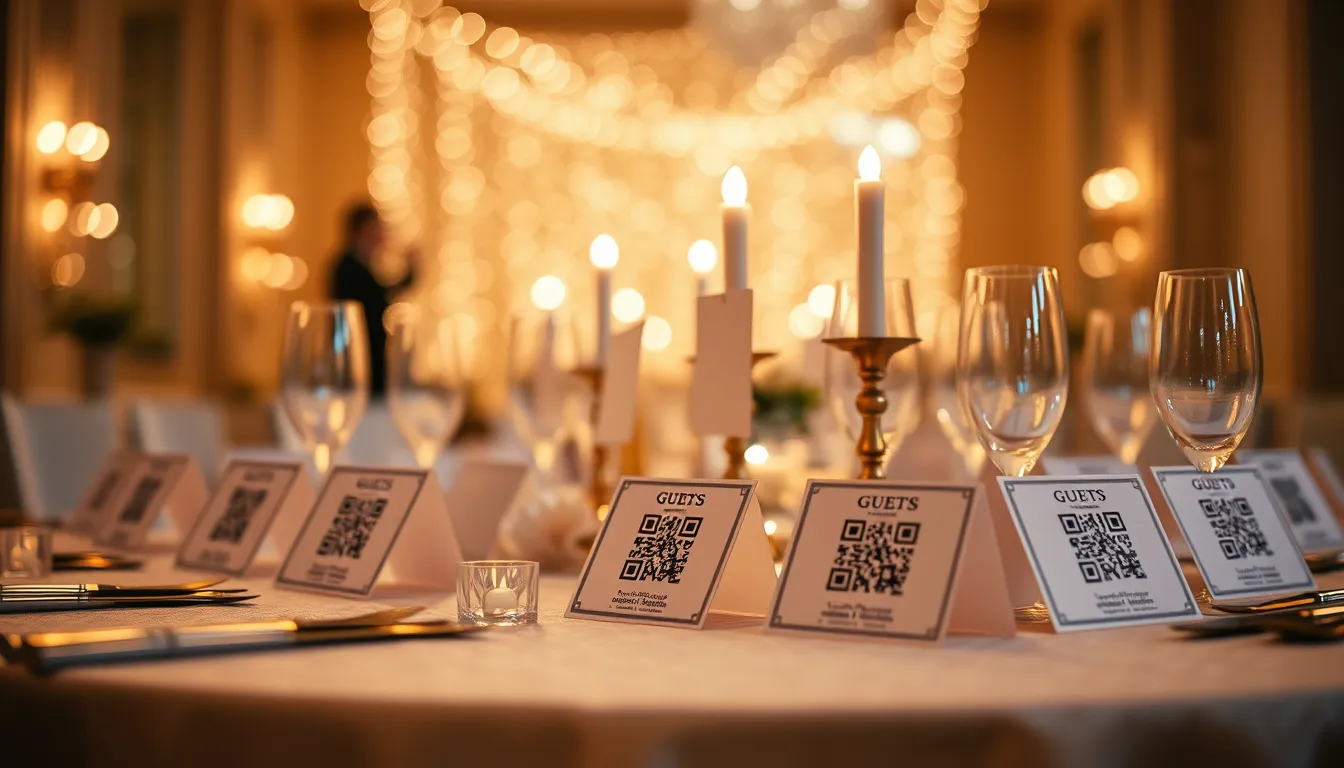
- QR code access — can you put a QR on a table card so guests join instantly?
- No app download required — guests at the reception will not install an app
- Photographer workflow — Camera FTP, Dropbox, Google Drive, bulk upload
- Privacy — are guest selfies and biometric data handled securely?
- Price — what do you actually pay?
1. Pixeva — Best for Guest Face Recognition and Wedding Delivery
Best for: Couples who want every guest to find their own photos instantly. Photographers who want a fast delivery workflow.
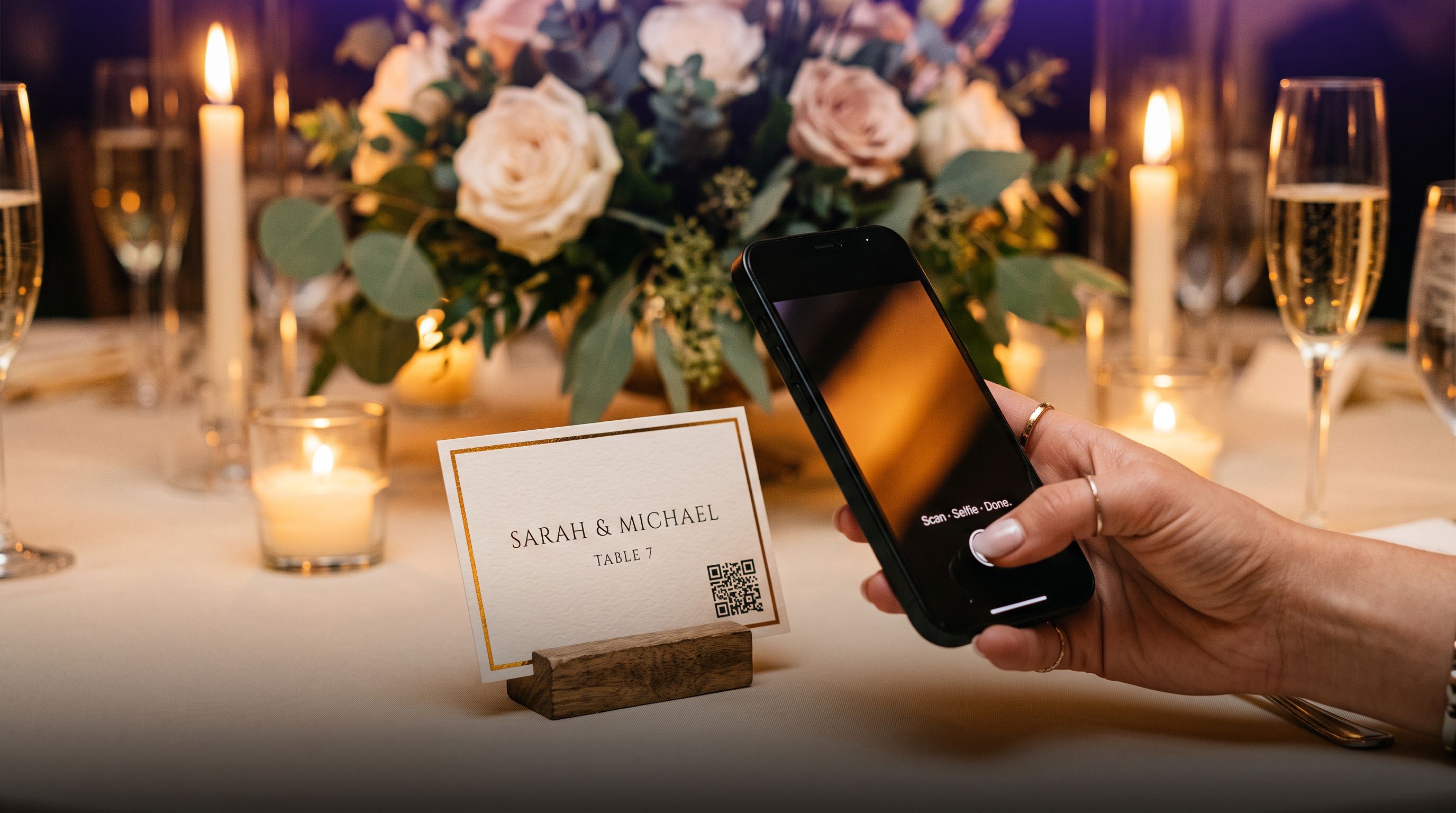
Pixeva is built specifically around AI face recognition for event photos. Guests scan a QR code on their place card, take a selfie, and see every photo of themselves from the whole wedding in under two seconds. No app, no login.
Standout features:
- AI selfie search: 99%+ accuracy. Works in ceremony, reception, dance floor, outdoor group shots
- QR table cards: Free place card maker with QR already embedded
- Camera FTP tethering: Upload directly from Sony, Canon, Nikon, Fuji during the event
- Live photo wall: Real-time guest photo slideshow projected at the venue
- Dropbox + Google Drive sync: Delta sync with dedup and automatic face indexing
- WhatsApp delivery: Guests text a selfie and receive their photos
- Free tier: Available for smaller weddings
Ideal for: Any wedding where you want the guest photo experience to be as seamless as possible. Especially good for large weddings (100–500 guests).
Not ideal for: If your primary need is a printed photo book, Pixeva is digital-only.
2. Google Photos Shared Album — Best Free Option for Simple Weddings
Best for: Small weddings (under 50 guests) where guests are tech-comfortable.
Google Photos shared albums are free, easy to set up, and work on every device.
Limitations:
- No AI face recognition for guests — they still scroll manually
- No QR table card integration
- No live photo wall
- Guests need a Google account to contribute
Pricing: Free
3. Sprout Studio Client Gallery — Best for Professional Photographer Delivery
Best for: Wedding photographers who want a polished client-facing gallery integrated with studio management.
Limitations:
- No guest AI face recognition — guests browse manually
- Requires photographer Sprout Studio subscription
- No live photo wall
Often used alongside Pixeva — Sprout for the photographer/couple relationship, Pixeva for guest delivery.
4. Momento — Best for Photo Books and Printed Products
Best for: Couples who primarily want a high-quality printed photo book.
Limitations:
- Requires the Momento app — guests must download
- No face recognition
- No QR table card flow
Often used alongside Pixeva for digital delivery.
Head-to-Head Comparison
| App | Face recognition | QR access | No app required | Live wall | Camera FTP | Free tier |
|---|---|---|---|---|---|---|
| Pixeva | ✓ AI selfie match | ✓ Built-in | ✓ Browser only | ✓ | ✓ | ✓ |
| Google Photos | ✗ | ✗ | ✓ | ✗ | ✗ | ✓ |
| Sprout Studio | ✗ | ✗ | ✓ | ✗ | ✗ | ✗ |
| Momento | ✗ | ✗ | ✗ App needed | ✗ | ✗ | Partial |
Final Recommendation for 2026
For most couples with 50+ guests:
Pixeva for guest photo delivery → Sprout or professional gallery for the photographer → Momento for the printed album
The free Pixeva plan is enough to evaluate whether the guest experience fits your wedding. Setup takes under 10 minutes, QR cards are free to print, and face recognition is included from the first upload.