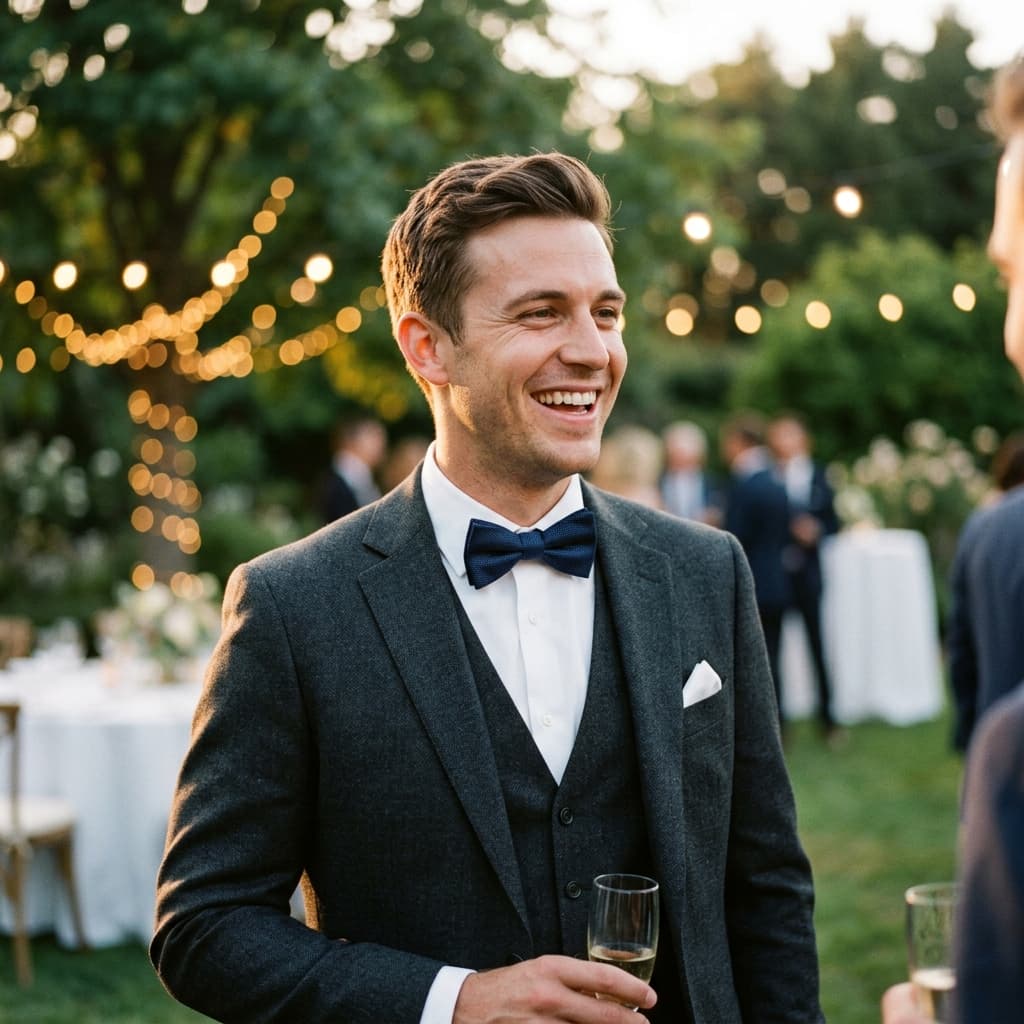
Face search for weddings · trips · events

Everyone Takes Photos.Find Only Yours.

Vacations, weddings, parties, conferences — photos end up on a dozen phones. Create one shared space and find yours with a selfie.

Free forever plan
Setup in 2 minutes
No app download

Product demo: a guest uploads a selfie and Pixeva instantly finds every event photo they appear in.

A story you already know

Every event ends the same way.

The party's over. The photos are everywhere — and nowhere.

  1. Saturday, 11:42 PM

    The big night

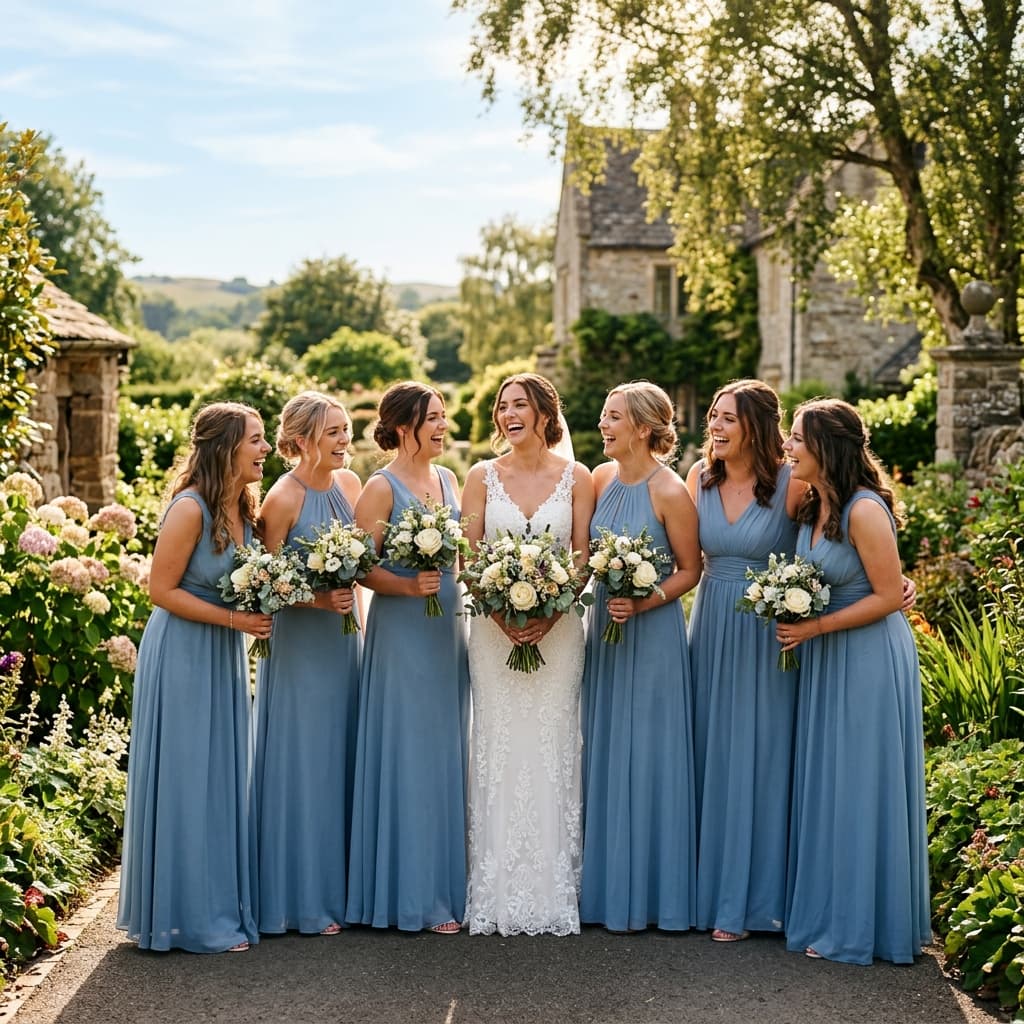
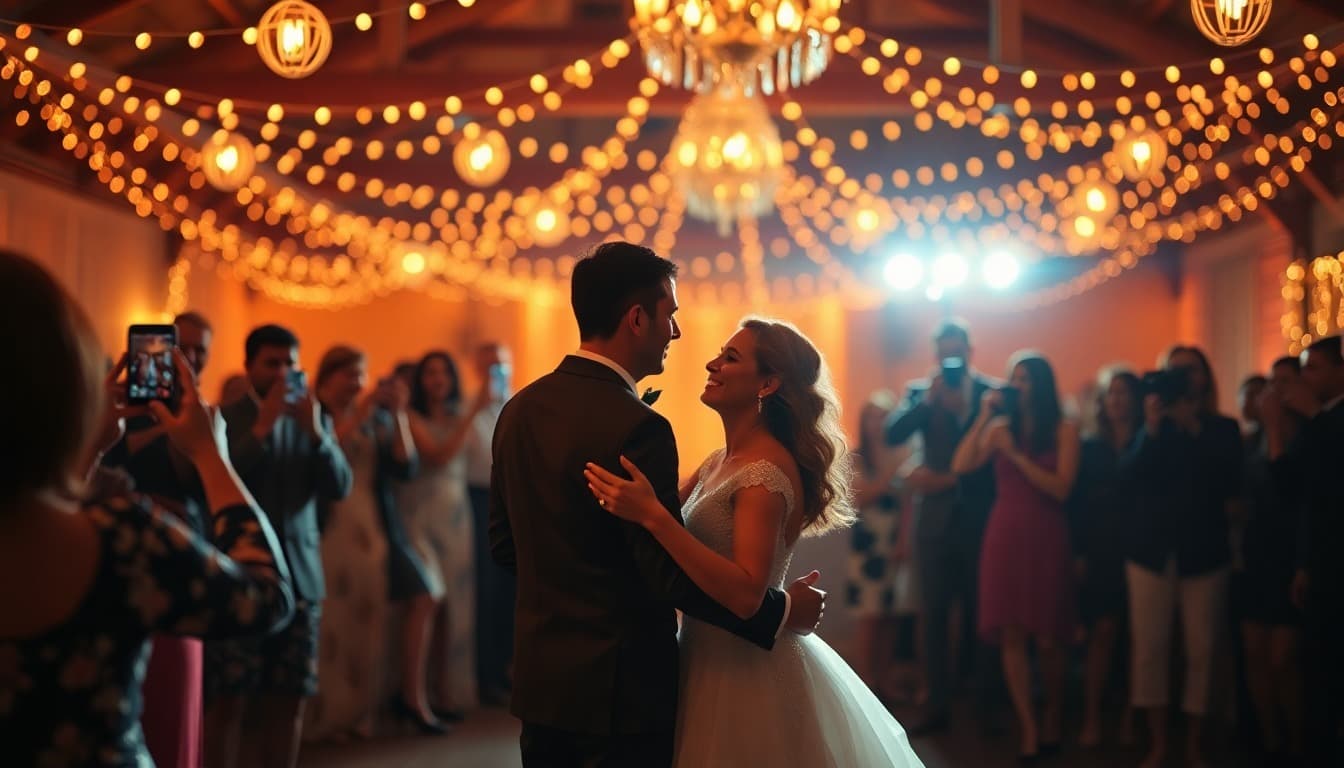
    Maya and Rohan's wedding. 300 guests, 40 phones, one photographer. Every moment captured — the vows, the dance floor, grandma laughing — thousands of times over.

  2. Sunday morning

    The group chat begins

    "Send me that photo of us!" gets texted 47 times. A WhatsApp group fills with blurry, compressed forwards — then goes quiet. Most photos never leave the phones they were taken on.

  3. Three weeks later

    The gallery nobody finishes

    The photographer delivers 2,400 photos in one giant folder. Guests scroll, hunting for themselves. Most give up around photo 200 — the best shots of them sit in there, unseen, forever.

  4. With Pixeva

    One selfie changes everything

    Maya shares one link. Every guest — grandparents included — takes a selfie and instantly gets every photo they appear in. No app. No scrolling. No "send me that photo." Just everyone, with all their memories.

    Give your event this ending — freeFree plan · No credit card · 2-minute setup
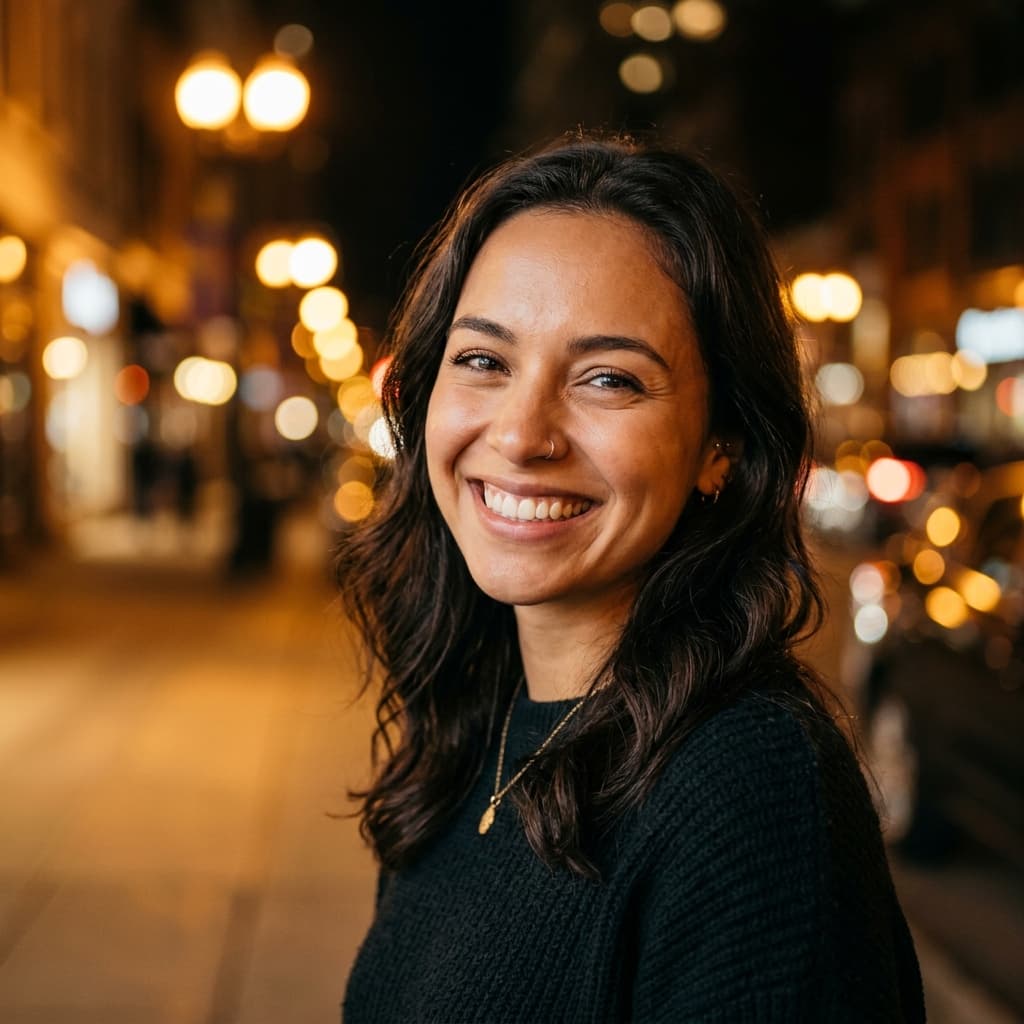

Three steps · two minutes

How It Works

Three simple steps — whether you're an event organizer or a group of friends.

1

Create a Shared Album

Set up a shared space in seconds. Get a unique code to share with your group — no app needed.

2

Everyone Uploads

Everyone adds photos from their own phone. All photos land in one shared gallery — no more "send me that photo."

3

Find Your Photos

Take a selfie and instantly find every photo you appear in. Download, share, or create a highlight reel.

New Feature: Live Photo Wall

Engage Guests with a Live Photo Wall

Project a real-time, AI-filtered photo slideshow on any TV or projector at your venue. Encourage guests to upload candids and see them pop up instantly.

Pixeva Live Wall TV SimulatorCODE: DANCE
Slideshow active

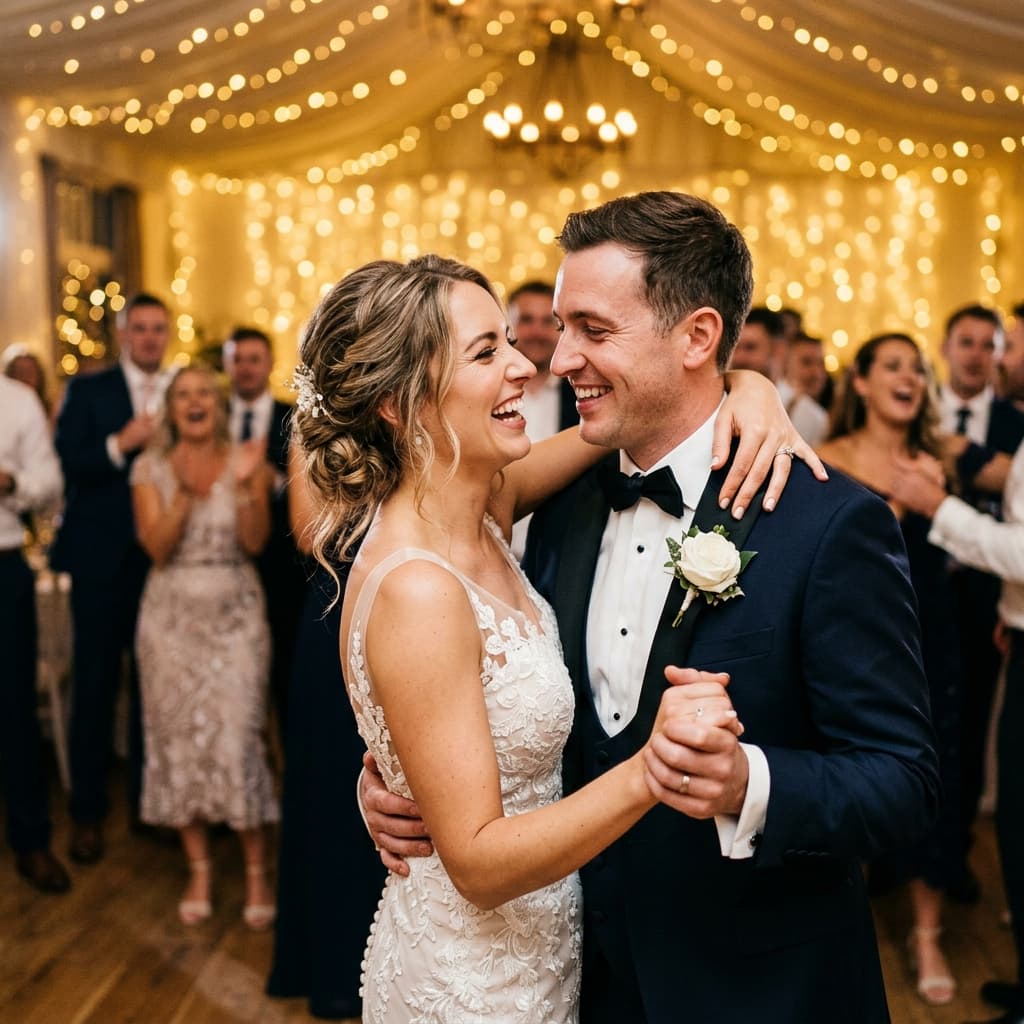
Our first dance! Absolutely magical moment ❤️✨

Emma (Bride)

PIXEVA LIVE

Scan to upload

No app required

pixeva.co/join/DANCE

Activity Stream

Real-time uploads & face-matching matching logging

[7:42:03]Emma joined the event
[7:42:31]Emma uploaded wedding_dance.png 📸
[7:44:18]John uploaded corporate_conference.png 📸
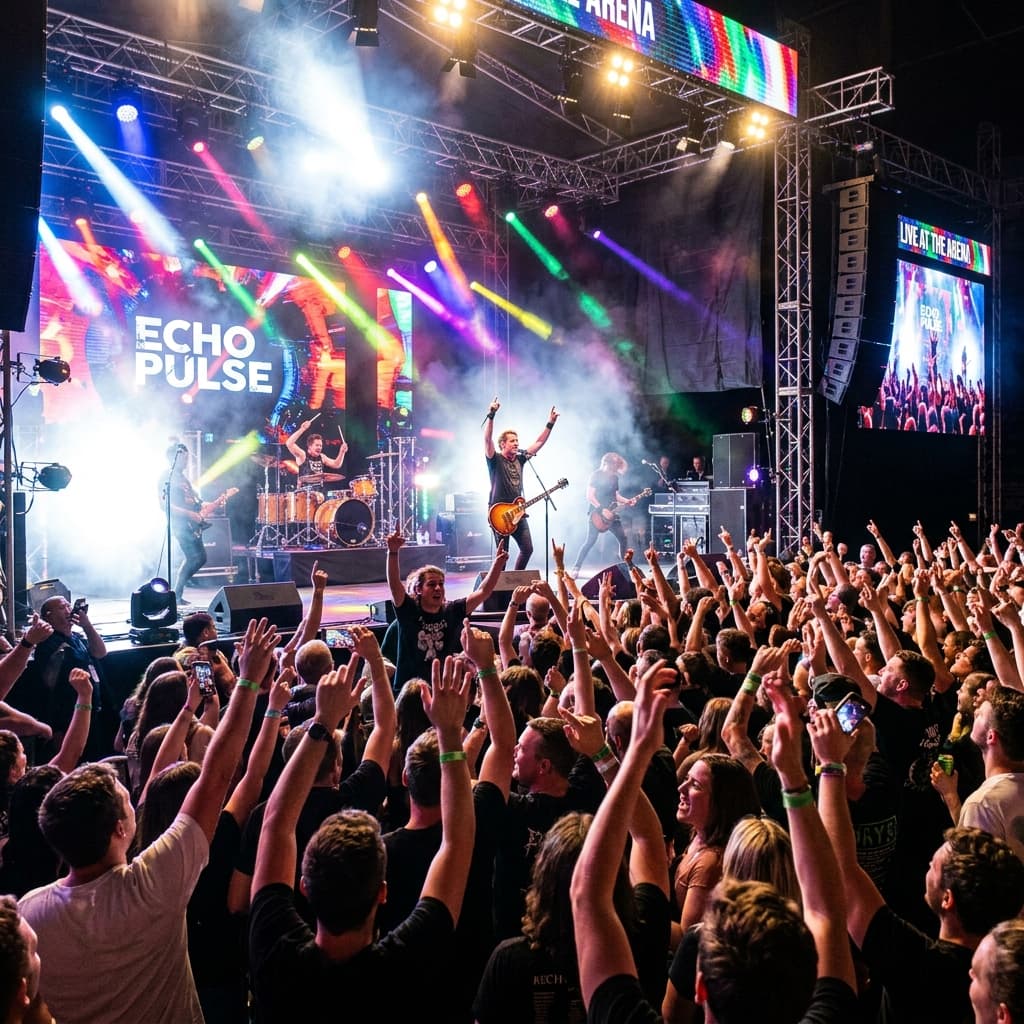
[7:45:56]Sarah uploaded concert_crowd.png 📸

Click to simulate an attendee scanning the QR and uploading a birthday party picture.

🔥 Why Organizers Love the Live Wall

  • 95%+ Guest Adoption: Projected screens capture attention, motivating guests to scan and share their own photos.
  • Competitive edge: Apps like HeyGrats charge $49 per event for a basic wall. Pixeva includes it free on Pro.
  • Custom styling: Change gradients, slides, backgrounds, and spotlight settings from your dashboard.
Collaborative Mode

Many Phones. One Gallery.

Going on a trip? At a party? Invite guest contributors or assistant photographers to upload. Everyone feeds one gallery, while AI organizes it instantly.

Share an invite link

Send a contribution link to your group or team — no app download required.

Approve or reject with one click

You stay in full control. Try the interactive simulator on the right to see it in action!

Unified searchable gallery

All uploaded photos land in one shared space, instantly indexed by face and description.

Included in all plans

Studio Panel

Collaborative Event Manager

1 Pending Request

Invite Link

Contributors (2)

JM

Jane M.

48 photos uploaded

Approved
RP

Robert P.

120 photos uploaded

Approved
SK

Sarah K.

Wants to join as Contributor

Semantic Vector Search

Find Photos with Words

Our multi-modal vector embeddings understand pure descriptive context. Search for exact scenes, color moods, or complex actions in milliseconds.

Interactive AI Search Engine

Simulated AWS SageMaker embeddings model

Ready

Suggested Smart Queries:

Found 3 High-Confidence Matches
Query time: 42ms
Wedding couple first dance
99.8% match

Wedding couple first dance

50mm · f/1.8 · ISO 400 · 1/250s

Dance FloorFirst DanceWedding
Festival crowd jumping on beat
96.2% match

Festival crowd jumping on beat

16mm · f/2.8 · ISO 3200 · 1/125s

Dance FloorConcertEnergy
Friends dancing together at party
91.5% match

Friends dancing together at party

35mm · f/2.0 · ISO 640 · 1/160s

Dance FloorPartyFriends
1

Deep Image Embeddings

Photos are converted into high-dimensional vectors on upload using vision-transformer backends.

2

Natural Language Queries

We project your search string into the identical embedding space to capture complex visual relations.

3

Cosine Distance Match

Vector scores return matches in under 50ms, highlighting specific moments flawlessly.

Creative AI Studio

Turn Favorite Photos into Fine Art

Give your guests something worth framing. Instantly re-stylize high-resolution memories into unique, viral artwork tailored for social sharing.

AI Neural Style Transfer

Simulated Stable Diffusion custom checkpoint

OriginalFound via selfie
Original style transfer portrait input
Ghibli AnimeAI Generated
Transformed art studio portrait output

Choose Aesthetic Style:

Engage Guests, Spark Viral Sharing

AI Art upgrades turn event photos into stunning, creative pieces that attendees are 4x more likely to post on social platforms, creating organic, free loops for hosts and photographers.

Transforms in seconds with custom, high-fidelity diffusion weights

Preserves facial identities completely while converting colors and texture

Generates full-res downloads with customizable frame templates

Diffusion Quality ScoreExcellent Match
Face Identity Retention99.2% preserved
😊Rekognition Emotion Engine

Filter by How You Feel

AWS Rekognition computes vector models of facial structures, registering expressions in real-time. Guests can filter galleries down to happy, smiling, or excited captures instantly.

😄Happy & Joyful

Laughing, dancing and festive joy.

😊Candid Smiles

Subtle and genuine warm grins.

😌Calm & Attentive

Speeches, focus and deep candids.

Gold Quality

Combining peak sharpness & smile levels.

Sub-100ms Inference
Multi-Face Batching

Emotion Filter Playground

Active
Surface Matches (3)
Sophia

Sophia

Joyful: 99.4%Quality: 98
Aisha Patel

Aisha Patel

Ecstatic: 98.7%Quality: 95
David Kim

David Kim

Elated: 95.2%Quality: 92
Dynamic Event Highlights

Generate Stunning Highlight Reels

Transform curated guest photos into high-energy, vertical cinematic recaps set to music in one single tap. Ready for Instagram Stories and TikTok.

Sizzle Reel Compositor

Simulated serverless FFmpeg encoder pipeline

READY

Transitions & Beats:

Cinematic Color Filter:

Sizzle Reel slide 0
12 High-scoring candid photos compiled
Smart AI Albums

One Personal Album.
Fully Automatic.

No more sorting through thousands of shared photos. Our AI maps facial vectors on upload, groups every recurring guest, and auto-generates dedicated, personalized albums.

Zero Manual Tagging

Faces are detected, clustered, and merged into clean person albums automatically.

VIP Promotion & Roles

Highlight VIPs, speakers, or groomsmen and easily merge groups directly from your dashboard.

Quality-Ranked Selection

Surfaces the sharpest, best-exposed shots first so guests see their highlights immediately.

Infinite Guests
Zero Latency Clustering
AUTOMATED

Identified Guest Albums:

Sarah Mitchell

Sarah Mitchell

24 photos

5 Best
VIPSpeaker
James Rivera

James Rivera

18 photos

3 Best
GroomsmanFamily
Aisha Patel

Aisha Patel

31 photos

7 Best
VIP
David Kim

David Kim

12 photos

2 Best
VIPArtist

Best Moments Previews:

42 total records
Smart Album grid preview
Cull Assistant

Optimize Storage, Keep Only The Best

Don't waste S3 bandwidth or force guests to scroll past duplicates and soft-focus shots. Our AI analyzes sharpness, illumination vectors, and subject posture to flag blurry photos instantly.

Illumination Vector Analysis

Auto-flags heavily underexposed, overexposed, or poorly backlit frames.

Edge-Detection Sharpness Score

Uses quick Laplace filters to detect high-frequency motion blurs.

Smart Duplicate Collapsing

Identifies rapid-fire bursts, keeping only the frame with active smiles.

Confidential Processing
Save Up To 45% S3 Cost

Auto Cull Playground

Simulated AWS Bedrock classifier engine

ACTIVE
Cull analysis record
12

35mm · f/1.8 · Motion Blur

Score: 12/100
Out of FocusBlurry
Cull analysis record
24

50mm · f/1.8 · -2.3 EV

Score: 24/100
Underexposed
Cull analysis record
8

50mm · Duplicate record #42

Score: 8/100
Duplicate Group
Total flagged: 3·Review: 2
New — WhatsApp Integration

Upload Photos From WhatsApp

Event managers can now upload photos, check stats, and manage their event entirely from WhatsApp — no app, no dashboard, just chat.

P

Pixeva

+91 70165 33016

Online
💬

See it in action

Message

NEW ✓
📸

Upload via WhatsApp

Send photos directly from your camera roll — no web dashboard needed

📊

Live Stats

Check upload counts, guest searches, and check-ins with a single tap

🔔

Smart Notifications

Get alerts when contributors join, photos hit plan limits, or uploads complete

🔗

Guest Download Flow

Guests send a selfie and get their matched photos — all inside WhatsApp

Try it now — message us on WhatsApp

+91 70165 33016

Say "hi" to get started

Open in WhatsApp

Powerful Features

Everything you need to manage and share photos effortlessly

AI Face Recognition

Industry-leading 99%+ accuracy powered by advanced machine learning. Recognizes faces even in group photos.

Smart Albums — People

AI groups every face into people automatically. One album per person — name them, review best shots, merge or split right from the dashboard.

AI Text Search

Search photos by description. Find "people dancing" or "cake cutting" using natural language powered by AI.

AI Magic Style Transfer

Turn favorite event photos into premium Ghibli, anime, watercolor, oil painting, and cyberpunk artwork ready to download and share.

Bulk Upload

Upload thousands of photos at once with drag-and-drop. Progress tracking and automatic retry for failed uploads.

Video Upload & Playback

Upload event videos alongside photos. Smart processing generates thumbnails and optimized playback.

Privacy First

Each event is completely isolated. Face data is encrypted and automatically deleted when events expire.

Easy Sharing

Share a simple invite code with your group. One-click downloads for individual photos or entire collections.

Analytics Dashboard

Track engagement, popular photos, and download stats. Understand how people interact with your photos.

Browse All Photos

Everyone can explore the full gallery. Scroll through all photos or use filters to find specific moments.

Mobile Optimized

Perfect experience on any device. Take a selfie and find your photos right from your phone.

Instant Search

Get results in under 2 seconds. Our optimized search scans thousands of indexed faces instantly.

Collaborative Mode

Invite multiple people to upload photos to the same event. One unified gallery, many contributors.

Multi-Selfie Search

Upload multiple selfies from different angles for more accurate face matching across thousands of photos.

Bulk Download

Download all your matched photos as a single ZIP file. No need to save one by one.

Attendee Registration

Collect attendee information at your event. View stats, manage attendees, and export data as CSV.

Smart Duplicate Detection

Three-layer AI automatically blocks duplicates at upload, detects visually similar photos, and lets you review and clean up with one click.

Auto Cull Assistant

AI scores every photo on quality. Reject, Review, or Keep — clean up your gallery and remove low-quality shots with one click.

WhatsApp Photo Delivery

Guests send a selfie on WhatsApp and instantly receive their matched photos — no app download, no login required.

Google Drive Sync

Link a Google Drive folder and import photos directly into your event. Smart delta sync only imports new files — skip duplicates automatically.

Simple, Transparent Pricing

Start free and scale as you grow. No hidden fees, cancel anytime.

No credit card required to start
Best for: Trying it out

Free

Perfect for small events & testing

$0/month
  • 1 event per month
  • 100 photos per event
  • 5 videos (max 100MB each)
  • AI face recognition
  • Guest selfie search
  • Collaborative mode
  • Priority support
Get Started
Most Popular
Best for: Photographers & Planners

Pro

For professional event coverage

$29/month
  • 5 events per month
  • 2,000 photos per event
  • 50 videos per event
  • AI face recognition
  • Priority processing
  • Analytics dashboard
  • Email support
  • Collaborative mode
Start Free Trial
New - Pay Per Event
Best for: One-time events

Event Pass

One event, unlimited everything

$39/event
  • 1 event per purchase
  • Unlimited photos
  • 100 videos per event
  • AI face recognition
  • Priority processing
  • Analytics dashboard
  • Valid for 90 days
Buy Event Pass
Best for: Agencies & Enterprises

Business

For agencies & large-scale events

$99/month
  • Unlimited events
  • 10,000 photos per event
  • 200 videos (max 500MB each)
  • White-label branding
  • API access
  • Advanced analytics
  • Priority support
  • Collaborative mode
Contact Sales

Compare All Features

See what's included in each plan

Swipe to compare all plans →

FeatureFreeProEvent PassBusiness
Events per month151/purchaseUnlimited
Photos per event1002,000Unlimited10,000
Videos per event550100200
Max video size100 MB500 MB500 MB500 MB
AI Face Recognition
Guest Selfie Search
Sizzle Reel Generator
Emotion Filters
Collaborative Mode
Google Drive Sync
Priority Processing
Analytics Dashboard
White-label Branding
SupportCommunityEmailEmailPriority
Event Retention30 days90 days90 days1 year

Your data is safe with us

SSL Encrypted
256-bit encryption
GDPR Compliant
Privacy first
AWS Hosted
Enterprise infrastructure
Auto-Delete
Selfies deleted after search

What People Are Saying

From weddings to work events to group trips — hear from people who actually use Pixeva.

ME
RS
RK
AR
NP
Trusted by 1,200+ groups and event organizers
4.9
Based on 18 reviews
5 star
94%
4 star
6%
3 star
0%
2 star
0%
1 star
0%
Most helpful review
Verified user

Our wedding photographer recommended Pixeva and it was honestly one of the best decisions we made. 180 guests, two photographers, and a photo booth — all the photos in one place. My dad who can barely use email figured out the selfie thing on his first try. We're still getting messages from guests saying they found new photos weeks later.

ME
Matt & Em
Used at their wedding · Denver, CO · Jan 2026
Verified

My cousin's wedding had like 600+ guests and 4 different photographers. Nobody could figure out how to share photos after. Someone set up Pixeva and within an hour my mom was showing me photos of myse...

Used for a family wedding
PM
Priya M.
Mumbai, India · Feb 2026
Verified

We run a 5K charity run every year and the photo situation was always a nightmare. Runners would email us for weeks asking for their photos. Set up Pixeva this year and just texted everyone a link aft...

Charity run organizer
TB
Tom B.
Austin, TX · Jan 2026
Verified

Used this for our Europe trip — 3 weeks, 5 friends, thousands of photos spread across everyone's phones. We all uploaded everything into one Pixeva album and I could find every photo I was in instantl...

Group vacation
SJ
Sara & Jake
Melbourne, AU · Jan 2026
Verified

I'm a freelance event photographer and started offering Pixeva as an add-on to my packages. Clients absolutely love it. The face recognition is really accurate — way better than what I was trying to d...

Professional photographer
RK
Rachel Kim
Toronto, ON · Jan 2026
Verified

Organized our company's end-of-year party (about 200 people). HR wanted everyone to get their photos but also needed to be careful about privacy. Pixeva handled both — people only saw photos they were...

Corporate event
DO
Daniel O.
Lagos, Nigeria · Feb 2026
Verified

My daughter's quinceañera had 300 guests and honestly the best part was seeing my tías figure out the selfie search on their own with zero help. If my 74 year old aunt can use it, anyone can. We found...

Quinceañera celebration
ML
Maria L.
São Paulo, BR · Feb 2026

Used it for our university reunion — 150ish people, lots of group photos. The AI search is properly impressive. I typed "group photo by the fountain" and it actually found it. Face search worked great...

University reunion
CW
Chris W.
London, UK · Jan 2026
Verified

Conference organizer here — we had 400 attendees across 3 days. Usually we dump photos in a Google Drive and call it a day. This year we tried Pixeva and the attendee engagement was night and day. Peo...

Tech conference
AR
Ananya R.
Bangalore, India · Jan 2026
Verified

We hosted a two-day design meetup with workshops and an evening party — maybe 250 people, tons of candid shots from three volunteer photographers plus everyone's phones. I was dreading the usual "wher...

Community meetup organizer
EV
Elena V.
Barcelona, ES · Mar 2026

We use this for our school's annual day events now. Parents love that they can find their kid's photos without scrolling through hundreds of pictures. Works well for the most part — sometimes it group...

School event coordinator
AB
Aisha B.
Dubai, UAE · Feb 2026
Verified

The WhatsApp feature is a game changer for Indian weddings. Half my relatives don't download apps — they just use WhatsApp for everything. I shared the event QR code and told everyone to tap the Whats...

Family wedding, 350+ guests
RS
Rohan S.
Pune, India · Apr 2026
Verified

Our company ran a team offsite for 80 people across two days — hiking, dinners, a group photo session. Everyone was snapping on their own phones so we had photos in 80 different camera rolls. Pixeva m...

Corporate team offsite
KT
Kenji T.
Tokyo, Japan · Mar 2026
Verified

We threw a surprise 60th birthday party for my father — about 120 people, a professional photographer plus tons of guests on their phones. I set up Pixeva the night before and it genuinely made the da...

Family birthday celebration
FN
Fatima N.
Casablanca, Morocco · Apr 2026
Verified

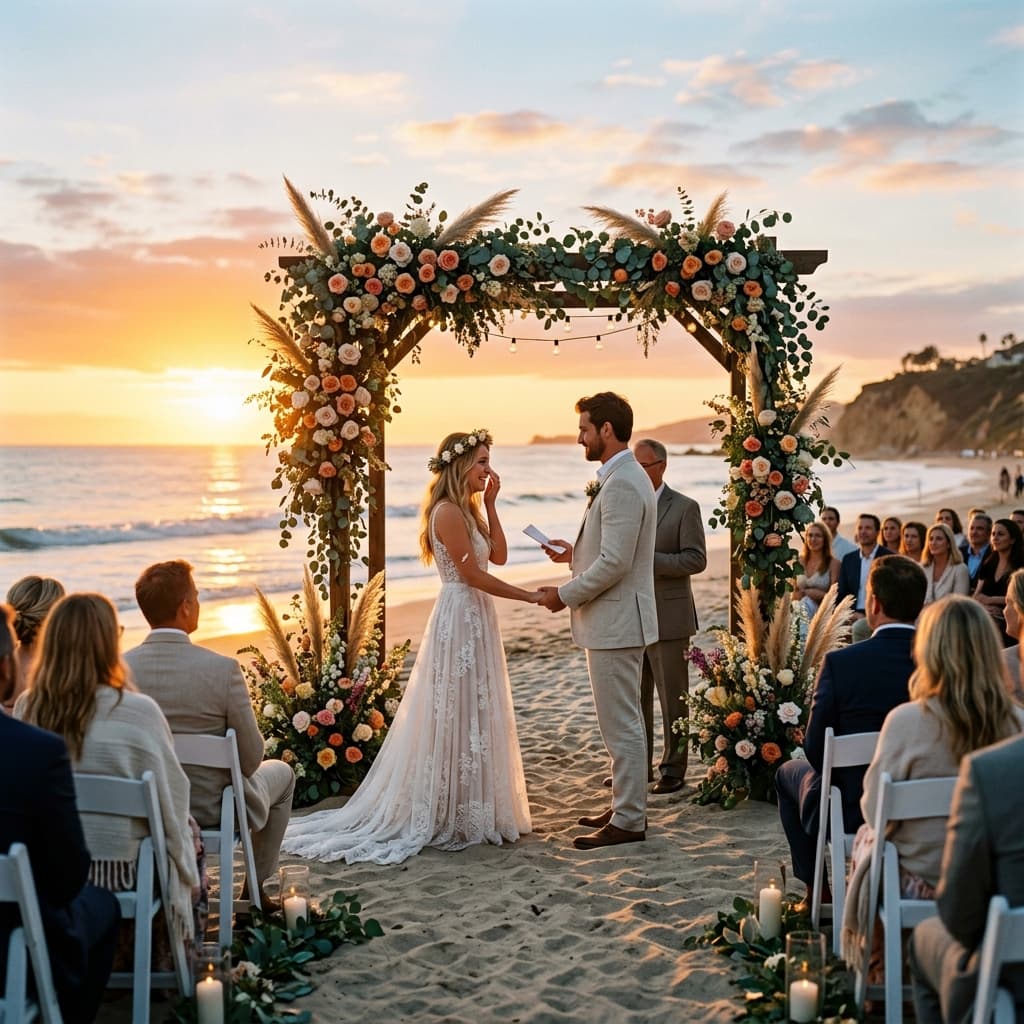
We got married on a beach with 220 guests and three different photographers. The usual chaos of chasing down photos from three different Dropbox links was not something we wanted. Our planner suggeste...

Beach wedding, 220 guests
LC
Leo & Cams
Cape Town, ZA · Mar 2026
Verified

Run a small photography studio and I've been looking for a better way to deliver event photos for years. Pixeva is it. Clients don't want a Google Drive dump anymore — they want their photos, fast, an...

Photography studio owner
OH
Omar H.
Amsterdam, NL · Apr 2026
Verified

Navratri garba event with nearly 500 attendees — it's a nightmare to share photos when everyone looks similar in matching outfits. Pixeva handled it better than I expected. The selfie search was accur...

Cultural festival organizer
NP
Neha P.
Ahmedabad, India · Apr 2026
Verified

I coach a youth soccer league and after tournaments the parents always ask for photos. I used to spend my whole Sunday night forwarding stuff. Now I just upload everything to Pixeva after the game and...

Youth sports league coach
JM
Jake M.
Chicago, IL · May 2026

See what the hype is about — try it yourself.

Try Free — No Credit Card

All reviews are from real Pixeva users. We never edit or incentivize reviews.

Privacy & Compliance

Your Data, Your Control

Privacy is built into every layer of Pixeva. We give you and everyone in your group full control over personal data, with GDPR compliance built in from day one.

Face data is encrypted and isolated per event. Guest selfies are automatically deleted after search. You can export or delete all your data at any time.

Selfies Auto-Deleted After Search

Guest selfie images are processed in memory and automatically deleted after face matching completes.

Full GDPR Data Export

Export all your personal data at any time. Your data belongs to you.

Delete Your Account & All Data

One-click account deletion removes all your events, photos, and personal data permanently.

Biometric Consent Collection

Guests explicitly consent before any face data is processed. Full consent history is tracked and auditable.

Event Data Isolation

Each event is completely isolated with its own encrypted storage. No cross-event data access.

Frequently Asked Questions

Everything you need to know about Pixeva

How does the face recognition work?

When you upload photos, our AI automatically detects and indexes every face. When a guest uploads their selfie, we compare it against all indexed faces and return matching photos in seconds. The technology is powered by advanced machine learning with 99%+ accuracy.

Is my data secure?

Absolutely. Each event is completely isolated with its own secure storage. All data is encrypted at rest and in transit. Guest selfies are automatically deleted after processing. We never share or sell your data, and you can delete your event data at any time.

Can guests download their photos?

Yes! Guests can download individual photos or their entire collection with one click. As an event organizer, you have full control over download permissions and can enable or disable this feature in your event settings.

What happens when my event expires?

Events on the Free plan are available for 30 days. Pro and Business plans have extended retention. Before expiration, you'll receive email reminders. You can always download your photos or upgrade your plan to extend access.

Can I upgrade or downgrade my plan?

Yes, you can change your plan at any time. Upgrades take effect immediately with prorated billing. Downgrades take effect at the end of your current billing cycle. There are no cancellation fees or long-term commitments.

What is the AI Magic feature?

AI Magic lets guests transform one of their photos into stylized artwork right from the photo viewer. They can choose looks like Ghibli, Anime, Watercolor, Oil Painting, or Cyberpunk, then download and share the result once it finishes processing.

What is the Sizzle Reel feature?

Sizzle Reel is our AI-powered video generator that creates personalized 15-second highlight videos from your event photos. After finding their photos with a selfie, guests can generate a cinematic video featuring their best shots with professional transitions, music, and effects. Choose from 4 style presets (Mixed, Energetic, Elegant, Cinematic) and 5 color moods (Original, Warm, Cool, Vintage, Dramatic). Perfect for sharing on social media.

How does the emotion filter work?

Our AI analyzes facial expressions in every photo during the indexing process. Guests can then filter their search results by emotion: Happy, Smiling, Calm, or Surprised. The "Best" filter combines smile detection with quality scoring (lighting and sharpness) to surface the most flattering photos. This helps guests quickly find their favorite shots without scrolling through hundreds of photos.

What are Smart Albums?

Smart Albums automatically group photos by person using AI face recognition. Each detected person gets their own album with a representative face crop, photo count, and "best shots" badge. As an organizer you can name people, add tags like VIP or Family, merge duplicate groups, and split mismatches — all from the dashboard. Guests see the People section inside Smart Albums and can jump straight into any named album. Smart Albums are included in all plans.

What is Collaborative Mode?

Collaborative Mode lets event owners invite other people — photographers, friends, or attendees — to upload photos directly to the event. The owner shares a link, contributors request to join, and once approved, they can upload photos that appear in the main gallery. The event's photo limit is shared across all contributors. Collaborative Mode is included in every plan, including Free.

Can I collect attendee information?

Yes. When attendee registration is enabled, guests can register with their name and email when they join your event. You can view all attendees, see registration stats, and export the attendee list as a CSV file from your dashboard.

How does Google Drive Sync work?

Link any public Google Drive folder to your event — just paste the folder link. Pixeva imports all photos directly into your event gallery. When new photos are added to the folder later, use delta sync to import only the new ones. Duplicates are automatically skipped, and you get a full summary of every import run. Google Drive Sync is included in all plans.

Can I upload videos to my event?

Yes! Pixeva supports MP4, MOV, and WebM video uploads alongside your photos. Videos appear in the same gallery with play icons and duration badges. Click to watch with full playback controls. Video limits depend on your plan — Free allows 5 videos (up to 100 MB each), Pro allows 50, Event Pass allows 100, and Business allows 200 videos per event (up to 500 MB each).

What is the Auto Cull Assistant?

Auto Cull uses AI to score every photo in your event on quality factors like lighting, sharpness, face visibility, and composition. Each photo gets a score from 0 to 100 and is sorted into three buckets: Reject (low quality), Review (borderline), and Keep (good quality). You can review the recommendations, adjust selections, and delete all rejected photos in one click. It helps organizers quickly clean up large galleries and free up storage. Auto Cull is available in all plans.

How does the referral program work?

Share your unique referral link with friends. When they sign up and either create their first event or subscribe to a paid plan, you both get rewarded. You earn $10 credit, and they get $10 credit plus 20% off their second month of subscription. Find your referral link in Dashboard → Referrals.

What rewards do I get from referrals?

For you (the referrer): $10 credit for each qualified referral. Credits can be used toward any subscription plan or Event Pass purchase.

For your friend (the referred): $10 credit to use on their first purchase, plus 20% off their second month if they subscribe to a paid plan. There's no limit to how many people you can refer.

How do I use my referral credits?

Your referral credits are automatically applied at checkout. When you purchase a subscription or Event Pass, you'll see the discount on the Stripe checkout page. For example, if you have $10 credit and buy a $29 Pro plan, you'll only pay $19. Credits are applied to your first payment and any remaining balance stays in your account for future purchases.

When does a referral become qualified?

A referral qualifies when your friend takes a meaningful action: either creating their first event or subscribing to a paid plan (Pro, Business, or Event Pass). Simply signing up doesn't count — they need to actively use Pixeva. Once qualified, both of you receive your $10 credits instantly.
Free plan · 2-minute setup

Every photo of you, found.

Create your album, share one link, and everyone leaves with their memories. No credit card required.

4.9 from real users
1,200+ groups already using PixevaFree forever plan