Introducing Google Drive Sync: Import Thousands of Photos in Minutes
Introducing Google Drive Sync: Import Thousands of Photos in Minutes
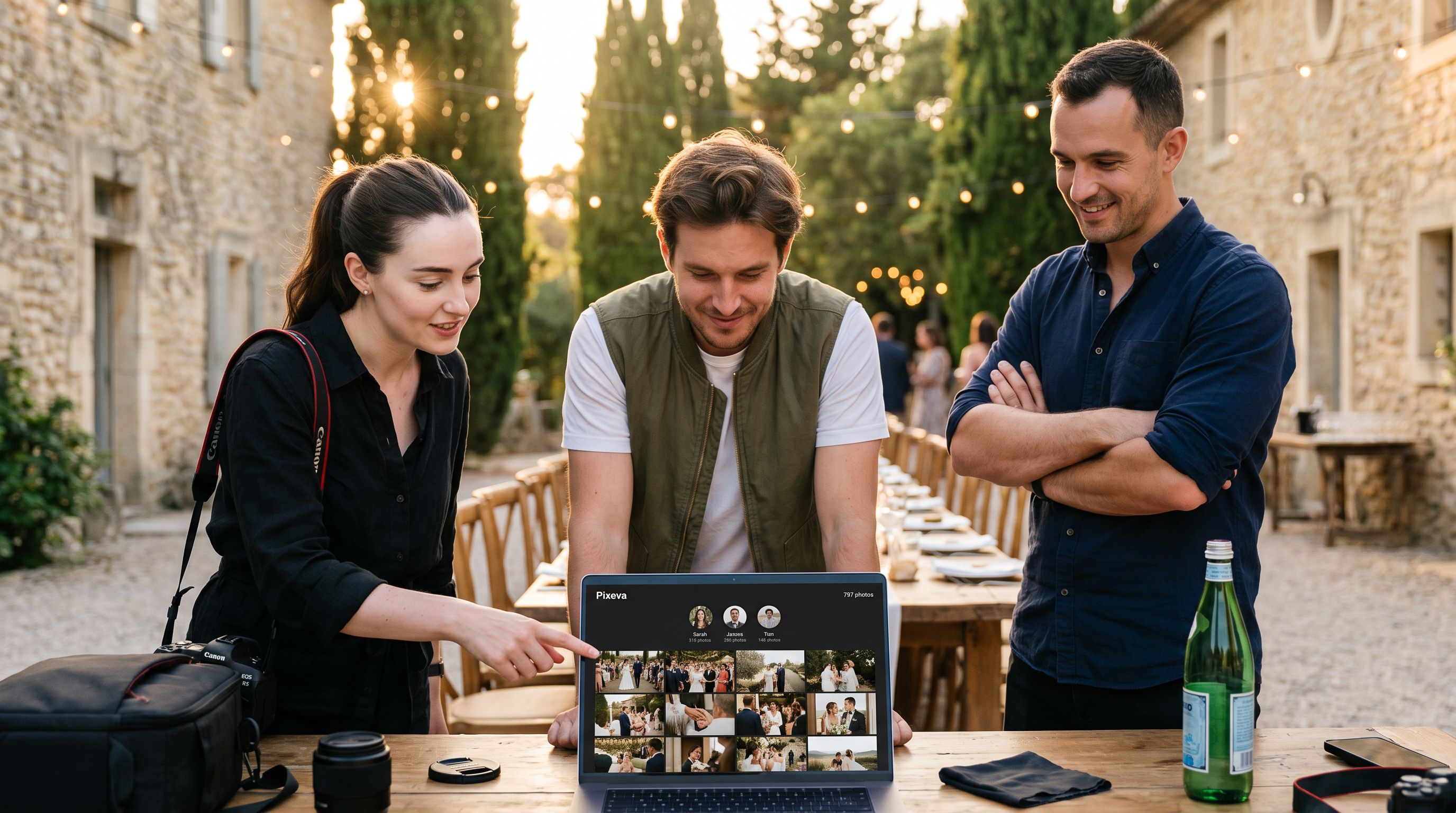
Event photographers and organizers often face the same challenge: you've got hundreds (or thousands) of photos sitting in a Google Drive folder, and you need to get them into your event gallery. Downloading, re-uploading, and organizing manually? That's hours of tedious work.
Not anymore.
How It Works
Google Drive Sync lets you link any shared Google Drive folder directly to your Pixeva event. Here's the simple workflow:
- Paste your folder link — Copy the Google Drive folder URL and paste it into Pixeva
- Preview what's coming — See exactly how many photos will be imported before you commit
- One-click import — Hit import and watch your photos flow into your event gallery
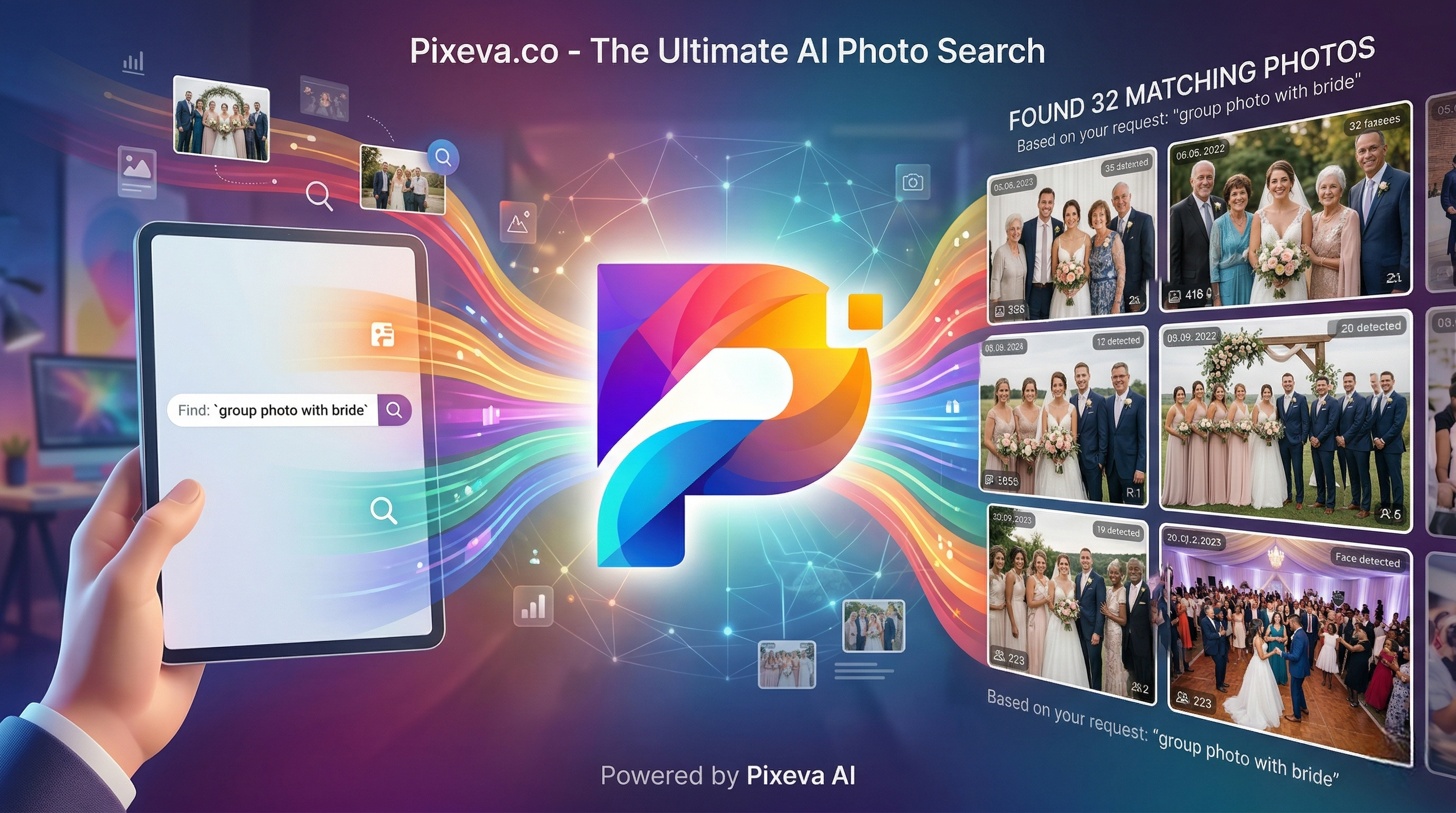
- AI processing begins — Face detection, smart culling scores, and search indexing happen automatically
That's it. No downloads. No re-uploads. No manual organization.
Smart Delta Sync
Here's where it gets even better. Added more photos to your Google Drive folder after the initial import? No problem.
Delta sync intelligently detects only the new files and imports just those — skipping everything you've already imported. This means:
- No duplicate photos cluttering your gallery
- Lightning-fast subsequent syncs
- A complete history of every import run
Built for Scale
We've tested Google Drive Sync with folders containing 3,000+ photos. The system handles large imports gracefully, processing files in parallel while respecting rate limits to ensure reliability.
Every photo imported from Google Drive is tagged with a badge in your gallery, so you always know the source of your media.
Connect Your Google Account for Faster Imports
For the fastest possible imports, connect your Google account directly to Pixeva. This enables authenticated API access, which means:
- Higher rate limits — Import more photos per minute
- More reliable transfers — Fewer interruptions on large imports
- Seamless experience — No need to make folders public
You can connect your Google account from Settings → Connected Accounts, or directly from the import modal.
Perfect For
- Wedding photographers delivering client galleries
- Conference organizers collecting photos from multiple photographers
- Corporate events with shared team folders
- Sports leagues managing game-day photos
- Schools organizing class and event photos
Available on All Plans
Google Drive Sync is included in every Pixeva plan — from Free to Enterprise. There are no extra charges or hidden fees.
Get Started
Ready to import your first folder? Head to any event, click Import from Google Drive, and paste your folder link. Your photos will be in your gallery within minutes, fully indexed and ready for AI-powered face search.
Have a massive folder to import? We'd love to hear about it. Reach out to our team if you're planning an import of 10,000+ photos — we're here to help make it seamless.
Keep exploring with Pixeva
Want to put this into practice? These pages go deeper: