Face recognition for wedding photos
Guests take a selfie and find every ceremony, reception, and dance-floor photo instantly. No app required—built for photographers and couples.
Free to start · No guest app · GDPR-ready by default
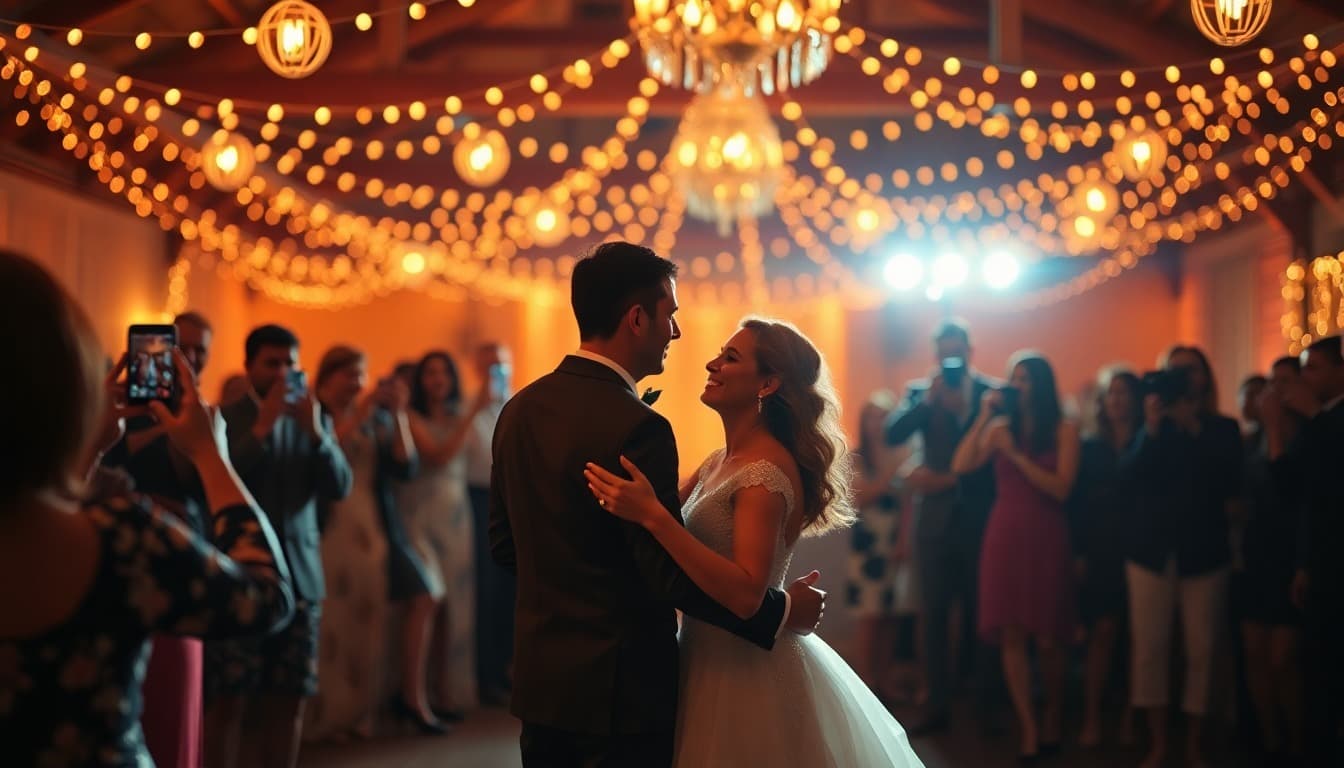
Built for wedding photography
Everything you need to give guests an unforgettable photo experience.
Instant photo discovery
Guests take a quick selfie and instantly see every photo they appear in: ceremony, reception, dance floor, everything.
Easy sharing for guests
Share a simple invite code on table cards, wedding invitations, or reception displays. No app downloads required.
Privacy first
Each wedding has completely isolated storage. Guest selfies are processed in memory and never written to disk. GDPR compliant by default.
Emotion filters & reels
Guests filter photos by expression: happiest smiles, candid moments, best quality. Create personalized highlight reels.
Live in three steps
Upload once. Share a QR. Guests find themselves.
Upload the wedding gallery
Photographers (and guests) upload to Pixeva. AI indexes every face—even group shots and low-light reception photos.
Share the invite QR
Display the code on table cards, your wedding website, or reception screens. Guests open a browser—no app needed.
Selfie → their photos
One clear selfie finds every frame of them across the wedding. Download, share, and create highlight reels.
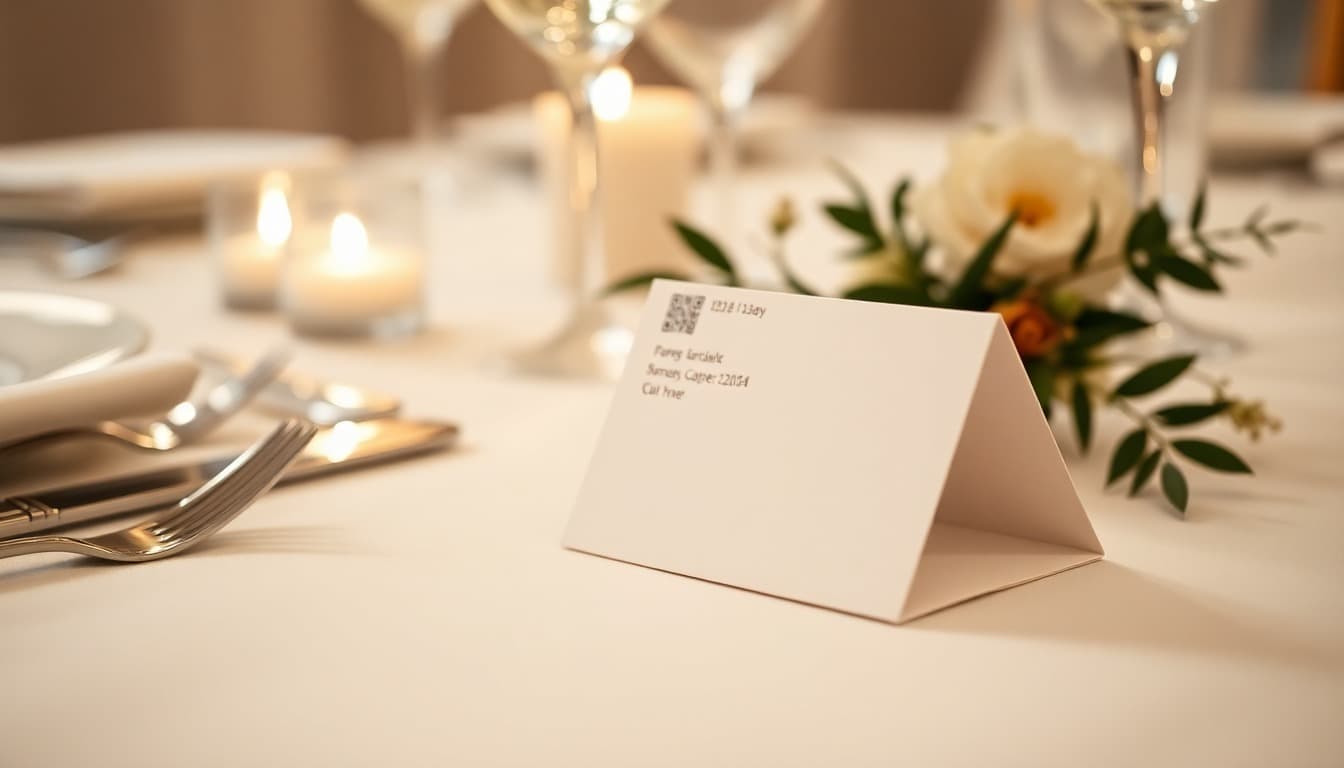
From table card to their photos
Print a QR on place cards or tent cards. Guests scan once, upload candids, and later find every frame of themselves with a selfie.
No app install. No Drive scavenger hunt. Just the moments that matter.
Why wedding photo sharing usually fails
Guests leave with hundreds of phone shots. Photographers deliver thousands more. Shared Drive folders and WhatsApp threads bury the good ones.
Drive dumps
Easy for the photographer. Impossible for Grandma to find herself in 3,000 files.
Chat chaos
“Send me my photos” never ends. Half the crew never uploads to the shared folder.
App friction
Guests will not install another app at the reception. Browser + QR wins.
Wedding photo guides
Deep dives that build topical authority—and help you ship the day.
Free wedding tools
Print-ready utilities that funnel into the same guest gallery.
Wedding photo FAQ
- How does face recognition for wedding photos work?
- Your photographer or couple uploads wedding photos to Pixeva. AI indexes every face. Guests scan a QR code or open the invite link, take a selfie, and instantly see every ceremony, reception, and dance-floor photo they appear in.
- Do wedding guests need an app?
- No. Guests use a browser on any phone. Share a QR code on table cards or your wedding website: selfie search works without downloads or accounts.
- Is guest selfie data kept after search?
- Guest selfies are processed in memory and never written to disk. Each wedding gallery is isolated, and organizers can delete event data anytime.
- Can guests upload their own wedding photos?
- Yes. Share a QR on place cards or tent cards. Guests upload phone candids into the same gallery as photographer selects, which can also power a live reception photo wall.
- Is Pixeva better than Google Drive for wedding guests?
- Drive works as a photographer archive. Pixeva is better for guests: QR access and selfie search instead of scrolling thousands of files. Many weddings use both.
- Can photographers use Camera FTP or cloud sync?
- Yes. Pros can tether via Camera FTP or import from Dropbox and Google Drive. Faces are indexed automatically so guest selfie search stays accurate.
From the Pixeva blog
Ready for your wedding?
Start free and see how Pixeva transforms the guest photo experience. No credit card required.