HEIC vs JPG: What Is the Difference and Which Should You Use?
If you have an iPhone, you have probably met HEIC files. They look like normal photos, but some websites will not accept them and some programs cannot open them. JPG, on the other hand, works almost everywhere.
This guide explains the difference between HEIC and JPG, when each is the better choice, and how to switch.
What are HEIC and JPG?
JPG (also written JPEG) has been the standard photo format for decades. Almost every phone, computer, website, printer and app can open it.
HEIC is a newer format that iPhones use by default for photos. It is built to keep photos smaller than JPG at a similar visible quality. You may also see the name HEIF, which is the underlying format.
The main differences
| HEIC | JPG | |
|---|---|---|
| File size | Smaller at similar quality | Larger |
| Compatibility | Good on Apple devices, mixed elsewhere | Opens almost everywhere |
| Best for | Saving space on a phone | Sharing, uploading, printing |
| Editing and uploading | Some tools reject it | Accepted nearly everywhere |
Why does my iPhone use HEIC?
HEIC saves storage. A phone full of photos takes less room in HEIC than in JPG. The trade-off is compatibility, because older programs, some Windows setups and many web forms cannot read it.
When to keep HEIC
- You mostly view photos on Apple devices
- You want to save phone storage
- You are not uploading or sharing the file elsewhere
When to use JPG
- You are uploading to a website or form that rejects HEIC
- You are sending photos to someone who may not be able to open HEIC
- You are printing at a shop
- You are using older software
How to convert HEIC to JPG
You have two options.
Convert when you need it. Use the free HEIC to JPG converter. It works in your browser, converts many photos at once, and lets you download them as a ZIP. Your photos are not uploaded.
Make your iPhone save JPG from now on. Open Settings, then Camera, then Formats, and choose Most Compatible. New photos will be saved as JPG. Photos you took earlier stay as HEIC.
Does converting lose quality?
JPG is a lossy format, so converting HEIC to JPG makes a small change. At a high quality setting, around 90 percent, the difference is hard to see. You can raise the quality in the converter's options if you want to be safer.
What about RAW?
HEIC and JPG are both finished photo formats. RAW is different: it is the unprocessed data from a camera sensor, used for editing. If you shoot RAW, see our guide to RAW files and how to convert them to JPG.
Event photos and HEIC
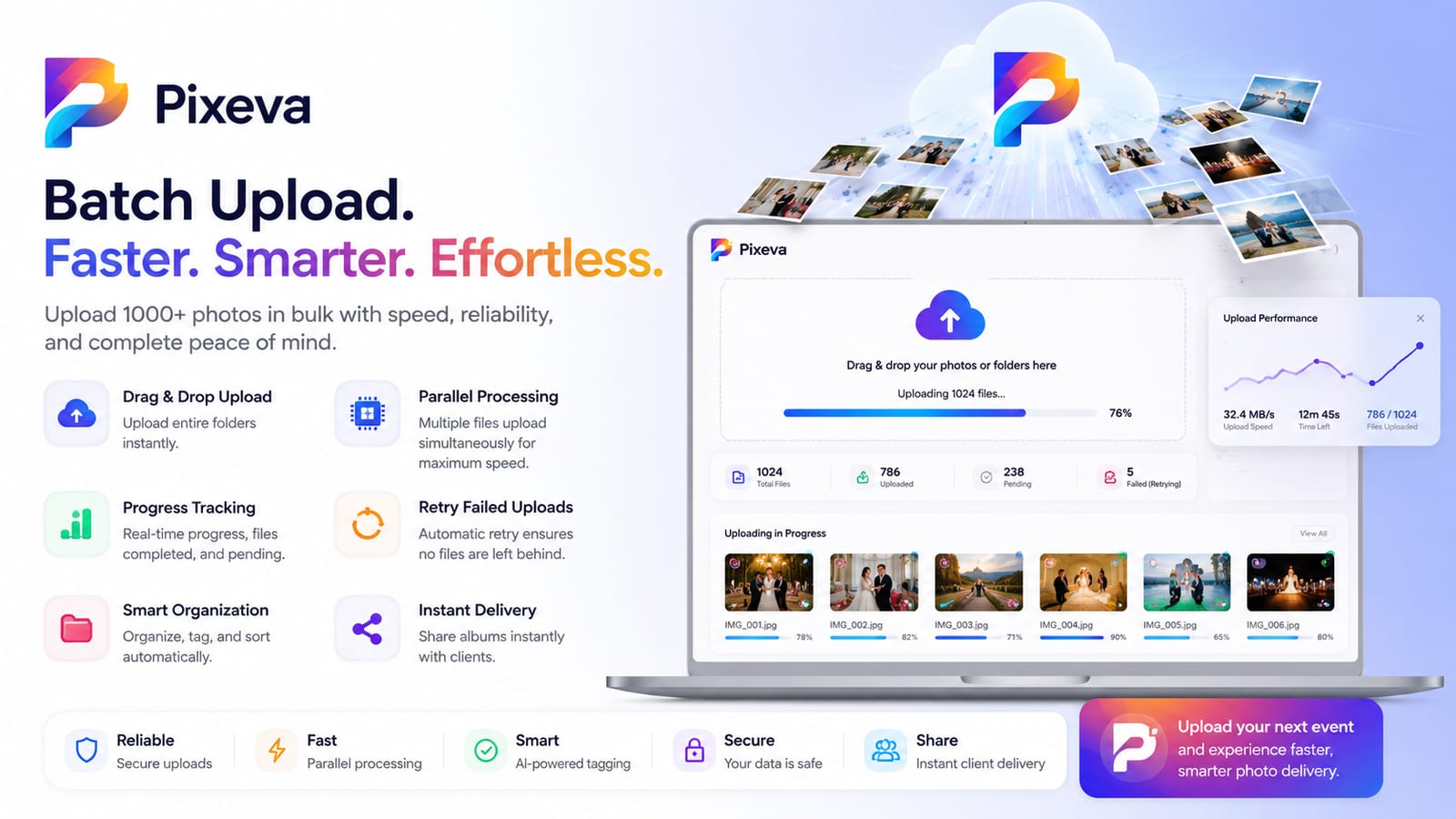
Guests at events often have iPhones, so many of the photos uploaded are HEIC. Pixeva converts HEIC photos automatically when guests upload them, so nobody has to think about formats. If you are collecting photos from a wedding or trip, a shared album handles this for you. You can learn more on the Image converter page.
Questions people ask
Is HEIC better than JPG? For file size, yes. For compatibility, JPG is better.
Can Windows open HEIC? Sometimes, depending on the version and installed extensions. Converting to JPG avoids the problem.
Is HEIC the same as HEIF? They are closely related. HEIF is the container format and HEIC is the version iPhones use.
Will converting remove my photo's location? By default the converter removes camera and GPS details, which is useful before posting online. You can choose to keep them.
Summary
HEIC saves space, and JPG works everywhere. Keep HEIC for storing photos on your phone, and use JPG when you share, upload or print. The free HEIC to JPG converter handles the switch in seconds.