10 Ways Pixeva Makes Wedding Photography Better
10 Ways Pixeva Makes Wedding Photography Better
Wedding photography is not only about capturing beautiful frames. It is also about delivery: how fast guests find themselves, how easy couples share highlights, and how little time you spend on “photo logistics” after the wedding.
Pixeva is built around a simple idea: one event, one gallery, a modern guest experience—with tools that help photographers look more professional with less manual work.
Below are 10 practical ways Pixeva can improve your wedding workflow. (Some capabilities depend on your plan and event settings—enable what you sell, keep the rest off until needed.)
1) Professional delivery that feels like a product, not a folder
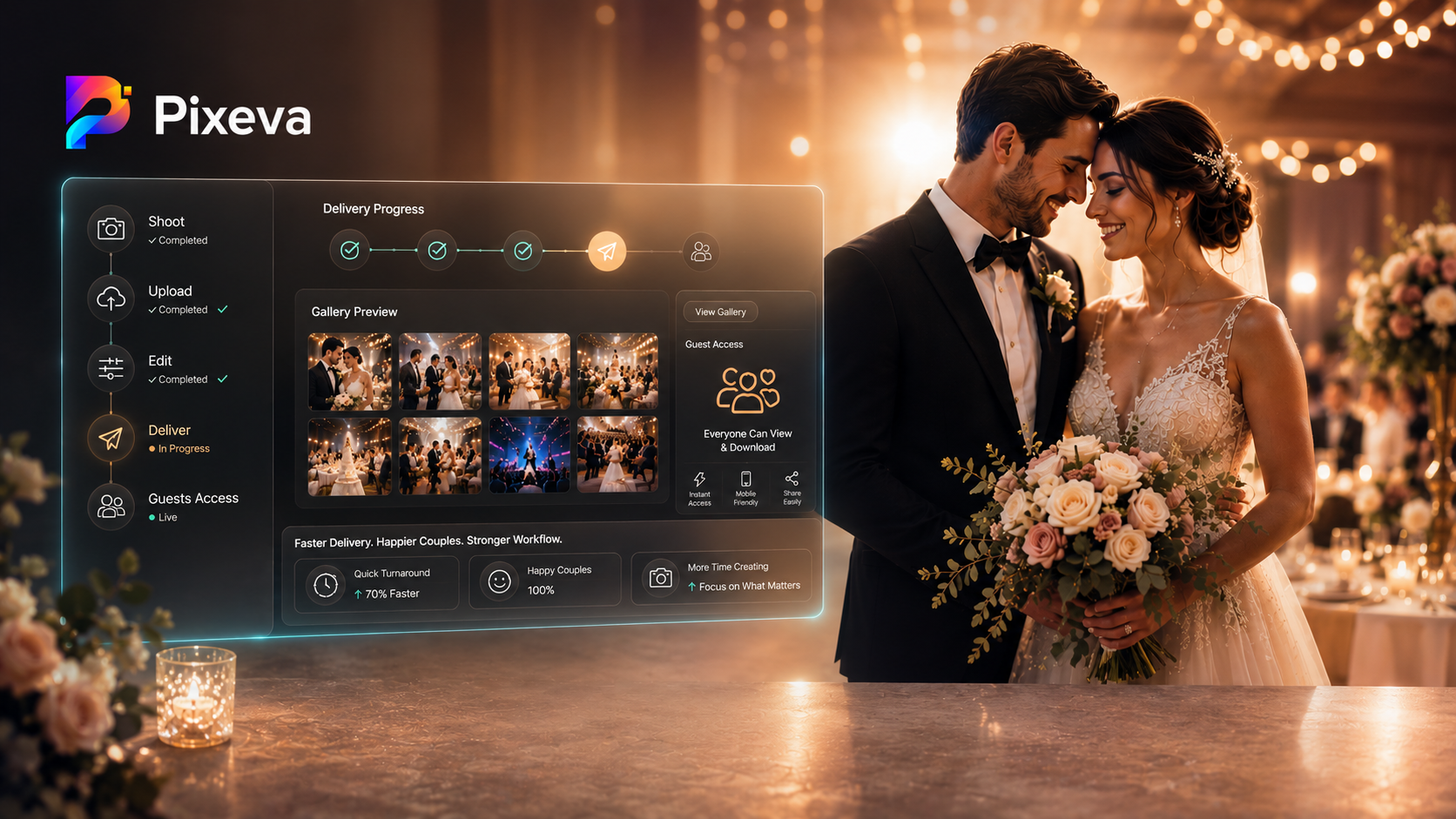
Instead of “here is a long link and good luck,” Pixeva helps you present a guided gallery experience: browsing, discovery features (where enabled), and clear paths for guests to find what matters.
Why it matters: clients compare you to other vendors. A polished gallery feels like part of your brand.
2) Guest self‑service reduces your inbox load
Guests can discover photos using flows designed for real events—like selfie search / face discovery (where enabled and consented), instead of asking you to “find the photo where I’m dancing.”
Why it matters: fewer DMs, fewer “can you send…” threads, faster closure after delivery.
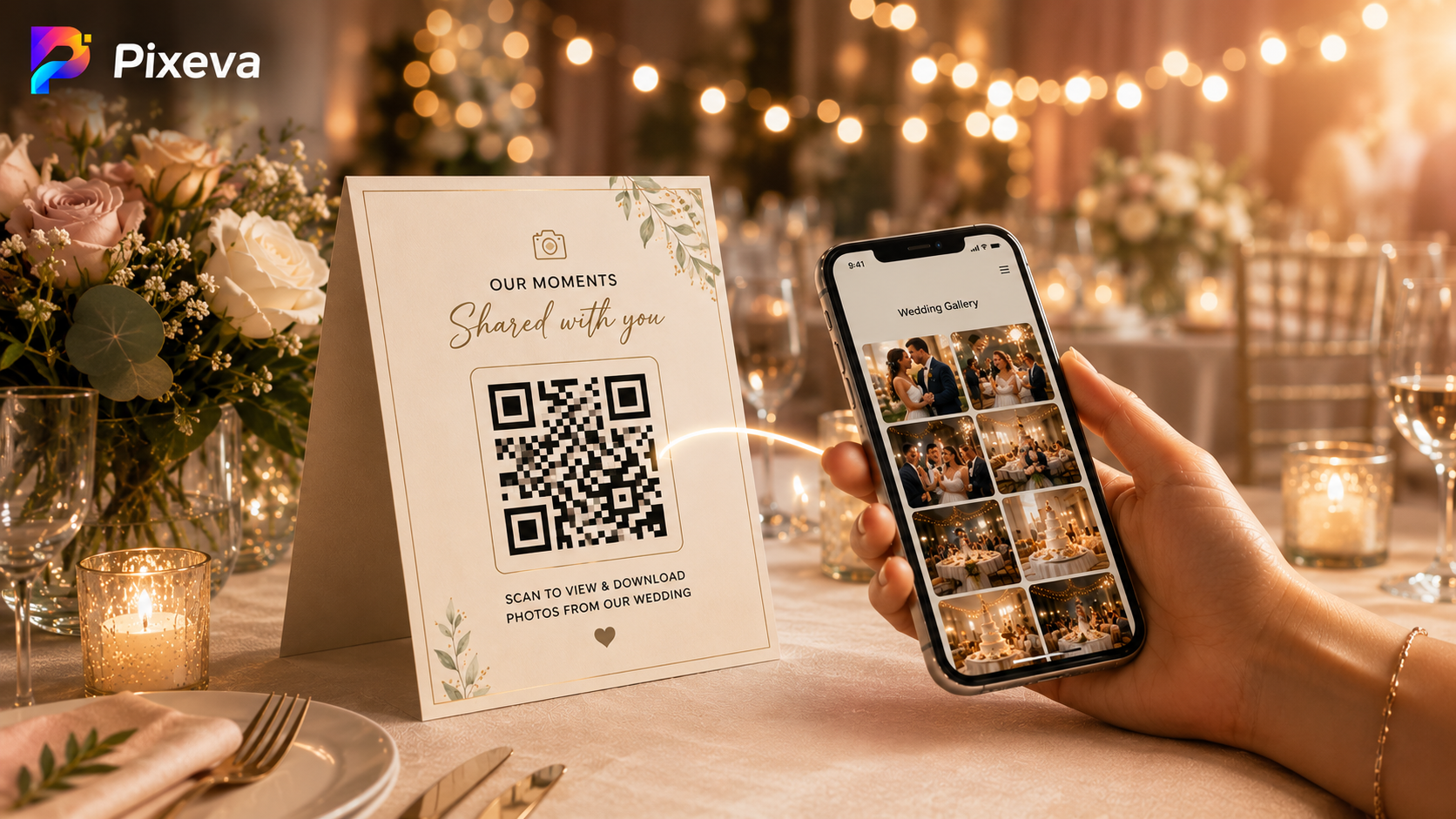
3) QR codes make access obvious at the wedding
QR codes on table tents, welcome signage, or programs turn “where are the photos?” into a one‑scan habit.
Why it matters: you capture attention when excitement is highest—not a week later.
4) Collaborative mode: second shooters and helpers upload into one gallery
Weddings often have multiple cameras. Pixeva supports contributor workflows so uploads can land in one unified gallery (instead of separate drives you merge manually).
Why it matters: less post‑wedding stitching work, fewer missing angles.
5) Smart albums help people skip the “scroll forever” phase
When available for an event, Smart Albums can help guests jump to curated buckets like highlights, candids, and group moments—depending on your product configuration.
Why it matters: guests engage more when the gallery feels navigable.
6) AI search helps when nobody tagged anything
When enabled, semantic / AI search helps guests describe what they want in plain language (for example a moment, scene, or vibe) instead of hunting filenames like IMG_4821.jpg.
Why it matters: large galleries become usable without manual keyword tagging marathons.
7) Analytics shows what actually got used
If you care about post‑wedding marketing and upsells, analytics helps you see what guests viewed, searched, and downloaded—so you can improve what you deliver next time.
Why it matters: you stop guessing what “worked” in the gallery.
8) Branding and watermarks keep your studio visible (where you want it)
Photographers often need tasteful branding for proofing, portfolio protection, or partner packages. Pixeva supports branding workflows so your studio presence stays consistent.
Why it matters: you protect your work without looking outdated or spammy—when configured intentionally.
9) Bulk downloads make “send me everything” less painful
When downloads are enabled, bulk options help guests take home what they want without hundreds of taps.
Why it matters: big families and wedding parties are the loudest requesters—bulk tools reduce friction.
10) Cloud sync options reduce “where did I put the finals?” stress
Integrations like Google Drive sync (when used in your workflow) help keep backups and handoffs structured—especially when multiple people touch files.
Why it matters: fewer lost files, fewer last‑minute panics.
Bonus: the real win is fewer “wedding admin” days
Pixeva is not trying to replace your taste as a photographer. It is trying to remove the repetitive operational drag:
- fewer link logistics
- fewer manual searches
- faster guest satisfaction
- cleaner multi‑camera delivery
A practical setup checklist (before you promise it to clients)
- Decide what guests can do: browse only vs downloads
- Confirm which AI features you are selling (and what plan enables them)
- Print QR touchpoints (not just one sign)
- Brief the couple on the guest flow in one sentence: “Scan, find yourself, favorite, download.”
- Do a real phone test (iPhone + Android) before the wedding week
Conclusion
The best wedding photographers win on emotion and trust. Pixeva helps the operational side match that quality: faster discovery, cleaner delivery, and a gallery experience guests actually use.
If you want your next wedding season to feel lighter behind the scenes, start with one upgrade—usually QR + unified gallery + guest discovery—then layer the rest as you scale.
Upgrade your wedding photography workflow with Pixeva: (https://pixeva.co)
Keep exploring with Pixeva
Want to put this into practice? These pages go deeper: