How to Automatically Share Wedding Photos with Guests on WhatsApp (AI Delivery Guide)
How to Automatically Share Wedding Photos with Guests on WhatsApp (AI Delivery Guide)
WhatsApp is the world's most widely used messaging app, with over 2 billion active users. At weddings and private celebrations, guests are eager to receive and post their photos immediately.
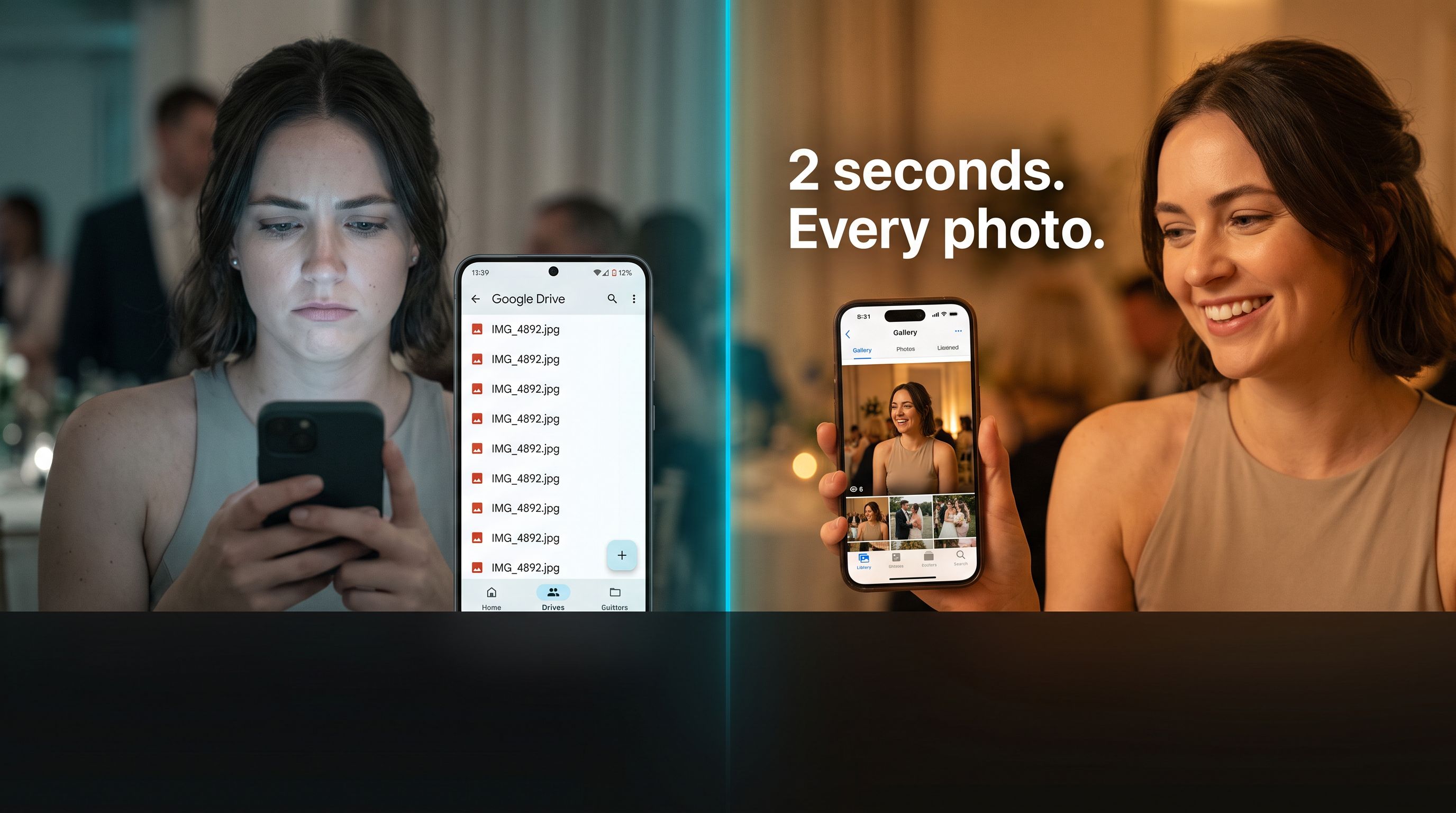
Traditionally, sharing wedding photos on WhatsApp meant creating massive group chats where everyone spammed low-resolution compressed images, or forcing hosts to manually text hundreds of guests one by one.
Today, automated AI WhatsApp photo delivery allows wedding couples and photographers to deliver personalized, high-resolution photos straight to each guest's private WhatsApp chat with zero manual sorting.
Why Deliver Wedding Photos via WhatsApp?
- Near 100% Open Rate: While email gallery links often get lost in spam folders, WhatsApp messages have a 98% open rate.
- Zero App Download Friction: Every guest already has WhatsApp installed. There is no need to download new apps or remember gallery passwords.
- Instant Gratification: Guests receive their photos while the emotion and excitement of the wedding celebration are still fresh.
Step-by-Step: How Automated WhatsApp Photo Sharing Works
  ┌────────────────┐     ┌───────────────────────┐     ┌───────────────────────┐
  │  Guest Scans   │ ──> │ AI Matches Guest Face │ ──> │ Photos Delivered to   │
  │  Table QR Code │     │ from Wedding Gallery  │     │ Guest's WhatsApp Chat │
  └────────────────┘     └───────────────────────┘     └───────────────────────┘
Step 1: Create Your Wedding Gallery on Pixeva
Create your free wedding album on Pixeva. You can create sub-albums for multi-day events such as Welcome Drinks, Ceremony, Haldi, Sangeet, and Reception.
Step 2: Print QR Code Table Cards
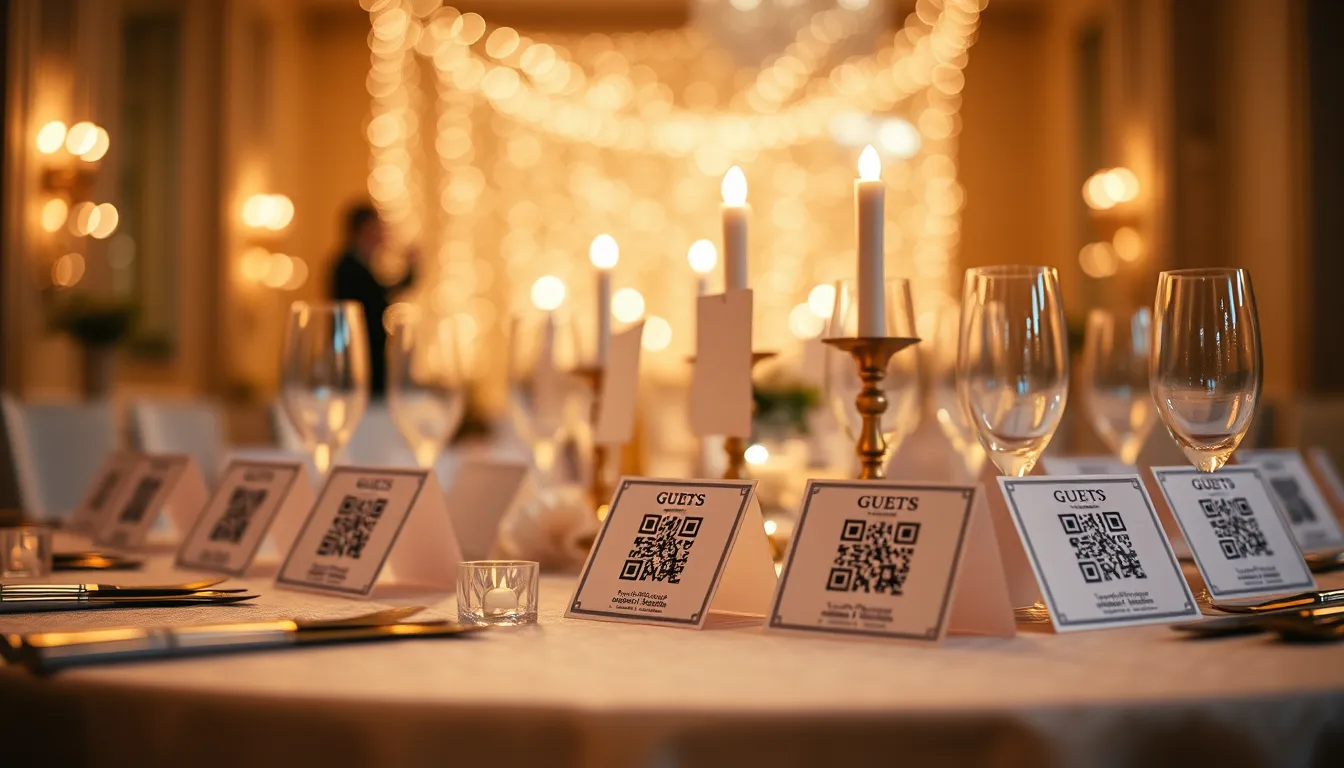
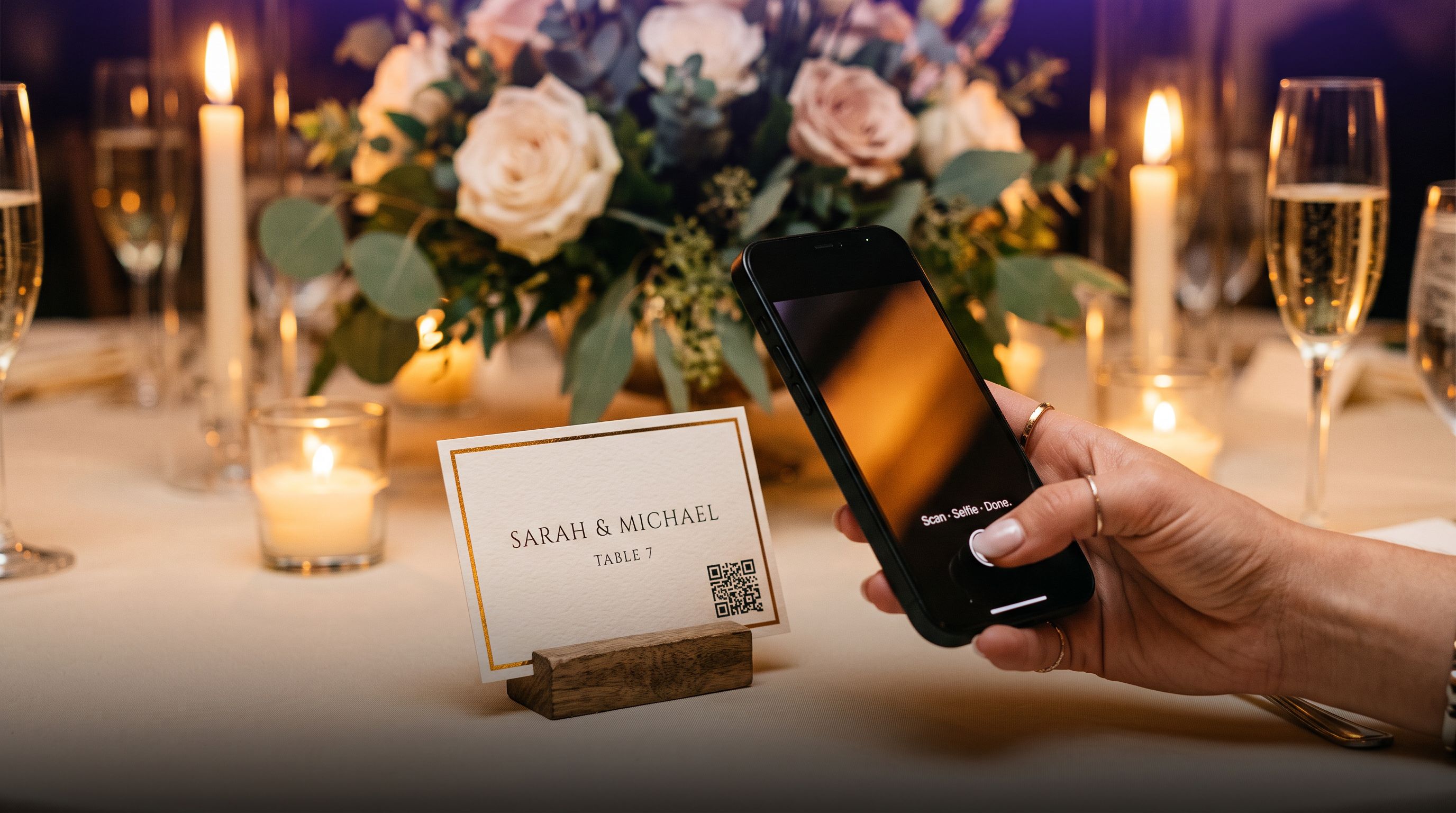
Generate matching table tent cards using the Free QR Code Generator or Free Place Card Maker. Place them on guest dining tables and at the cocktail bar.
Step 3: Guests Scan and Connect WhatsApp
When guests sit down, they scan the table QR code with their phone camera. They take a quick 1-second selfie and opt-in to receive their photos via WhatsApp.
Step 4: Instant Automated Delivery
As the official wedding photographer uploads high-resolution edits (or streams photos live via Camera FTP Tethering), Pixeva’s AI face recognition indexes every face. The system automatically sends a personalized message to each guest on WhatsApp containing their individual high-resolution photo collection!
Top Tips for Wedding Couples & Photographers
- Set Up a Live Photo Wall: Connect a projector or TV screen at your venue to display Pixeva's Live Photo Wall. As guests upload from their phones and the photographer shoots, moments appear live on screen.
- Full Resolution Downloads: Ensure guests can download original, uncompressed print-quality images rather than WhatsApp-compressed thumbnails.
- Keep Multi-Day Events Organised: For destination and South Asian weddings, use Pixeva's event hierarchy so guests can filter photos by specific ceremony.
Frequently Asked Questions
Does WhatsApp compress the original photo quality?
When photos are shared through Pixeva's WhatsApp automated delivery bot, guests receive a direct link to download the original, full-resolution JPEG/RAW images without any quality loss.
Can guests also upload their own smartphone photos?
Yes! Guests can both find the official photographer's shots and upload candid smartphone photos to the shared gallery.