How to Share Wedding Photos With All Your Guests (Without a Drive Folder)
How to Share Wedding Photos With All Your Guests (Without a Drive Folder)
You spent months planning your wedding. Your photographer delivered 3,000 stunning photos. You created a Google Drive folder, sent the link in the family group chat, and then waited.
Two months later, half your guests still haven't seen their photos. This guide covers what works in 2026 and why.
The Problem With How Most Couples Share Wedding Photos
Google Drive or Dropbox
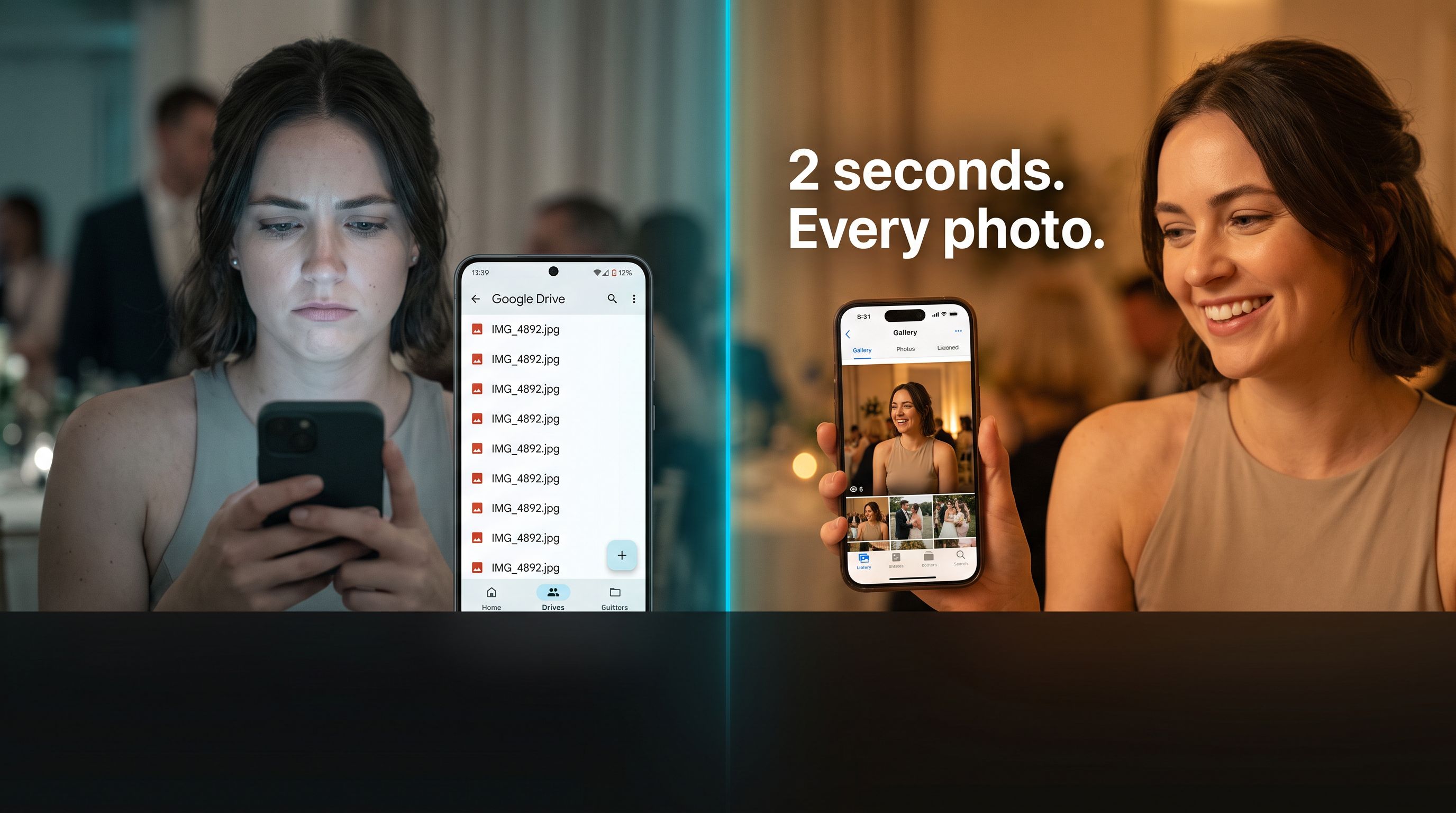
A Drive folder with 3,000 photos is nearly unusable for the average wedding guest. There is no face search, no personalised view, and no way for Grandma to find herself in group photos without scrolling hundreds of images. Drive is excellent for the photographer's archive. It is poor for the guest experience.
WhatsApp / Group Chat
Works for 20 people for 48 hours. Does not work for 150 guests over 3 months. The chat gets buried, photos are compressed, and guests added late miss everything.
Password-Protected Studio Gallery
Guests can view the full gallery but still have to manually find themselves in 2,500 photos. Most give up.
What Actually Works: QR Codes + Face Recognition
The approach that solves all three problems combines:
- A QR code at the venue so guests can join the gallery with zero friction
- AI face recognition so each guest finds their own photos with a single selfie
From the guest's perspective:
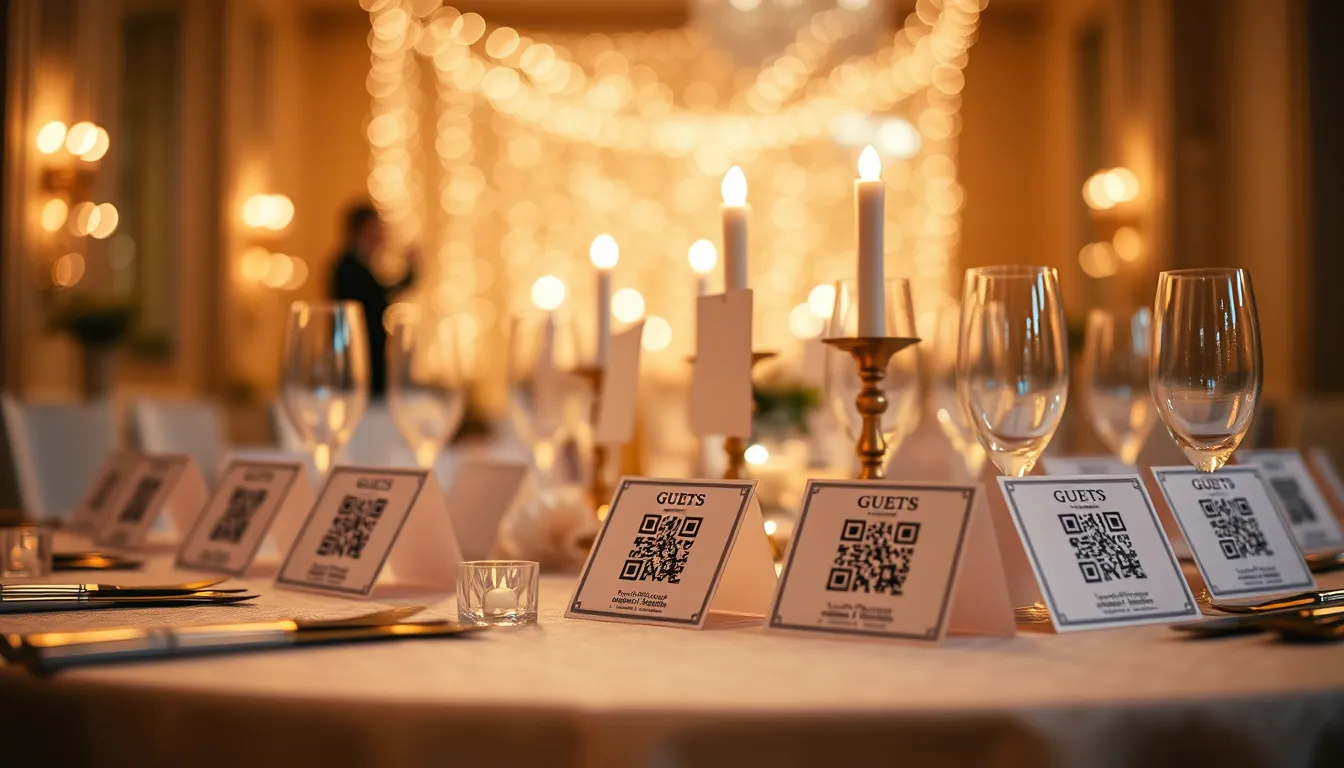
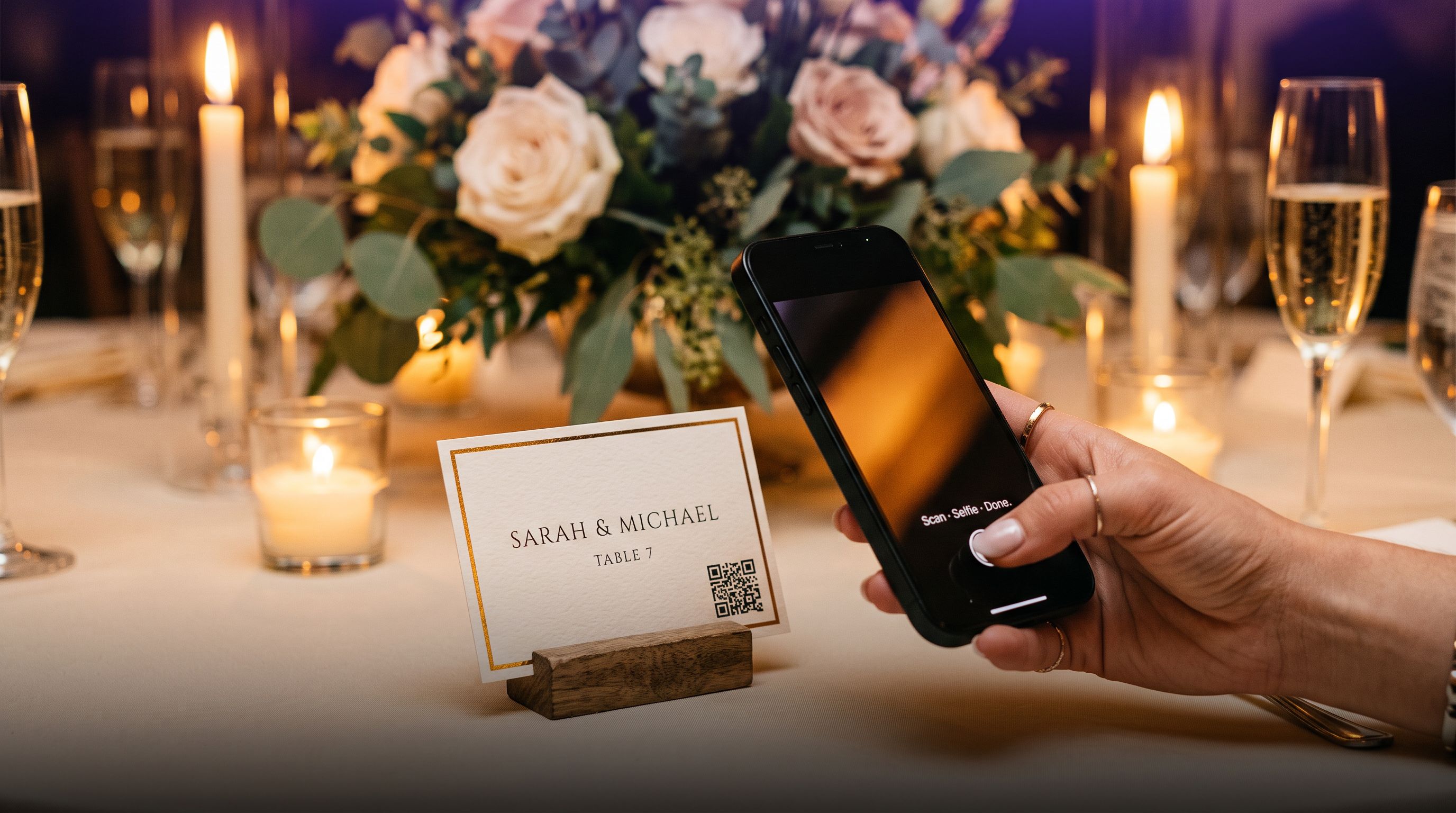
- They pick up their place card at the reception table. It has a small QR code on it.
- They scan with their phone camera. A browser tab opens — no app, no login.
- After the wedding, they visit the link again, take a selfie, and see every photo of themselves in one tap.
Total time for the guest: under 30 seconds.
Step-by-Step: How to Share Wedding Photos With Pixeva
Before the Wedding
Create your Pixeva event at pixeva.co/register. Takes 30 seconds.
Make your QR place cards using Pixeva's free place card maker or free QR generator. No design skills needed. Both tools are free.
On the Day
Upload photos as they are taken using Camera FTP tethering. By the time the reception starts, ceremony photos are already in the gallery.
Guests upload their phone photos optionally — turning every guest into a contributor.
After the Wedding
Guests use the selfie search — visit the gallery link, take a selfie, AI returns every photo of them across all uploads.
Send a reminder one week after the wedding. "Your wedding photos are ready — find yours by scanning the QR or clicking here." 70%+ click rate.
Extra Options
WhatsApp Photo Delivery
Guests text a selfie directly to Pixeva on WhatsApp and receive matched photos without opening a browser. Ideal for guests less comfortable with QR codes.
Live Photo Wall at the Reception
Projects a real-time slideshow of guest-uploaded photos on any TV or projector. Creates a social moment at the reception and dramatically increases guest photo submissions.
Privacy
Inform guests you will be using AI face recognition. A brief note on the wedding invitation or reception programme:
"We use Pixeva's AI face recognition to help you find your photos. Take a selfie at the gallery to see every photo of yourself. Selfies are deleted immediately after matching."
Comparison: Wedding Photo Sharing Methods
| Method | Guest effort | Face search | Cost |
|---|---|---|---|
| Google Drive | High (browse 3,000 files) | None | Free |
| WhatsApp group | Low (buried fast) | None | Free |
| Photography studio gallery | Medium | None | Included |
| Pixeva (QR + selfie search) | Very low (30 seconds) | AI selfie match | Free tier |
Ready to Set It Up?
- Create your free Pixeva event
- Use the place card maker to print QR cards
- Share the invite with your photographer for Camera FTP setup