The Complete Guide to AI Face Recognition for Events
Introduction
You've just attended a beautiful wedding with 500+ photos. The photographer shares a Dropbox link. Now begins the dreaded 2-hour scroll to find yourself in 15 photos. Sound familiar?
Finding yourself in hundreds of event photos is frustrating and time-consuming. Whether it's a wedding, conference, birthday party, or graduation, the traditional solution of manually scrolling through galleries or asking the photographer to filter photos doesn't scale well. Guests waste hours searching, photographers spend time fulfilling individual requests, and many people miss photos they're featured in.
But there's a modern solution: AI-powered face recognition that finds you instantly. Instead of spending hours scrolling, guests upload one selfie and see every photo they appear in within seconds. This technology transforms event photo sharing from a tedious chore into an effortless experience.
In this complete guide, you'll learn what face recognition technology is, how it works specifically for events, why it's revolutionary for guests and photographers alike, and how Pixeva makes finding yourself in event photos effortless.
What is Face Recognition for Events?
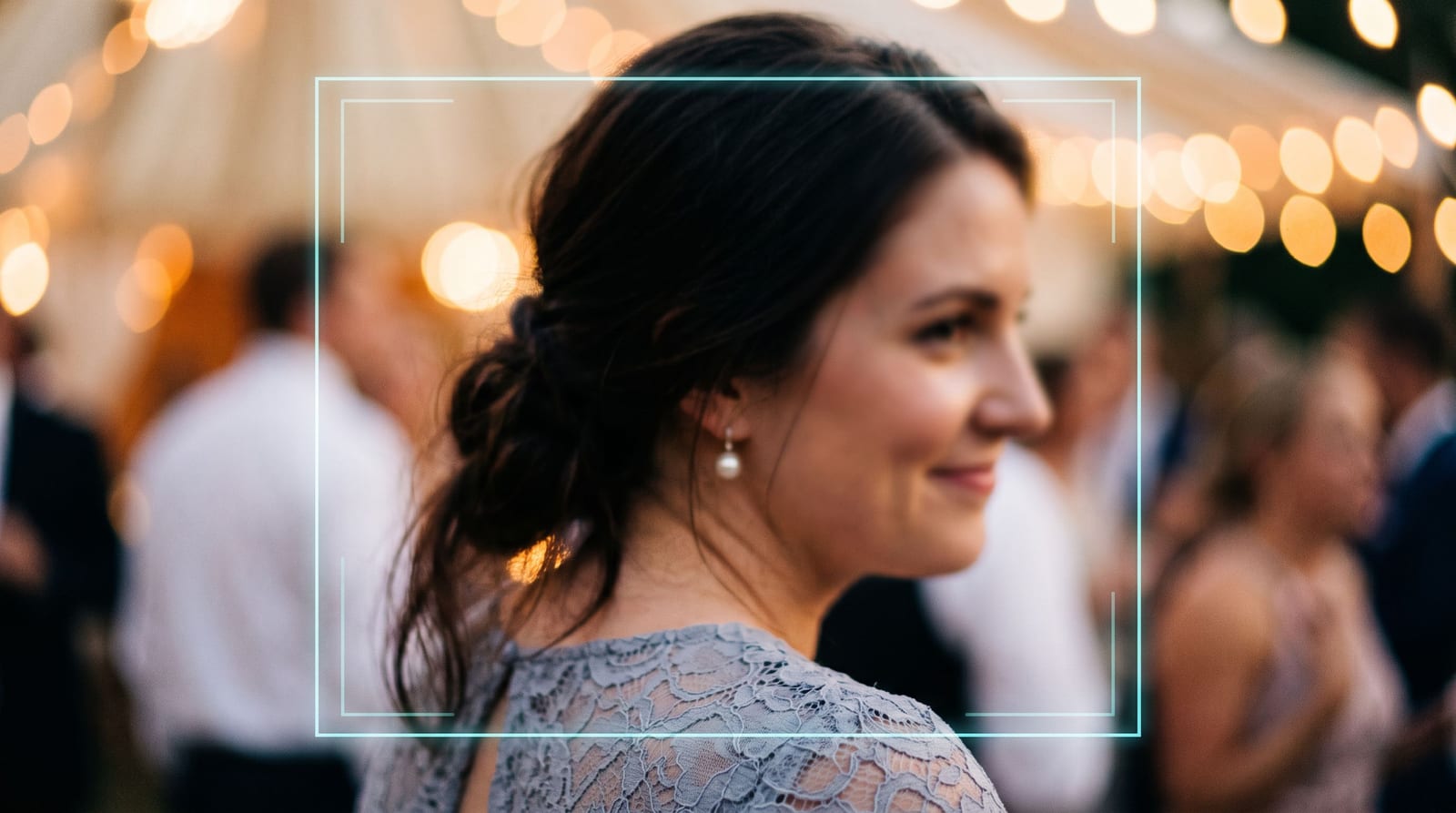
Face recognition is a technology that identifies unique facial features to create a digital "fingerprint" of your face. While you might be familiar with face tagging on social media platforms like Facebook, event-specific face recognition is optimized differently.
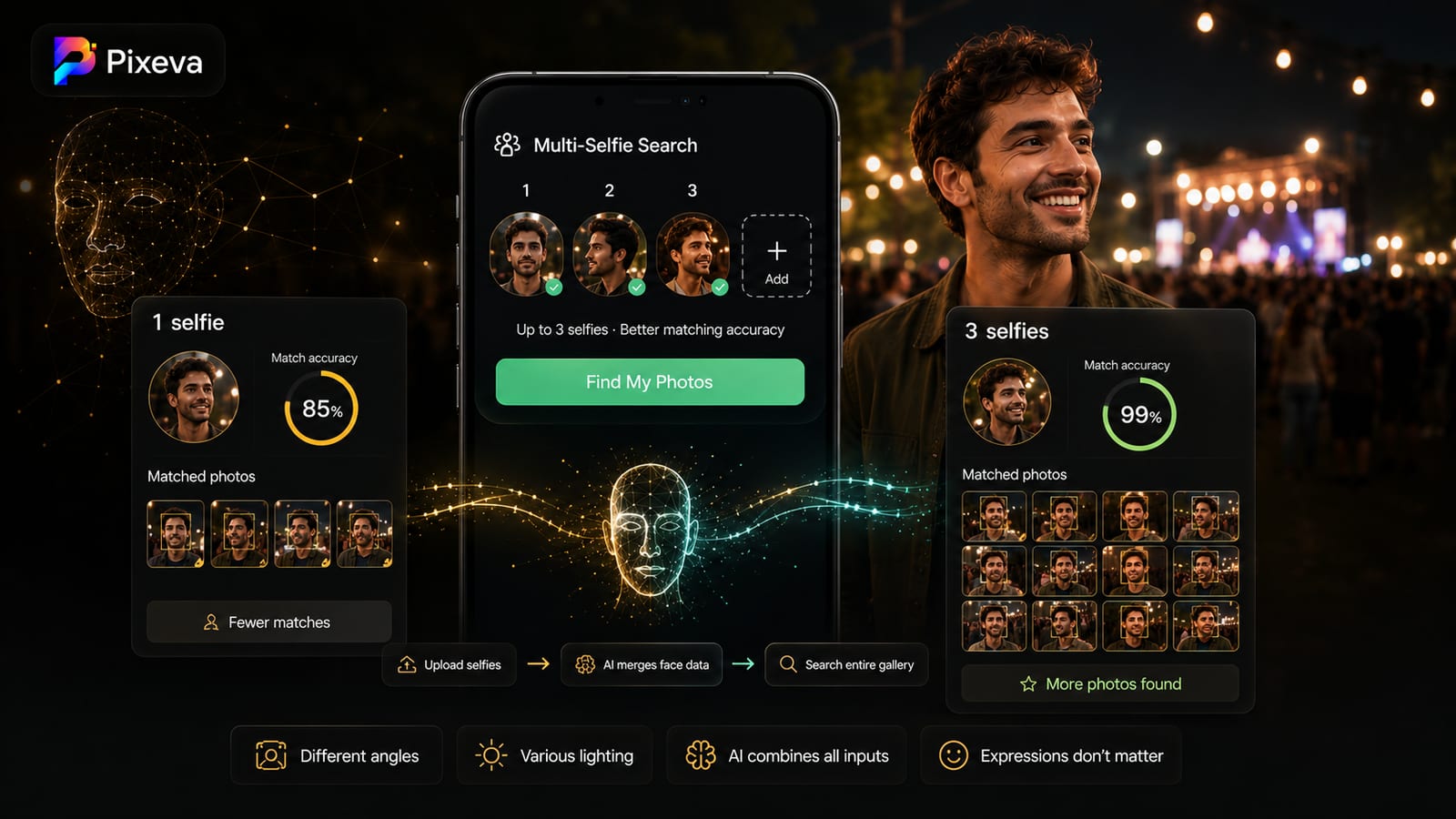
How it works technically: The AI analyzes geometric patterns of your face - the distance between your eyes, the shape of your cheekbones, the contour of your lips, and dozens of other unique measurements. These measurements are converted into a mathematical representation called a face embedding or face vector. When you upload a selfie, the AI creates your face vector and compares it against all face vectors detected in the event photos, returning only the matches.
Why events need specialized face recognition: Unlike social media where you manually tag friends over time, event face recognition processes hundreds or thousands of photos at once. It needs to handle varying lighting conditions (outdoor ceremonies, dim reception halls), different angles (candid shots, group photos), partial face visibility (profiles, people in the background), and accessories (glasses, hats, face masks). Event-focused systems like Pixeva are optimized for these specific challenges.
The technology behind it: When photos are uploaded, Pixeva detects every face and turns each one into a face embedding — a numeric fingerprint. A guest's selfie becomes the same kind of fingerprint and is compared against every face in the event. It is built to cope with the variation real event photos throw at it: different ages, expressions, angles and lighting.
How Pixeva's Face Recognition Works
Let's walk through exactly how the face recognition process works from start to finish:
Step 1: Event Organizer Uploads Photos
The event organizer (photographer, wedding planner, or event host) creates an event in Pixeva and uploads all photos. This can be done via drag-and-drop upload, direct photographer upload through Pixeva's contributor portal, or by connecting Google Drive for automatic sync. There's no limit to photo count - events can have 100 photos or 10,000+ photos.
Step 2: AI Indexes Every Face Automatically
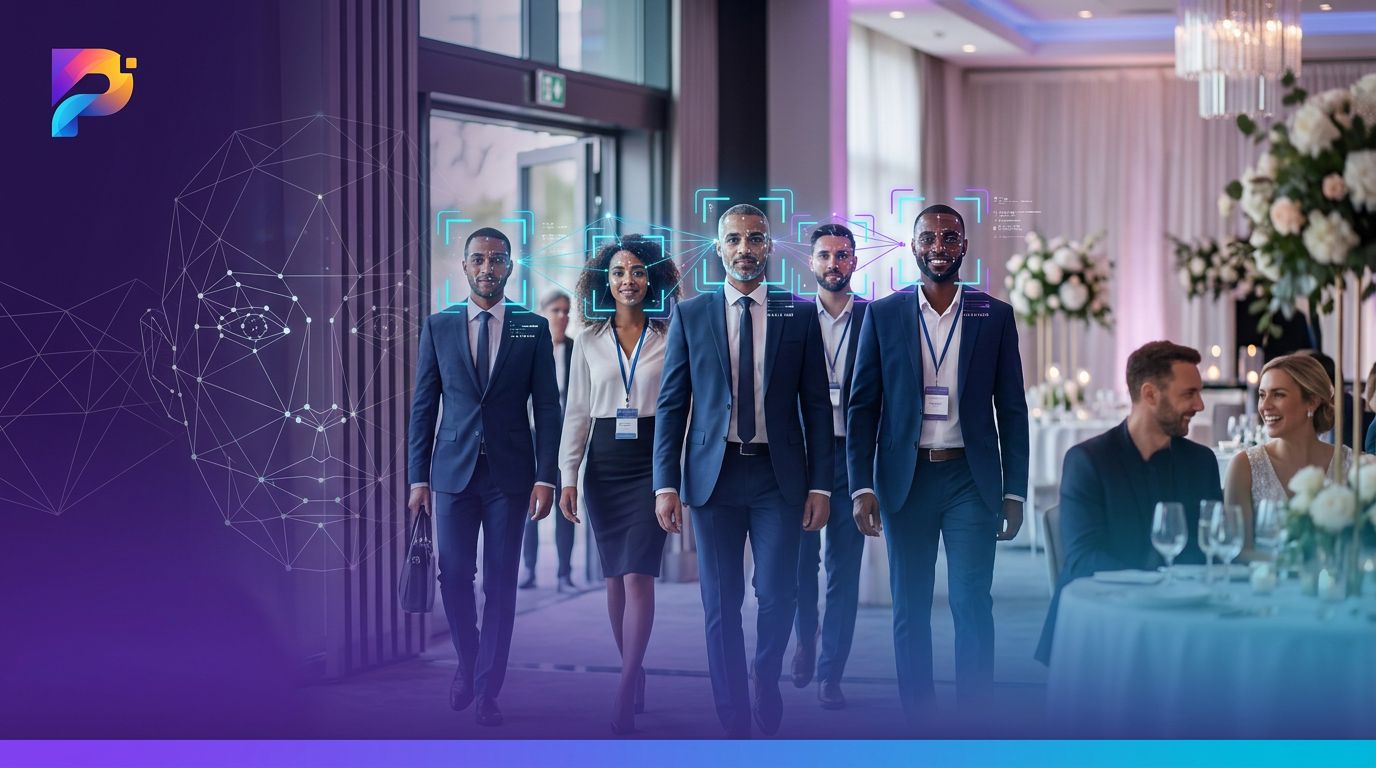
Once photos are uploaded, Pixeva's AI automatically scans every image to detect and index faces. For each face detected, the system:
- Creates a high-precision face vector (the mathematical representation)
- Groups similar faces together into clusters (this person appears in 47 photos)
- Stores the face data securely with encryption
- Links each face to its source photos
This indexing happens in the background and typically completes within minutes, even for large events. For a wedding with 500 photos containing 2,000+ faces, indexing takes about 5-10 minutes.
Step 3: Guest Uploads Selfie
Guests receive a unique event link or QR code from the organizer. When they visit the event gallery, they're prompted to upload a selfie to find photos of themselves. The selfie should be:
- Clear and well-lit (front-facing phone camera works perfectly)
- Showing your full face (no sunglasses, though regular glasses are fine)
- Recent (looking similar to how you appeared at the event)
The guest uploads one selfie. That's it. No manual tagging, no scrolling, no searching.
Step 4: AI Matches and Displays Results
Within seconds, Pixeva's AI:
- Creates a face vector in memory from your selfie (the selfie is never written to disk)
- Compares it against all indexed faces in the event
- Returns the photos where your face is matched with high confidence
- Displays results sorted by confidence score
The search itself usually returns within seconds, depending on how large the event is. Guests can then view, download, or share their photos instantly.
Accuracy in practice: Clear, well-lit, front-facing shots match most reliably. Dim reception lighting, side profiles and partial occlusion are harder — which is why a clear selfie improves results. If you appear clearly in even a few frames, the match usually carries across to the harder ones: the group shots and dance-floor candids you actually want.
Benefits for Different Users
Face recognition transforms the event photo experience for everyone involved. Here's how different users benefit:
For Wedding Guests: Never Miss a Photo of Yourself
Time savings: Instead of spending 1-2 hours scrolling through 500+ wedding photos, guests find themselves in seconds.
Complete discovery: Guests discover photos they would have missed - candid shots in the background, group photos they didn't know were taken, photos from photographers they weren't aware of.
Example: A guest at a wedding covered by several photographers takes one selfie and gets back every frame she appears in — including candids she would never have found by scrolling through the full gallery.
Social sharing: With all your photos instantly accessible, you can select the best ones and share them on social media while the event is still fresh in everyone's mind.
For Event Attendees: Quick Access at Conferences
Professional headshots: Conference attendees find professional photos of themselves for LinkedIn, speaker profiles, and company bios.
Networking moments: Find photos of yourself with key connections made at the event.
Event participation proof: Quickly access photos showing your attendance, panel participation, or award moments.
Example: Mark attended a 3-day tech conference with 1,000+ attendees and 2,000+ photos. He uploaded his headshot and found 31 photos of himself, including photos from his panel discussion, networking sessions, and candid moments during keynotes. He updated his LinkedIn profile with a professional shot the same evening.
For Photographers: Professional Delivery Experience
Reduced support requests: No more "Can you find photos of me?" emails that take 15-30 minutes each to fulfill.
Client satisfaction: Clients and their guests have immediate access to their photos, leading to higher satisfaction and referrals.
Competitive advantage: Offering face recognition sets you apart from competitors still using basic gallery sharing.
Faster delivery: Share the gallery link immediately after uploading photos - no need to manually organize or tag photos first.
For photographers: The requests that used to trickle in for days after a wedding — "can you find the one of me with my cousin?" — largely stop, because guests can find their own photos. That time goes back to the photographer.
For Event Planners: Happy Guests and Less Support
Guest satisfaction: Happy guests who easily find their photos lead to better event feedback and repeat business.
Reduced post-event workload: No need to field photo location requests or manually sort through photos.
Professional presentation: Offering AI-powered photo access elevates your event's perceived sophistication.
Analytics: See which guests engaged with the gallery and how many photos were accessed (useful for follow-up marketing).
Real-World Use Cases
Let's explore specific scenarios where face recognition solves real problems:
Use Case 1: Wedding with 500 Photos
Setup: Sarah attended a beautiful outdoor wedding. The couple hired two photographers who captured 500+ photos across the ceremony, cocktail hour, reception, and after-party.
Challenge: Sarah wanted photos of herself but didn't know which photographer shot which moments. Scrolling through all 500 photos would take over an hour.
Solution: The guest scans the QR code on the table card, takes a quick selfie, and sees the photos she appears in, gathered in a private gallery.
Result: Sarah found photos she never would have discovered manually - candid laughs during the ceremony, a beautiful shot during sunset golden hour, and fun moments on the dance floor. She downloaded 12 favorites and shared them on Instagram the next day, tagging the couple and helping promote their wedding hashtag.
Use Case 2: Corporate Conference with 1,000 Attendees
Setup: TechSummit 2026, a 3-day conference with 1,000 attendees, 15 sessions, and 4 photographers capturing keynotes, panels, networking, and expo floor activities. Total: 2,000+ photos.
Challenge: Marketing manager Lisa needed professional photos of herself from her panel discussion for company LinkedIn and press materials. Finding specific photos among 2,000 in a shared Google Drive would be nearly impossible.
Solution: Conference organizers shared a Pixeva gallery link in the closing email. Lisa uploaded her headshot and found 31 photos of herself, including high-quality shots from her panel, candid networking moments, and photos at the company booth.
Result: Lisa downloaded 5 professional photos for her LinkedIn profile and company website. Her company's marketing team also used the photos for a "recap" blog post. The entire process took 5 minutes instead of requesting photos from organizers and waiting days for a response.
Use Case 3: Graduation Ceremony with 800 Photos
Setup: University graduation with 300 graduates. The school's photography team captured the processional, individual podium moments, group photos, and celebrations. Total: 800+ photos shared in an online gallery.
Challenge: Parents wanted photos of their child but couldn't easily spot them in crowd shots, group photos, and processional images.
Solution: The university included a Pixeva gallery link in the post-graduation email. Parents uploaded a photo of their graduate and found 23 photos instantly, including shots they didn't know existed (walking in the processional, talking with friends, celebrating with faculty).
Result: Parents found cherished moments without spending hours scrolling. The university received positive feedback for the innovative photo delivery experience, setting them apart from other schools still using basic photo galleries.
Use Case 4: Birthday Party with Multiple Photographers
Setup: A milestone 50th birthday party where guests took photos on their phones throughout the evening. The host wanted to collect all photos in one place so everyone could access them.
Challenge: Photos were scattered across 15 different phones. Creating a shared album meant everyone had to manually upload and tag people.
Solution: The host created a Pixeva event and shared a contributor link. Guests uploaded their phone photos (200+ photos total). All attendees could then use face recognition to find photos of themselves from any photographer.
Result: Guests loved seeing candid moments captured by different people throughout the party. The face recognition feature made it easy for everyone to find themselves without scrolling through hundreds of photos taken by people they didn't even know. The host received compliments on the "tech-forward" party experience.
Privacy & Security Considerations
With any biometric technology, privacy and security are critical. Here's how Pixeva handles your face data responsibly:
Biometric consent required: Before any face scanning occurs, guests must explicitly consent. When you upload a selfie, you're shown a clear consent notice explaining that your selfie is processed in memory and never written to disk to find your photos. You can decline and still browse the full gallery manually.
GDPR compliance: Pixeva is fully compliant with GDPR and CCPA privacy regulations. Your face data is treated as sensitive biometric information with the highest protection standards.
Data deletion options: Guest search selfies are processed in memory and never stored. For event photos uploaded to the gallery, organizers and guests can request deletion of photos or event face indexing at any time. Original event face vectors are automatically removed when an event ends or upon request.
Who can see your face data: Guest searches are private. Other guests cannot see who has used face recognition or which photos other people found. Search selfies are processed in memory and never written to disk or shared with third parties.
How long data is stored: Guest search selfies are processed entirely in memory and are never written to disk or stored. Indexed face vectors from event photos are retained only for the duration of the event gallery's active period. Once the event expires or is closed by the organizer, all event face vectors are permanently purged.
Security measures: All face data is encrypted in transit (TLS) and at rest (AES-256). Pixeva uses AWS's secure infrastructure with enterprise-grade security controls, regular security audits, and penetration testing.
Getting Started with Face Recognition
Ready to use face recognition for your event? Here's how to get started:
For Event Organizers:
- Sign up for Pixeva at pixeva.co (free plan available)
- Create your event (wedding, conference, party, etc.)
- Upload photos via drag-and-drop or enable contributor upload for photographers
- Share the event link or QR code with guests (via email, printed cards, event website)
- Guests upload selfies and find their photos instantly
For Guests:
- Receive event link or QR code from organizer
- Visit the Pixeva event gallery
- Upload a clear selfie
- View all photos you appear in — usually within seconds
- Download, share, or favorite your photos
For Photographers:
- Work with event organizers who use Pixeva
- Upload photos directly via contributor portal
- Guests self-serve with face recognition (no manual photo delivery needed)
Try it free: Pixeva offers a free plan with 100 photos - perfect for testing face recognition at your first small event. - perfect for testing face recognition at your first event. No credit card required. Start your first event free.
Conclusion
Face recognition transforms event photo sharing from hours of scrolling to seconds of discovery. Whether you're a wedding guest searching for yourself among 500+ photos, a conference attendee looking for professional headshots, a photographer wanting to deliver a premium experience, or an event planner focused on guest satisfaction, AI-powered face recognition solves real problems.
The technology works by creating a unique mathematical representation of your face, comparing it against all faces detected in event photos, and returning your matches within seconds. It saves time, helps guests discover photos they would have missed, reduces photographer workload, and elevates the event experience.
With privacy-first practices including explicit consent, GDPR compliance, and data deletion options, face recognition can be used responsibly while delivering massive value to everyone involved in event photo sharing.
Ready to try AI face recognition? Start your free event today and see how Pixeva helps guests find themselves in seconds, not hours. Try Pixeva Free →
Keep exploring with Pixeva
Want to put this into practice? These pages go deeper: