Live Photo Wall for Events: How It Works and How to Set One Up
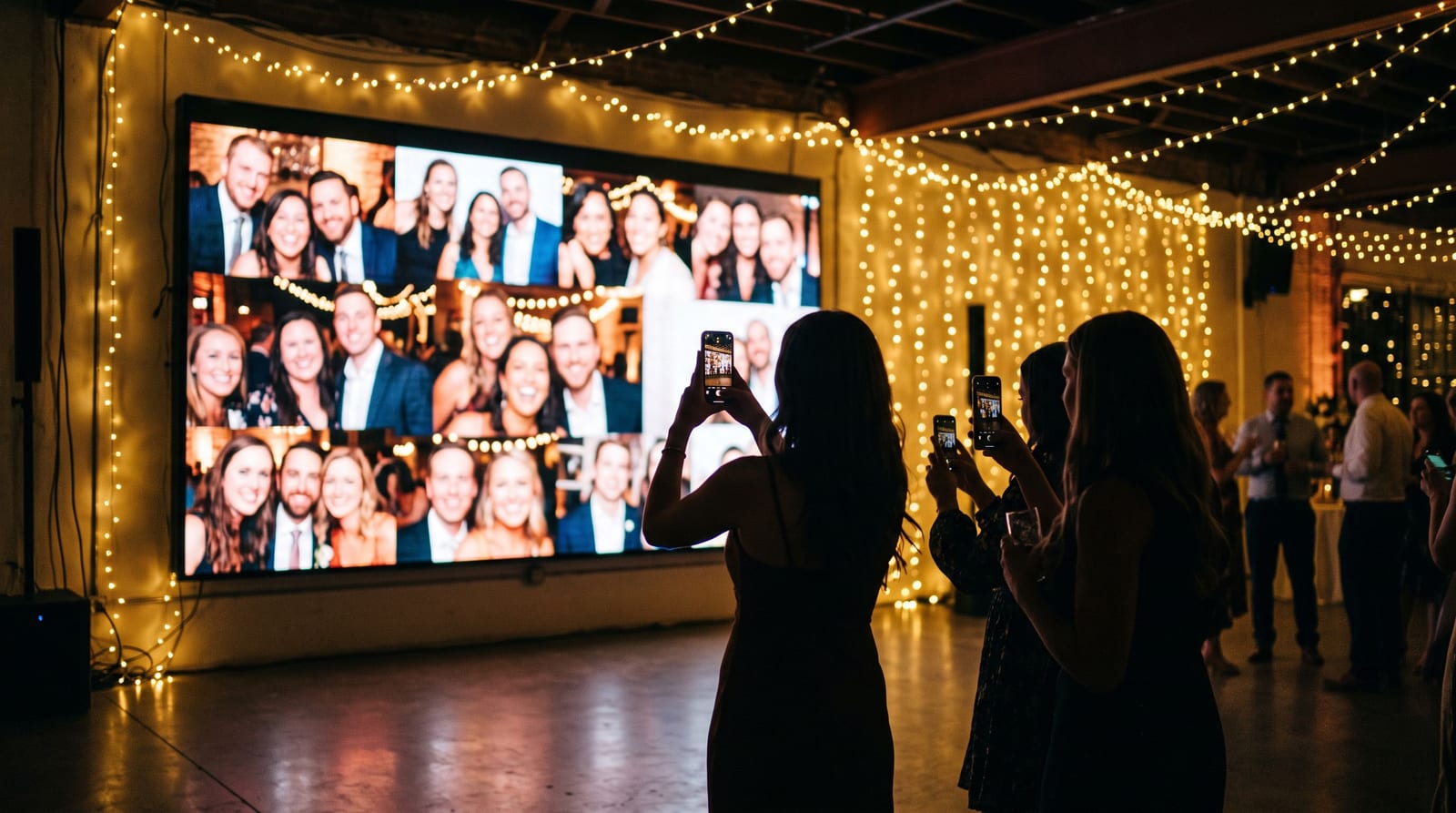
A live photo wall is a screen at an event that shows photos in near real time as guests and photographers upload them. A guest takes a candid, scans a code, and a few moments later it is on the big screen. It turns the audience into part of the entertainment.
This guide explains how a live photo wall works, what you need to run one, and how to avoid the common problems.
What a live photo wall does
At its simplest, a wall is a web page that shows a rotating collection of photos from one shared event album. Guests add photos from their own phones. New photos appear on the wall automatically, without anyone refreshing the page.
It works well because it gives guests a reason to take and share photos during the event instead of afterwards. People look at the screen, spot themselves, and take more photos.
What you need
- A screen or projector. A TV, a projector, or an LED screen all work, as long as it can open a web page.
- A device to run it. A laptop or a small computer plugged into the screen, with the wall page open in full screen.
- Internet access. The wall needs a steady connection to receive new photos. Venue wifi is often weaker than people expect, so test it, and consider a mobile data backup.
- A way for guests to contribute. A QR code on the tables and near the screen is the easiest. Guests scan it and upload from their browser, with no app to install.
- Someone responsible for it. One person who can pause or adjust the wall if something goes wrong.
Step by step
- Create the event album before the day. The wall draws from this one album, so everything guests add also ends up in the main gallery.
- Print the QR code. Put it on table cards and by the screen. Our free QR tent card maker makes printable cards, and the place card maker can add the code to name cards.
- Test everything at the venue. Open the wall on the real screen, upload a test photo from a phone, and check how long it takes to appear. Do this on the venue's network.
- Decide on moderation. Light moderation, plus a short queue, stops anything unsuitable from appearing on a screen in front of your grandparents.
- Tell people it exists. A short announcement from the host, plus the code on the tables, is what gets photos flowing.
Common problems and fixes
Nothing appears on the wall. Usually the wall device lost its connection, or the page timed out. Keep the device plugged in, switch off its sleep settings, and keep a backup connection ready.
Photos arrive slowly. Large originals take longer to upload on a weak connection. Ask guests to upload over mobile data if the venue wifi is poor.
The wall shows the same photos repeatedly. This happens early when few photos have been added. Seed it with some photographer or host photos so it has material from the start.
Nobody uses it. People need a prompt. A sign by the screen, a mention from the host and a photo challenge can all help.
A live wall and the main gallery work together
A wall is only the live part. Everything uploaded also lands in the event gallery, so after the event guests can take a selfie to find every photo they appear in. That is why running both from one album is better than a separate slideshow tool. Our glossary has a short entry on the live photo wall, and you can see how it works on the live photo wall feature page.
For weddings, there is a dedicated guide to the live wedding photo wall. Pixeva's Live Interactive Wall is included with the Event Pass.
Questions people ask
Do guests need an app? No. They scan a code and upload from their phone browser.
Can I stop inappropriate photos appearing? Yes, if you use moderation. Decide before the event how strict to be.
Does it work for corporate events and conferences? Yes. It is popular at weddings, parties, conferences and festivals, anywhere there is a screen and an audience.
What happens to the photos afterwards? They stay in the event gallery, where guests can search for themselves.
Summary
A live photo wall needs a screen, a connection, a QR code and one person who owns it. Test it at the venue, plan for moderation, and run it from the same album as your main gallery so nothing gets lost. If you want to try it, you can create a free event and see how the wall looks with your own photos.