Core Feature

AI face search for event photosFind every photo with one selfie.

Guests stop scrolling through thousands of event photos. One selfie pulls up every photo they appear in, including group shots, straight from their phone browser.

Try it now · no signup

See Pixeva find a face in real time

Upload a photo or pick a sample guest. The AI runs entirely in your browser : your photo is never uploaded.
pixeva.co/try
No photo yet
Choose a photo to start →
Sample event photo 1 for face recognition
Sample event photo 2 for face recognition
Sample event photo 3 for face recognition
Sample event photo 4 for face recognition
Sample event photo 5 for face recognition
Sample event photo 6 for face recognition
Sample event photo 7 for face recognition
Sample event photo 8 for face recognition
Found 5 of their photos
in 1.8s
or a sample guest:

Runs on-device with on-device AI. Your photo never leaves this browser and isn't stored.

That's a sample event. Point Pixeva at your photos and every guest finds theirs with a selfie.

Create your free album
How it works

How AI face search finds your photos

Four steps from upload to a personal gallery. Nothing for guests to install.

  1. Step 1

    Photos go into one event gallery

    The organizer or photographer uploads photos, and guests can add their own. Camera FTP, Google Drive and Dropbox imports land in the same gallery.

  2. Step 2

    Every face in every photo is indexed

    Each upload is scanned and up to 100 faces per photo are indexed, so a 40-person group shot is findable by each of those 40 people, not just the one in front.

  3. Step 3

    A guest takes one selfie

    Guests open the event link or scan the QR code in their phone browser. No app to install, no account needed to search.

  4. Step 4

    They get only their photos

    The selfie is compared against the event’s index, and only matches above an 80% similarity threshold come back, from solo portraits to the back row of a group photo.

Semantic Vector Search

Find Photos with Words

Our multi-modal vector embeddings understand pure descriptive context. Search for exact scenes, color moods, or complex actions in milliseconds.

Interactive AI Search Engine

Simulated AWS SageMaker embeddings model

Ready

Suggested Smart Queries:

Found 3 High-Confidence Matches
Query time: 42ms
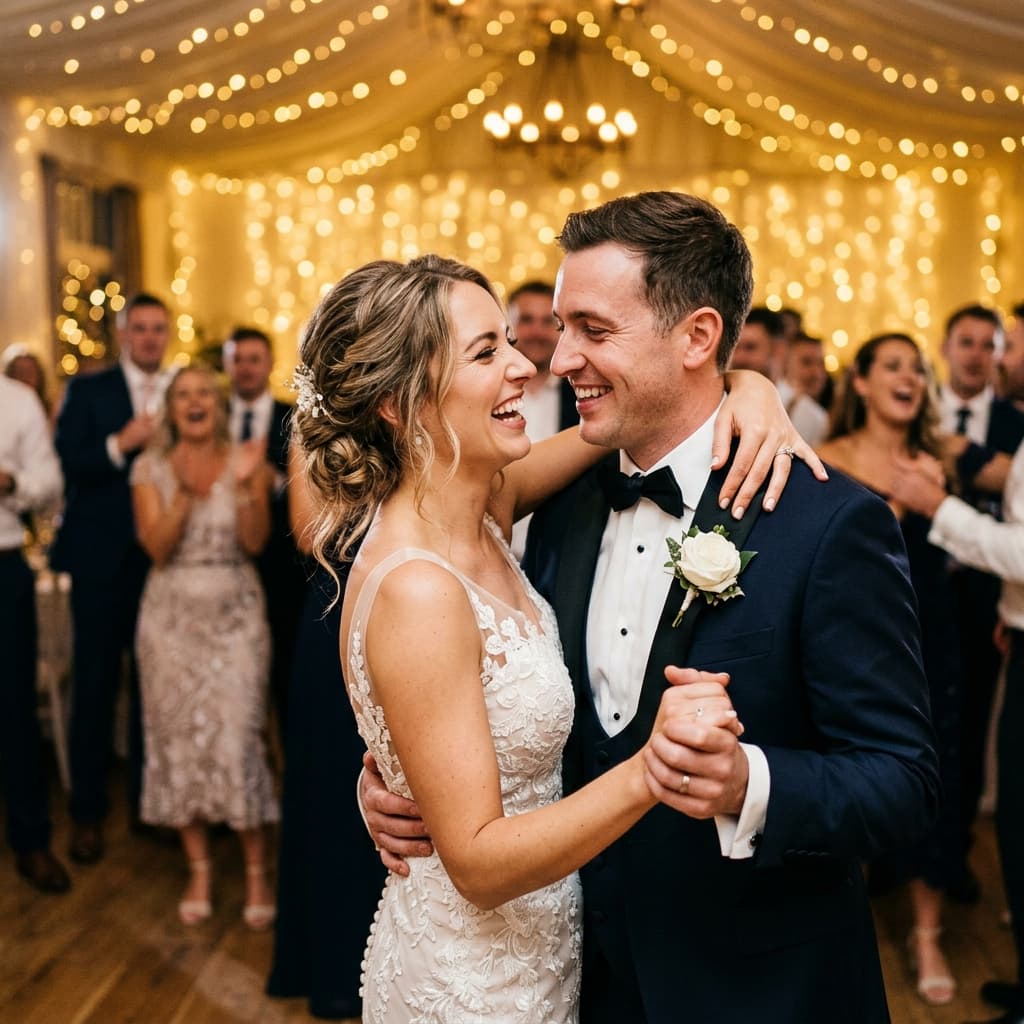
Wedding couple first dance
99.8% match

Wedding couple first dance

50mm · f/1.8 · ISO 400 · 1/250s

Dance FloorFirst DanceWedding
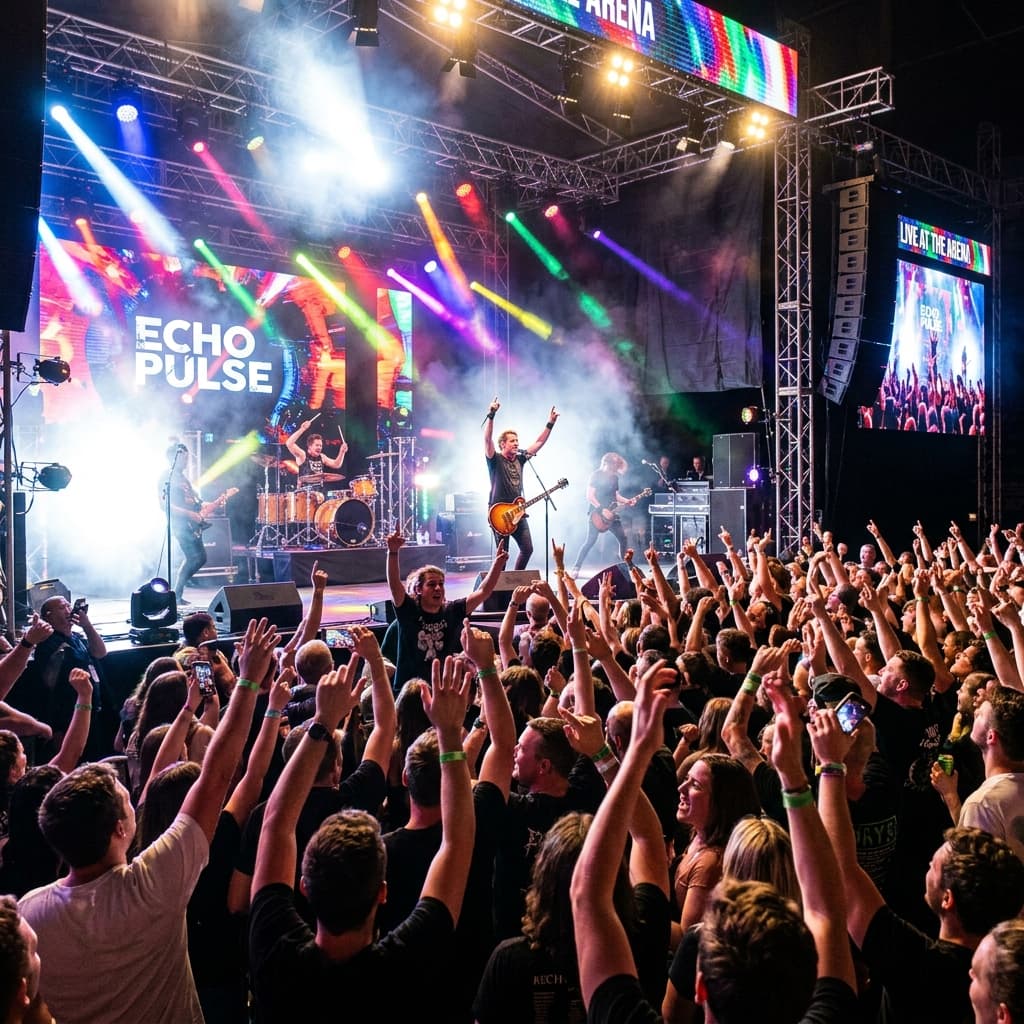
Festival crowd jumping on beat
96.2% match

Festival crowd jumping on beat

16mm · f/2.8 · ISO 3200 · 1/125s

Dance FloorConcertEnergy
Friends dancing together at party
91.5% match

Friends dancing together at party

35mm · f/2.0 · ISO 640 · 1/160s

Dance FloorPartyFriends
1

Deep Image Embeddings

Photos are converted into high-dimensional vectors on upload using vision-transformer backends.

2

Natural Language Queries

We project your search string into the identical embedding space to capture complex visual relations.

3

Cosine Distance Match

Vector scores return matches in under 50ms, highlighting specific moments flawlessly.

Group photos

Built for group shots, not just portraits

Most event photos have more than one person in them. Pixeva indexes up to 100 faces in each photo, so the same group shot appears in the gallery of every guest in it.

On the search side, only the largest face in a guest’s selfie is used, which means a friend photobombing the selfie doesn’t mix their photos in. A clear solo selfie gives the best results.

Curious how the matching works under the hood? See what a face embedding is and face detection vs. face recognition.

AI face search FAQ

How does AI face search find my photos at an event?
Every photo uploaded to the event is scanned and each face in it is indexed. When you take a selfie, it is compared against that index and you get back every photo containing a face that matches yours above an 80% similarity threshold.
Does face search work on group photos?
Yes. Up to 100 faces are indexed per photo, so a group shot shows up for every guest in it, not only the person in the center.
What if someone else is in my selfie?
Only the largest face in your selfie is used for the search, so a friend in the background is ignored. For the best results, take the selfie alone with your face clearly in frame.
Do guests need to download an app?
No. Guests open the event link or scan the QR code and search in their phone browser.
How many photos can one event hold?
The Free plan covers 100 photos per event. Pro covers 3,000, and Business and the one-time $49 Event Pass cover 10,000. Face search works the same on every plan.
Free plan · ~30 second setup

Every photo of you, found.

Create your free event gallery, share one link or QR, and guests leave with only their photos. No credit card required.

Free forever planNo credit card to startGallery stays live for good