Collaborative Event Photography: Multiple Photographers, One Gallery
Collaborative Event Photography: Multiple Photographers, One Gallery
The best events are rarely shot by a single camera.
There’s the lead photographer, the second shooter, the videographer grabbing stills, the friend with an iPhone, and sometimes a corporate AV team dropping highlights from the stage.
The result is predictable: great photos trapped in different places.
This guide explains why collaborative event photography needs one gallery, what breaks when you don’t have it, and how to run a clean multi-photographer workflow guests actually enjoy.
The problem: “many cameras, many links”
When photos live in separate folders, apps, and chats, you get:
- Guests asking: “Where are the dance floor photos?”
- Clients comparing mismatched delivery experiences
- Duplicate uploads and missing moments
- Brand teams scrambling for approved assets after the event
Collaboration isn’t only about uploading. It’s about making the final story coherent.
What “one gallery” really means
One gallery means:
- One link (or one QR-driven entry point)
- One timeline of the event (or organized views like albums/search)
- One permission model the organizer controls
- One place guests learn to trust
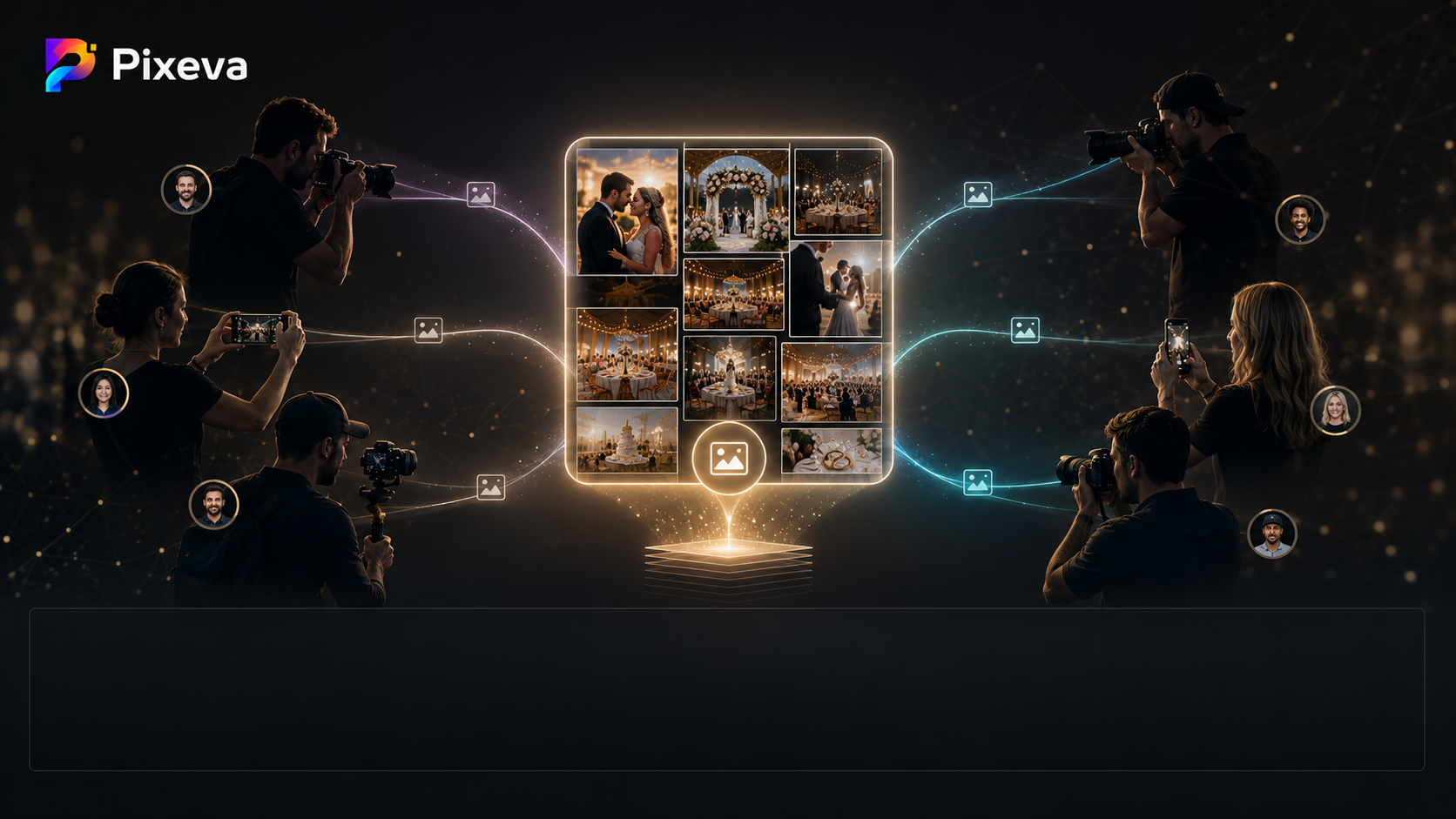
Multiple photographers can contribute — but the experience feels unified.
Why multi-photographer workflows are now the default
Weddings
You’ll often have:
- Primary + second shooter
- Guest candid uploads
- Sometimes content creators / family photographers
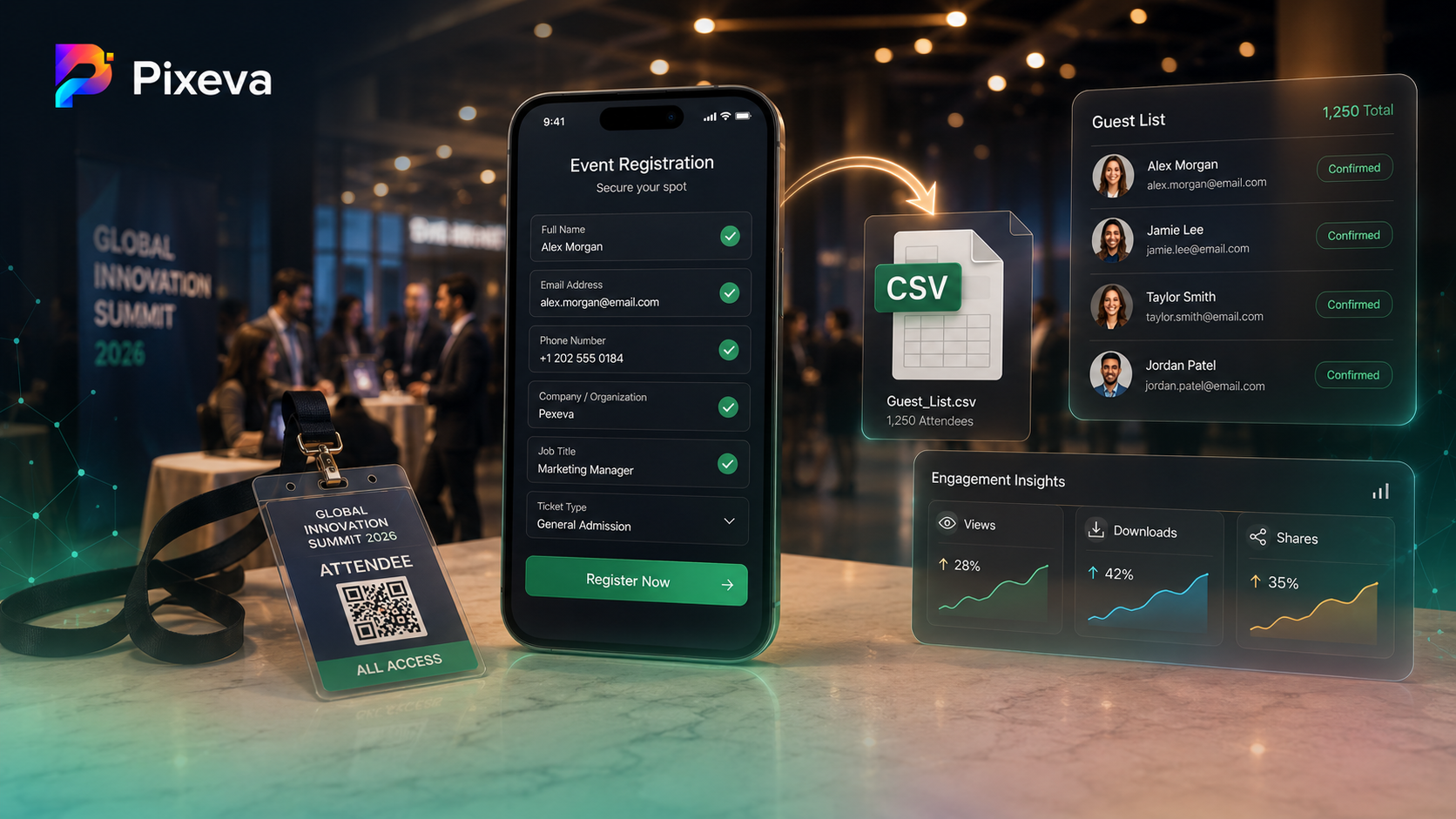
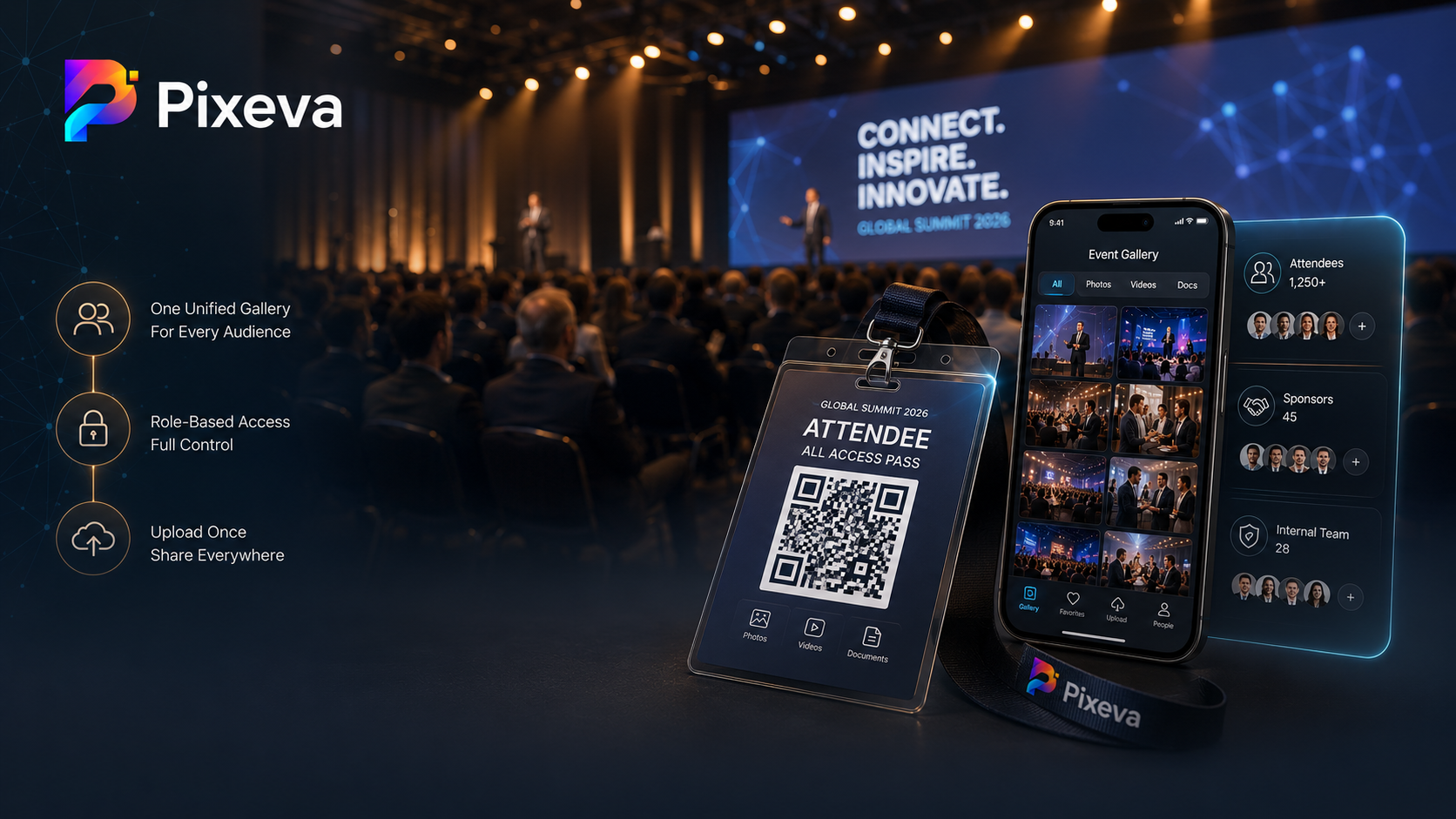
Conferences
You’ll often have:
- House photographer
- Sponsor booth teams
- Internal comms capturing sessions
Brand and corporate activations
You’ll often have:
- Agency shooters
- In-house social
- Venue or production crew
If each group silos their folder, you don’t get a better archive — you get operational debt.
The collaborative workflow (simple mental model)
Think in four layers:
1) Capture (many sources)
Different people shoot different angles.
2) Ingest (one pipeline)
Everything lands in a single event container — not 6 different shares.
3) Organize (optional but powerful)
Use tools that help people browse without pain:
- Face-based discovery
- Semantic search (when enabled)
- Smart albums / highlights (when enabled)
4) Delivery (one front door)
Guests shouldn’t need a map of your internal logistics.
What organizers should decide up front
Roles and responsibilities
Clarify:
- Who is the official photography team?
- Who can upload?
- Who approves contributors?
Upload rules
Define:
- File naming expectations (even loosely)
- Whether guests can upload
- Whether downloads are allowed
Privacy and consent
For face-based discovery and sharing:
- Communicate what’s collected and why
- Provide a clear path for removal requests where applicable
Benefits for each stakeholder
For guests
- One place to find themselves
- Less confusion, fewer dead links
- Faster sharing (“I found our group shot!”)
For photographers
- Cleaner delivery story for the client
- Less time spent merging galleries manually
- A more “premium product” without extra editing hours
For event organizers / brands
- Faster post-event marketing assets
- Better consistency across channels
- Fewer support messages at the worst possible time (Monday morning)
Common failure modes (and how to avoid them)
Failure mode 1: “We’ll combine everything later”
Later rarely happens cleanly. The merge step becomes a project.
Fix: Centralize ingestion during the event window when momentum is high.
Failure mode 2: Too many uploaders, no governance
You can end up with chaos: duplicates, odd crops, or off-brand shots.
Fix: Use contributor approvals and clear ownership of the “official” set.
Failure mode 3: Confusing permissions
Guests don’t know what they’re allowed to do.
Fix: Set expectations in the invite: browse, download, upload — pick what’s true.
Pixeva-style collaborative mode (what you’re delivering)
Pixeva is built around the idea that collaboration should be a base workflow, not a hack:
- Event owners can run one gallery
- Contributors can request access and upload into the same event
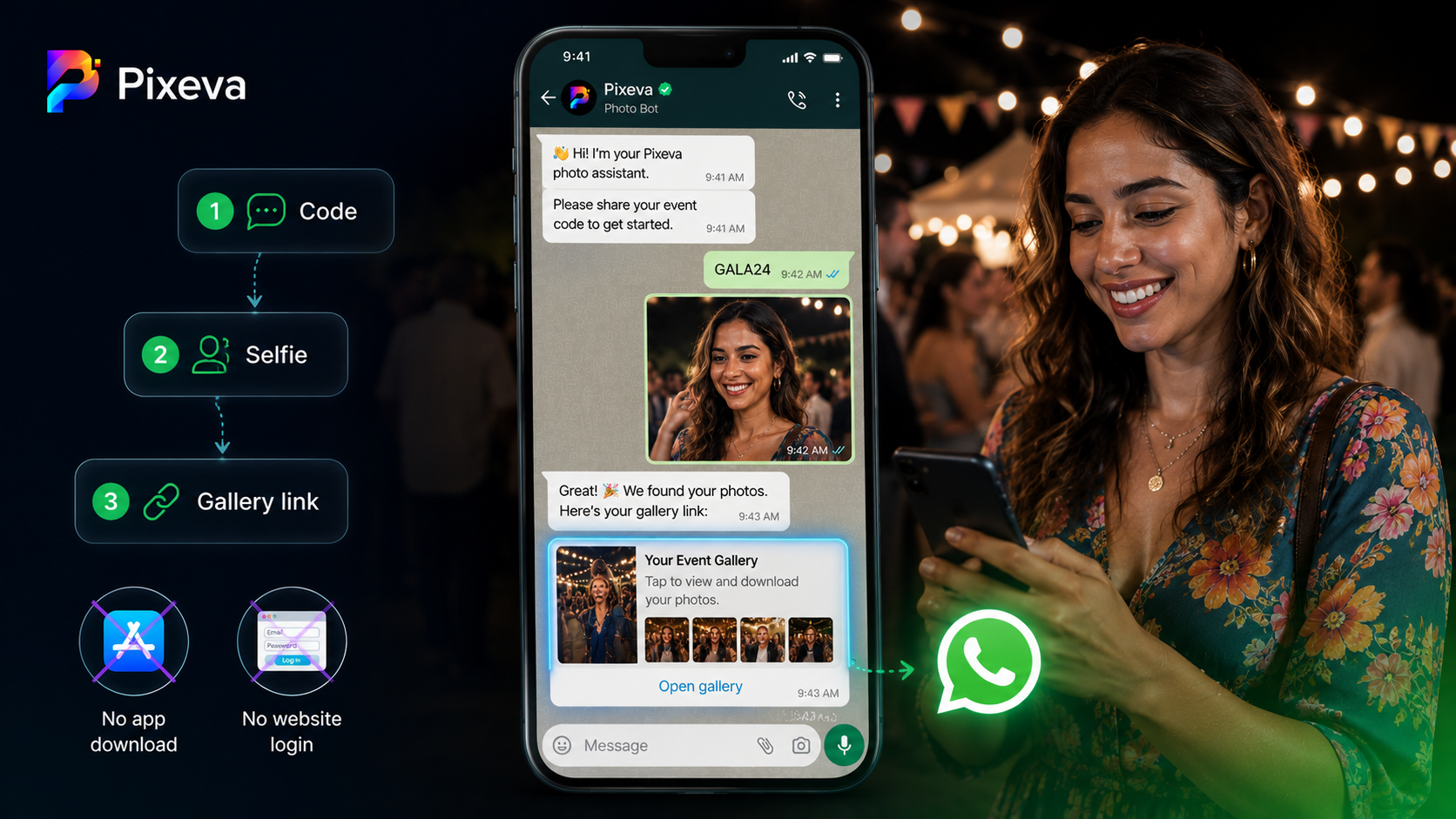
- Guests can discover photos with selfie search and other tools depending on plan and settings
Your marketing promise is simple: many cameras, one gallery.
Practical checklist for your next event
- Create the event early (so QR + links are ready)
- Invite contributors with clear instructions
- Confirm upload permissions for guests vs vendors
- Test the guest journey on mobile (this is where events win or lose)
- Publish one primary entry point (link/QR) everywhere: email, signage, MC slide
Conclusion
Multi-photographer events aren’t edge cases — they’re the norm.
The teams that win aren’t the ones with the most storage accounts. They’re the ones with one gallery, clear permissions, and a guest experience that feels effortless.
If you want your next wedding, conference, or brand activation to deliver like a modern platform — not a folder maze — centralize capture, unify delivery, and let collaboration happen inside the gallery, not around it.
Start your next event on Pixeva: https://pixeva.co
Keep exploring with Pixeva
Want to put this into practice? These pages go deeper: