Face Clustering Technology: How AI Groups Similar Faces
Face Clustering Technology: How AI Groups Similar Faces
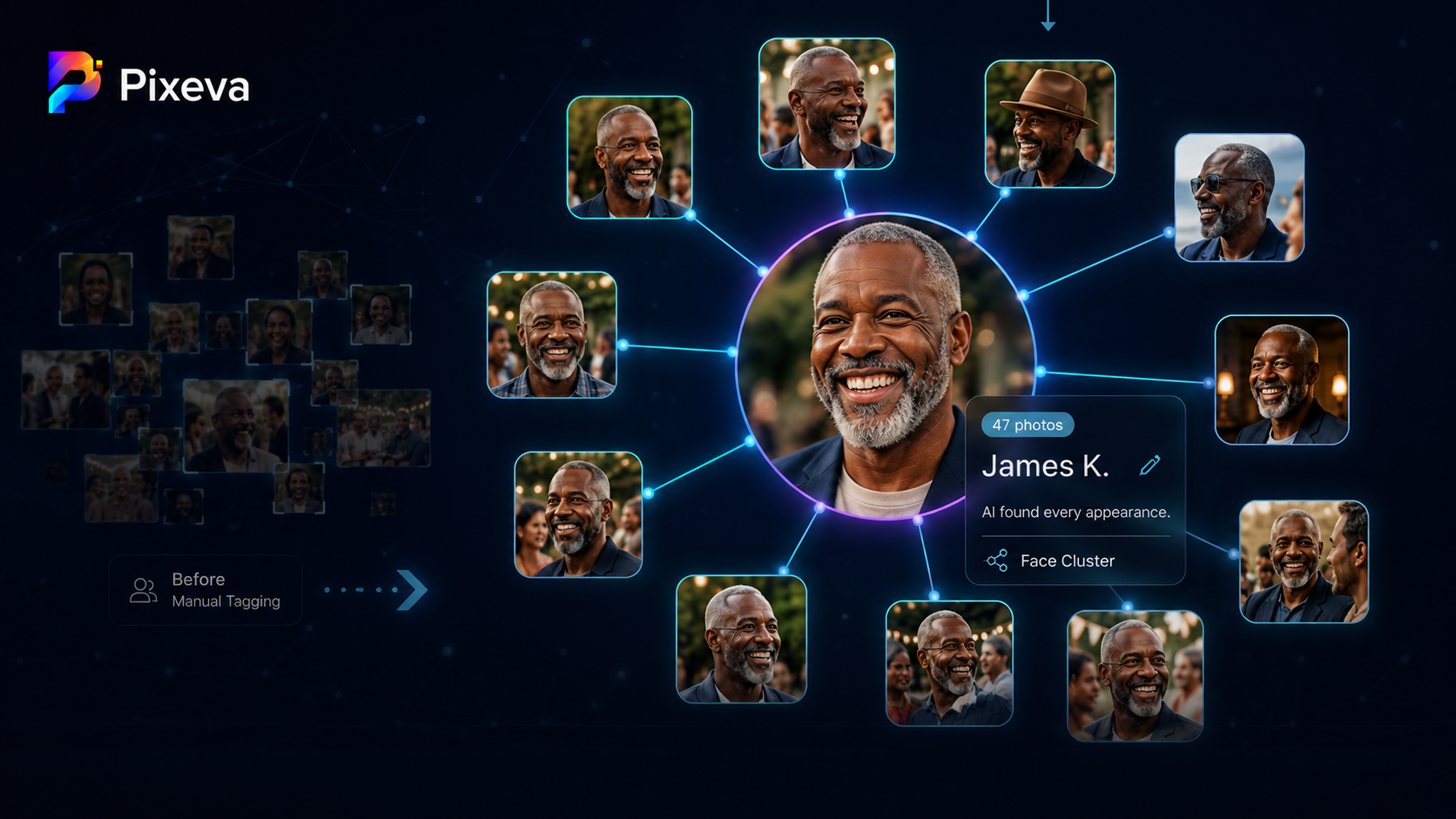
You upload 800 photos from a wedding. Somewhere in that gallery, one person appears 47 times—ceremony, cocktail hour, dance floor, candid laughs in the background.
Finding every photo of that person manually is painful. Tagging faces one by one does not scale.
Face clustering solves this: AI detects faces, groups images that likely show the same person, and lets you browse or label that cluster in seconds.
This guide explains what face clustering is, how it works in event galleries, who benefits, where it can fail, and how to use it responsibly.
What is face clustering?
Face clustering is the process of:
- Detecting faces in each photo
- Measuring similarity between face appearances
- Grouping likely matches into clusters (“this is probably the same person”)
- Letting humans label clusters (optional but powerful): “Bride,” “Speaker A,” “Uncle Raj”
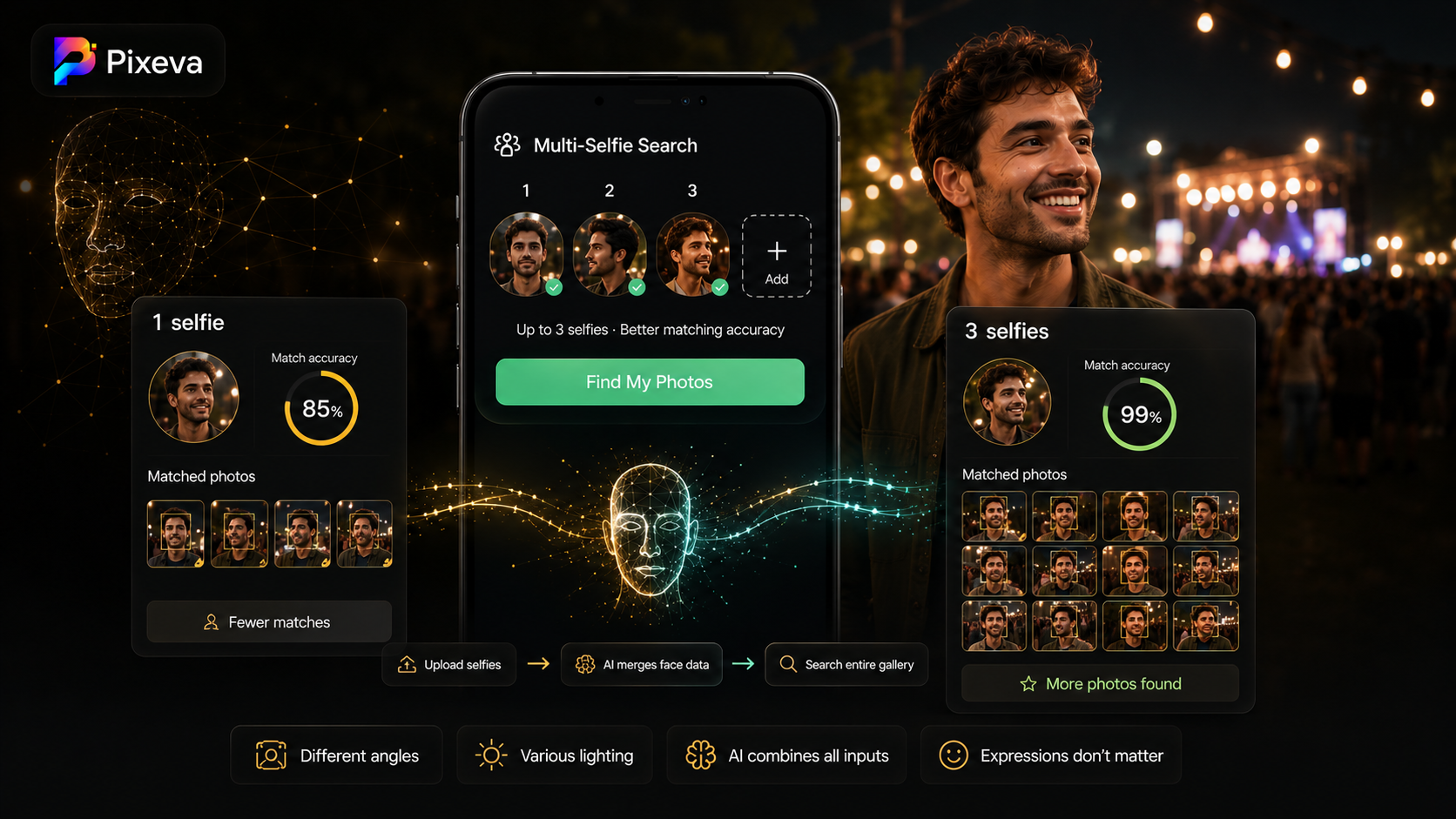
It is related to face recognition, but the goal here is often organization and discovery, not only “find me with a selfie.”
Face clustering vs face search (guest selfie flow)
| Face clustering (organizer/pro) | Selfie search (guest) | |
|---|---|---|
| Who uses it | Photographer, planner, power user | Guest |
| Input | AI scans all photos | Guest uploads one selfie |
| Output | Groups per person across event | Photos of that guest |
| Best for | Labeling, curation, family albums | Self-service discovery |
Many platforms use both: clustering for structure, selfie search for guests.
How AI grouping works (simple version)
Behind the scenes, the system typically:
- Finds a face region in each image
- Converts the face into a numeric embedding (a compact “fingerprint”)
- Compares embeddings across the gallery using similarity (distance in embedding space)
- Merges faces above a confidence threshold into a cluster
- Presents clusters sorted by size or relevance
Good systems handle:
- Different angles (front vs profile)
- Lighting changes (outdoor sun vs indoor reception)
- Partial occlusion (sunglasses off/on, hands near face—within limits)
- Multiple people in one photo (each face tracked separately)
What you see in the product (typical workflow)
While exact UI varies, a strong clustering workflow looks like:
- Photos finish uploading and indexing
- Clusters appear as stacks of faces (largest clusters often first)
- You open a cluster → see all photos containing that person
- You label the cluster (name or role)
- Guests or clients browse by person (when you expose that organization)
Time saved: hours of manual tagging → minutes of review.
Who benefits from face clustering?
Wedding photographers
- Build per-person collections for family members
- Deliver “all photos of the couple’s parents” without custom keyword lists
- Reduce post-event requests: “Do you have every shot of my dad?”
Conference and corporate events
- Group speakers across sessions
- Pull all photos of a VIP or executive for press kits
- Organize sponsor-visible moments by spokesperson
Family reunions and large parties
- Auto-group cousins, grandparents, kids across candid chaos
- Create highlight reels per person faster
Event organizers
- Understand who appears most in photos (with analytics, where available)
- Support better recap content and thank-you packages
Real-world examples
Example 1: Wedding — “all photos of the father of the bride”
Without clustering: scroll 900 photos or rely on imperfect filenames.
With clustering: open the labeled cluster → 38 photos in 20 seconds.
Example 2: Conference — keynote speaker across days
Speaker appears in:
- Stage shots
- Panel wide angles (small face)
- Networking candids
Clustering surfaces a unified set for marketing recap.
Example 3: Family reunion
One elderly guest appears in group shots you would never tag manually. Clustering still groups likely matches; you confirm with a quick skim.
Accuracy: what to expect (and what can go wrong)
Strong performance when:
- Faces are reasonably visible
- Lighting is not extreme
- Resolution is adequate
- The person appears multiple times
Common failure modes:
- Very small faces in crowd shots (missed or merged wrong)
- Heavy blur or motion
- Identical twins (may merge or split unpredictably)
- Masks / face coverings (depends on model)
- Same outfit + similar hair in back-to-back photos of different people (rare but possible false merge)
Best practice: treat clusters as high-confidence suggestions—review edge cases before publishing sensitive albums.
Privacy and responsible use
Face clustering processes biometric-related data in many jurisdictions. Responsible practices include:
- Clear communication to guests when face features are used
- Consent flows where required (especially for selfie search linked to clusters)
- Access controls on organizer tools
- Retention limits aligned with your policy
- Ability to delete face data when requested
Clustering is powerful for delivery; it should not become invisible surveillance.
Tips for photographers and organizers
- Upload in good resolution — clustering quality starts with input quality
- Review top clusters first — largest groups are fastest wins
- Label early — names make handoff to clients easier
- Combine with highlights — cluster + “best moments” album = premium package
- Do not merge clusters blindly — split if two people were incorrectly grouped
Face clustering + other Pixeva-style features
Clustering works even better alongside:
- Guest selfie search (personal discovery)
- Smart albums (moment-based browsing)
- Analytics (what people viewed/downloaded)
- Slideshow mode (room experience)
Each feature solves a different job; clustering is the people map of your gallery.
Conclusion
Face clustering turns a chaotic event gallery into something you can navigate by person—the way humans actually remember events.
It is not magic perfection; it is a massive upgrade over manual tagging at scale. Used with light human review and clear privacy practices, it saves time for professionals and helps guests feel seen in every photo they appeared in.
Try face clustering on your next event with Pixeva: (https://pixeva.co)
Keep exploring with Pixeva
Want to put this into practice? These pages go deeper: