Face Detection vs Face Recognition: What's the Difference for Event Photos?
Face Detection vs Face Recognition: What's the Difference for Event Photos?
If you have ever searched for "face recognition" tools for a wedding or a conference, you have probably seen the two terms used as if they meant the same thing. They do not. Face detection and face recognition are two different steps, they solve different problems, and mixing them up leads to wrong expectations about what a photo tool can actually do for your guests.
This guide explains the difference in plain language, shows how the two fit together in an event photo gallery, and covers what each one means for accuracy and privacy.
The short version
Face detection answers the question: where are the faces in this image?
Face recognition answers the question: whose face is this, or which other faces match it?
Detection finds faces. Recognition compares them. A selfie search for event photos needs both, in that order.
What face detection does
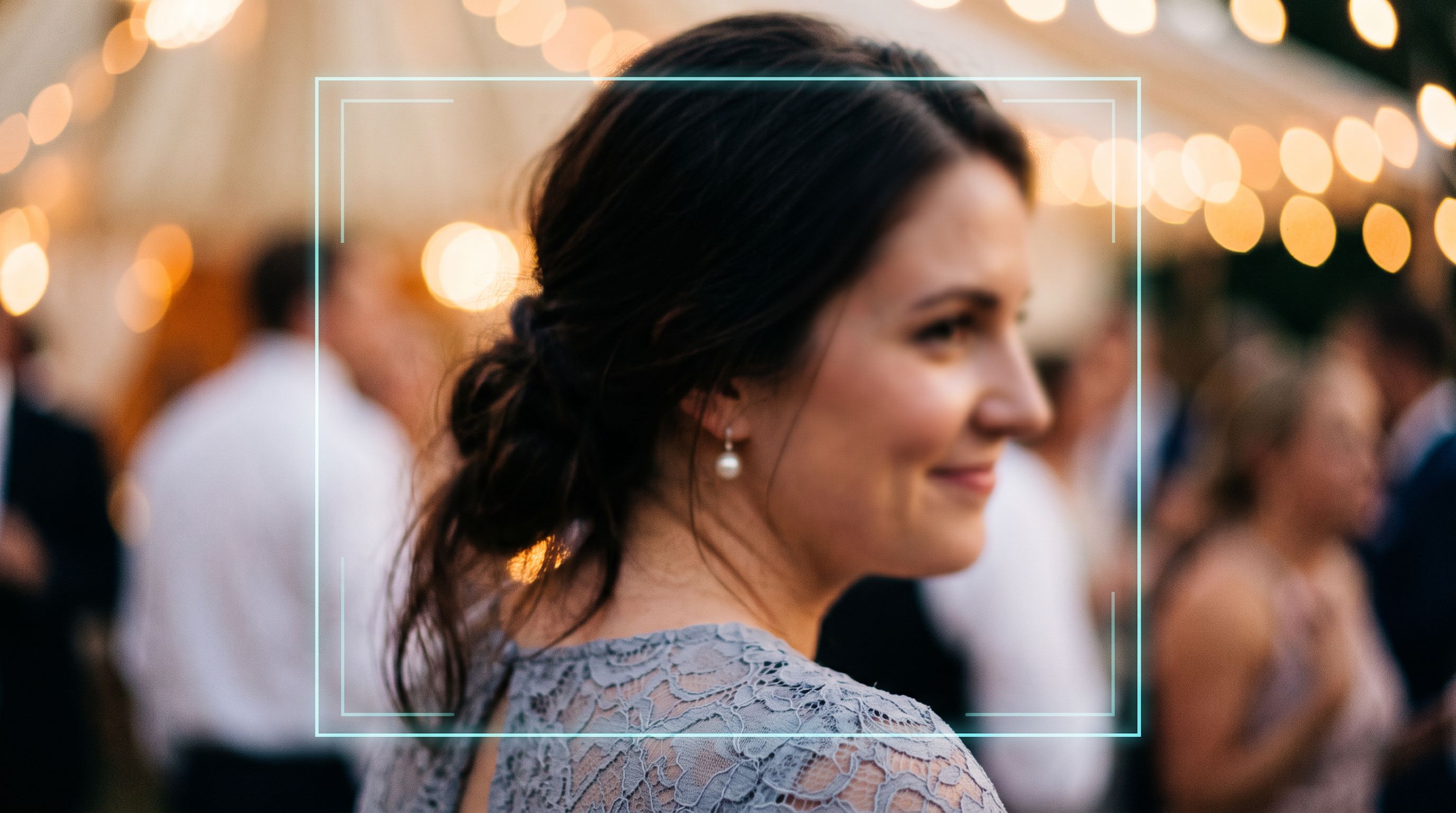
Face detection is the first step. A model scans a photo and returns a box around every face it can find. That is all it does.
It does not know who anyone is. It does not compare one photo to another. If you upload a group photo with eleven people, detection returns eleven boxes.
You already use detection every day without noticing. The yellow square that appears around faces when you point a phone camera at a group, so the camera can focus on them, is face detection. So is the feature that lets a photo app blur a background behind a person.
Detection is useful on its own for things like:
- Autofocus and exposure that favour faces
- Counting how many people are in a frame
- Cropping a thumbnail so faces stay in view
- Deciding whether a photo contains people at all
For event photos, detection also matters for quality. A photo where the detector finds no usable face, or only a very small one, is a photo where nobody is going to be matched later, whatever the recognition model does.
What face recognition does
Face recognition starts where detection stops. It takes each detected face and turns it into a compact numerical description, usually called an embedding. Two photos of the same person produce embeddings that sit close together. Photos of different people produce embeddings that sit far apart.
Once every face has an embedding, you can do useful comparisons:
- Match a selfie against a gallery. Compute the embedding for the selfie, then find every stored face whose embedding is close to it.
- Group faces into people. Cluster embeddings that are close together so a gallery can offer a "people" view with all the photos of one person in one place.
If you want the background on how embeddings work, our glossary entry on face embeddings goes deeper, and the face detection vs face recognition entry is a quick reference you can link to.
How they work together in a selfie search
Here is the sequence in an event gallery where guests find their own photos:
- The host or photographer uploads photos. The gallery gets hundreds or thousands of images.
- Detection runs on every photo. The system finds every face in every image, including faces in the background of group shots.
- Recognition turns each face into an embedding. These are stored so they can be searched.
- A guest takes a selfie. Detection finds the face in the selfie, and recognition turns it into an embedding.
- The system compares that embedding with the gallery. Photos with a close match are shown to the guest.
If step 2 fails, step 3 has nothing to work with. If step 3 is weak, step 5 returns the wrong people. That is why a good tool has to be strong at both, and why a "face recognition" claim by itself tells you very little.
Why the distinction matters in practice
It explains why some faces are missed
When a guest says "I am in that photo and it did not show up", the cause is usually one of these:
- Detection missed the face. The person was very small in the frame, turned away, or heavily shadowed.
- Recognition was not confident. The face was blurred, partly covered, or caught mid-expression at an unusual angle.
- The selfie was the problem. A dark, distant or angled selfie gives recognition less to work with.
Knowing which step failed tells you what to do. A better selfie fixes the third. A sharper, higher-resolution upload helps the first two.
It affects what you tell guests
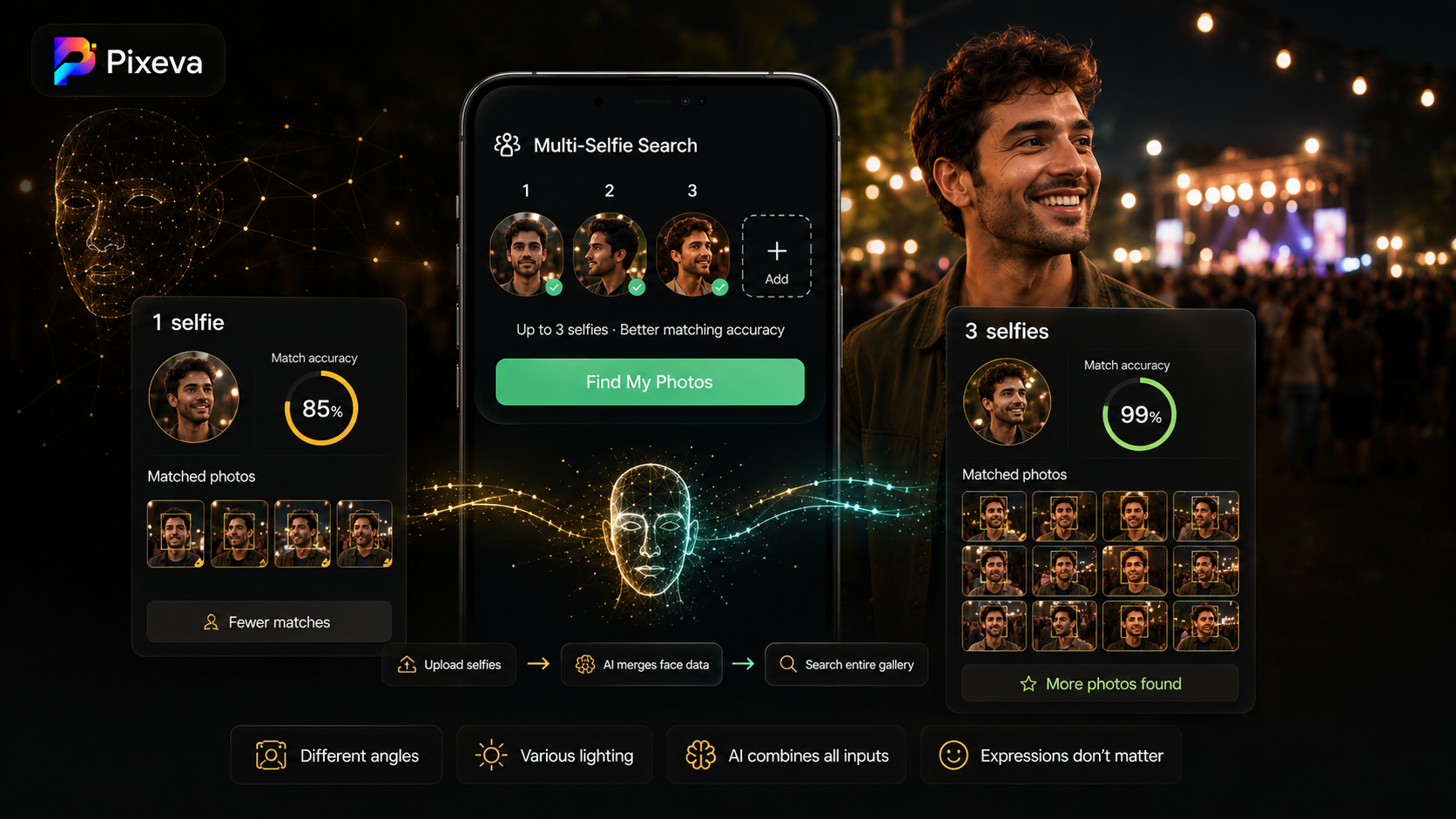
Guests get better results when they know what a good selfie looks like: face toward the camera, even lighting, no sunglasses. Pixeva also lets a guest add more than one selfie, which gives recognition more angles to compare. We wrote about why multiple selfies improve accuracy separately.
It affects upload quality
Detection and recognition both work better on sharp, full-size images. Heavily compressed or downsized uploads lose the small faces in group shots first. If your gallery will be used for selfie search, upload the highest quality you reasonably can.
Privacy: detection is not identification
A useful way to think about privacy is to separate the two steps.
Detection on its own does not identify anyone. It only says "there is a face here".
Recognition is the step that compares faces, so it is the step that deserves care. In an event gallery, the comparison is limited to that one event. A guest searches a single gallery with their own selfie, and sees photos from that gallery.
If you run events, tell guests plainly what happens: the selfie is used to search the gallery, and the host controls who has the link. Our privacy and GDPR guide for event photography covers what to put in your notice. Check the Pixeva privacy policy for how selfies and face data are handled.
Questions people ask
Is face detection the same as facial recognition? No. Detection locates faces. Recognition compares them. Many everyday features use detection only.
Does a selfie search identify guests by name? No. It matches a face in the selfie to faces in the gallery photos. It does not attach names unless a host adds them separately.
Can it work with group photos? Yes. Detection finds each face in the group, and recognition matches each one independently. Smaller or turned faces are the ones most likely to be missed.
What improves accuracy the most? A clear selfie and sharp, full-resolution uploads. After that, adding a second selfie from a different angle helps.
What to look for in an event photo tool
When you compare tools, ask:
- Does it handle group photos and small faces, or only close-ups?
- Can guests search without installing an app?
- What happens when a match is uncertain? Can the guest still browse the whole gallery?
- Where is the selfie and face data used, and who controls it?
Pixeva runs detection on every uploaded photo, uses recognition for the selfie search and the people albums, and keeps the full gallery browsable in case a photo is missed. You can see how it works on the AI face recognition feature page, or read the practical guide to face recognition for wedding photos.
Summary
Face detection finds faces. Face recognition decides which faces match. A selfie search needs both, and when it misses a photo, knowing which step failed tells you how to fix it. Clear selfies and sharp uploads help more than anything else.
If you are planning an event and want guests to find their own photos, you can create a free gallery and try the selfie search yourself before you share the link.