Face Recognition Wedding Photos: Complete Guide (2026)
Face Recognition Wedding Photos: Complete Guide (2026)
You hired an incredible photographer. They delivered 2,800 photos. Your guests asked for them for three months.
This is the story of every wedding. Face recognition for wedding photos exists to fix exactly this — and in 2026, it works remarkably well. This guide covers everything: how the technology works, why it matters for guests and photographers, and how to set it up for your wedding.
What Is Face Recognition for Wedding Photos?
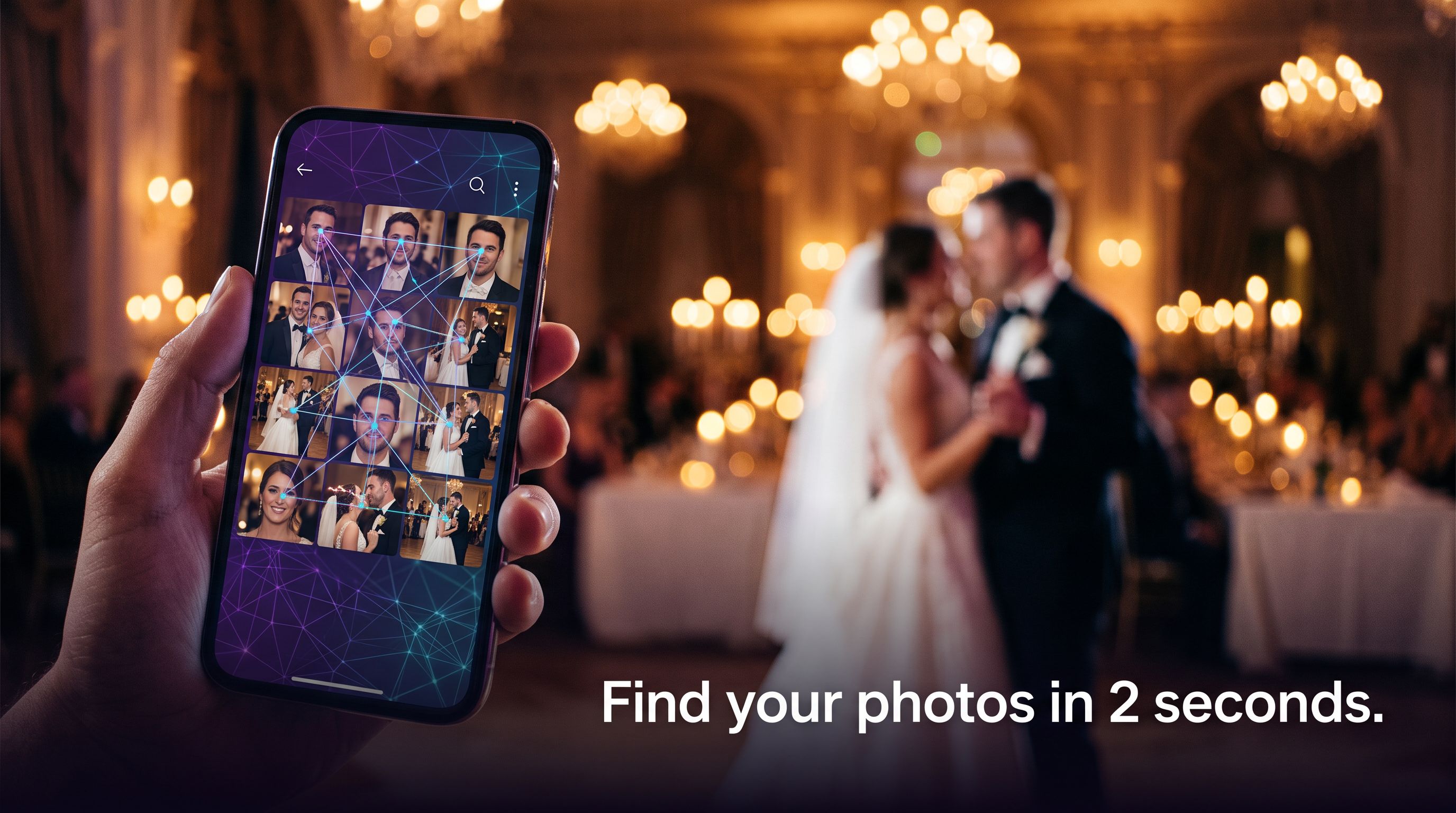
Face recognition for wedding photos is a system that automatically identifies people in a large photo collection. After a wedding gallery is uploaded, AI indexes every face in every photo. A guest then takes a selfie, and the system compares their face against the indexed gallery — returning only photos that contain them.
The result: a guest with zero technical knowledge can take a selfie on their phone and download every photo of themselves from a 3,000-image wedding gallery in under two seconds.
No scrolling. No "can you send me that photo?" messages. No app download required.
How Does It Work Technically?
Modern face recognition for wedding photos uses deep learning face embeddings:
- Face detection — the AI locates every face in every uploaded image, even in group shots, low-light reception photos, and partially obscured faces.
- Embedding extraction — each detected face is converted into a high-dimensional vector (an "embedding") that represents that person's unique facial geometry.
- Gallery indexing — all embeddings from all photos are stored in a searchable index.
- Selfie matching — when a guest submits their selfie, the system computes their embedding and searches the index for all photos where a similar embedding was found.
- Results delivery — matched photos are returned instantly, ready to download.
The key metric is accuracy. Pixeva's face recognition achieves 99%+ accuracy across ceremony, reception, and dance-floor photos — even in challenging lighting conditions.
Why Do Guests Love It?
The traditional alternatives are terrible for guests:
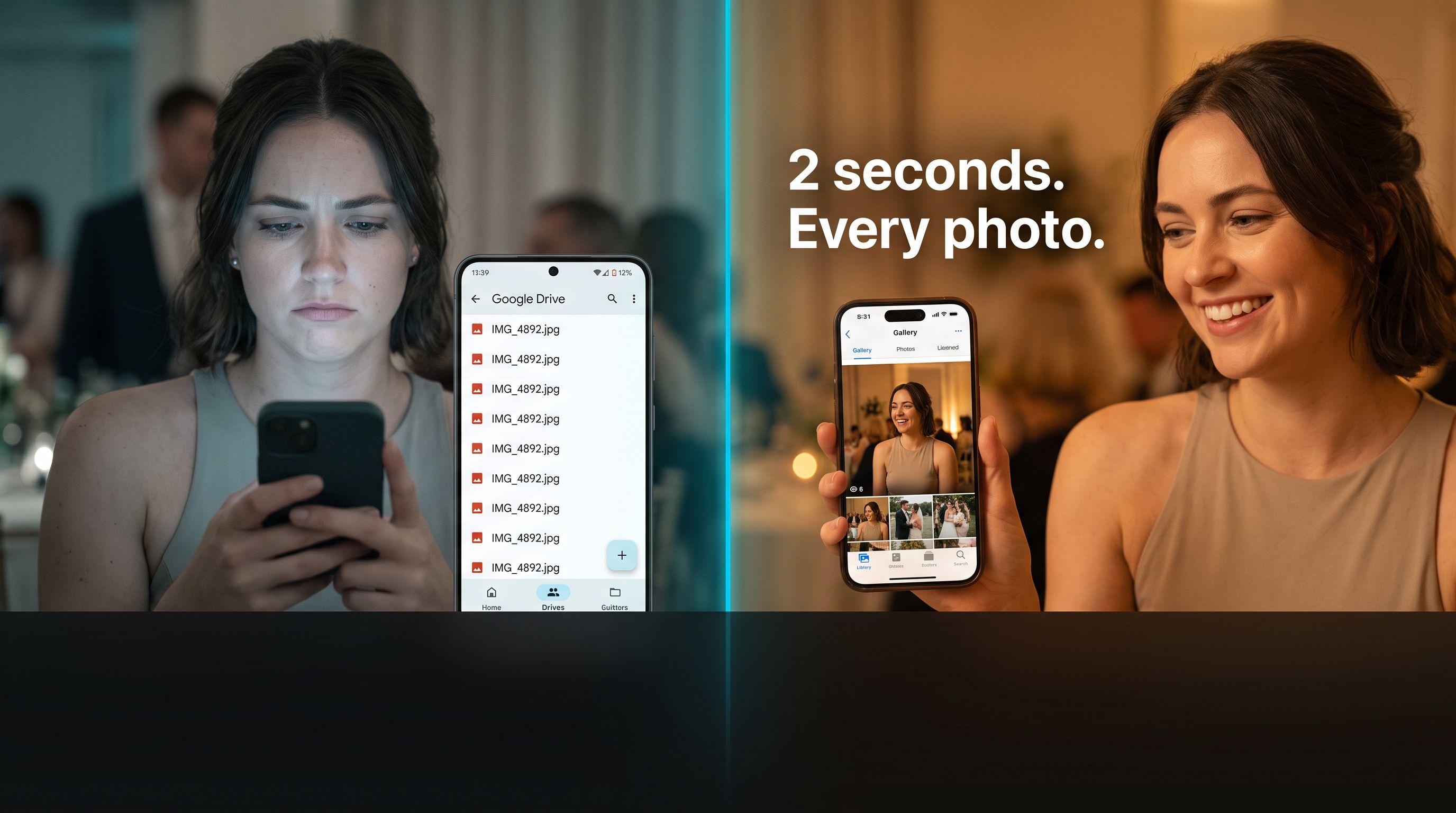
- Google Drive folder dump: 3,000 photos named IMG_4892.jpg. Grandma is not finding herself.
- WhatsApp sharing: "Can you send me the one from the ceremony?" Repeated 40 times across 150 guests.
- Downloaded ZIP files: Good luck opening a 12GB archive on a phone.
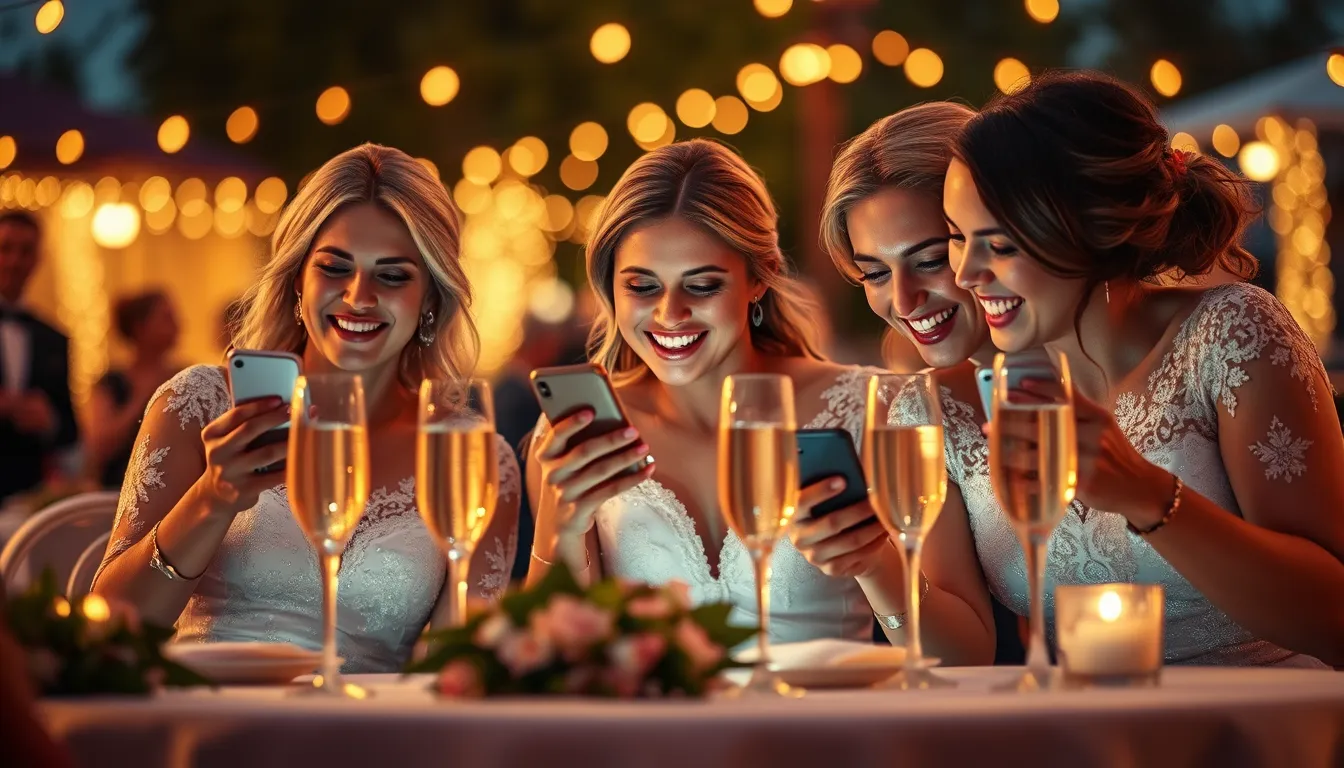
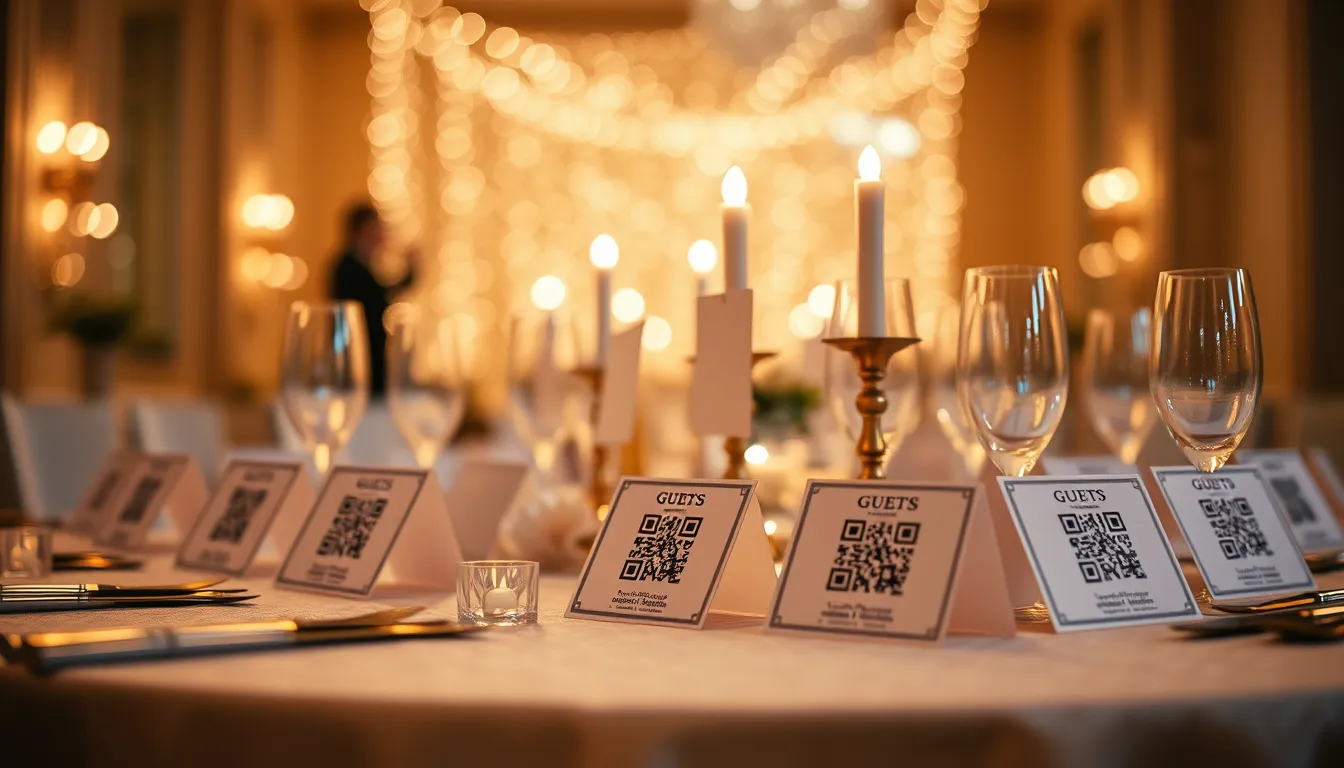
Face recognition solves all three problems at once. The guest opens a link (usually from a QR code on their table card), takes a selfie, and downloads their complete collection. Average time: under 30 seconds.
How Photographers Use It
The best face recognition wedding photo tools integrate directly into the photographer's delivery workflow:
Camera FTP Tethering
Professional cameras (Sony, Canon, Nikon, Fuji) can send photos via FTP directly from the camera over Wi-Fi. Pixeva provides a secure FTPS endpoint — enter the credentials into your camera's Wi-Fi FTP settings, and each shot uploads to the wedding gallery in 1–2 minutes. AI face indexing runs automatically.
Dropbox and Google Drive Sync
If you already deliver via Dropbox or Google Drive, Pixeva can sync directly. Paste the shared folder link, preview what's new, and sync. Delta sync pulls only new files, skips duplicates, and runs the same face indexing pipeline.
WhatsApp Delivery
Guests can also message Pixeva on WhatsApp, send a selfie, and receive their matched photos — no login required, no link to find.
Setting Up Face Recognition for Your Wedding
Step 1: Create Your Wedding Event
Sign up free at pixeva.co/register. Create an event named after your wedding. The free plan covers smaller weddings.
Step 2: Upload Your Wedding Gallery
Upload photos via the dashboard, or use Camera FTP / Dropbox / Google Drive sync. Pixeva automatically detects and indexes every face as photos are uploaded.
Step 3: Share the QR Code with Guests
Every Pixeva event generates a unique invite QR code. Print it on place cards or QR tent cards at each table. Guests scan with their phone camera — no app needed.
Step 4: Guests Take a Selfie
When a guest opens the link, they are prompted to take a selfie. The selfie is processed immediately, matched against the gallery, and deleted after the search. Results appear in under two seconds.
Privacy and GDPR Considerations
- Guest selfies are deleted after processing — never stored or used for training.
- Event data is isolated — each wedding has completely separate storage.
- GDPR compliance — inform guests via your wedding invitations or a note on the reception screen.
- Data deletion — event data can be deleted by the organiser at any time.
Common Questions
Does it work for group photos? Yes. The AI detects and indexes every face in group shots, even when partially obscured.
What happens if a guest looks different in photos vs. their selfie? Modern face recognition is robust to variations in lighting, angle, expression, and hairstyle. At 99%+ accuracy, false positives are rare.
Can guests who did not take a selfie still see photos? Yes. The full gallery is accessible through the event link. Selfie search is an optional extra layer.
Is it free? Pixeva has a free tier for smaller events. Most weddings with 100–500 guests fit on the Pro plan.
The Live Photo Wall Bonus
While guests search for their own photos, you can simultaneously project a real-time AI-filtered slideshow on any TV or projector at the venue. As guests upload phone candids through the same QR, photos appear on screen within seconds.
Summary
Face recognition for wedding photos is accessible, accurate, and frictionless in 2026. Guests find all their photos in under 30 seconds with a selfie — no app download required.
If you are planning a wedding and want every guest to walk away with their photos, face recognition is the answer.