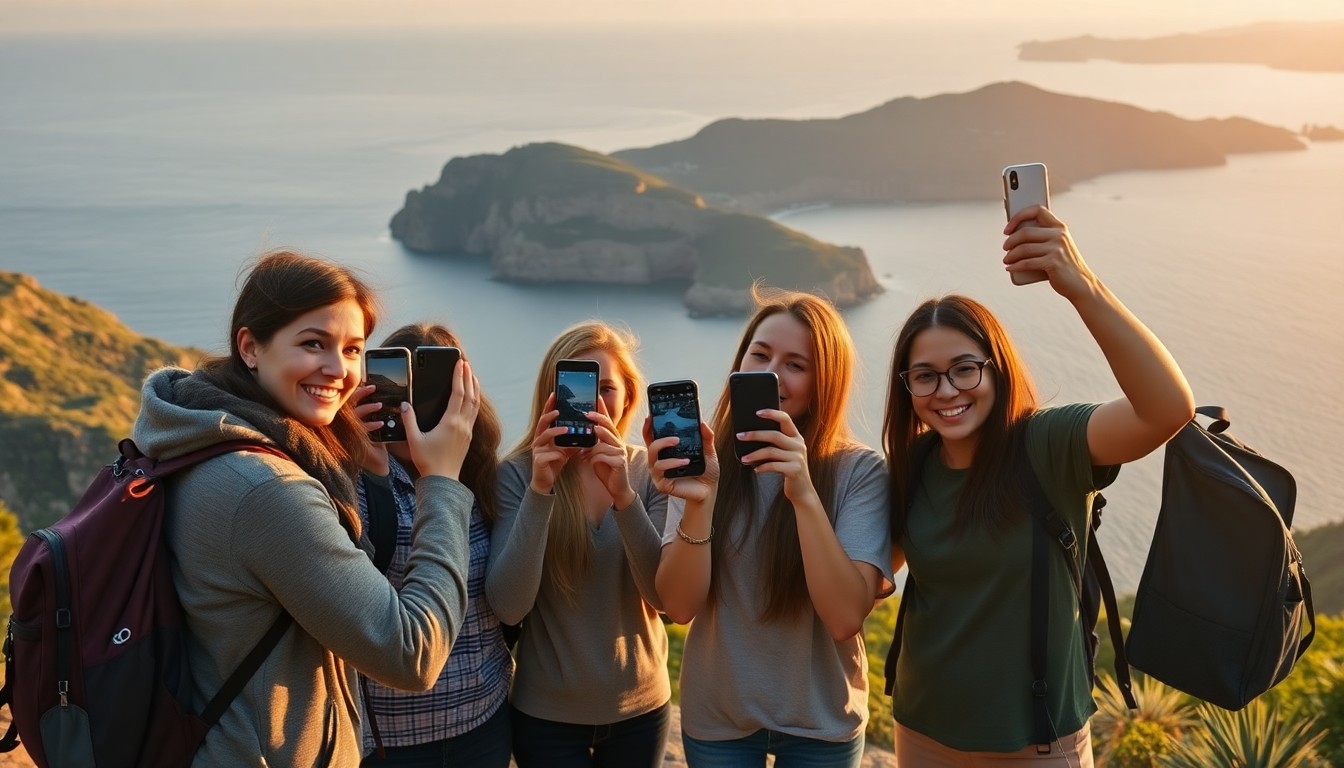
Travel Group Photo Sharing: One Album, Everyone Uploads, Selfie Search
Travel Group Photo Sharing Without the Dropbox Chase
Group trips create thousands of photos and zero systems. Someone makes a WhatsApp group. Someone else starts a Drive folder. Half the crew never uploads. Travel group photo sharing should be simpler: one album, everyone contributes, everyone finds themselves.
That is what Pixeva travel galleries and friend trip albums are for.
The usual failure mode
- Photos live on six phones
- Best shots never leave Camera Roll
- Links expire or get buried
- Nobody wants to scroll 2,000 near-duplicates
Selfie search flips the last step: you do not browse the whole trip—you retrieve your faces across everyone’s uploads.
How shared trip albums work on Pixeva
- Create a trip event (30 seconds).
- Share a link or QR with the crew.
- Everyone uploads from their phone—no app required.
- AI indexes faces as photos arrive.
- Each person takes a selfie to download only their photos.
Photographers and designated “trip historians” can still bulk upload. Casual guests contribute when they want.
When this beats Google Photos / Drive shared folders
- Multi-person face search across the whole dump
- Event isolation (this trip does not mix with last year’s)
- QR onboarding for people who hate “create an account” flows
- Optional live wall at villas or buses for evening recap
Use Drive sync when your photographer already dumps there—Pixeva can import—then still offer selfie search to the group.
Friend trips, family reunions, destination weddings
| Trip type | Start here |
|---|---|
| Friends / bachelor / weekend getaway | Friend trips |
| Multi-family vacation | Travel galleries |
| Destination wedding guests | Wedding face recognition |
| Family reunion weekend | Family reunions |
Make the trip more fun (optional tools)
- Print a tiny QR tent card for the rental kitchen table
- Run a light photo scavenger hunt on day one so shy uploaders participate
- Use WhatsApp delivery if someone refuses yet another browser tab
Best practices for trip admins
- Create the album before departure
- Pin the link in the chat once—not five competing folders
- Ask everyone to upload nightly (or at the airport lounge)
- Reminder: selfie search works better with a well-lit face photo
Start your trip album
Open travel group photo sharing on Pixeva, invite the crew, and end the scavenger hunt for “who has the photos from Saturday?”—permanently.
Travel group photo sharing FAQ
Do all travelers need an account?
No. Share a link or QR; everyone can upload from their phone and find themselves with a selfie.
What if someone never uploads?
Create the album before the trip and pin one link in chat. Nightly upload reminders beat five competing Drive folders.
Can a photographer still dump files in bulk?
Yes. Pros can bulk upload or sync from cloud storage while casual travelers add phone candids to the same album.