Pixeva Passport: Keep Every Event's Photos in One Place
Pixeva Passport: Keep Every Event's Photos in One Place
You went to a wedding in March. You scanned the QR code on the table, took a selfie, and within a couple of seconds you were looking at every photo you appeared in. You saved a few to your camera roll and got on with the evening.
It is now September. Someone asks for the photo of the two of you on the dance floor. You go looking for it, and the gallery link is somewhere in a WhatsApp thread with 400 messages, or in an email you archived, or on a phone you no longer own.
The photos were never the problem. The link was the problem.
That is what Pixeva Passport fixes.
What Passport actually is
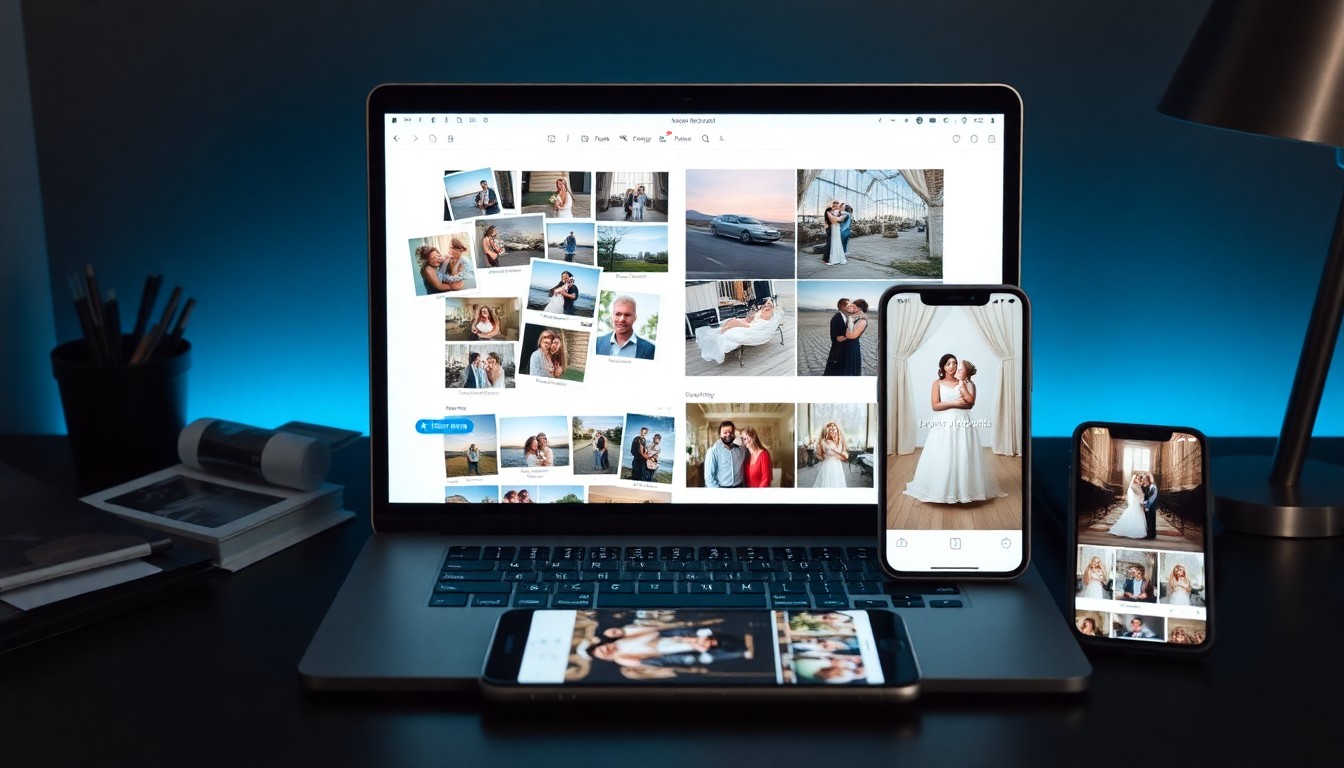
Passport is a personal home for the event photos you have already found.
When you finish a selfie search at any Pixeva event, you get the option to save that result. If you take it, those photos are attached to your Passport. Sign in later with your email and everything you have saved — from every event — is sitting in one gallery.
No app. No password. No hunting through old messages for a link.
How it works
1. Find your photos as normal. Scan the QR code or open the event link, take a selfie, and Pixeva returns the photos you appear in. Nothing about this step changes — it is the same selfie search you already use.
2. Save the result. After the search, you will see the option to keep it. One tap.
3. Sign in with your email. Passport uses a magic link. You enter your email, we send you a link, you click it. There is no password to invent or forget.
4. Everything lives at pixeva.co/passport. Every event you have saved, in one place, for as long as you want it there.
What you can do once it is saved
- Browse by event. Each saved event keeps its own section, so a wedding, a conference and a friend's birthday do not blur into one undifferentiated pile.
- Favourite the good ones. Favourites are stored on your account, so they are still there on a different phone or browser.
- Download everything from an event at once, rather than saving photos one at a time.
- Remove an event you no longer want saved, without touching the rest.
- Delete or export the whole thing. One button wipes your Passport entirely. Another exports your data. Both are in Passport settings.
What Passport deliberately does not do
This is the part worth being straight about, because plenty of tools in this category work differently.
Passport does not register your face. There is no faceprint stored against your identity, and no biometric profile that follows you around.
Passport does not watch future events for you. It will not scan a wedding you attend next year and surface your photos unprompted. It only ever holds results from searches you chose to run and chose to save.
We built an earlier version that did work that way — continuously scanning every new event against everyone who had enrolled. We removed it. It was expensive to run, and more importantly it meant holding biometric data on people indefinitely for a convenience most of them had not asked for. The version that shipped only stores a reference to a search you already ran, which is both cheaper and a great deal easier to explain.
If you want the photos from an event, you search for them at that event and save the result. That is the whole model.
Who this is for
Guests who attend a lot of events. Wedding season, a conference circuit, a group that travels together — if you are running selfie searches several times a year, Passport is where they accumulate.
Anyone who has lost a gallery link. Which, in our experience, is nearly everyone eventually. Event links get shared once, in a channel that moves on.
People who want their photos without an account on someone else's platform. Passport is an email address and a magic link. There is no profile, no feed, and nothing to maintain.
Privacy, concretely
Your selfie is used to run the search and is not kept as a permanent faceprint. Passport stores a reference to the photos a search matched — not a biometric template of your face.
You can delete your Passport at any time from settings, which removes your saved events along with it. You can also export your data. These are not buried: they are both on the settings page, one click each.
Our full privacy policy covers how event photos and search data are handled more broadly.
Getting started
If you are a guest, you do not need to do anything in advance. The next time you search for yourself at a Pixeva event, the option to save will be there. Take it, and your Passport starts itself.
If you are a host or a photographer, there is nothing to switch on. Guests at your events can save their own results whether or not you do anything, and it costs you nothing — see how guests find their photos for the guest-side flow, or the wedding guide if you are planning one.
Frequently asked questions
Do I need to create an account?
Not in the usual sense. You give an email address and sign in through a link we send you. There is no password and no profile to fill in.
Will Passport find photos of me at events I have not searched?
No. It only holds results from searches you ran and saved yourself. It does not scan new events on your behalf.
Is my face stored?
No faceprint is kept against your identity. Passport stores a reference to the photos a search already matched, not a biometric template.
Can I remove one event but keep the others?
Yes. Each saved event can be removed on its own.
What happens if I delete my Passport?
Your saved events go with it. The deletion is immediate and available from Passport settings, alongside a data export option.
Does it cost anything?
No. Passport is free for guests.
Event photos have a habit of existing and being unreachable at the same time. Passport is a small fix for that: the ones you found stay found.