How to Get Wedding Guests to Actually Upload Their Photos
Almost every guest takes photos at a wedding, and almost none of them get shared. People mean to send them, then forget. A week later the best candids are still sitting on 80 phones.
Getting those photos is mostly about removing friction and asking at the right moment. This guide covers what works.
Why guests do not upload
- It takes too many steps. Installing an app, making an account or typing a long link is enough to stop most people.
- Nobody asked them. If it is not clear that you want their photos, they assume you do not.
- The timing is wrong. After the wedding, the moment has passed and the request feels like a chore.
- They are not sure it is worth it. Guests upload when they expect something in return, such as seeing their photos.
Make it one scan
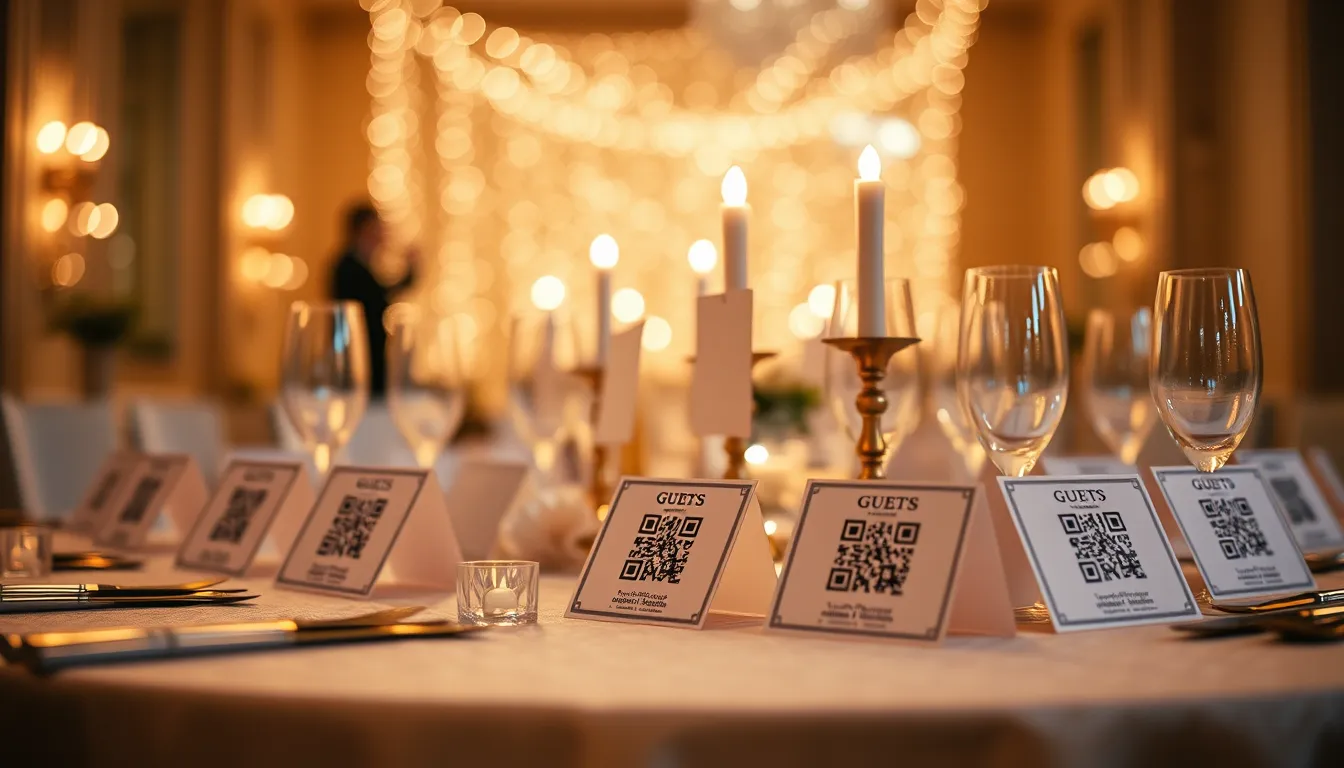
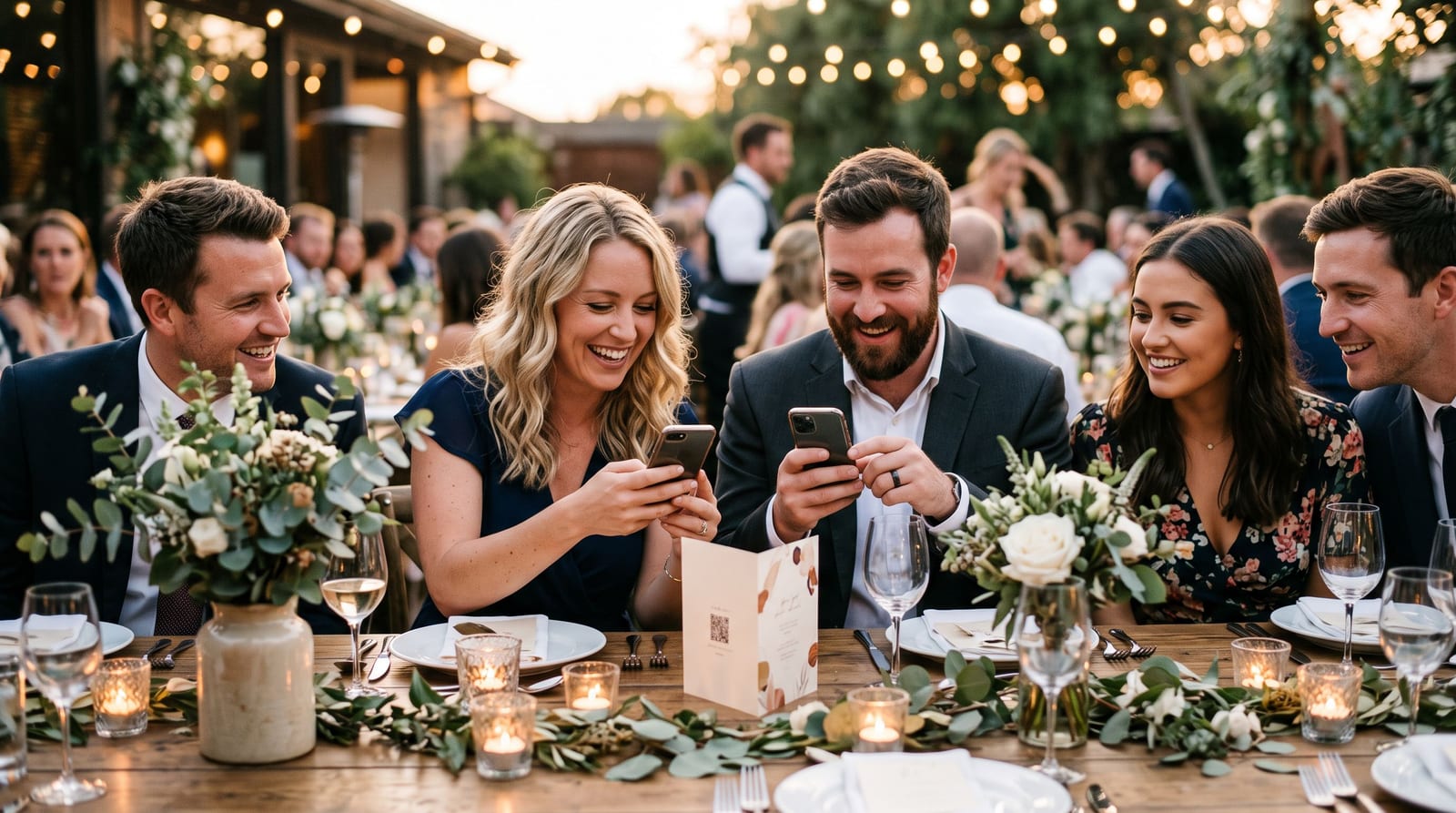
The simplest route is a QR code that opens an upload page in the phone browser. No app and no account. Guests scan, pick photos and they are done.
Put the code where phones are already out: on every table, at the entrance and near the bar. Our free QR tent card maker prints folded table cards, and you can see the whole setup in our guide to collecting guest photos with a QR code.
Ask in four places
- On the invitation or wedding website. A line such as "We would love your photos, details at the venue".
- On the table. The QR card is the main prompt.
- From the host or MC. One announcement during dinner works better than any sign.
- The morning after. Message the guest list with the album link, because the people who missed the sign will join in.
Give people a reason
Selfie search. If guests can take a selfie and see every photo they appear in, they have a reason to join. They are also much more likely to add their own photos once they are there.
A live photo wall. Seeing your photo on a big screen a minute after you take it is a strong motivator. Our guide to the live photo wall explains how to set one up.
A scavenger hunt. A list of shots to capture gives people a purpose. See our photo scavenger hunt ideas.
Timing
- During the cocktail hour is when people have phones in hand and time to scan.
- After dinner is when the dance floor generates the best candids.
- The next day is when guests have time to upload the backlog.
Common mistakes
- Putting the QR code on only the program. Programs go in bags. Put it on the table.
- Asking for too much. "Upload your best ten" gets more than "upload everything".
- Hiding the album. If guests cannot see the photos others added, there is no reward.
- Forgetting HEIC. iPhones save HEIC, and some tools reject it. Pick a tool that converts automatically, or see HEIC vs JPG.
What the photographer thinks
Some couples worry the professional photographer will mind. It usually helps: guest photos capture moments the photographer is not near, and the two sets sit in one album. Our guide to the photographer and guest workflow explains how that works.
Questions people ask
Do guests need an account to upload? Not with a browser-based tool. They scan and upload.
How many guests will actually upload? It varies. A visible code, an announcement and a reason to join all raise the number.
Can guests upload after the wedding? Yes, if the album stays open. Many guests upload the next day.
Summary
Make uploading one scan, ask in several places and give guests a reason to join. Create a free wedding gallery and print the table cards before the day.