Collect guest photos with a single QR
Stop chasing “send me your photos” after the last dance. One gallery, QR on every table, uploads during cocktail hour, selfie search forever after.
No app for guests · Free to start · Print-ready tools included
Four steps. Zero chase.
Set it up before the day. Guests do the rest from their phones.
Create one gallery
Open a Pixeva event for the wedding day. One album beats five competing Drive folders and WhatsApp threads.
Print QR where guests look
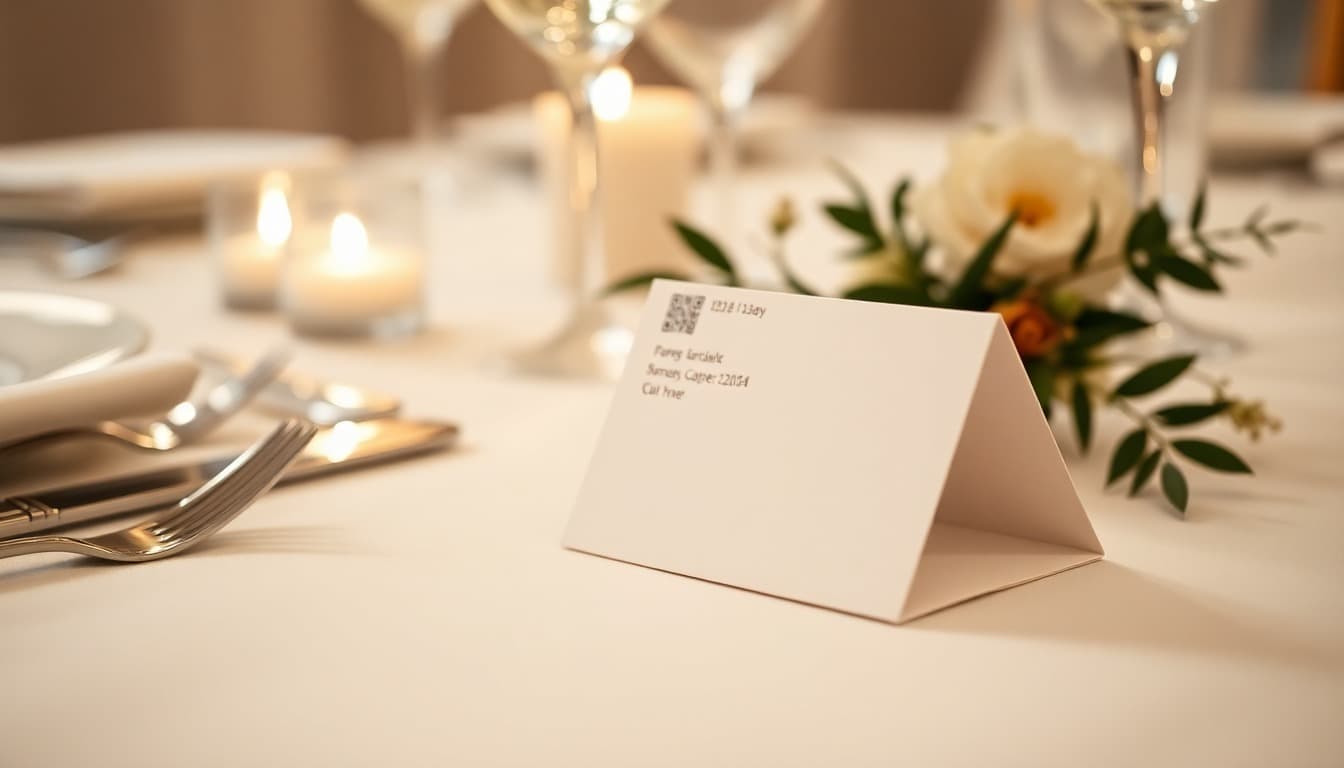
Place codes on seating cards, bar tents, gift table signs, and the wedding website.
Invite uploads early
Announce once at cocktail hour: scan, upload, done. Optional scavenger prompts create more candids.
Selfie search later
After selects land, guests take a selfie and download only their ceremony and reception shots.
Why QR beats shared Drive folders
Drive links get buried, expire in people’s minds, and force guests to scroll thousands of files. A QR on the place card opens the right gallery on the phone they already hold.
Pair uploads with face recognition wedding photos so finding shots later takes a selfie—not a scavenger hunt through filenames. Prefer a side-by-side? Read Pixeva vs Google Drive.
Uploads that feel effortless
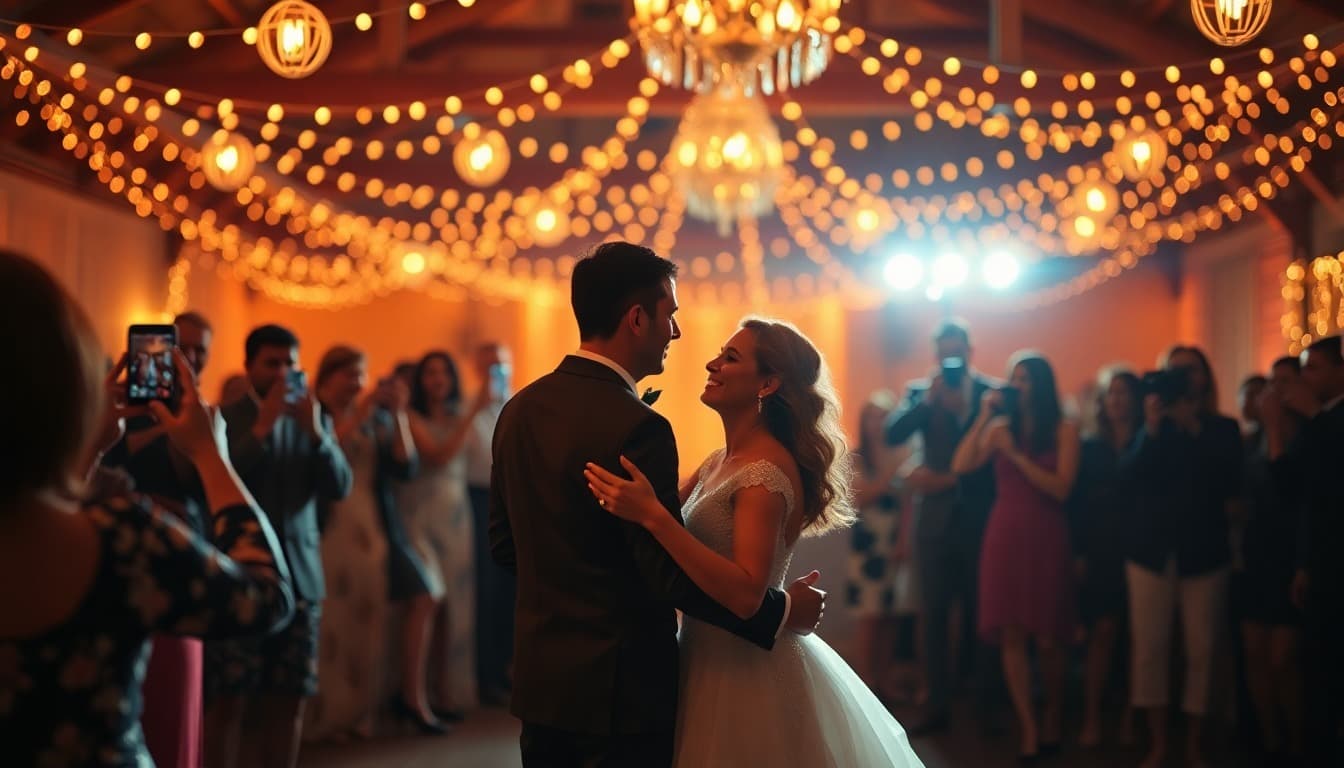
Guests already have their phones out. Give them one scan target and every candid lands where selfie search can find it later.
Print tools that make it real
Cards guests actually notice—linked to the same gallery.
Keep exploring weddings
Deeper guides in the same topical cluster.
Guest photo QR FAQ
- Where should wedding photo QR codes go?
- Put them on place cards, larger tent cards at the bar and gift table, a sign near the photo booth, and your wedding website. Redundancy beats one tiny code guests miss in dim light.
- Should guests upload during the reception?
- Yes for phone candids. Photographer galleries can sync later. Same-day guest uploads make the live wall and next-morning selfie search feel complete.
- Do guests need an app to upload?
- No. They scan the QR, open the browser gallery, and upload from Camera Roll. Selfie search works the same way.
From the Pixeva blog