For photographers & couples
Pro galleries + guest uploads, one flow
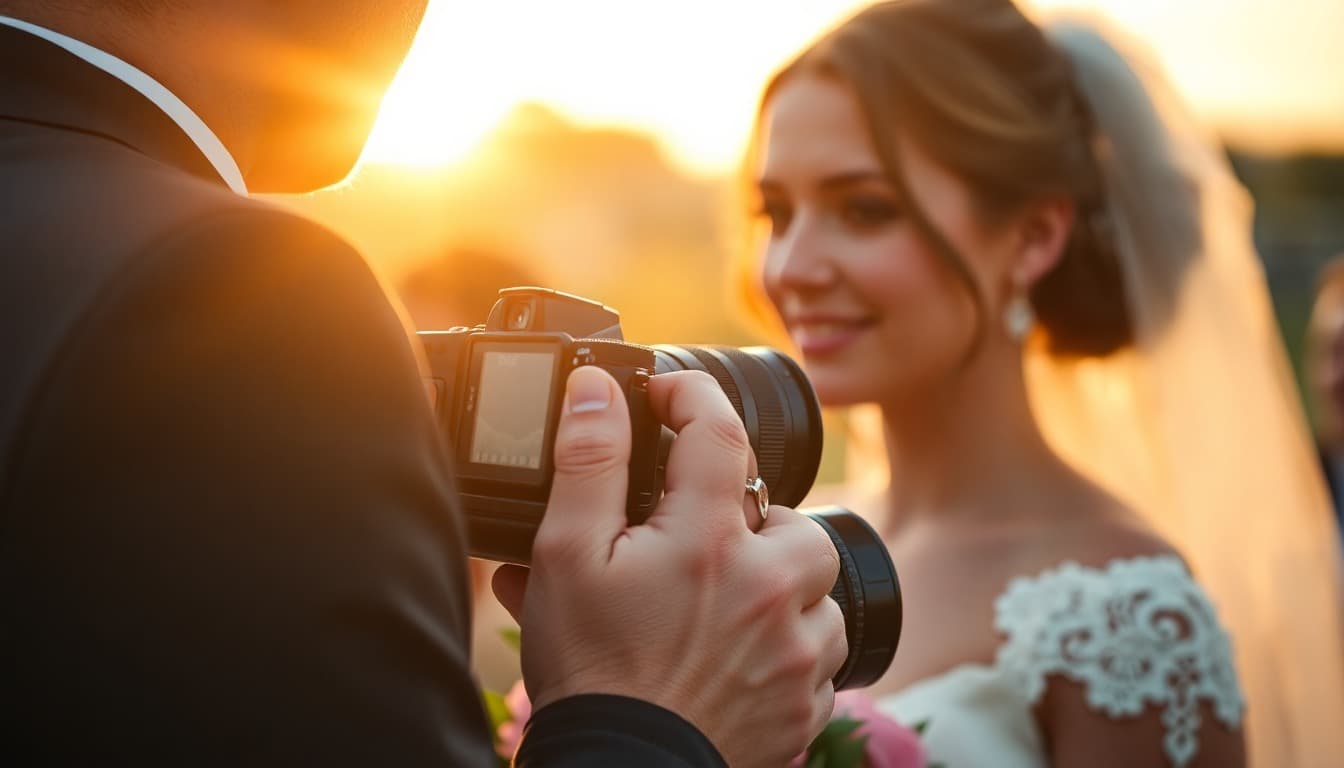
Pros deliver the story. Guests fill the gaps. One gallery, QR invites, face search delivery—so you stop being the human search engine for Aunt Mary’s photos.
Camera FTP · Cloud import · Guest QR · White-label ready
From shoot to delivered
A workflow that scales
Same playbook whether it’s 80 guests or 400.
01
Before the wedding
- Create the Pixeva event and test the invite QR on a phone
- Print place cards / tent cards with the gallery link
- Decide: live wall at cocktail hour or dinner only
- Brief the couple on one sentence guests will hear (“Scan to add your photos”)
02
During the day
- Tether or sync selects so early search works for getting-ready guests
- Leave QR visible; second shooter can contribute to the same gallery
- Optional scavenger hunt drives shy uploaders during cocktail hour
03
After delivery
- Publish final selects into the same event (or a linked follow-up gallery)
- Tell guests: selfie → download—no ZIP scavenger hunt
- Keep Drive for long-term archive if that is your studio standard
Delivery that feels magical
Guests do not want another shared folder. They want face recognition wedding photos: selfie in, matches out.
Keep your studio archive where you like—often Drive—and read Pixeva vs Google Drive for the clean split between backup and guest experience.
Same event galleryPixeva vs Google Drive
Pros + guests, one stream
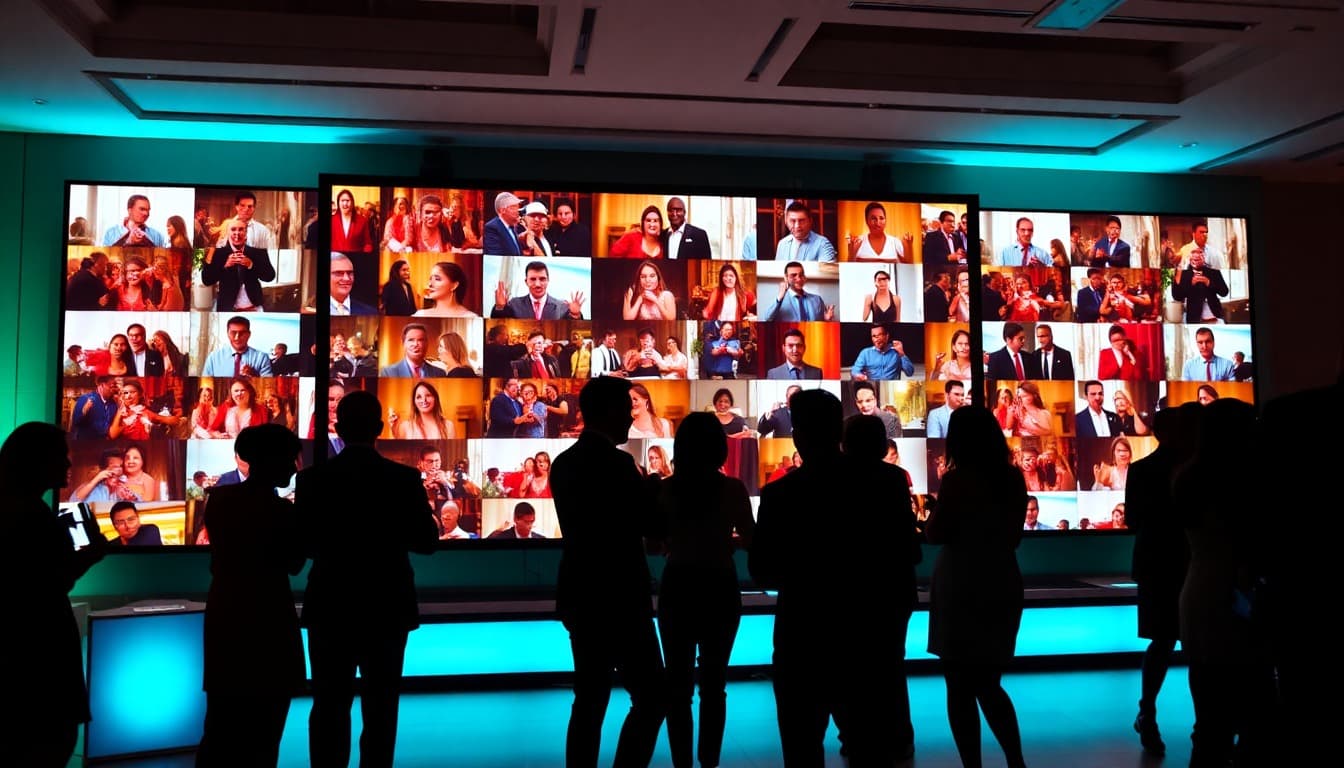
Camera FTP or Drive ingest for selects. QR uploads for phone candids. Guests get selfie search across everything—without you packing ZIPs by person.
Wedding tools
Wedding guide cluster
Workflow FAQ
- Should guest photos mix with professional selects?
- Yes in one event gallery when you want a complete guest experience. Pros still control branding and primary delivery; guest uploads fill candid gaps and power the live wall.
- How do photographers ingest into Pixeva?
- Bulk upload, Camera FTP tethering, or import from Dropbox / Google Drive. AI indexes faces the same way so guest selfie search works across pro and phone shots.
- Does this replace a client Drive archive?
- No. Many photographers keep Drive or their DAM as the working archive and use Pixeva for guest-facing delivery. See Pixeva vs Google Drive for the split.
From the Pixeva blog
Try the workflow on your next wedding
Free tier available. Camera FTP, cloud import, and guest QR included.