Race Photos: How to Let Runners and Athletes Find Their Own
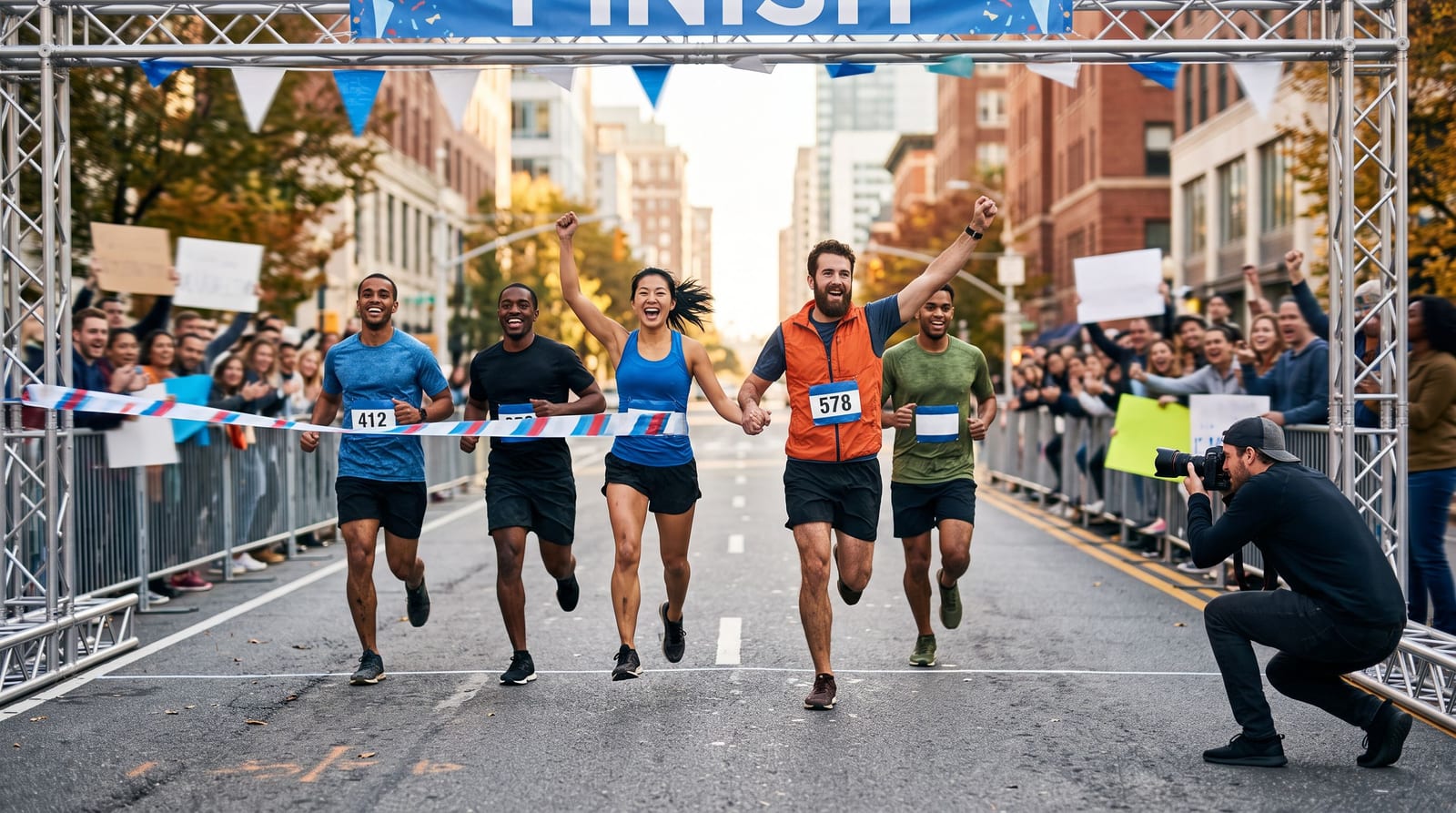
At a marathon, a fun run or a tournament, thousands of people pass a handful of photographers. The photos exist. The athletes just cannot find theirs. A gallery sorted by time means scrolling through thousands of frames of strangers, and most people give up before they find one of themselves.
This guide covers three ways to deliver race and sports photos, how face search fits in, and a workflow that works for organisers and photographers. We make Pixeva, so we describe how it handles each step.
Why race photos are hard to deliver
- Bibs are hidden. Arms, water bottles, jackets and other runners cover race numbers.
- People move fast. Faces are in motion, turned away, or covered by caps, helmets and sunglasses.
- There are a lot of photos. A big event produces tens of thousands.
- Athletes want theirs quickly. The interest peaks at the finish line and fades within days.
Three ways to match photos to people
1. Bib number tagging. Photos are tagged with the bib numbers visible in them, by hand or by software. Athletes search by their number. It works when bibs are clear and falls short when they are covered.
2. Name or time lists. Photographers shoot at fixed points and athletes look at the photos taken around their finish time. It is simple but slow to browse.
3. Face search. The athlete takes a selfie and sees the photos they appear in. It does not depend on bibs, so it can help when numbers are hidden. Fast movement, helmets and sunglasses make any face search harder, so run a test with real race photos before the event. Our guide to testing a face search app shows how.
Many organisers combine methods: face search as the main route and bib or time as the fallback.
A workflow that works
Before the race. Create the event and get the QR code and link. Decide where athletes will see them. Bibs, finish-line banners, the race app and the results page work well.
During the race. Photographers upload while the event is running. With camera FTP, frames leave the camera over Wi-Fi and land in the gallery in roughly one to two minutes, and Pixeva indexes the faces as they arrive. Our guide to camera to cloud with FTP covers the setup for Sony, Canon and Nikon bodies.
At the finish. Athletes scan the code, take a selfie and see their photos on their phone. No app is needed.
After the race. Athletes download their photos. Organisers can download the whole set as a ZIP.
What it costs
A one-time Event Pass on Pixeva is $49 for up to 10,000 photos, with larger passes up to 50,000 photos for the biggest events. For several races a year, the monthly plans start at $35. See what event photo sharing costs for the full list.
Privacy and young athletes
If your event includes minors, agree with the organiser how consent and photo sharing are handled before you publish a gallery. Choose a tool where you can protect the gallery with a PIN, remove photos on request and hide a person from search. Pixeva supports all three. Our privacy checklist lists what to ask any provider.
Checklist for organisers
- Pick one place where every athlete will see the QR code
- Run a short test with real photos from a past race
- Agree on the consent approach for minors
- Tell athletes how long the gallery stays online
- Have a plan for photos that no one finds
Want to put this into practice? These pages go deeper: