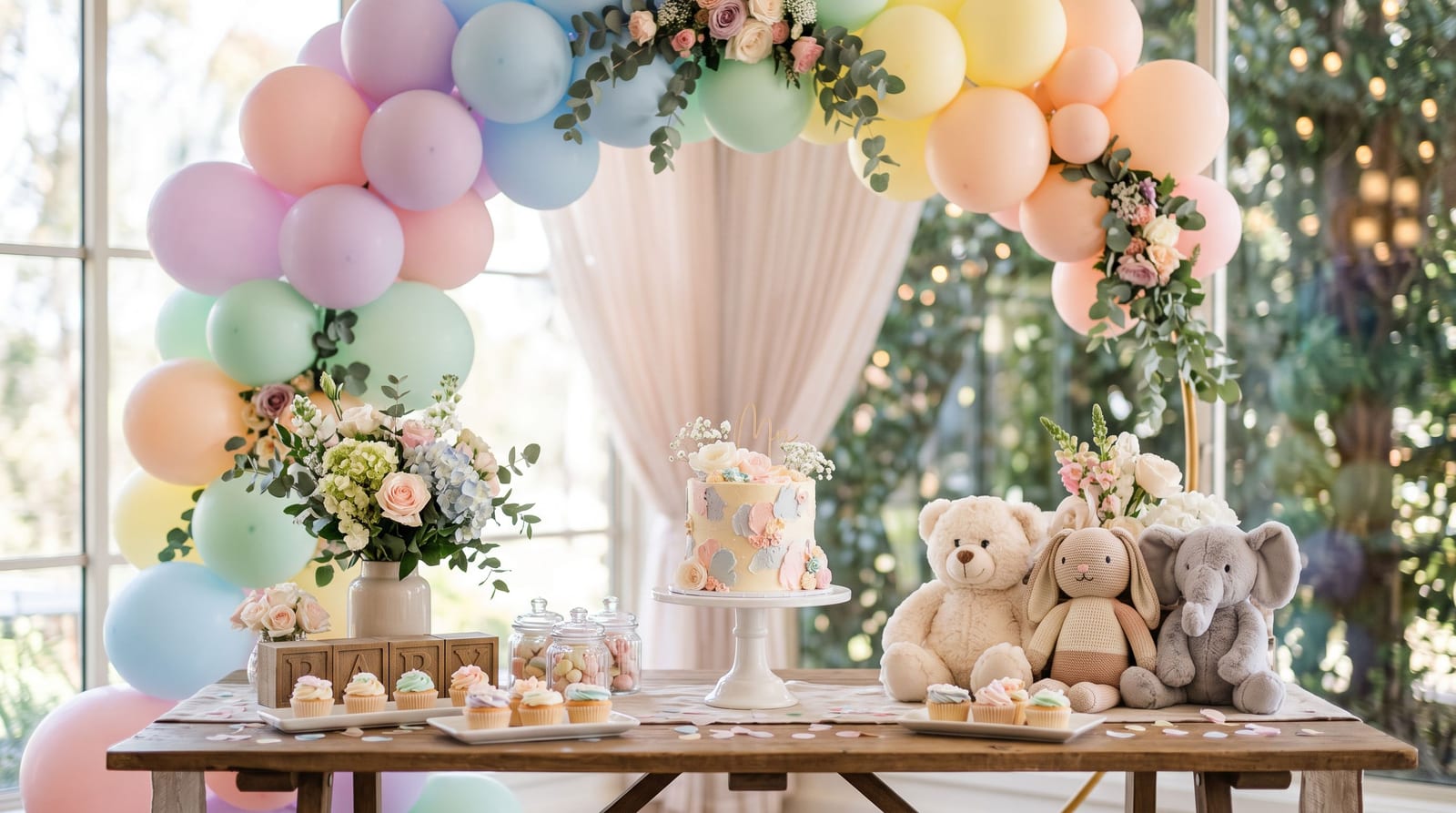
Baby Shower Photo Sharing: Easy Ways to Collect Photos from Every Guest
A baby shower is full of moments the host will not see: the games, the gift opening, the guests chatting in the kitchen. Everyone has a phone, so the photos exist. The trick is getting them into one place without a chase afterwards.
This guide covers a simple set-up and ideas that fit a baby shower.
What to collect
- The decorations and food table before guests arrive.
- Guests arriving and chatting.
- Games and activities.
- Gift opening, including each guest's reaction.
- Group photos with the parents-to-be.
- Any photos guests took on the day that you did not see.
Set up a shared album
- Create one album for the shower.
- Print a QR code for the entrance and the gift table. The free QR tent card maker makes cards you can print at home.
- Tell guests once, in the invitation or by the host: "Scan the code to add your photos."
- Open the link on a guest's phone to check it works with no sign-up.
Guests upload from their browser, so older relatives do not have to install anything.
Ideas that fit a baby shower
- A "photo with the bump" corner. A simple backdrop and a sign make a fun spot for each guest.
- A guest message wall. Guests write a short wish on a card; someone photographs each card and adds it to the album.
- A game with photos. "Find a guest wearing yellow" or "a photo of someone holding a gift" turns uploads into part of the party. See our scavenger hunt ideas.
- A live slideshow. Put the photos on a TV as they arrive. Our live photo wall guide explains how.
- A first-year keepsake. Print a few favourites for the baby's room or the first album. Our guide to printing guest photos works the same way for any event.
Remote guests
Family who cannot attend will want to see the day. Send them the album link afterwards so they can view and download, and let them add any messages or photos of their own.
Privacy and babies
Parents often have strong views about sharing photos of newborns and young children online. Before the shower:
- Ask the parents-to-be what they are comfortable with.
- Keep the album link-only, shared with the guest list.
- Tell guests the rules if the parents would rather photos were not posted publicly.
- Remove any photo the parents ask you to remove.
After the shower
- Send a thank-you message with the album link.
- Download the full set and keep a second copy.
- Share a few favourites in thank-you notes.
- Close or archive the album on the date you promised.
Checklist for the host
- Album created
- QR codes printed and placed
- Guests told how to add photos
- Parents' sharing preferences agreed
- Thank-you message planned
A simple timeline for the day
- Before guests arrive: place the QR cards, take photos of the decorations and test the link on one phone.
- As guests arrive: the host mentions the album once at the door or in the welcome.
- During games: give the scavenger-style prompts and let guests upload as they go.
- At gift opening: ask one or two guests to photograph each gift and giver, so the parents have a record for thank-you notes.
- At the end: the host reminds everyone to add their photos and says when the album will close.
Questions hosts ask
Do guests need an account? No. They scan the code, choose photos and upload from their browser.
Can older relatives manage it? Usually yes, because it works like opening a web page. Put a printed card on each table and have a younger relative nearby to help anyone who is stuck.
What if I want to approve photos first? Decide before the day whether you want to review uploads. If you show photos on a screen, choose in advance whether they appear straight away or after you approve them.
How long should the album stay open? A couple of weeks is plenty. Tell guests the date so late uploaders know when to add theirs.
Can I print the photos afterwards? Yes. Download the originals and pick a few favourites, as described above.
Summary
Make one album, put a QR code where guests will see it and keep the privacy rules clear. You will end up with photos of the day from every angle. To start, create a free event.