Face Recognition at Events: A Privacy Checklist for Hosts
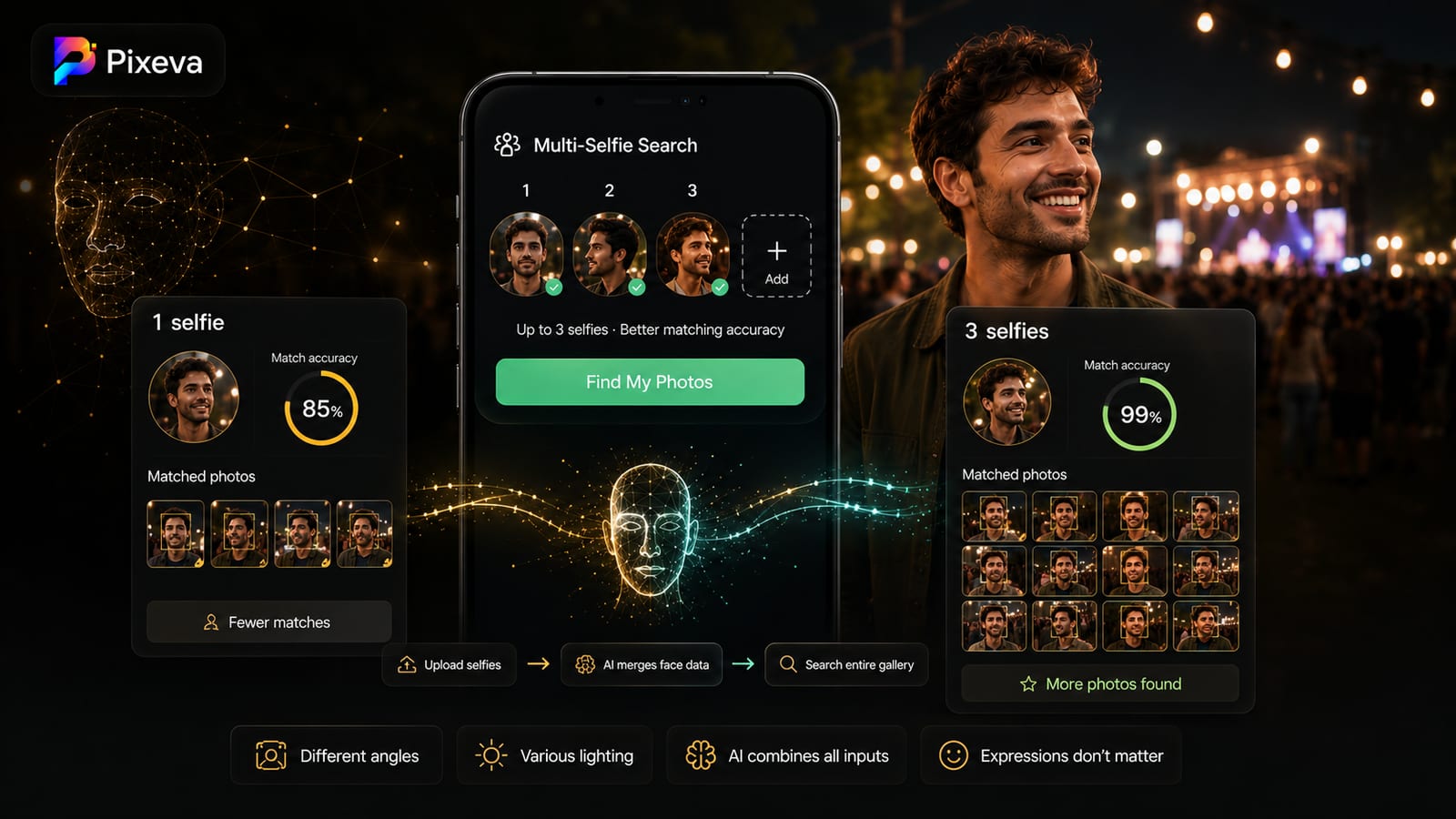
Face recognition lets guests find their own photos with a selfie, which makes large galleries far easier to use. It also involves faces, which many people consider sensitive. If you host events, you should know what to ask and what to tell your guests.
This checklist is for hosts, planners and photographers who use or plan to use face search at an event. It is general guidance, not legal advice.
What face search actually does
At a high level: the system finds faces in the photos, turns each into a numerical description, and compares a guest's selfie with those descriptions to return matching photos. Our guide to face detection vs face recognition explains the two steps.
The comparison is usually limited to one event's gallery, not the whole internet.
Questions to ask the provider
- What is stored? Photos, face descriptions, selfies, or all of them.
- For how long? Ask for the retention period of the selfie and of the face data, and when each is deleted.
- Who can see it? The host, the photographer, other guests, or the provider's staff.
- Is the data used for anything else? For example, to train models or to match people across events.
- Where is it stored? Region and security measures.
- Can a person opt out or have their data removed? And how quickly.
- What is the legal basis? In regions with strict rules, consent may be required for biometric data.
Read the provider's published privacy policy for the answers. If it does not answer them, ask.
What to tell your guests
A short, honest note goes a long way. It can say:
- That the gallery has a face search feature
- That a guest's selfie is used to find their photos (in Pixeva, search selfies are processed in memory and never written to disk)
- Who can see the gallery
- How a guest can ask for a photo or their data to be removed
- Where to read the full privacy policy
Put this in the invitation, on the table cards or on the gallery page.
Practical steps for hosts
Choose who can access the gallery. Link-only access is better than a public page.
Make face search optional. Guests who do not want to use it should still be able to browse.
Respond to removal requests promptly. A guest asking to remove an unflattering photo is common and easy to honor.
Avoid uploading photos of people who have asked not to be photographed. Check with guests who have special circumstances.
Be careful with children. Check local rules and the parents' wishes before sharing photos of minors widely.
For photographers
Your clients' guests are trusting you with their faces. Tell your couples how the gallery works before the wedding, and include the policy in your contract. Our guide on privacy and GDPR for event photography goes into more detail.
Questions people ask
Is face recognition legal at events? It depends on where you are and how it is used. Rules for biometric data vary, so check local law.
Do guests have to use face search? They should not have to. Make it optional.
Can face search be used to track people across events? Ask the provider. A tool that limits matching to a single event gallery is different from one that links faces across events.
Where can I read how Pixeva handles it? Pixeva processes guest search selfies entirely in memory—they are never written to disk or stored. Read full details in the Pixeva privacy policy.
Summary
Know what the provider stores, for how long and who can see it. Tell guests plainly and make face search optional. Use this checklist before you turn it on at your next event.