Conference Headshot Lounge: How to Deliver Photos to Hundreds of Attendees
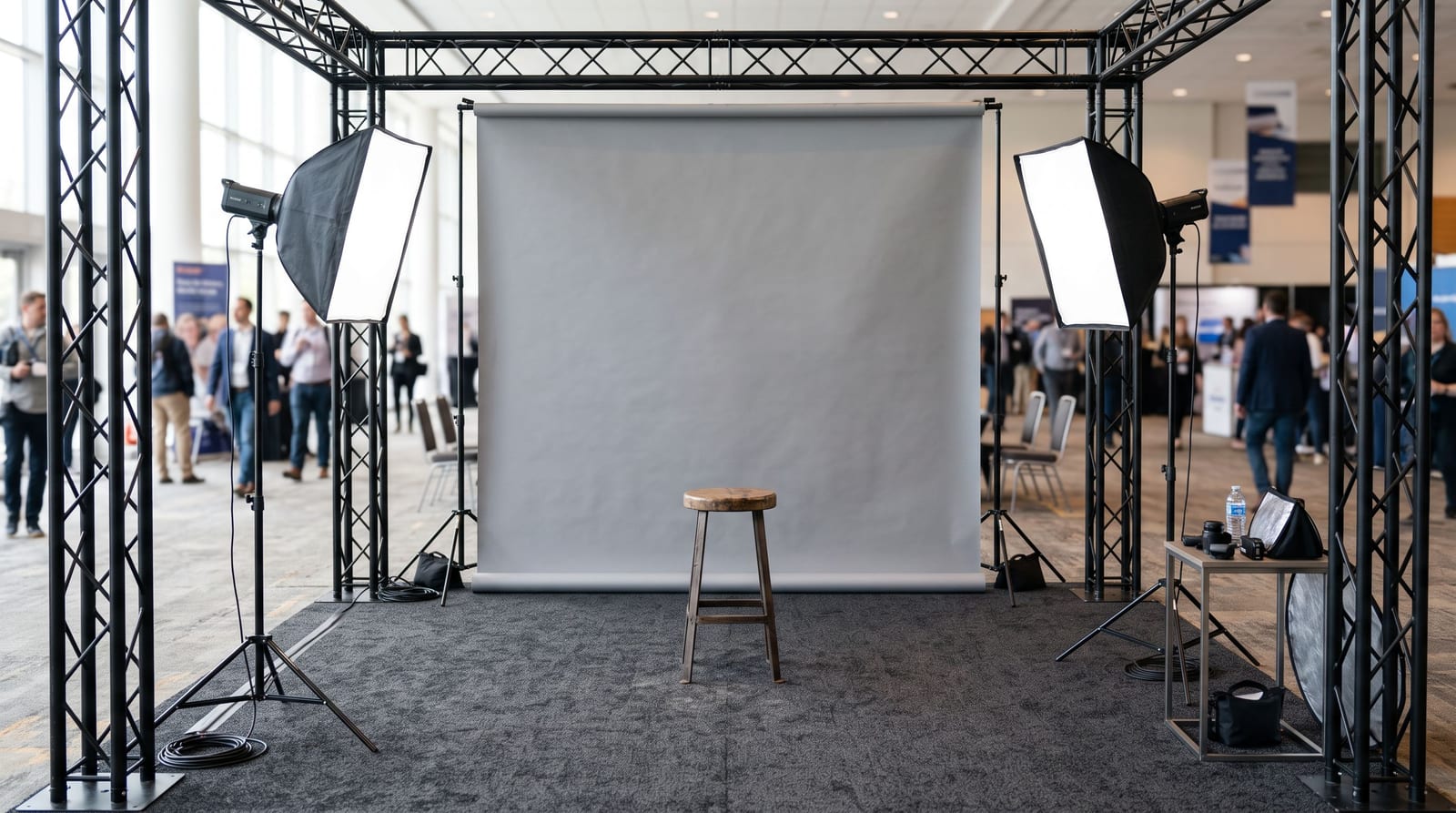
A headshot lounge is a popular feature at conferences and corporate events. Attendees sit for a quick portrait, and the organiser hopes everyone walks away with a professional photo. The photography is the easy part. Getting hundreds of people their own photo afterwards is where most lounges go wrong.
This guide covers how to plan the delivery so attendees get their photo quickly and the organiser does not spend a week answering emails.
Why delivery is harder than the shoot
In a headshot lounge, every attendee wants exactly one photo: theirs. A few common problems follow from that:
- Names are not attached to photos. The photographer has hundreds of near-identical frames and no easy way to tell who is who.
- Attendees will not install an app or create an account for one photo.
- The window is short. People want it the same day, while they still have the conference page open and are updating their profile.
- Privacy matters. One person's portrait should not be a click away for the whole room unless the organiser says so.
Three ways to deliver
1. Manual matching. Staff match names to files and email each person. This works for a few dozen people. It does not scale to hundreds, and it is slow.
2. A name or number system. Give each attendee a card with a number, shoot the number first, and name the files after the numbers. It works, but it adds steps for the photographer and relies on people keeping the card.
3. Selfie search. Attendees open one gallery link or QR code, take a selfie, and see only the photos they appear in. Nothing is typed in and no name list is needed. For a lounge with hundreds of people, this is the least work for everyone. Our guide to face recognition for event photos explains how it works.
Planning checklist for organisers
- Decide who sees what. Should attendees only see their own photo, or can they browse everyone's? Keep a headshot lounge private by default.
- Place a QR code at the lounge. Put it on the sign, on a table card and on a screen beside the backdrop so people can scan as they leave.
- Add the link to the event app or email. Many attendees will look for the photo later that day.
- Tell attendees what happens to their face data. Say it clearly and link to your privacy information. Our privacy checklist lists what to cover.
- Decide whether to collect contact details. If the organiser wants a contact list, registration can ask for a name and email when people open the gallery. Make that optional and explain why.
- Agree on a deadline. For example, "photos stay available for 30 days".
Planning checklist for photographers
- Light and background must stay consistent all day, so every attendee gets a similar result.
- Shoot two or three frames per person and let them pick, or choose the best yourself before delivery.
- Upload as you go. Do not wait until the end of the day. Using camera tethering or batch uploads from the venue means attendees can find their photo while the event is still running.
- Brand the gallery with your own name or the client's. Our guide to branding event photos covers options.
- Keep a backup of every original before you start deleting anything.
What to say at the lounge
Keep the message short and put it where people see it:
Scan to find your photo. Take a selfie and we will show you the portraits of you. Your photos are private to you.
Staff should be able to say the same thing in one sentence.
What to avoid
- Asking attendees to email you for their photo. It creates a queue that grows for days.
- Posting every headshot publicly. Unless people agreed, keep them private.
- Delivering on a different day with a different link. The best moment to deliver is while attendees are still at the event.
- No fallback. Some people will not want a selfie search. Provide another way, such as asking staff to find their photo.
A real example
We wrote up how one Perth event photographer ran a conference headshot lounge and two other jobs on one-time passes in a case study, with the gallery numbers.
Summary
For a headshot lounge, plan delivery before you plan the backdrop. A single link or QR code with selfie search gets each attendee their photo without a name list, an app or a week of emails. To set up a private gallery for your next event, create a free event.