Disposable Cameras vs Phone Uploads at a Wedding: Which Works Better?
Disposable cameras are a wedding tradition for good reason: guests take photos nobody else would. But phones are in every pocket, and uploads are instant. So which should you use?
The honest answer is that they solve different problems. Here is how they compare so you can choose, or use both.
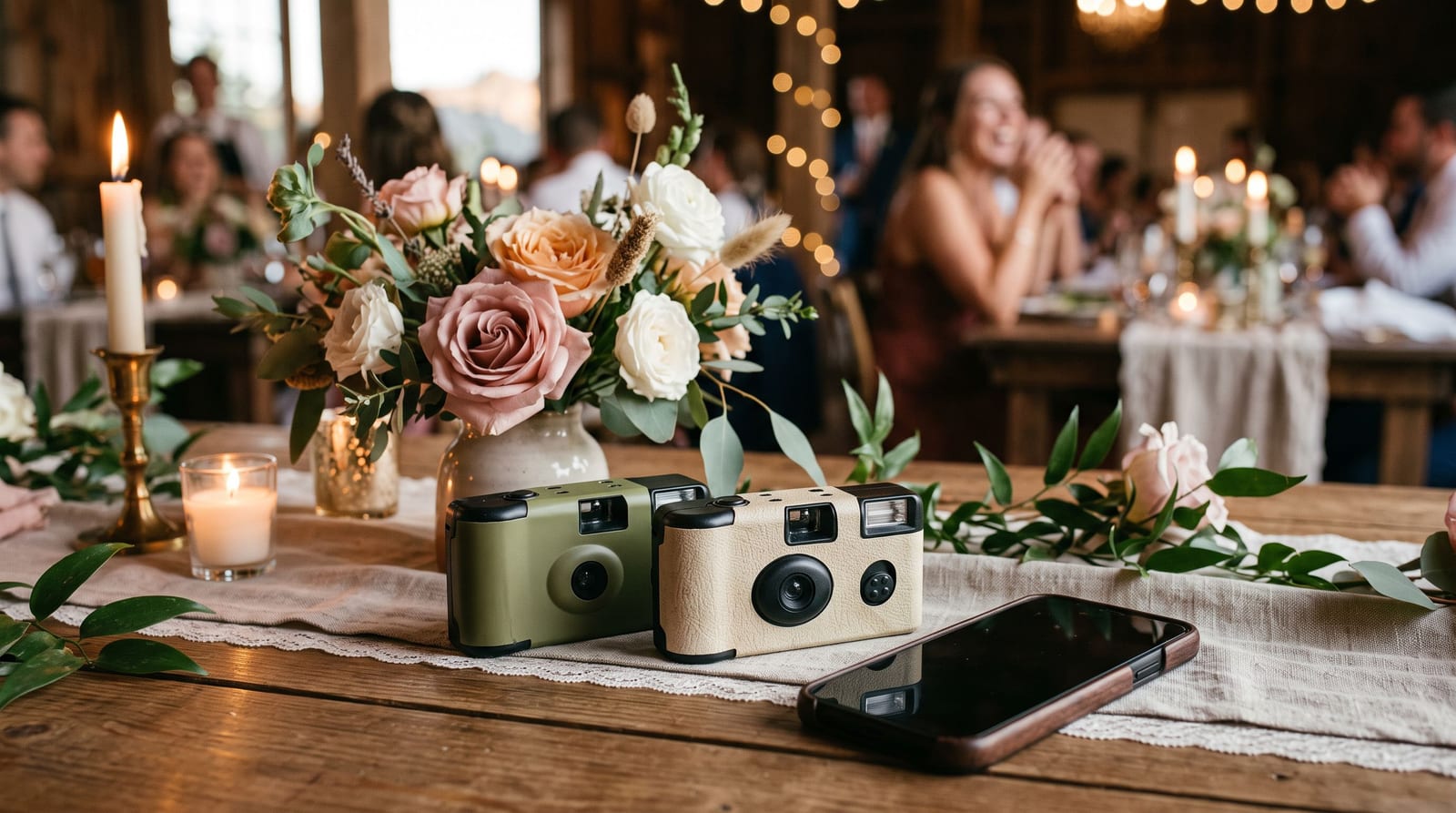
Disposable cameras
What you get
- A fun, tactile keepsake and photos with a film look.
- Guests who might not take phone photos pick one up.
- No screens in the photo.
What to watch
- Cost per photo. You pay for the camera, then for developing and scanning, so the total is higher than it looks.
- Wait time. Photos arrive weeks after the wedding, and some frames will be dark or blurry.
- Few photos per camera. Each camera holds a limited number of frames, so coverage depends on how many you put out.
- Guests forget. Cameras left on tables are often unused by the end of the night.
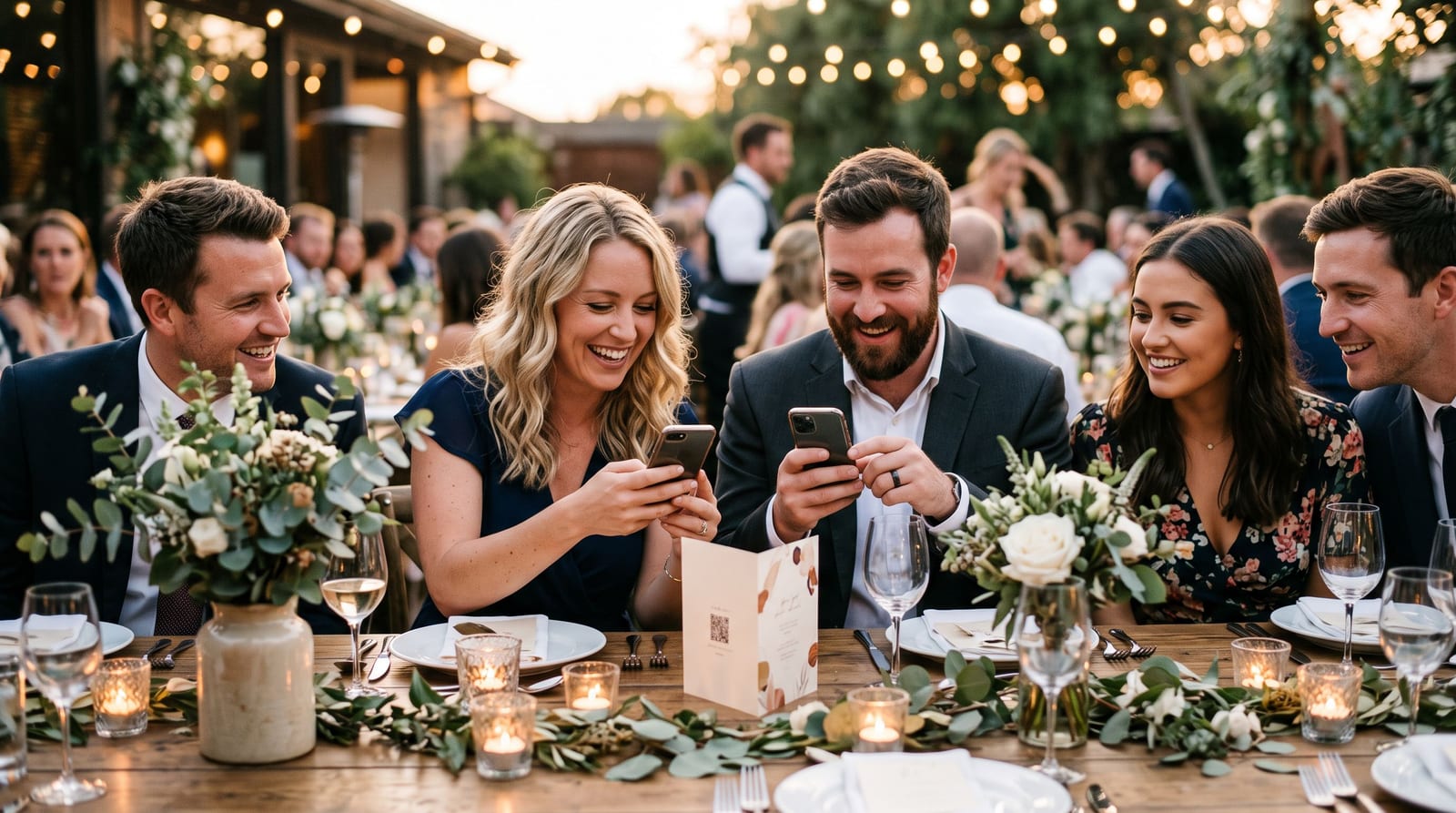
Phone uploads with a QR code
What you get
- Hundreds of photos from every angle, usually the same weekend.
- Almost no cost, since guests already have a phone.
- Easy sharing and downloads for everyone.
What to watch
- Guests need a reason to upload. A table card and a short announcement help. See how to get wedding guests to upload their photos.
- Quality varies. Phone photos in low light are hit and miss.
- Less of a keepsake. Digital photos feel less special than a stack of prints unless you print them.
Side by side
| Disposable cameras | Phone uploads | |
|---|---|---|
| Speed | Weeks | Same day |
| Cost | Cameras plus developing | Low |
| Volume | Limited by frames | Large |
| Keepsake feel | High | Needs printing |
| Effort for guests | Pick up and shoot | Scan and upload |
Using both
The two work well together. Put a few cameras on the head table for the film look, and a QR code on every table for everything else. You get the keepsake and the full coverage.
A simple plan
- Put 6 to 10 disposable cameras at the tables closest to the dance floor.
- Put a QR upload code on every table. The free QR tent card maker prints the cards.
- Announce both once during dinner.
- Send the album link the next morning for people who missed it.
Cost in plain numbers
Prices vary a lot by supplier and country, so work from your own quotes. The shape of the comparison is the same everywhere:
- Disposable cameras: you pay per camera, then again for developing and scanning, and you pay for every camera whether guests use it or not.
- Phone uploads: the main cost is printing the table cards, and the upload page itself can be free for a normal-sized event.
Ask each supplier what is included: developing, scanning, digital files and delivery time. Add it up before you compare.
What guests actually do
With cameras: a few enthusiastic guests shoot a whole roll. Many forget, and some cameras come back with only a handful of frames used. Photos tend to be close-ups of friends, which is exactly the charm.
With phone uploads: most guests already take photos, so the job is simply to get them into one place. The photos cover the whole room and include the moments the photographer could not be at.
Getting the most from each
For cameras
- Put them at tables, not in a basket by the door.
- Add a small card saying how many shots are left and how to wind on.
- Collect them at the end of the night so none go home in handbags.
For phone uploads
- Make the QR code large and put it on every table.
- Say it out loud once during dinner.
- Show the first uploads on a screen to encourage more. See our live photo wall guide.
- Offer a reason to join, such as a scavenger hunt.
Which should you choose?
- Choose cameras if you love the film look, want a physical keepsake and do not mind waiting weeks.
- Choose phone uploads if you want lots of photos quickly, a smaller budget and photos from every guest.
- Choose both if you can, because they capture different things.
A note on privacy
Whichever you pick, tell guests what will happen with the photos and who will see them. A link-only album is a sensible default, and a line on the table card saying so helps people relax. For more, read our guide to privacy for event photography.
Summary
Choose cameras for the keepsake and phone uploads for the volume and speed. If you only pick one, uploads give you far more photos for less effort. To set up the upload side, create a free event.