Corporate Event Photo Sharing: Privacy, Access Control and Big Uploads
Company events produce a lot of photos from a lot of people at the same time, and they come with requirements a wedding does not have. Who may see them, who must not, how fast guests can upload, and how to avoid a mess on Monday morning.
This guide covers what to plan for when you choose how to share photos from a corporate event, conference or offsite.
What corporate events need
Control over who sees the photos. Not every attendee should see every photo. Some sessions are internal, some folders are for the leadership team, and some photos should not be shared outside the company.
Fast, reliable uploads from many people at once. Hundreds of attendees may add photos during a keynote or evening event. The tool must cope without slowing down.
Easy access without friction. Attendees will not make accounts or install an app for a conference photo.
A good way to find photos. Thousands of photos are useless if nobody can find themselves.
A clear privacy position. HR and legal teams may ask where photos are stored and how faces are used.
Questions to ask any photo sharing tool
- Can I restrict access? For example, link-only access, or PIN-protected folders for sensitive material.
- Can attendees upload without an account? And can I turn that off for some folders?
- How does it handle many uploads at once? Ask about limits and how uploads recover on a weak venue connection.
- How do attendees find their photos? Selfie search is faster than scrolling.
- How does the tool use face data? Ask what is stored, for how long and who can see it, and read the provider's privacy policy.
- Who owns the photos and who can download them?
- How long does the album stay available?
Setting up the event
- Create one album per event, with folders for sessions, social events and team photos.
- Protect sensitive folders. Pixeva lets you lock folders with a PIN so only people who have it can open them.
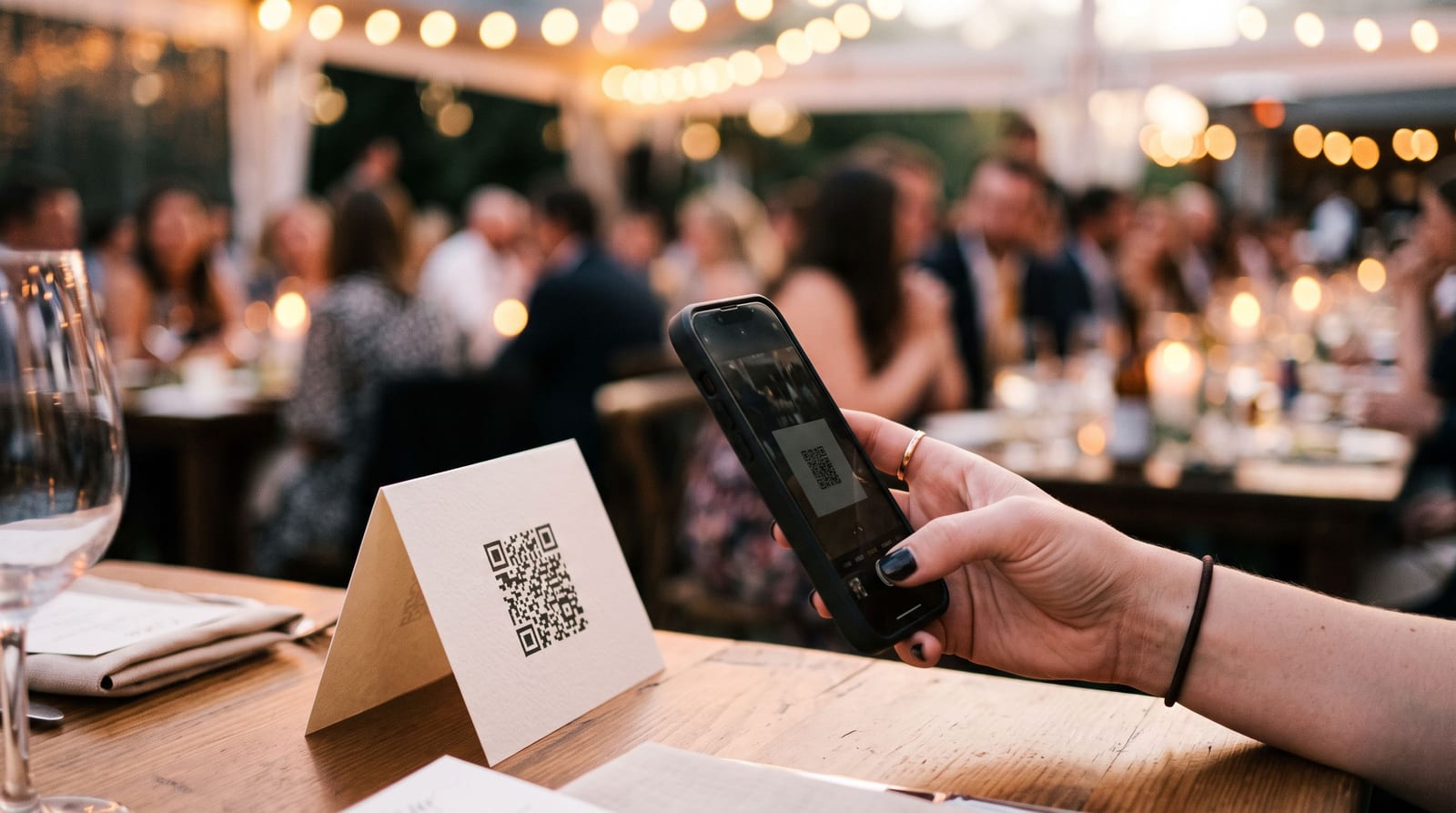
- Share one link and a QR code on slides, name badges and signs.
- Tell attendees what to expect. A short line about how selfie search works and who can see the album reduces questions.
- Plan for the venue network. Conference wifi is often overloaded. Encourage people to upload over mobile data if needed.
Making it fun
Corporate photo albums work better with a bit of play:
- A photo scavenger hunt for networking breaks
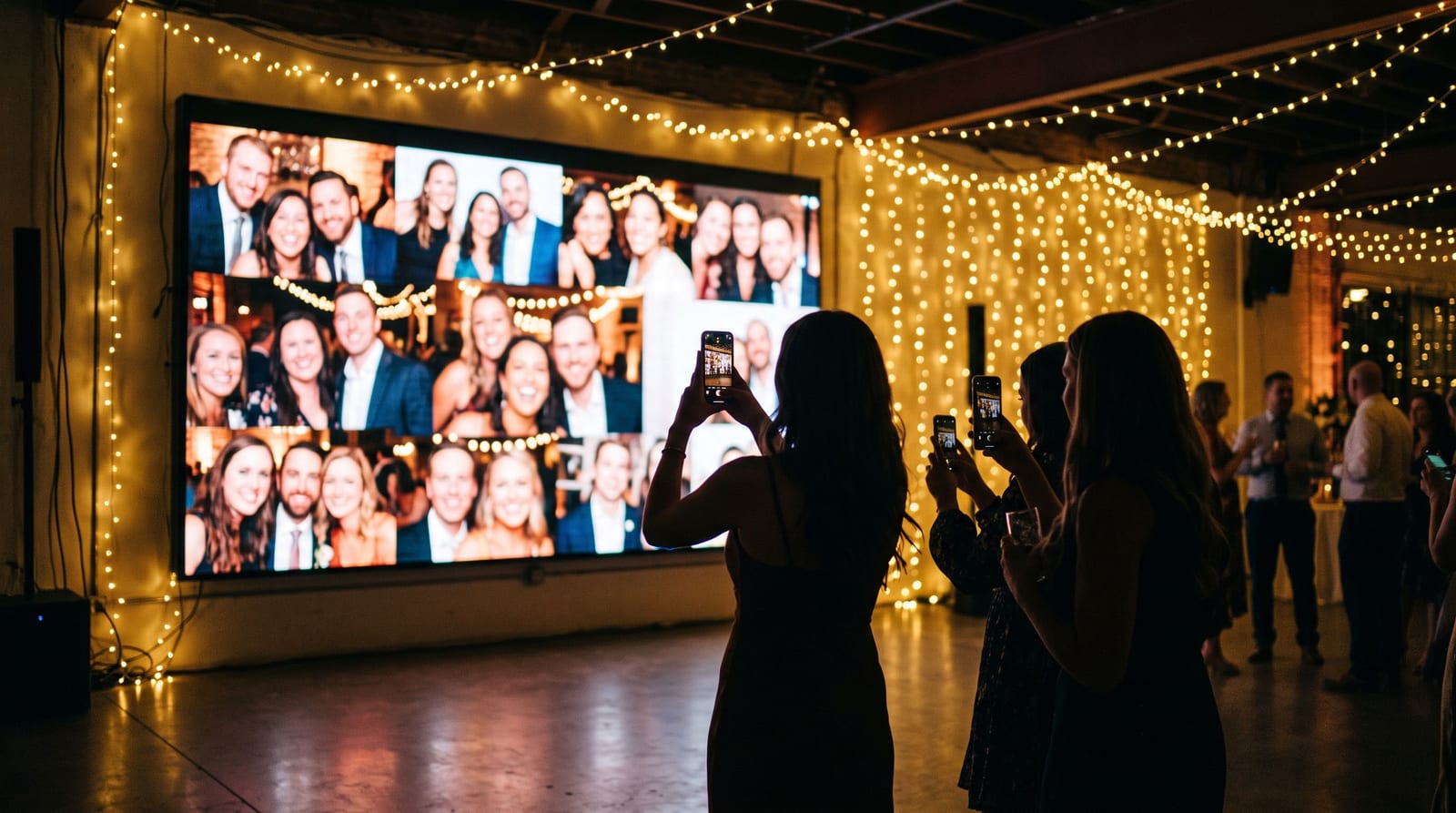
- A live photo wall in the main room
- Photo challenges, which we describe on the photo challenges feature page
After the event
- Send the album link the next morning, with a deadline for adding photos.
- Let people find their own photos. Attendees post them on LinkedIn, which is free visibility for the company.
- Archive or close the album according to your policy.
Our pages for corporate events and conferences go into more detail.
Questions people ask
Can we control who sees which photos? Yes. Use link-only access, and lock sensitive folders with a PIN.
Do attendees need accounts? Not to upload or search with a selfie. Guest search selfies are processed in memory and never written to disk.
Can we use it for a multi-day conference? Yes. Use folders for each day or session.
What about privacy and GDPR? Check the provider's privacy policy and data processing terms. At Pixeva, guest search selfies are processed in memory and never written to disk. Our guide to privacy and GDPR for event photography lists what to ask.
Summary
Plan for access control, big uploads and findability, and ask the provider how it uses face data. Create a free event and test the setup with your team before the day.