Face Recognition Wedding Photos: How Guests Find Themselves with a Selfie
Face Recognition Wedding Photos: Guest Selfie Search Explained
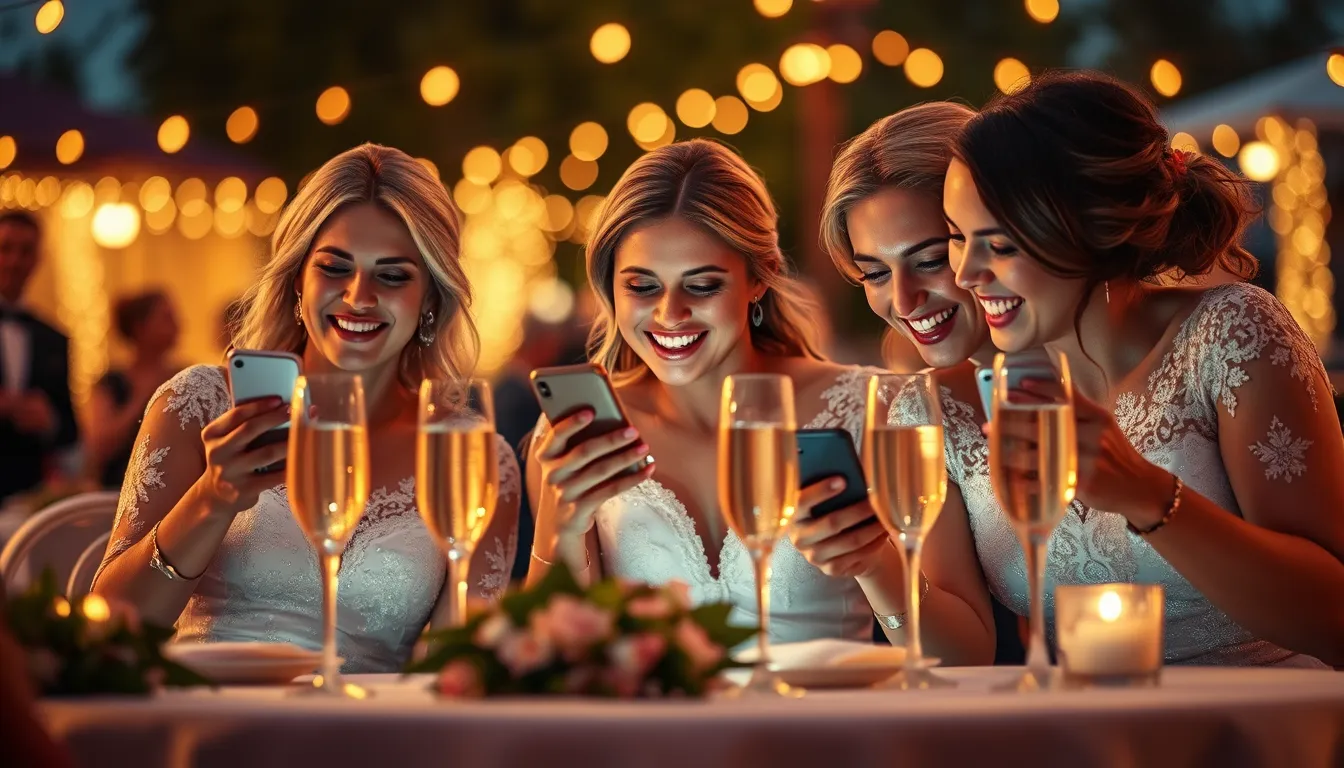
Wedding galleries used to mean one of two bad options: a huge shared folder nobody can navigate, or a password portal that sits unopened. Face recognition wedding photos fix that. Guests take a selfie, and AI returns every frame they appear in.
Pixeva is built for this workflow—for couples and for photographers delivering branded galleries.
How face recognition for wedding photos works
- Photographers (and optionally guests) upload images to one event gallery.
- AI detects and indexes faces across ceremony, cocktail hour, dinner, and dance floor.
- A guest opens the invite link or scans a QR code.
- They take or upload a clear selfie.
- Matching photos appear in seconds for download or sharing.
You do not need an app. Browser selfie search is enough for most receptions. Explore the product page for face recognition wedding photos.
Why couples care
- Guests stop asking “can you send my photos?” in WhatsApp threads
- Parents and grandparents find themselves without scrolling
- Same-day sharing becomes realistic when Camera FTP or cloud sync is on
- Privacy by event isolation—each wedding is its own gallery
Photographer workflow that scales
Pros usually combine:
- Camera FTP tethering for live ingest
- Dropbox or Google Drive import for second shooters
- Guest QR upload for iPhone candids
- Selfie search so delivery feels magical instead of administrative
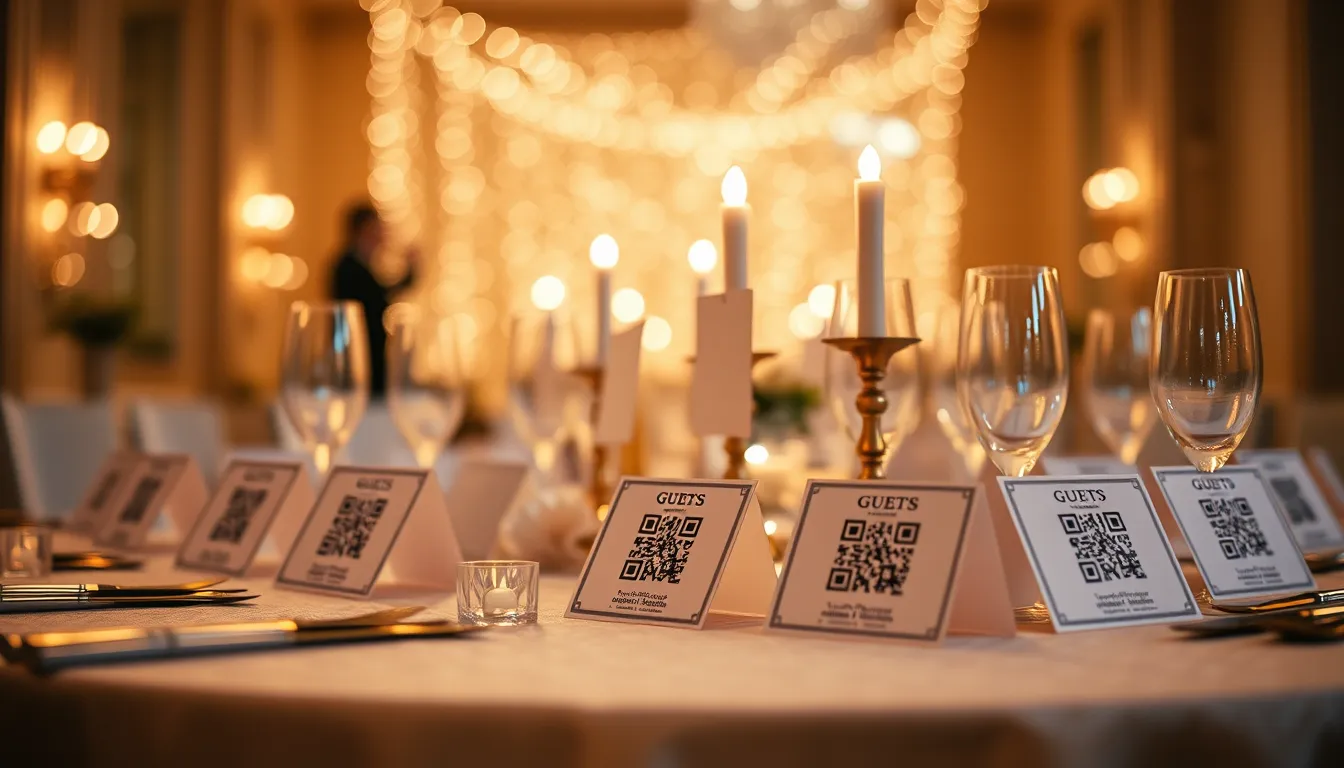
Print QR tent cards or put QR codes on place cards so every table has an entry point.
Accuracy tips for guest selfies
- Face the light; avoid heavy backlighting
- Remove sunglasses for the search selfie
- One clear face beats a group selfie for the search step
- If hair/makeup changed dramatically, try a second angle
Pixeva also supports multi-selfie flows for harder lighting—see our guide on better selfie search accuracy on the blog.
Privacy and consent basics
Treat biometric matching carefully:
- Tell guests how search works (signage + wedding website FAQ)
- Delete event data when retention ends
- Keep galleries invite-only with your event code
Pixeva deletes guest search selfies after processing and isolates storage per event. Read more in our privacy-focused posts and site policies.
Face recognition vs old sharing methods
| Method | Guest experience | Host pain |
|---|---|---|
| Google Drive dump | Endless scrolling | Constant “where is the link?” |
| Facebook album | Misses non-users | Tagging chaos |
| USB / WeTransfer | Delayed | Manual packing |
| Face recognition selfie search | Instant, personal | Set up once |
Getting started
- Create an event on Pixeva.
- Share the invite QR (table cards help).
- Upload photographer selects—or tether live.
- Tell guests: scan, selfie, download.
For the full wedding product story, see use cases → Weddings. For reception energy, add an online scavenger hunt that feeds the same gallery.
Face recognition wedding photos FAQ
How accurate is guest selfie search?
Clear, front-facing selfies in decent light work best. Guests can retry with a second angle if hair, makeup, or lighting changed.
Do guests need an app?
No. They open the invite link or scan a QR code in the browser, take a selfie, and download matches.
Is guest selfie data stored forever?
Search selfies are deleted after processing. Each wedding gallery is isolated, and organizers can delete event data anytime.