How to Print Guest Wedding Photos: Albums, Frames and Guestbook Ideas
Most couples end up with hundreds of guest photos on their phones and none on the wall. Printing a few of them is one of the nicest things you can do with the collection, and it does not need to be expensive or complicated.
This guide covers how to choose which photos to print, what to make with them, and how to get files that print well.
Start with the right files
Print quality depends on the file you start from, not the one you saw on a screen.
- Download originals. Previews and chat-app copies are small and compressed. Pull the full-size files from the shared album. Our guide to backing up event photos explains how.
- Check the resolution. As a rough guide, a print looks sharp when the image has about 300 pixels for every inch of paper, so a 6 by 4 inch print wants around 1800 by 1200 pixels. Anything smaller will look soft.
- Avoid screenshots. If a guest sent a screenshot of a photo, ask them for the original instead.
How to choose what to print
Choosing from several hundred photos is the hard part. A simple method:
- Sort by moment. Group photos into ceremony, family, dinner, dancing and the small candid moments between them.
- Pick the best two or three from each group. Prefer photos where people are looking natural over technically perfect ones.
- Include guest-only angles. The best guest photos are the ones the photographer could not take: the view from the back row, the laughing table, the kids on the dance floor.
- Ask a friend for a second opinion. It is easy to keep too many.
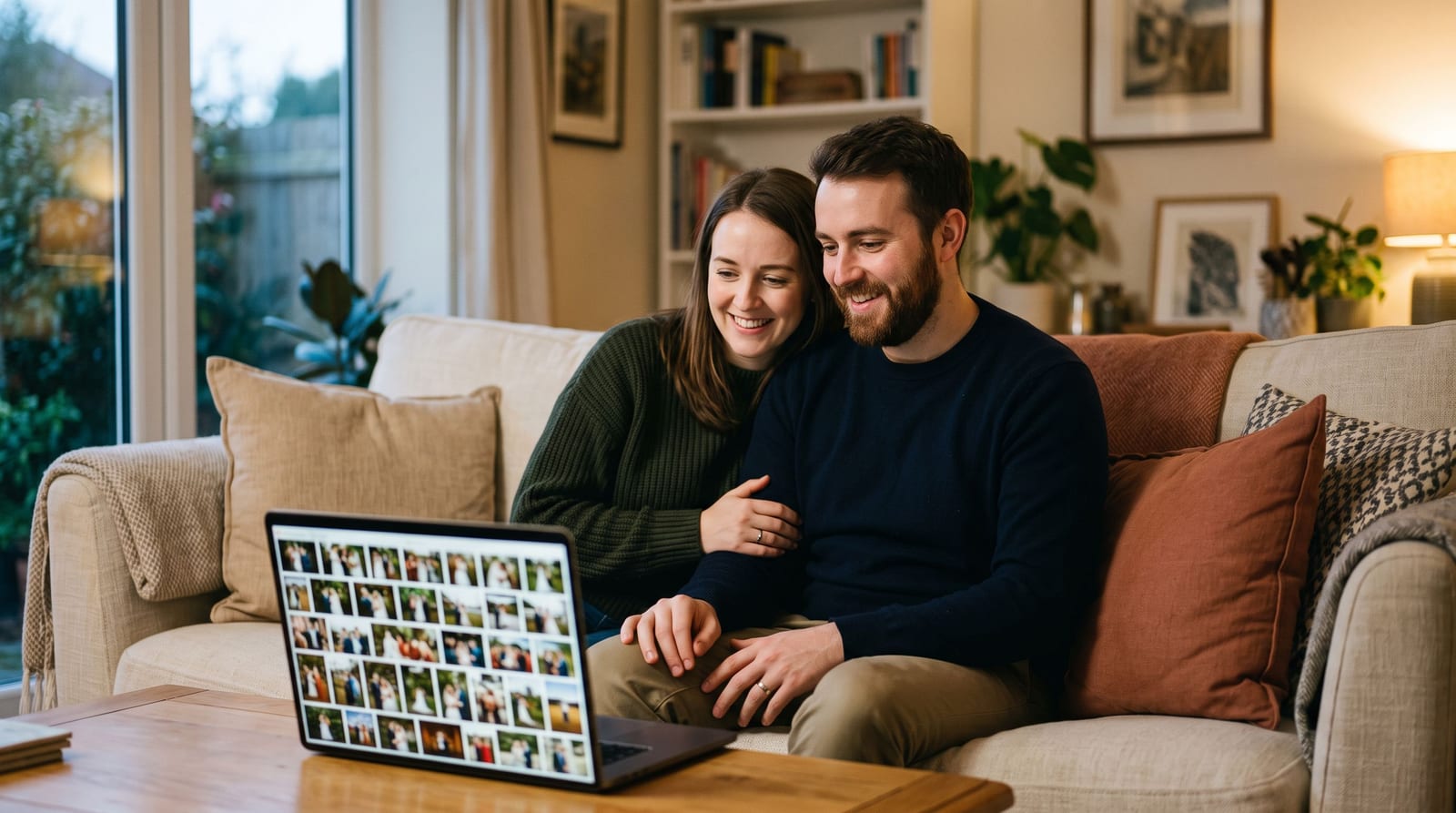
If you have used face search in your album, you can quickly pull every photo of a close relative to make a gift for them.
Ideas that work
A guest photo album. A simple printed book of the best guest photos, separate from the photographer's album. It is a good thank-you gift for parents or the wedding party.
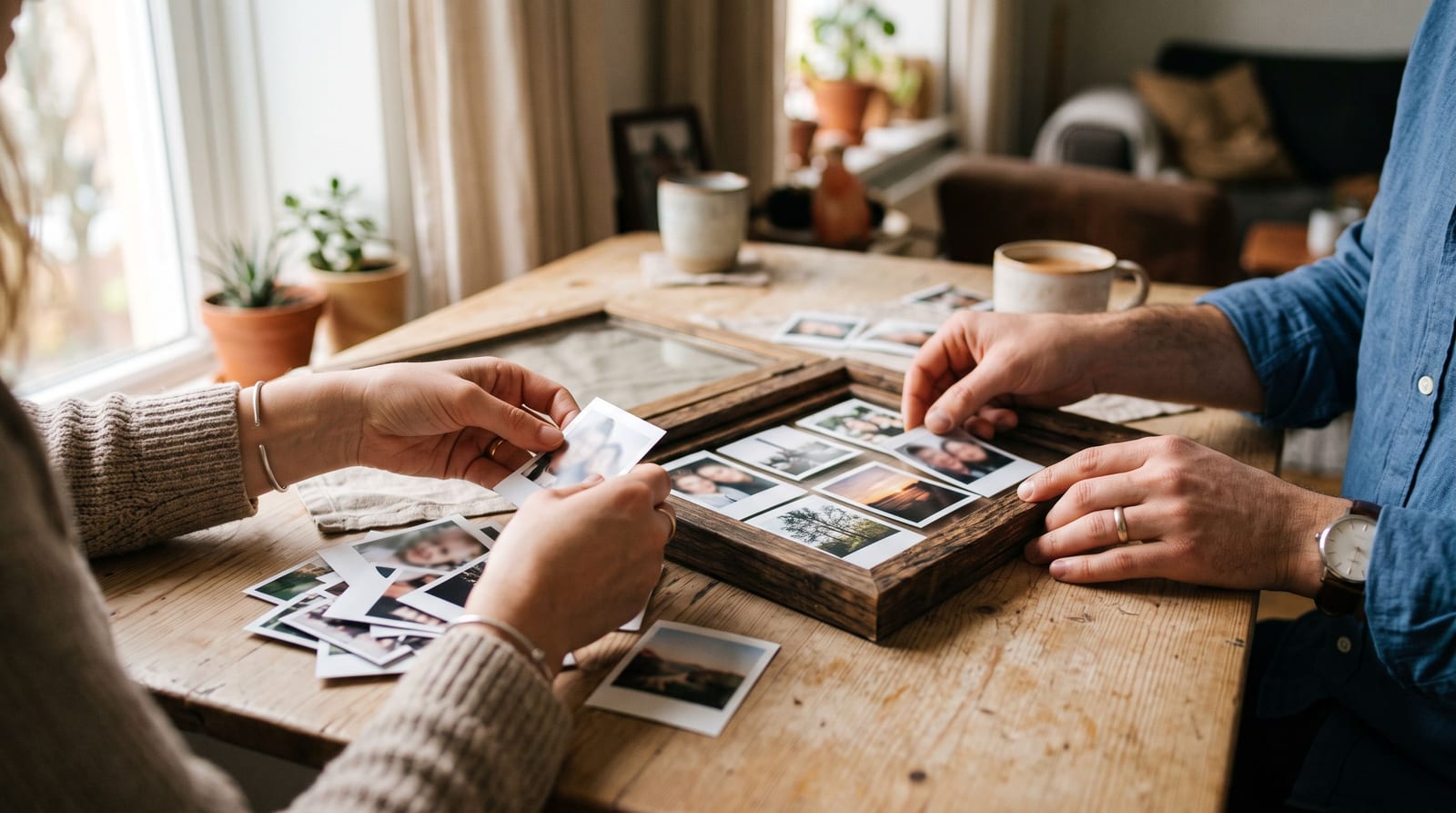
A guestbook wall or frame. Print a handful of small photos and arrange them in a frame or on a string with pegs. It works well for the first anniversary.
Thank-you cards with a photo. Choose one guest photo per household, or one group photo, and use it on the card. People like to see themselves.
A photo timeline. A row of small prints in order from the morning to the last dance, hung along a hallway.
Prints for the people in them. Sending a grandparent a printed photo of themselves dancing means more than any link.
Printing options
- Home or local print shop: quick, good for a few photos or a small frame set. Ask for a test print if colours matter.
- Online photo book services: good for albums. Upload your originals and check the preview for cropped faces.
- A professional lab: worth it for a few large prints. Ask which file type and colour profile they prefer.
Prices vary a lot by country and supplier, so compare a few quotes with the same size and paper before ordering.
Mistakes to avoid
- Printing low-resolution files. If the file is small, print it small.
- Cropping out heads. Different print sizes crop differently, so check each one.
- Forgetting permission. If you plan to post or sell prints that show other guests, particularly children, ask first.
- Leaving it too late. Order within a few weeks while you still remember which photos were your favourites.
A simple plan
- Download the full set from the album.
- Pick 20 to 40 favourites.
- Choose one project, such as a small album or a frame wall.
- Order a test print of one or two photos first.
- Keep the untouched originals in a separate folder.
Collect more photos to print from
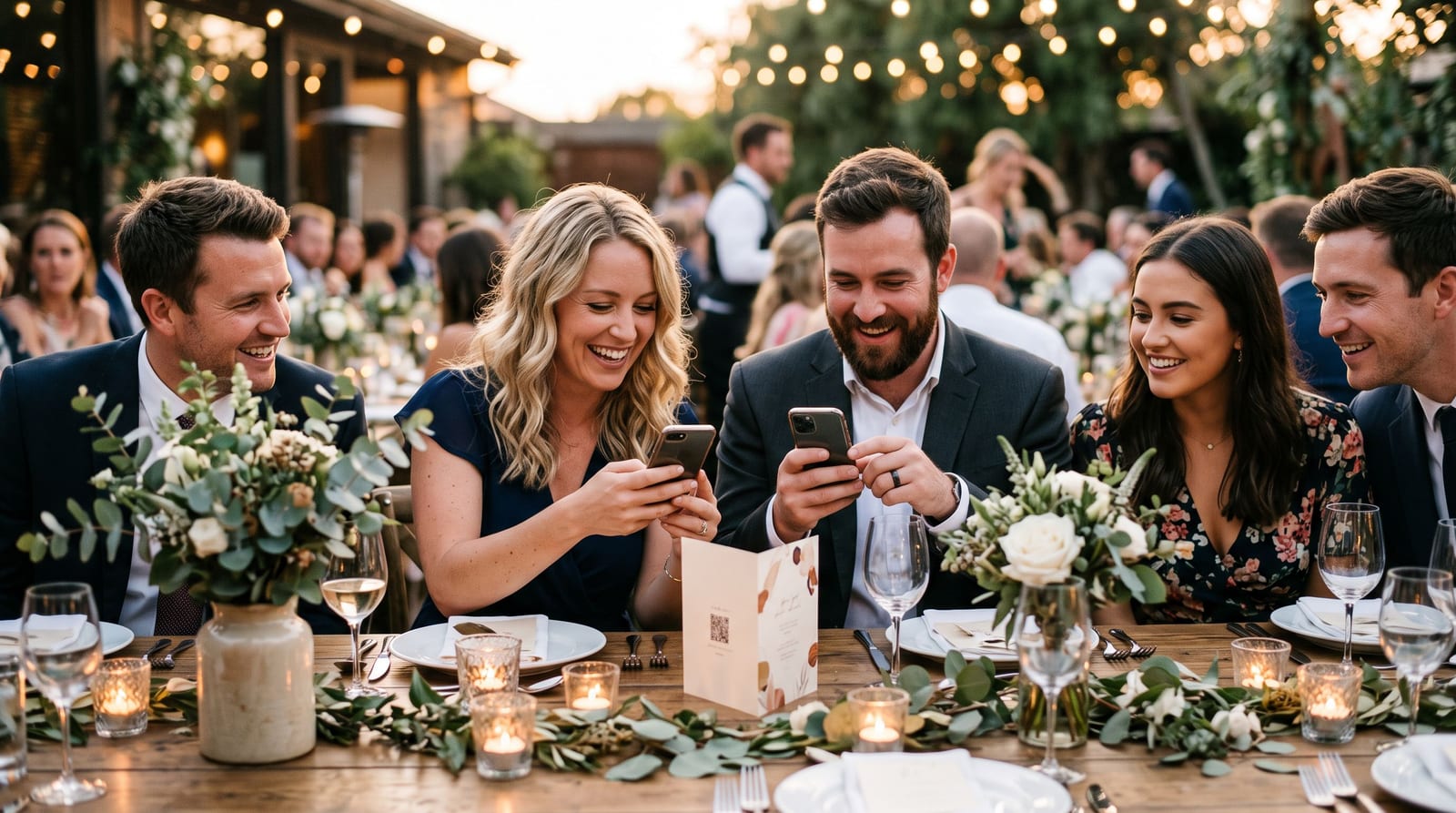
The more guest photos you have, the better your choice. A QR code on every table makes it easy for guests to add theirs; our guide to getting wedding guests to upload photos shows how. To start a shared album for your own day, create a free event.