Group Trip Photo Sharing: A Before, During and After Checklist
On a group trip, everyone takes photos and nobody ends up with all of them. Half the best shots are on someone else's phone, and the trip chat is full of compressed pictures nobody can find a month later.
This checklist covers what to do before, during and after a trip so every traveler gets their photos in good quality without a pile of chasing.
Before the trip
Create one shared album. Name it after the trip and send the link to everyone going. One album beats five competing folders. If you use Pixeva, travelers open the link in their phone browser, with no app and no account needed to upload.
Agree a simple rule. Something like: "Add your best shots each evening, and do not worry about duplicates." Rules that are easy to follow get followed.
Print or save the QR code. Put it in the group chat and on the itinerary so nobody has to search for the link on day three.
During the trip
Upload in small batches. Doing it on wifi each evening is far easier than a 2,000-photo dump at the airport on the last day.
Do not delete anything yet. Phones fill up on long trips, but wait until the album has the originals before you clear space.
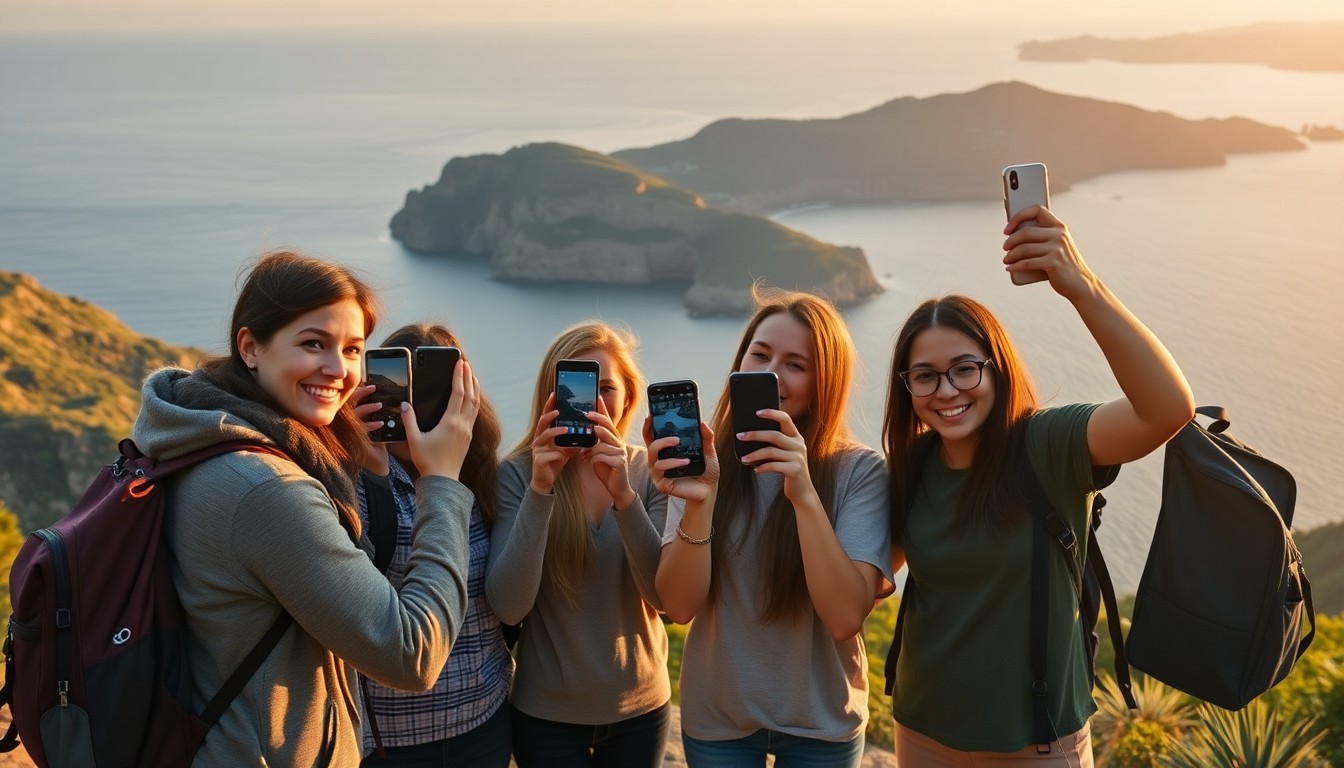
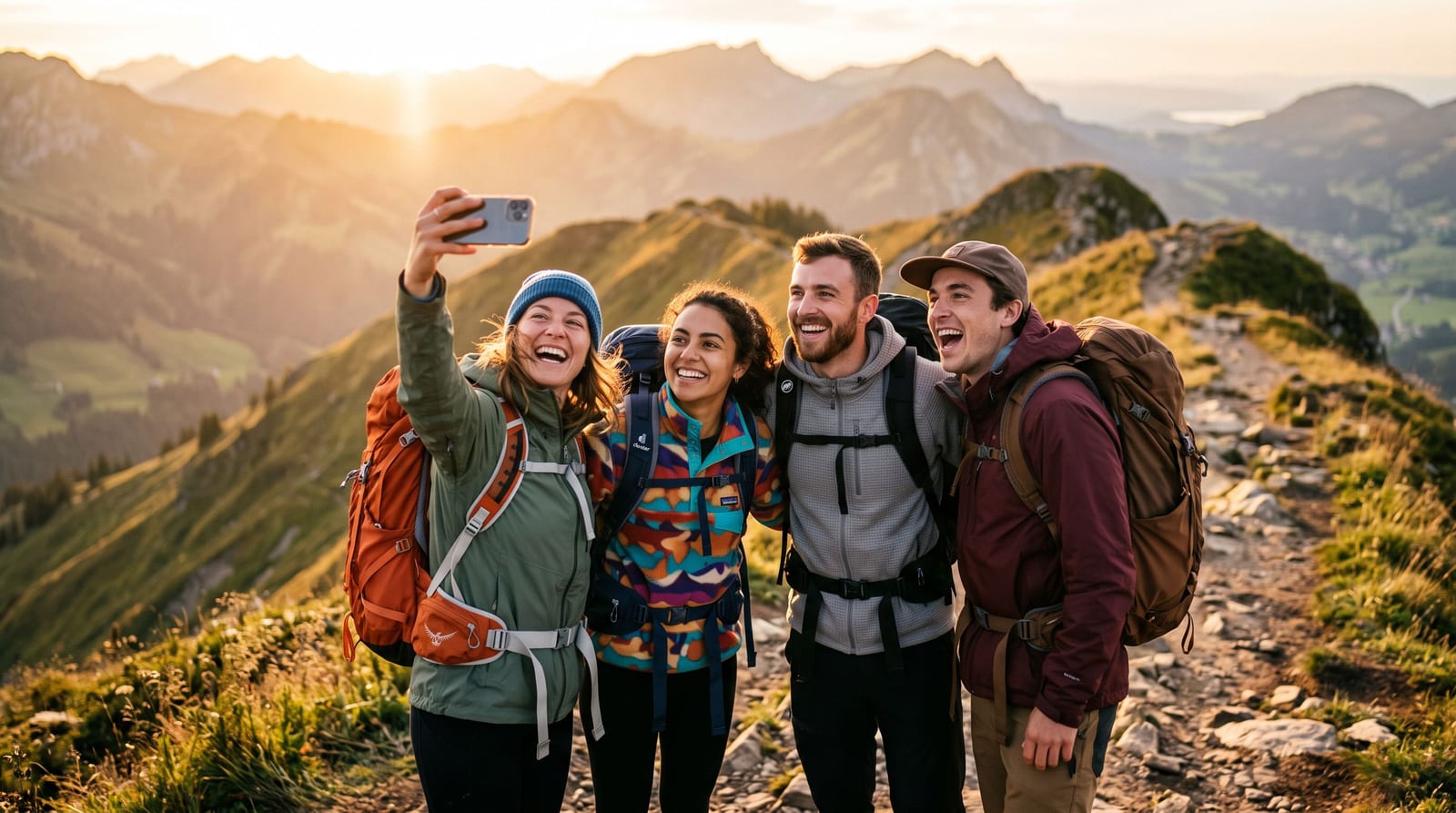
Take one group photo on purpose. The photo with everyone in it only exists if someone organizes it, and the photographer is the person least likely to be in it. Hand a phone to a stranger.
Use full-quality uploads. Chat apps compress images. An album that keeps the originals means the pictures still look sharp when printed or posted later.
Right after the trip
Send a reminder. A message such as "the album closes for edits on Sunday, add your photos" gives people a deadline.
Let everyone find their own photos. On a big trip, nobody wants to scroll through thousands of pictures. Face search lets each traveler take a selfie and see only the photos they appear in. We explain how that works in face detection vs face recognition.
Pick favorites. A short list of the best shots is what people actually share and print.
Download your own set. Save your photos to your own phone or computer so you are not relying on any single link.
Common problems
People forget to upload. A single nudge at the end of the trip and another a week later usually does it.
The album is a mess. Ask people to add photos as they go, and accept duplicates. Sorting is easier than missing photos.
Someone has no signal. They can take photos normally and upload later, since nothing needs to happen in the moment.
HEIC photos will not open for some people. iPhones save HEIC by default. A shared album that converts them handles it, or use the free HEIC to JPG converter.
Which tool to use
| Option | Good for | Watch out for |
|---|---|---|
| Group chat | A few quick photos | Compression, photos buried |
| Cloud folder | Handing over a finished set | Hard to find yourself |
| Phone shared album | Groups on the same phone type | Needs matching accounts |
| Shared album with selfie search | Mixed phones, lots of photos | Needs a little setup first |
For more detail, see our guides to group photo sharing for travel and sharing vacation photos with family.
Questions people ask
Do all travelers need an app? Not with a browser-based album. They open the link and upload.
What if the group is large? The same steps work. A bigger group makes the selfie search more useful, since nobody wants to scroll everything.
How long should the album stay open? Long enough for people to add photos after they get home, often a week or two.
Summary
Create one album before you leave, upload in small batches while you travel, and send a reminder when you get back. Start a free trip album and send the link before the first day.