Every event you’ve been toOne place for your photos.
After you find your photos at an event, save them to your Pixeva Passport. Next wedding, next conference, next trip: same Passport, no old links to dig up.
Your Photos.
Every Event. Forever.
Find your photos with a selfie search, then bookmark them straight to your personal Passport. Search and bookmark again at every event you attend, and they all show up together in one place — no re-uploading, no new account.
One Email, Every Event
Bookmark an event once, and it's saved to the same Passport as every other event you've bookmarked under that email.
No New Face Scan
Nothing extra to enroll — Passport reuses the search you already ran to find your photos.
Full Control, Always
Export your data or permanently delete your Passport anytime — GDPR-ready by design.
My Passport
7 photos · 3 events
Sarah & Mike's Wedding
3 saved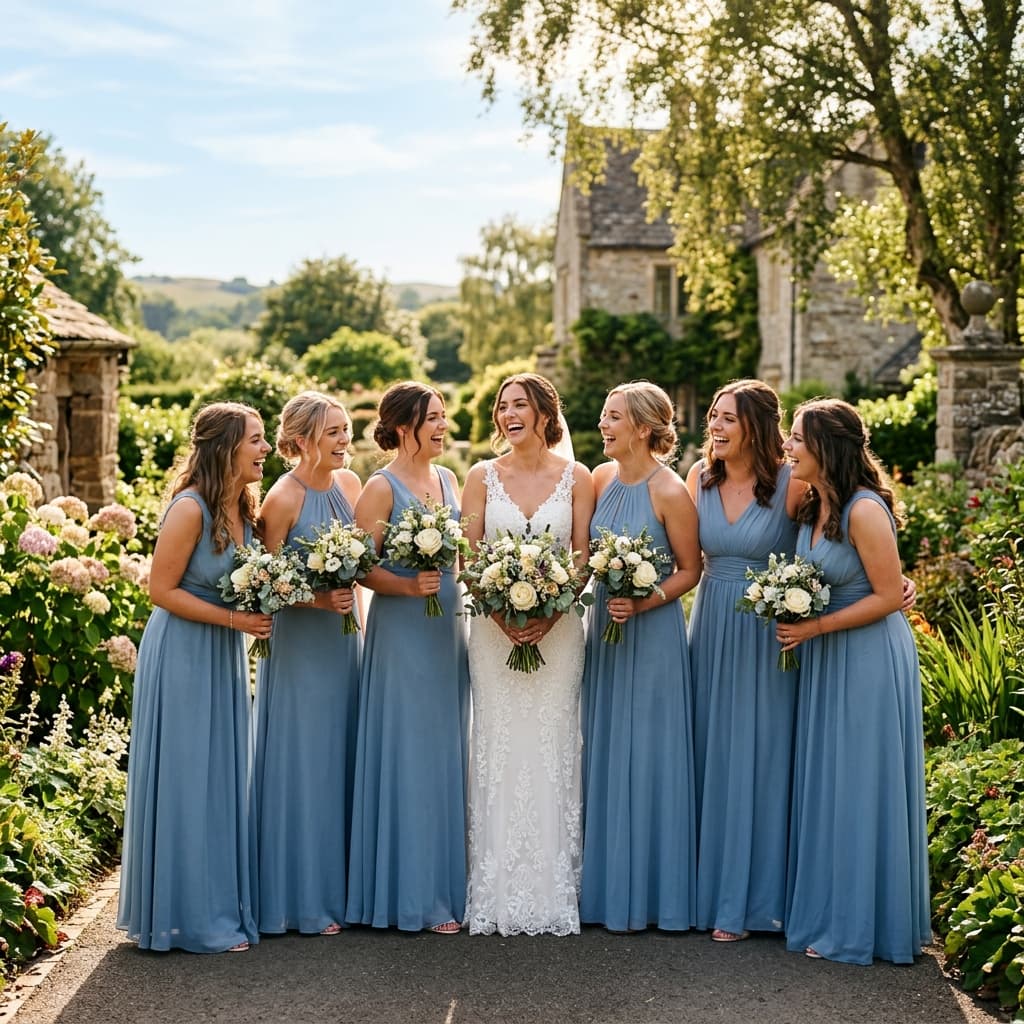

How Passport works
01
Find your photos at an event
Take a selfie on the event page, the same as always. Pixeva shows every photo you appear in.
02
Save them to your Passport
Tap save and the photos from that search are added to your Passport. It is an opt-in you make per event.
03
Sign in with your email
Passport uses a passwordless magic link, so there is no password to remember. If you already have a Pixeva account, you can use that.
04
Come back any time
Your Passport lists every event you saved, each with the photos you were in. Favorite the best ones or download them all.
What Passport does, and what it doesn’t
Passport stores the results of searches you choose to save. It saves the photo matches from that event’s search. It does not keep a faceprint of you, and it does not scan other events for your face.
That keeps you in control: nothing lands in your Passport unless you tapped save at that event, and you can manage it from Passport settings.
For hosts, Passport is a reason for guests to come back to the gallery instead of screenshotting and forgetting it.
Availability: Passport is free for guests and on by default at every event, offered right after a selfie search. Hosts can switch it off in the event’s Guest Experience settings. Compare plans.
Who gets the most out of Passport
Pixeva Passport FAQ
- Does Pixeva Passport store my face?
- No. Passport saves the list of photos your selfie search already matched at that event. It does not keep a faceprint and does not search other events for you.
- How do I sign in to my Passport?
- With a magic link sent to your email, so there is no password. You can also use an existing Pixeva account.
- Does saving to Passport cost anything?
- No. Passport is free for guests.
- Will photos from future events appear automatically?
- No. You add each event yourself by saving after your selfie search there, so only events you choose end up in your Passport.
Every photo of you, found.
Create your free event gallery, share one link or QR, and guests leave with only their photos. No credit card required.