AI photo editingBuilt into the gallery.
Fix color and tone across a whole event in one batch, upscale the portraits that matter to HD, cut out backgrounds, or restyle a shot. No export to another app.
Turn Favorite Photos into Fine Art
Give your guests something worth framing. Instantly re-stylize high-resolution memories into unique, viral artwork tailored for social sharing.
AI Neural Style Transfer
Simulated Stable Diffusion custom checkpoint
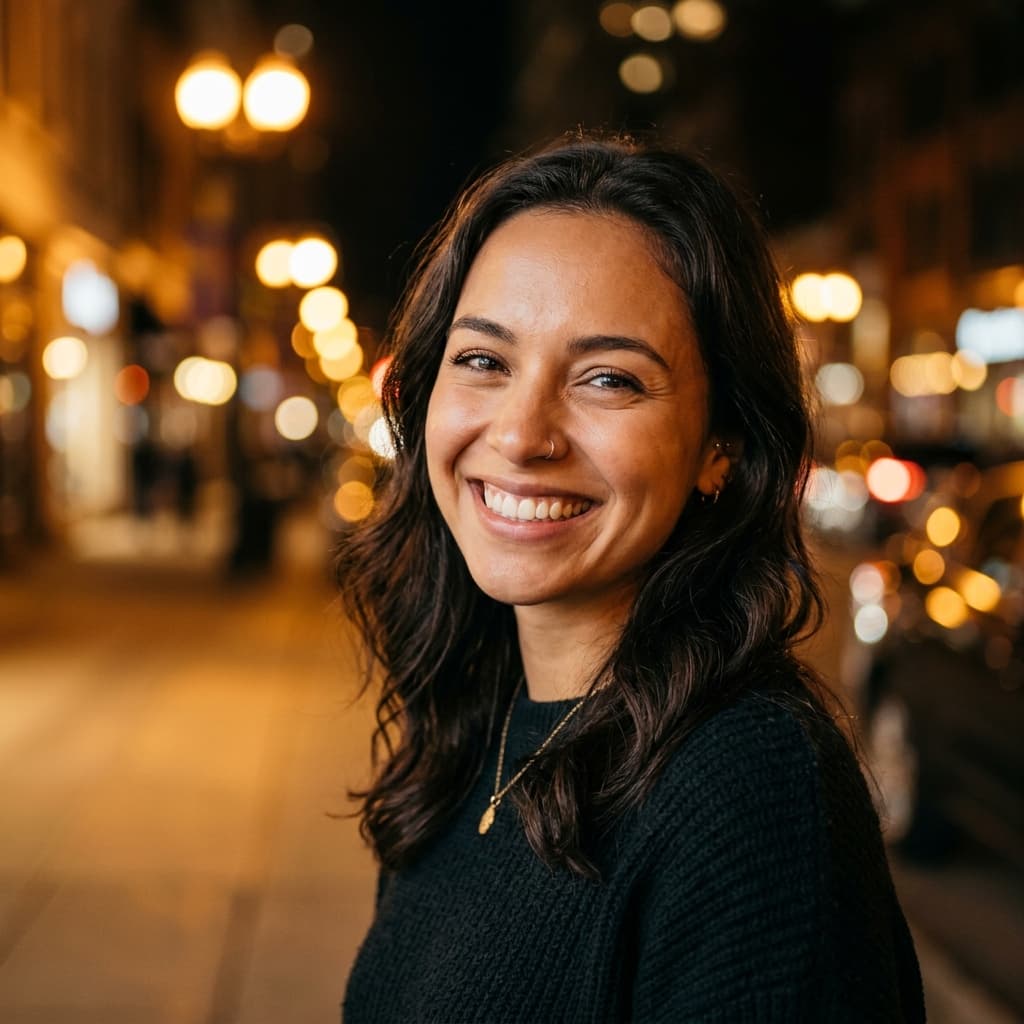

Choose Aesthetic Style:
Engage Guests, Spark Viral Sharing
AI Art upgrades turn event photos into stunning, creative pieces that attendees are 4x more likely to post on social platforms, creating organic, free loops for hosts and photographers.
Transforms in seconds with custom, high-fidelity diffusion weights
Preserves facial identities completely while converting colors and texture
Generates full-res downloads with customizable frame templates
The four AI tools
01
Batch auto-enhance
Color and tone correction across a whole set, without altering faces. Costs 1 credit per 10 photos, capped at 200 credits.
02
HD upscale
Super-resolution built for portraits, so faces stay sharp without plastic skin. 1 credit per photo.
03
Background removal
A transparent PNG with soft edges and fine hair detail kept. 1 credit per photo.
04
AI styles
One-tap artistic looks. These use a per-event style quota instead of credits: 3 on Free, 50 on Event Pass, 100 on Pro, unlimited on Business.
How AI credits work
Pro includes 50 AI credits a month and Business includes 200. Any plan can buy credit packs: 100 for $10, 300 for $25 or 1,000 for $70.
Credits are deducted once when a job starts. If an upscale or background removal fails, the credit is refunded automatically.
Edits run in the background, so you can keep working on the gallery while a large batch processes.
Availability: AI editing is available on every plan. Pro and Business include monthly credits, and any plan can buy credit packs. Compare plans.
AI Photo Editing FAQ
- How much does batch enhance cost?
- One AI credit per 10 photos, rounded up and capped at 200 credits. Enhancing 500 photos costs 50 credits.
- Will the upscaler change faces?
- Pixeva uses an upscaling model built for portraits, chosen to keep faces sharp without smoothing skin or changing identity.
- What happens if an AI edit fails?
- Upscale and background-removal credits are refunded automatically when a job fails.
- Do AI credits expire?
- Monthly included credits come with your Pro or Business plan. Check your billing page for your current balance and history.
Every photo of you, found.
Create your free event gallery, share one link or QR, and guests leave with only their photos. No credit card required.