How to Collect Birthday Party Photos With a QR Code (Step by Step)
How to Collect Birthday Party Photos With a QR Code (Step by Step)
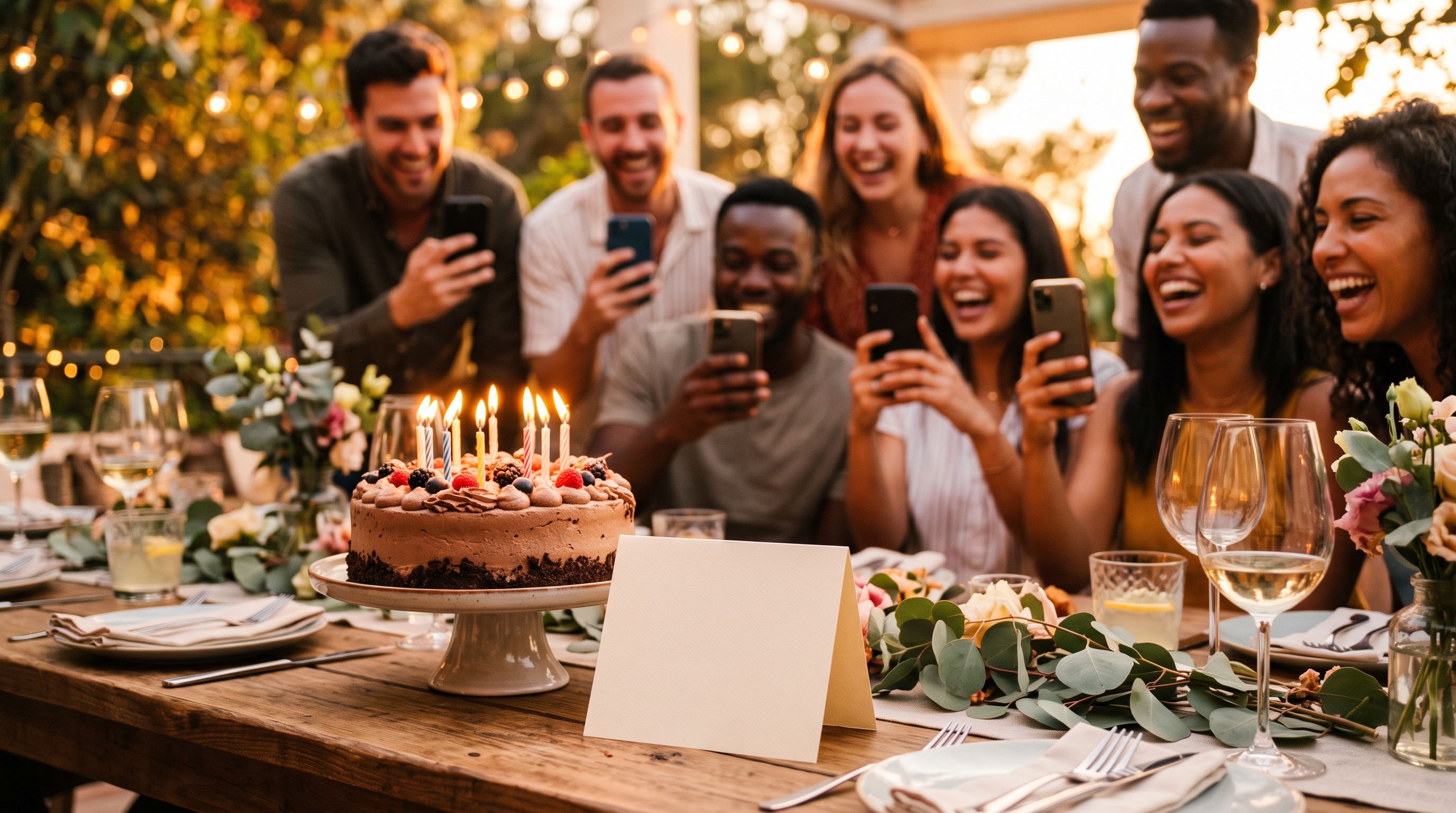
At every birthday party, phones come out. Someone films the candles, someone else gets the cake going on the floor, a third person catches the surprise on the doorstep. By the next morning those photos are scattered across ten phones, and most of them will never be shared.
A QR code fixes that by making it easy to add a photo right at the party. This guide shows how to set it up, where to put it, and how to get guests to actually use it.
Why asking for photos afterwards does not work
The usual plan is "send me your photos". Here is what happens to that plan:
- Guests mean to, then forget.
- The photos get sent by chat, compressed, and mixed in with other messages.
- You end up with a handful of photos from the two people who are organised.
The problem is timing. Guests are in the mood to share while the party is happening. A day later it is a chore. A QR code on the table catches them in the moment.
What a QR photo album does
A QR code is a square barcode that opens a web address when a phone camera points at it. For a party, the address is a shared photo album.
Guests scan, the album opens in their browser, and they add photos from their phone. There is no app to install and, with Pixeva, no account needed to upload. Everything lands in one place. Afterwards guests can take a selfie to see just the photos they appear in.
Step 1: Create the album
Make a new event in Pixeva and name it after the party, for example "Maya's 30th". You get a shareable link and a QR code straight away.
Decide who should be able to add photos. For most parties the answer is everyone with the link, since the point is to collect candids.
Step 2: Get the QR code in front of people
The best code is the one guests see while holding their phone. Good places:
- On the table with the cake. This is where photos are taken.
- At the entrance. A small framed sign gets scans from the first guests.
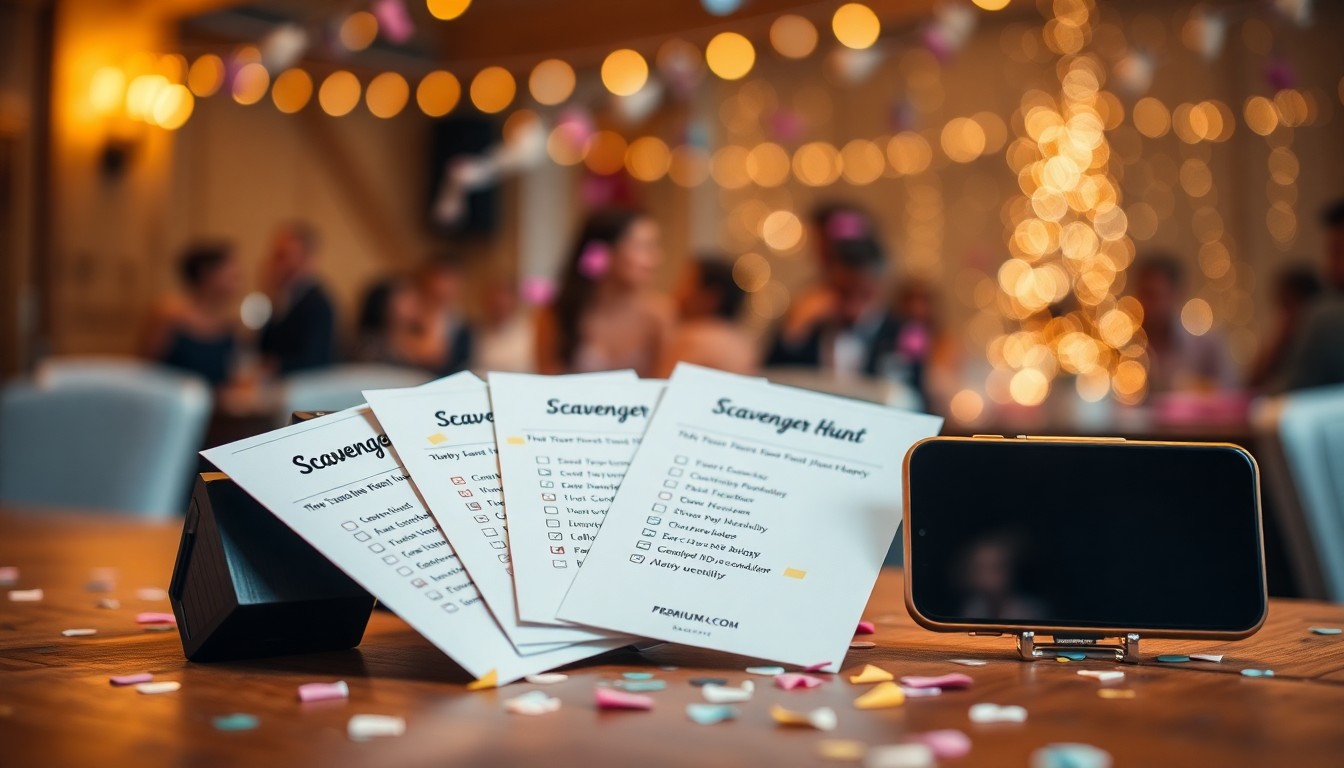
- On each table, as a small tent card. Our free QR tent card maker prints folded cards with the code on them, and the place card maker can add it to name cards.
- On the invitation or the party chat, so people can upload from home too.
Print the code at least 4 cm (about 1.5 inches) wide, on a plain light background, with dark ink. Test it with two different phones before the party.
Step 3: Say what it is for
Guests scan what they understand. A short line works better than a bare code:
Add your photos from tonight. Scan to upload, and find yours tomorrow.
Mention it once out loud, too. A quick "there is a QR code on every table, scan it to add your photos" from the host roughly doubles the number of people who try it, because they know it is expected.
Step 4: Share the album the next day
Send the link to the group chat the next morning. Some guests will have missed the sign, and others will want to see what is there. A message like this works:
The party album is live. Add anything we missed, and take a selfie to find the photos you are in.
Step 5: Let guests find their own photos
Birthday parties tend to produce one big pile of photos, and guests mostly want the ones they are in. With selfie search, a guest takes a selfie and the album shows the photos where their face appears. If you want the full background, our guide to face detection vs face recognition explains how the matching works.
Tips that make a real difference
Keep the upload simple. Fewer steps means more photos. A code that opens straight into an upload screen beats one that needs a sign-up.
Do not bury the code. A tiny code on a crowded table gets missed. Give it its own space.
Ask for the first photo yourself. Upload the first photo of the party so the album is not empty. People are more willing to add to something that already exists.
Use a kids' version. For a child's party, put the code on the parents' side of the room and mention it at pickup. Parents are the ones with the photos.
Plan for poor signal. Some venues have weak coverage. Guests can add photos later from home, so the album link in the follow-up message matters.
QR code vs the other ways to collect party photos
| Method | What usually happens |
|---|---|
| Ask guests to message photos later | Most never send them |
| Shared chat group | Photos get compressed and buried |
| Cloud folder link | Needs typing a link, files are unsorted |
| QR code to one album | Photos arrive during the party |
If you want to compare against a shared folder in detail, see our look at using Google Drive for event photos.
A simple checklist
- Create the album and name it
- Print the QR code on a sign and on table cards
- Test the code on two phones
- Put the code by the cake and at the entrance
- Mention it out loud once
- Send the link in the group chat the next morning
For the short version with FAQs, see our page on the QR code for birthday party photos. When you are ready, you can start a free album and have the code ready in a few minutes.